What you get
Feature list
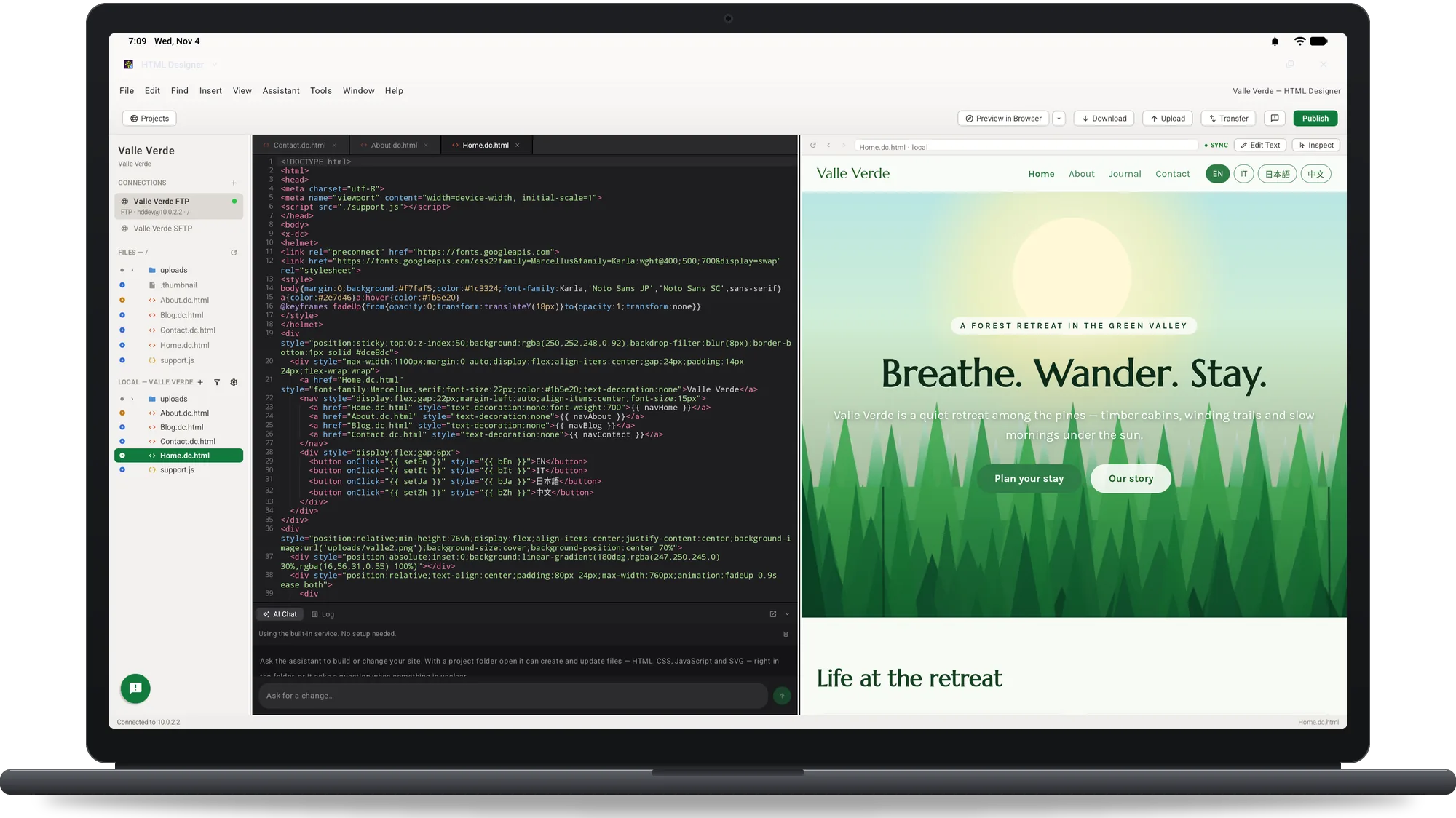
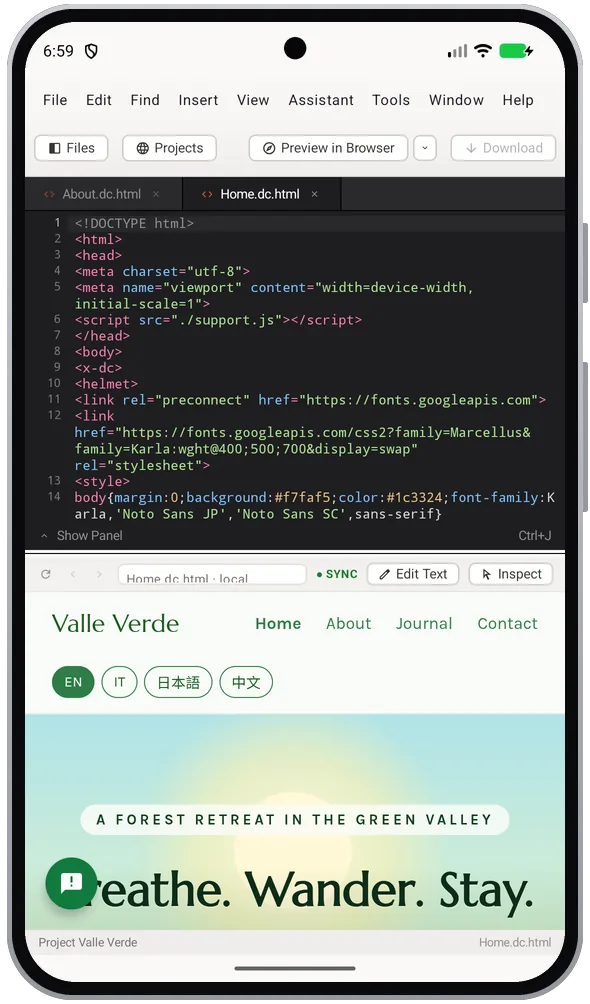
Write a page, check it as you type, fix the words on the page, change a phone number across the whole site and publish what changed.
Write the code
Colouring for HTML, CSS, JavaScript, PHP, JSON and SVG. Closing tags appear as you type, and the tags, attributes and CSS properties that fit are offered; a breadcrumb under the code shows the element you are in.
Check the page as you type
The preview keeps up, side by side or stacked. Pages are served from a real local address inside the app, so links, fonts and scripts behave as they will online; PHP pages are previewed on your own server.
Fix the words on the page
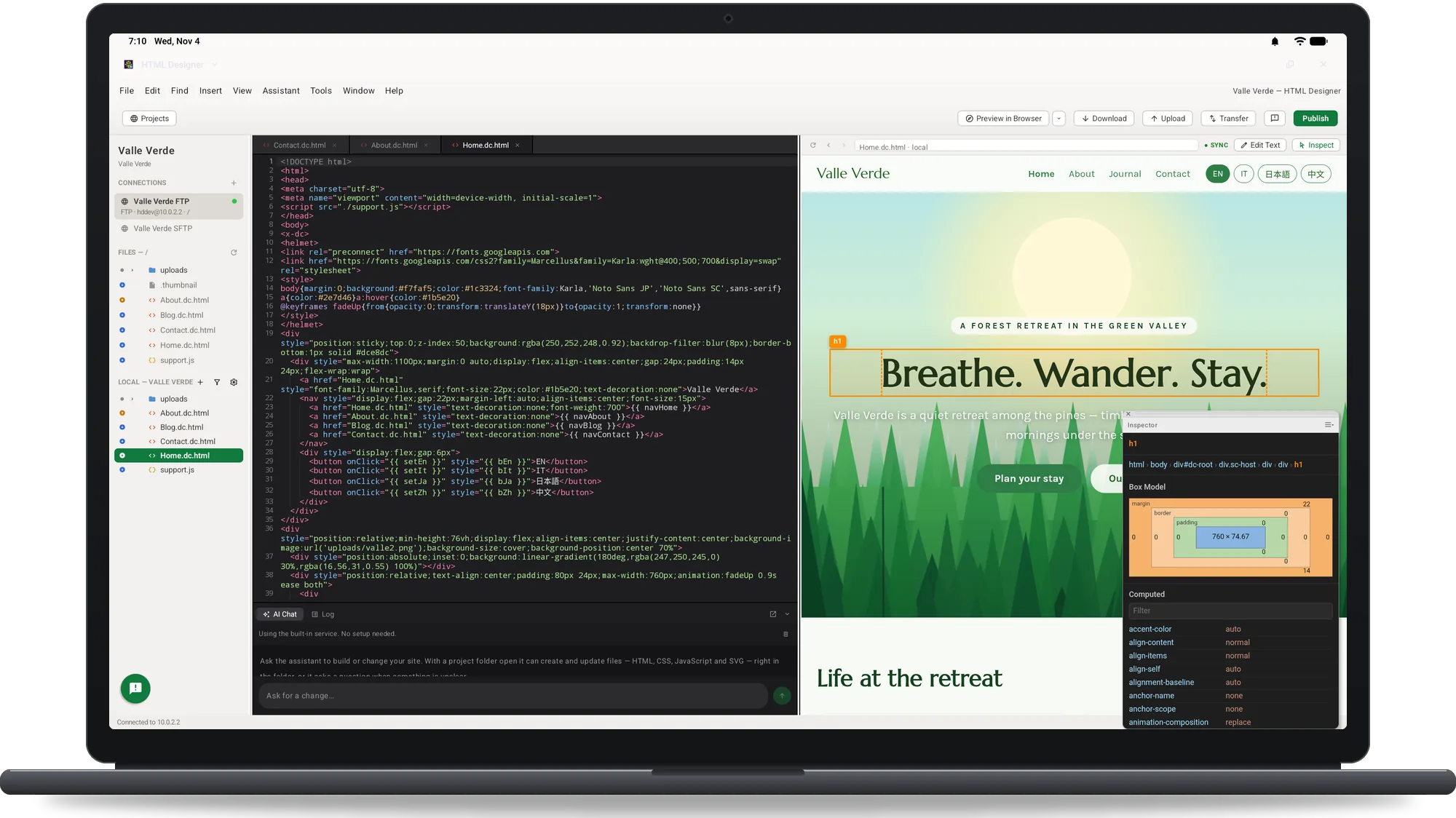
Inspect jumps from anything in the preview to the line that draws it. Edit Text lets you change the words in the preview and writes the smallest change back into the code.
Update text across a site
Find and replace in the file or across the whole project, plainly or with a pattern. Undo Replace in Files puts every file back in one step.
Build the markup
A library of every HTML element, grouped and described; snippets you can keep, import and export; a table builder, a CSS panel with the rules the page really uses, a DOM tree and an inspector.
Check the markup
Check the document as HTML or as XML, or with the online W3C validator, and click through the problems.
Publish to your server
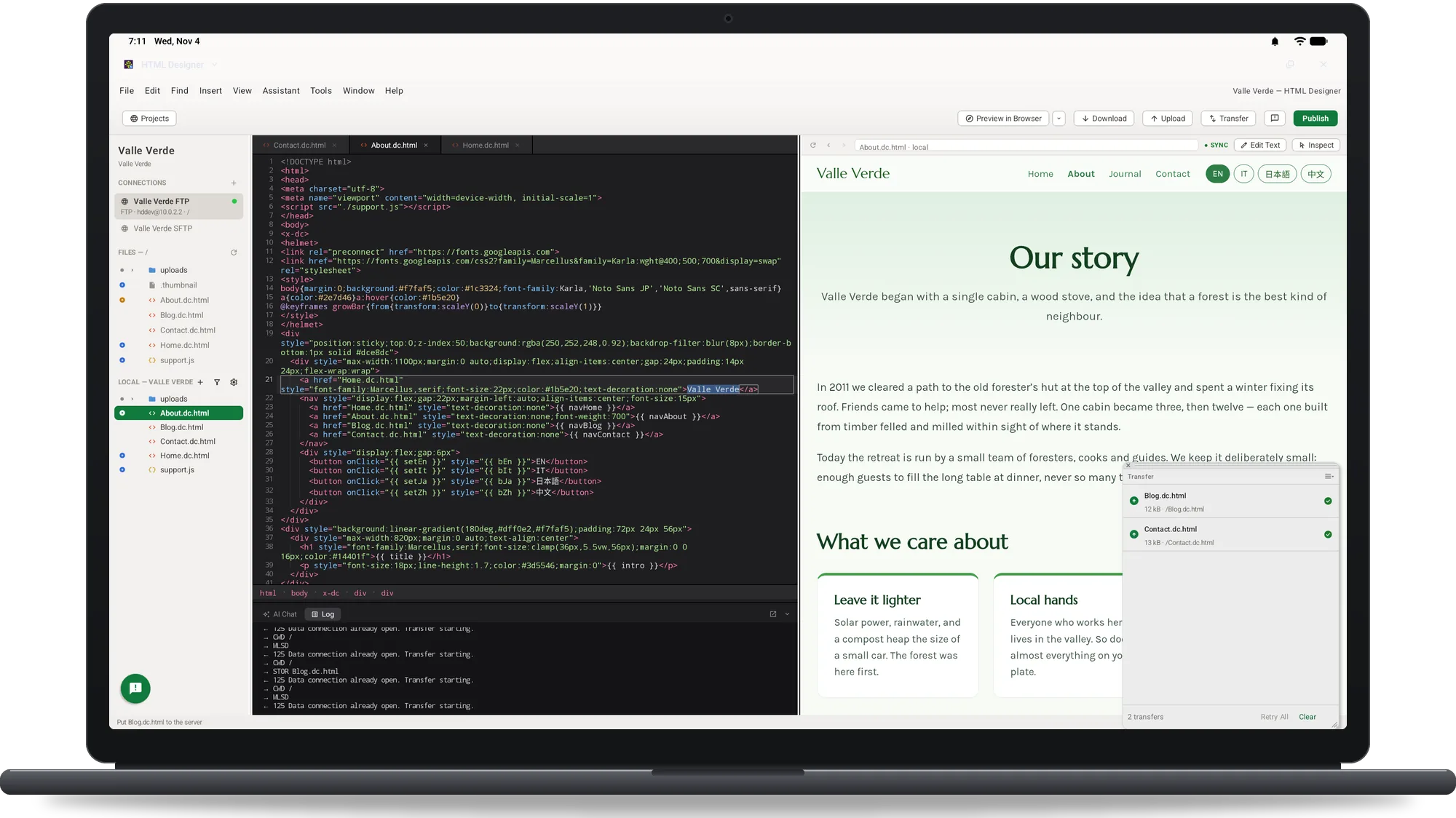
FTP, FTPS and SFTP, with your server beside your files and a badge on each one: the same on both sides, newer here, newer there or only on one side. Publish All sends everything that changed; interrupted transfers resume.
Ask an assistant that reads the project
Ask for markup, a style, a fix or an explanation: “make this table responsive” means this table. Gemini Nano on the device where Android offers it, Claude or Gemini with your own key, or the built-in service. Nothing is sent until you ask, and one step undoes the files it wrote.