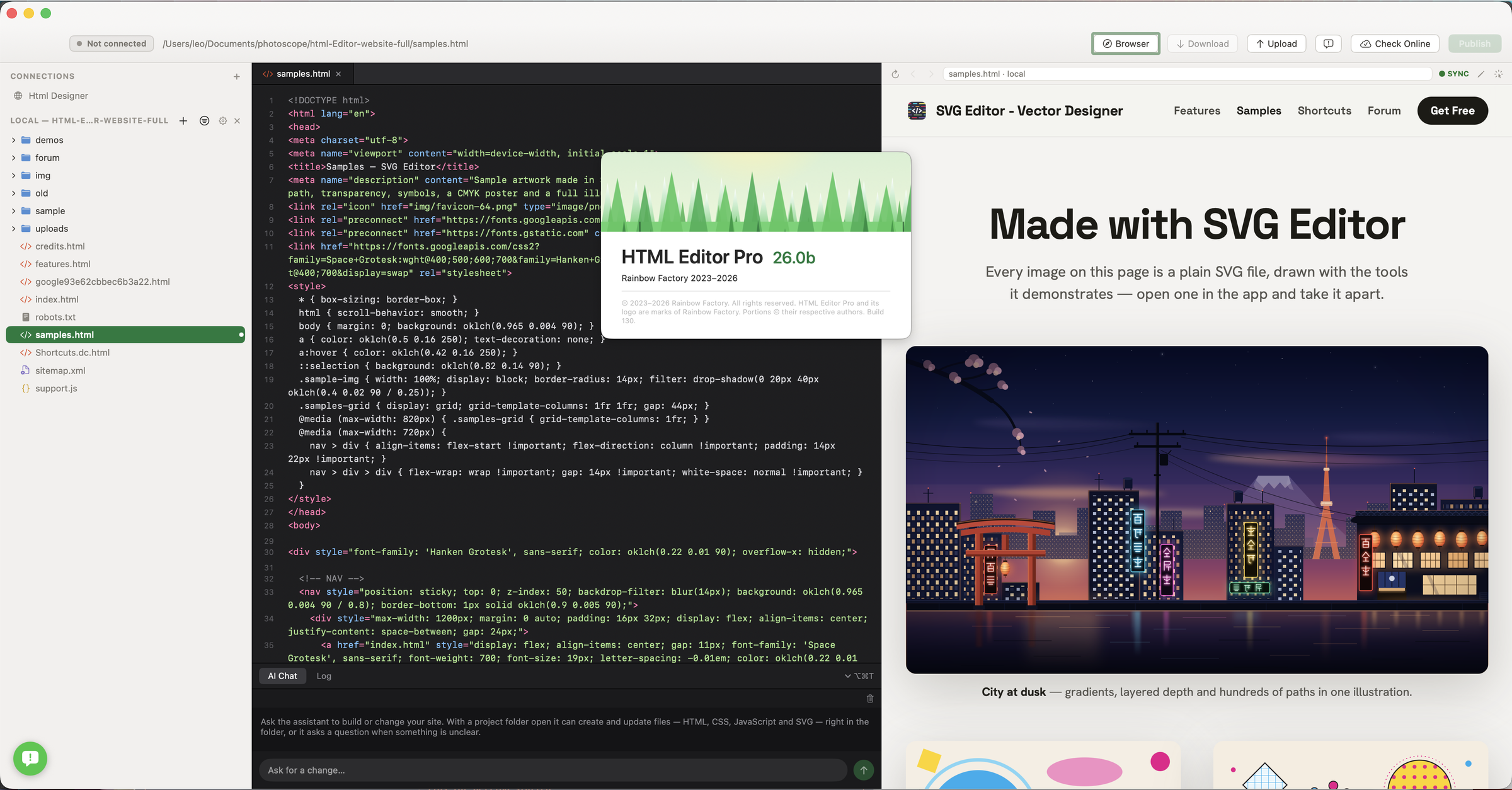
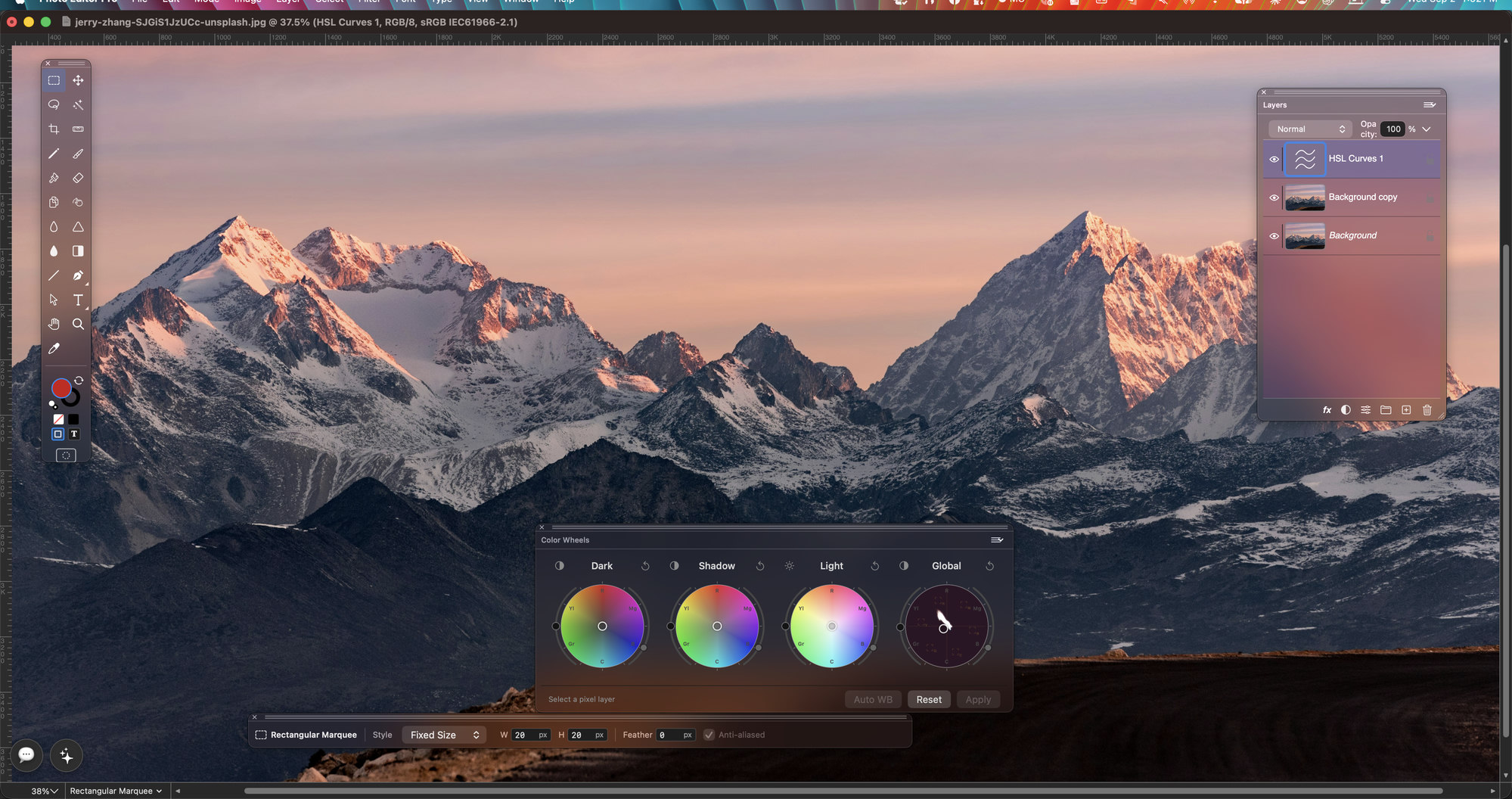
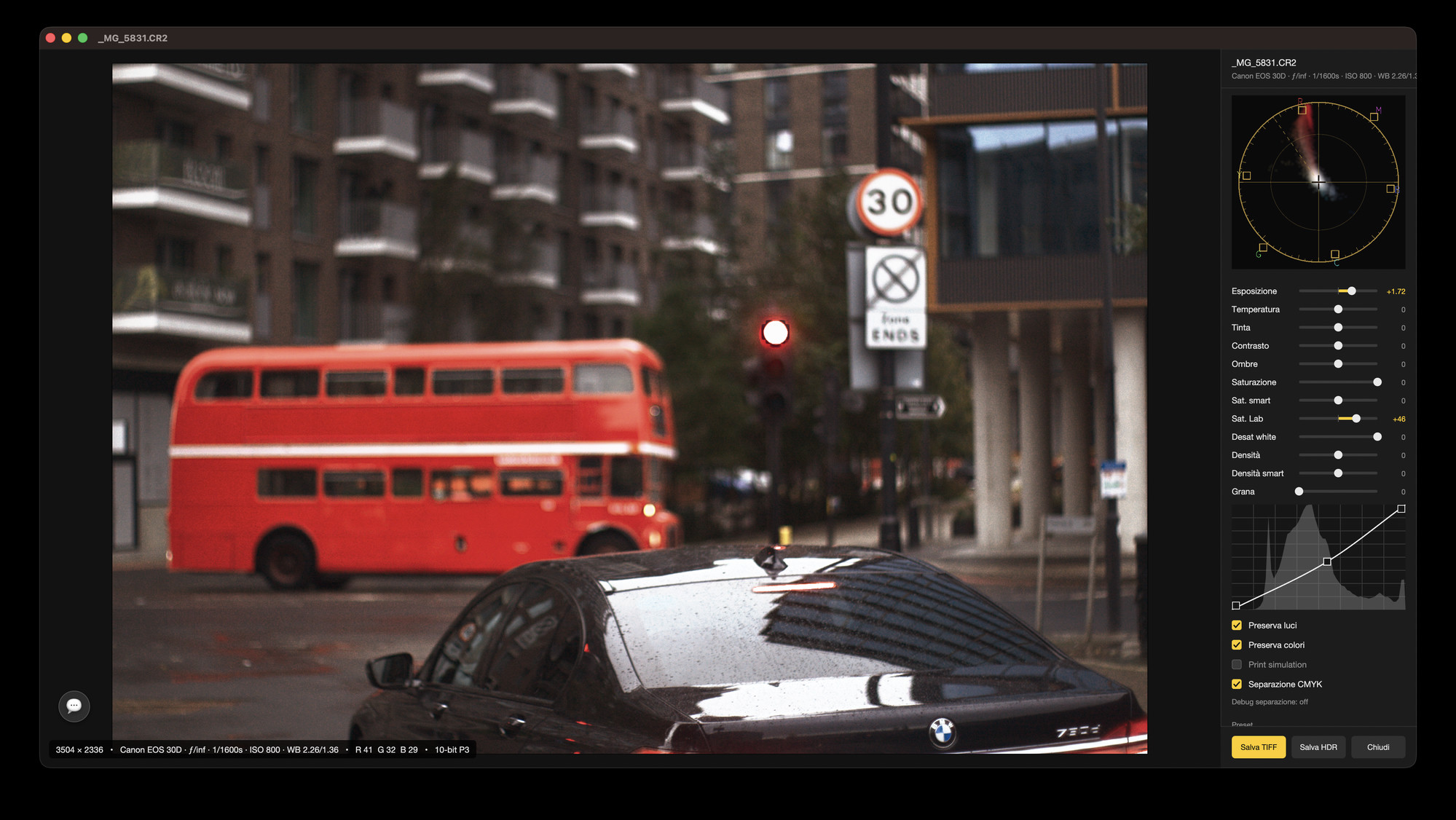
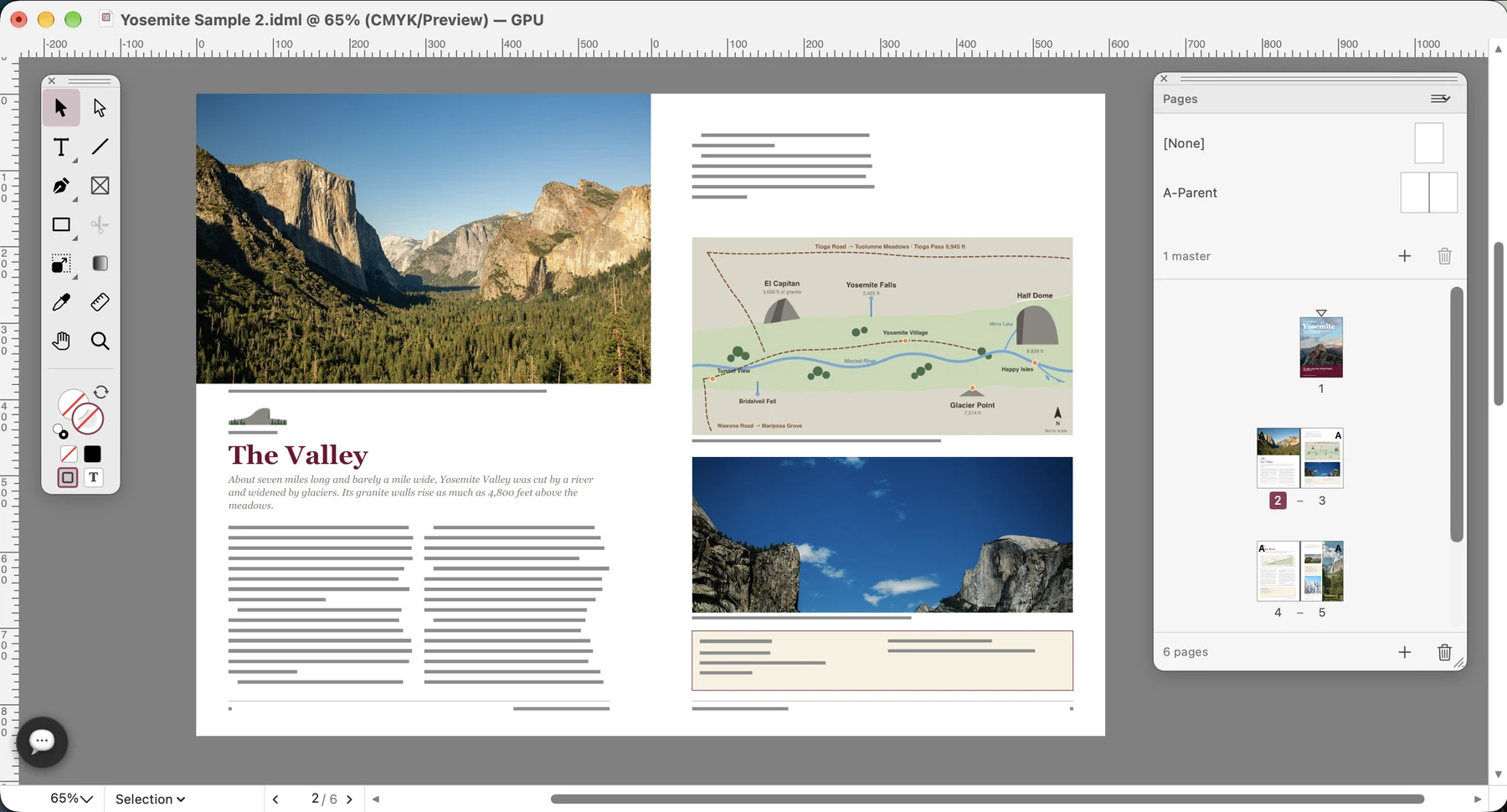
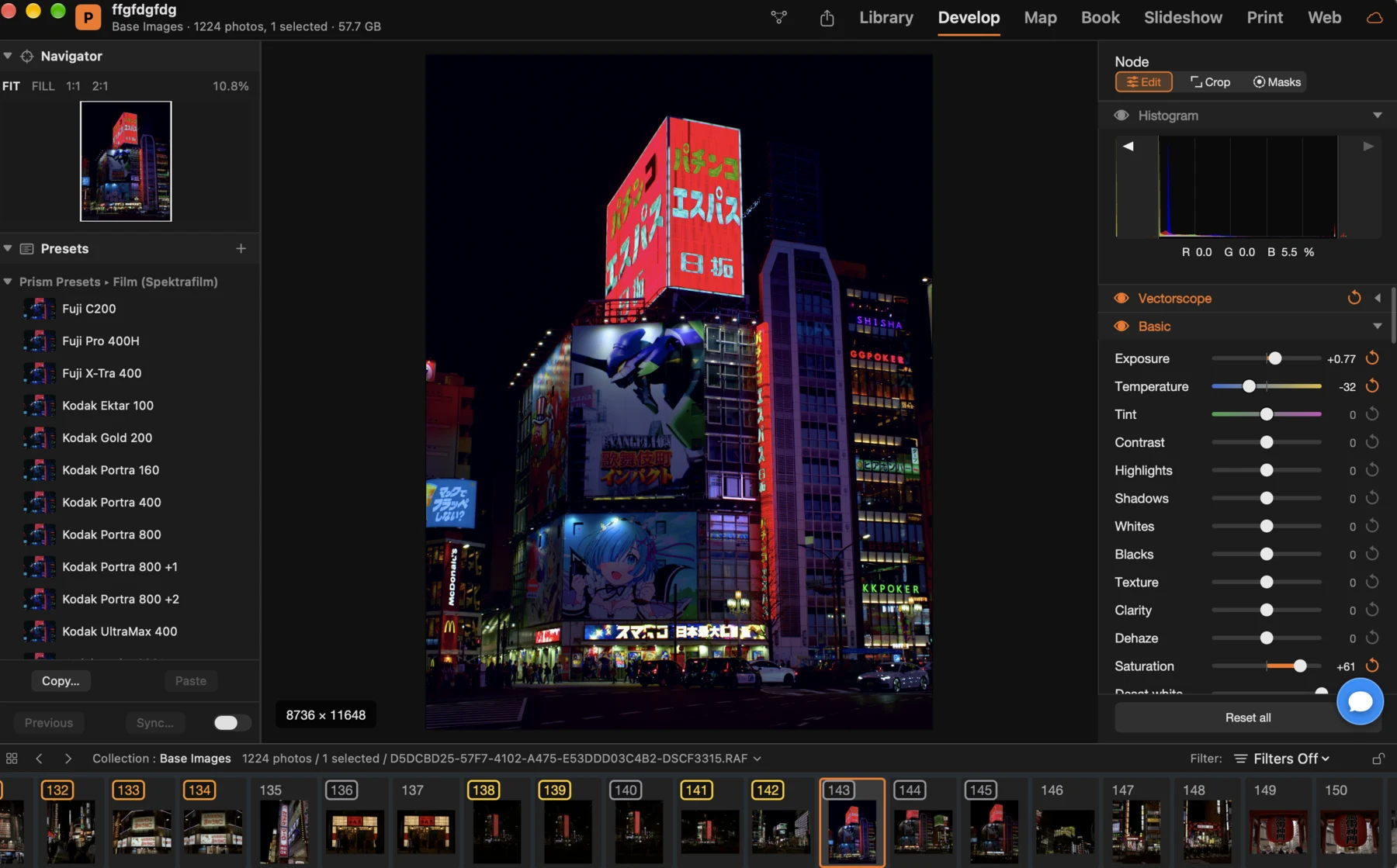
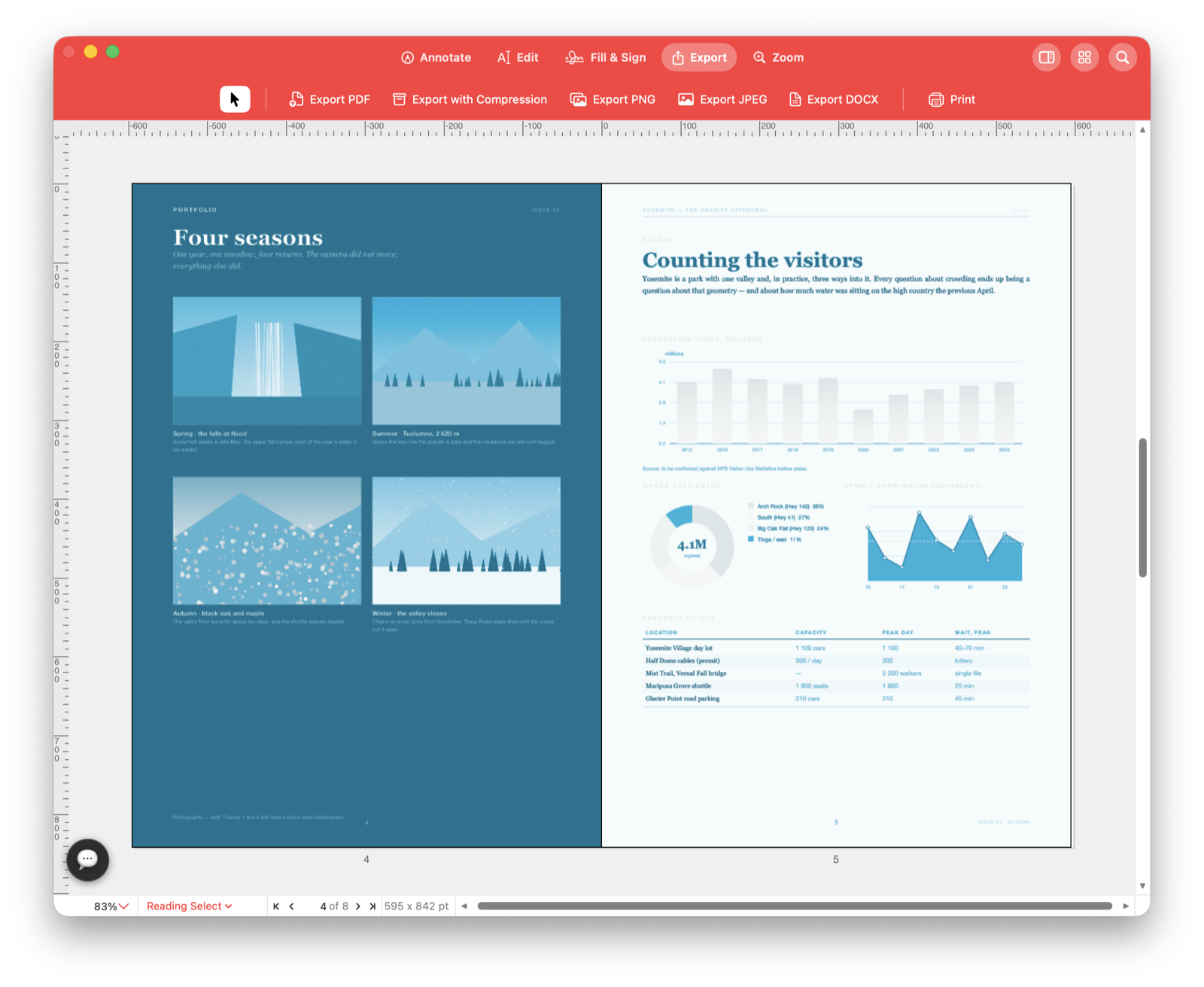
Standard XMP next to each photo, with the node graph inside.
From the first idea to the file you send
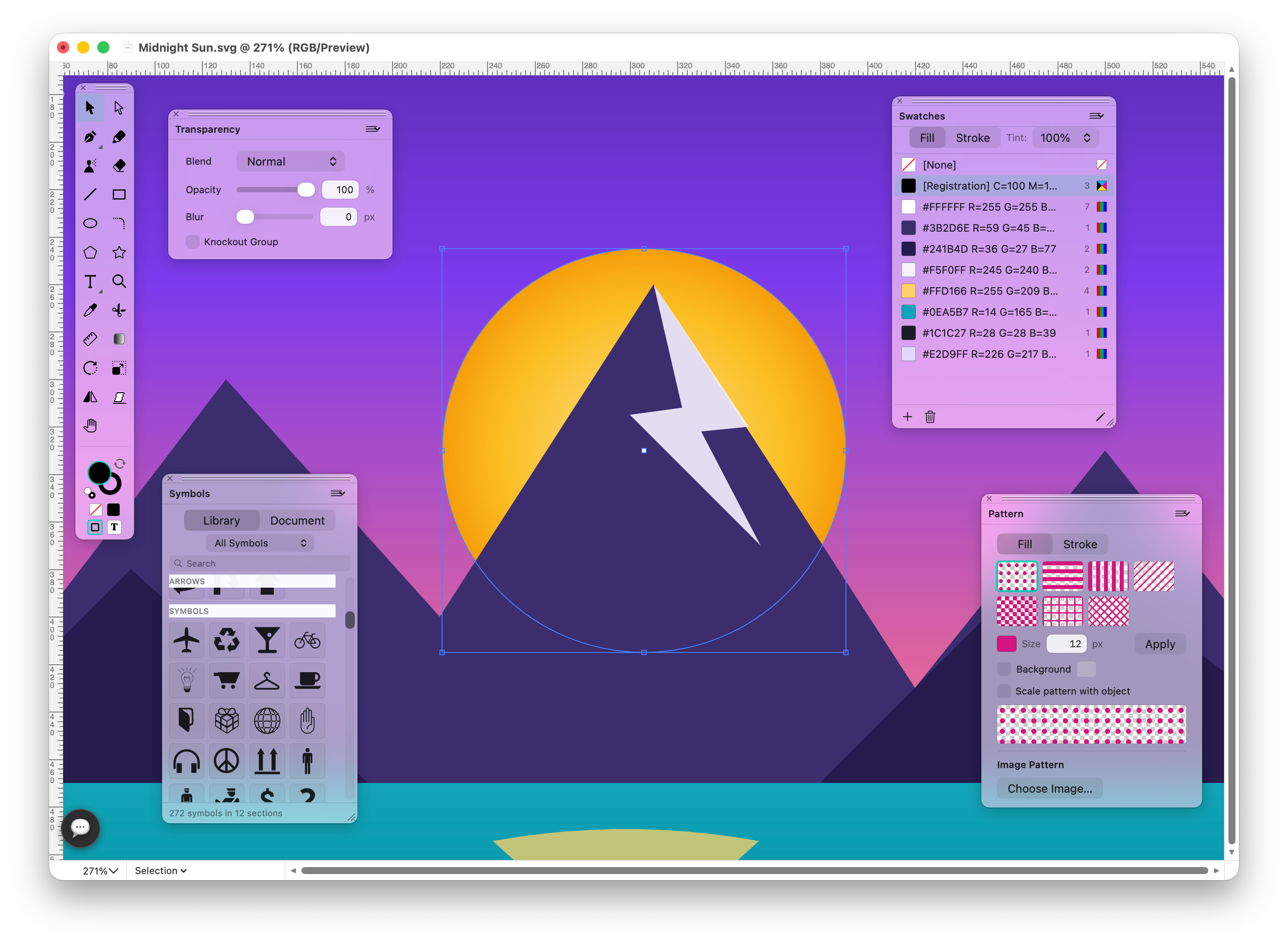
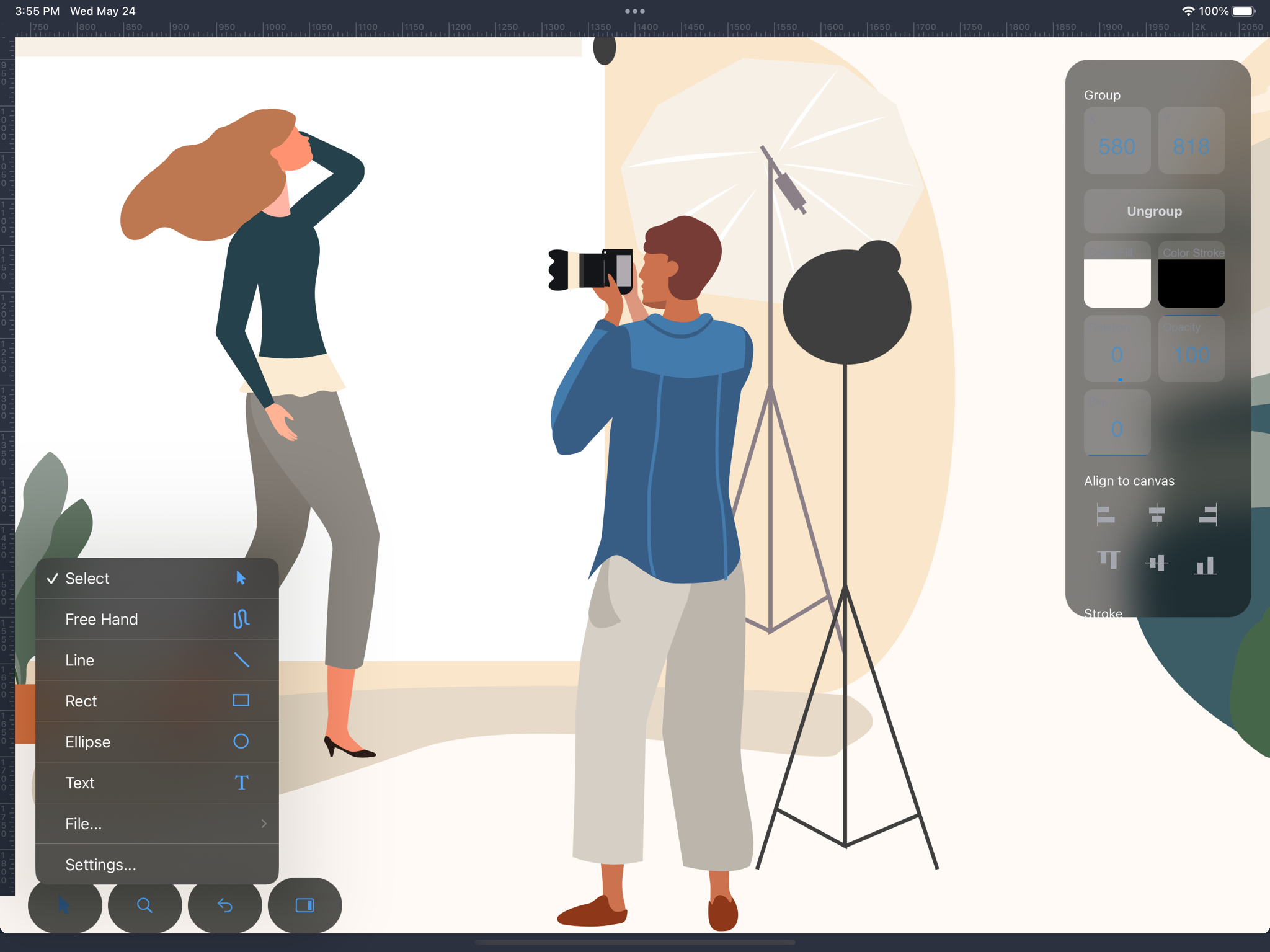
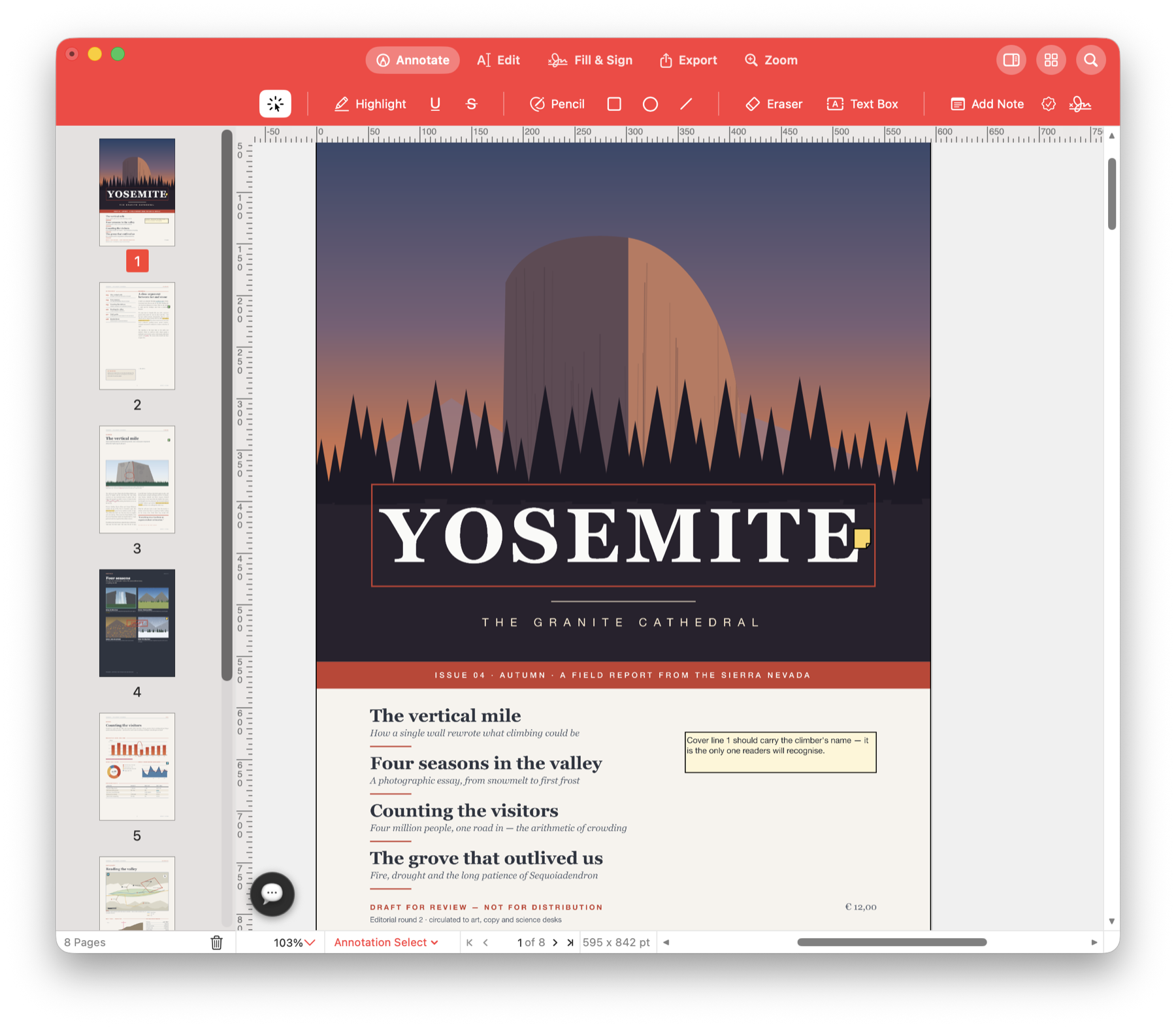
Draw the artwork, retouch the photos, lay out the pages and check the PDF before it goes to print. Each app goes deep on its own job, and they share familiar file formats.
Prepare work for print
Use CMYK colours in your artwork, export a PDF at the size your printer asks for and inspect each ink plate before you hand it over.
Edit photos in depth
Develop camera RAW files in Lighthouse, then retouch in Flare with layers, masks, selections and adjustments you can revise later.
Work with the files you receive
Open SVG, PDF and EPS artwork, keep layouts as IDML, save layered TIFF or PSD and export a PDF to Word. Flare's direct download also runs OpenFX plugins.
Native apps, built for speed
Every app is written for its platform. Open a large document, zoom into a detail and keep working without waiting for the screen to catch up.
Make the workspace yours
Arrange the palettes you use, keep your keyboard shortcuts at hand and run a script for the steps you repeat in every project.
Choose your device
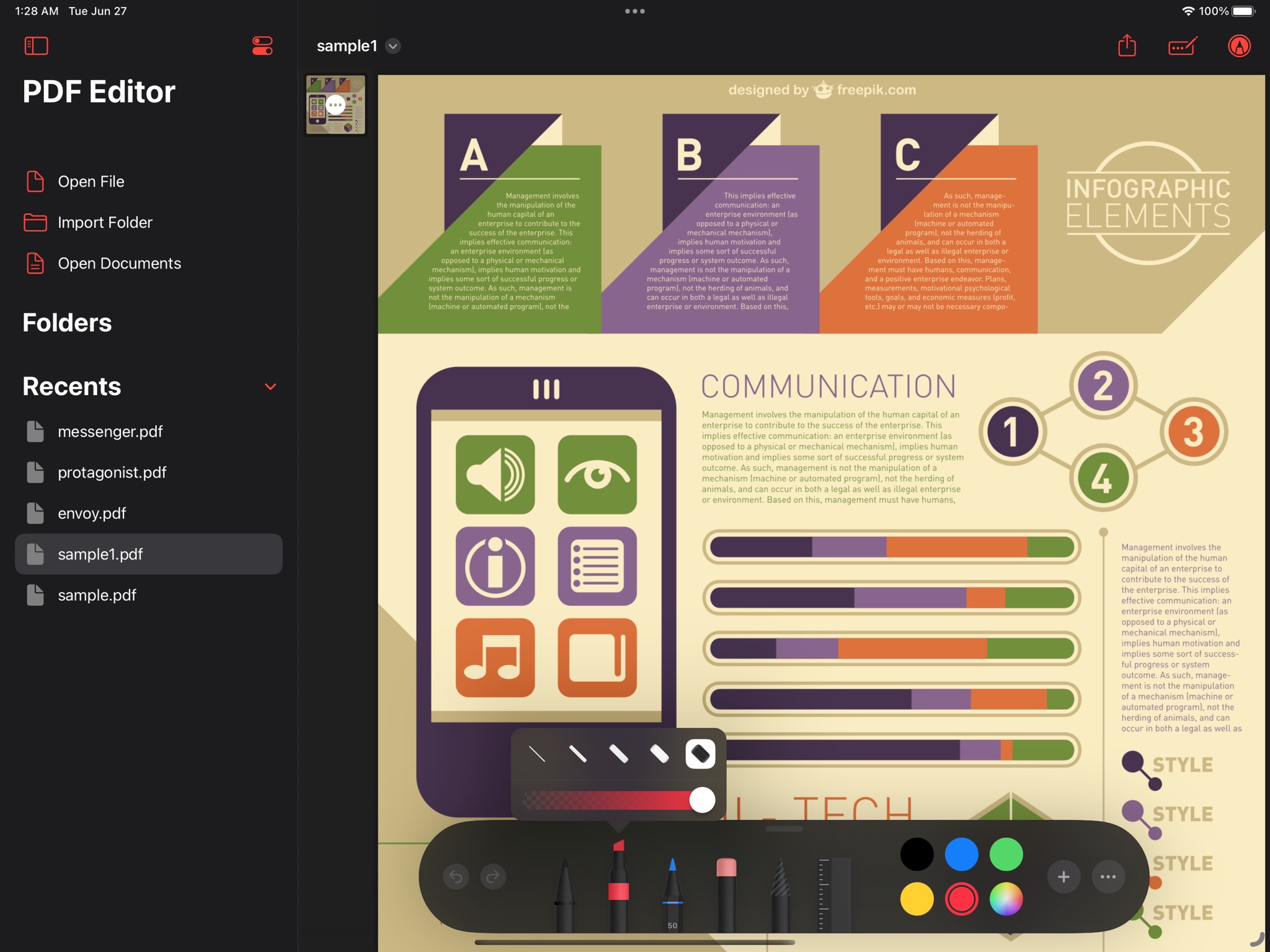
SVG Editor and Pdf Editor are available for Mac, iPad and iPhone. HTML Designer is available for Mac, iPad and iPhone. Flare has Mac and iOS versions. Lighthouse and MasterPage are for Mac; features vary by app and platform.
Get help with a specific task
Ask for a logo idea, a note on a PDF or a new website section in apps with AI assistance. Inspect the result before saving or publishing. Guides: SVG Editor, Pdf Editor, HTML Designer, Flare Photo Editor.
Frequent updates, one community
New versions arrive often. Join the Discord server for every app to ask questions and report issues.
Get the app for your next project
Choose your platform below. SVG Editor, Pdf Editor and HTML Designer also have Windows versions on the Microsoft Store.
SVG Editor
Pdf Editor
HTML Designer
Flare Photo Editor
Apple versions: each app's universal purchase covers Mac, iPad and iPhone. Windows versions are separate.
Lighthouse is a file browser for photos and design files, with previews, AI search and built-in RAW photo tools. Coming to the Mac App Store. Get the direct download with automatic updates.
 SVG Editor
 Pdf Editor
 HTML Designer
 Flare
Flare Lighthouse
 MasterPage
 Prism
Prism