Start with the publication you need.
Choose a page size and number of pages, then place the headings, body copy and pictures. Review the spread as a whole while refining the details.
Put it to work.
Create a business brochure
Arrange an introduction, service descriptions and photographs over several pages.
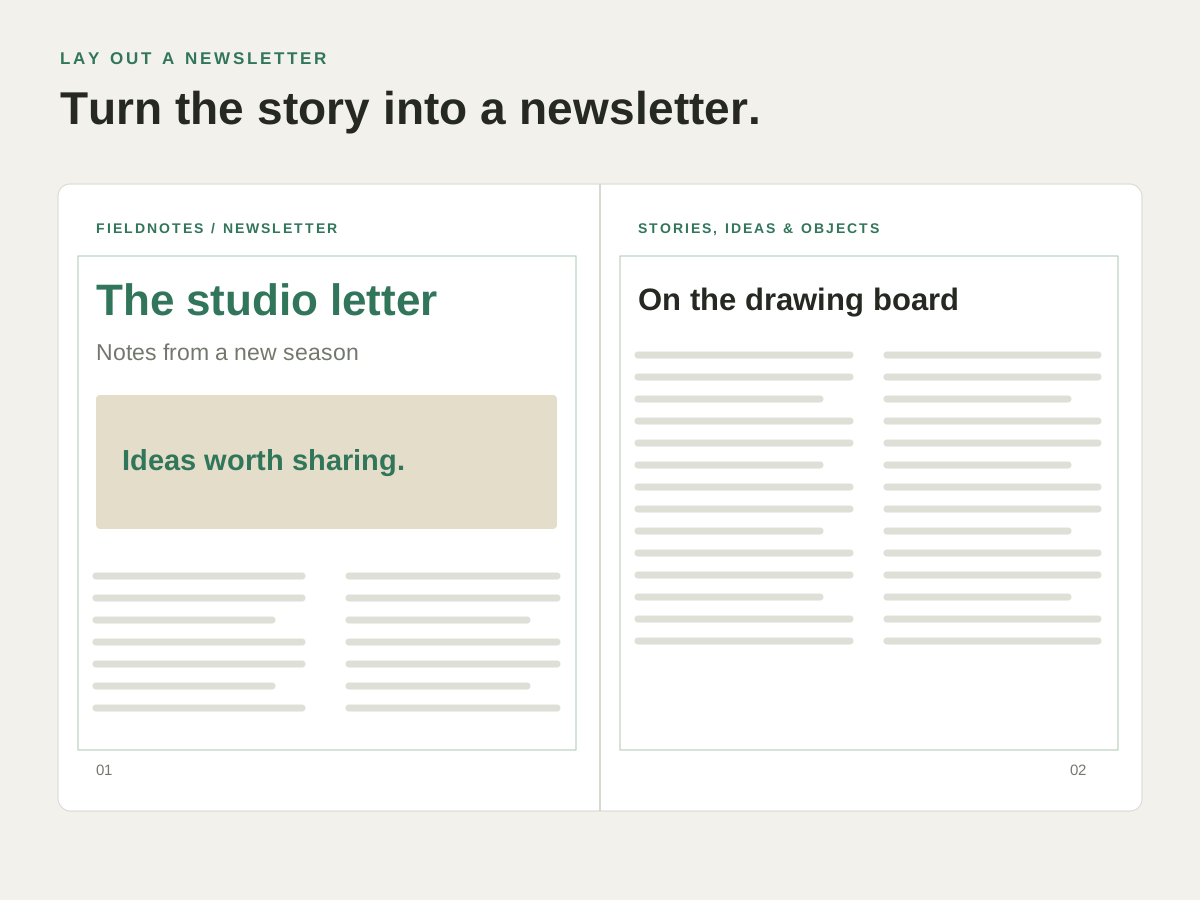
Publish a club newsletter
Give each story a heading, flow the copy into columns and add photographs or captions.
Build a short report
Keep sections in order and review the page sequence before exporting the PDF.
Try it with your own content.
- Set up the document
Choose page size, margins, columns and facing pages. - Arrange the content
Add text frames and place the pictures in their positions. - Check every page
Review the reading order, text fit and images before exporting.
Questions about this task.
Can I keep an editable master?
Yes. Save the layout as IDML so you can return to the pages, text and placed artwork.
Can I open an existing IDML layout?
MasterPage opens IDML documents. Check text composition, fonts and linked graphics when moving a publication between applications.