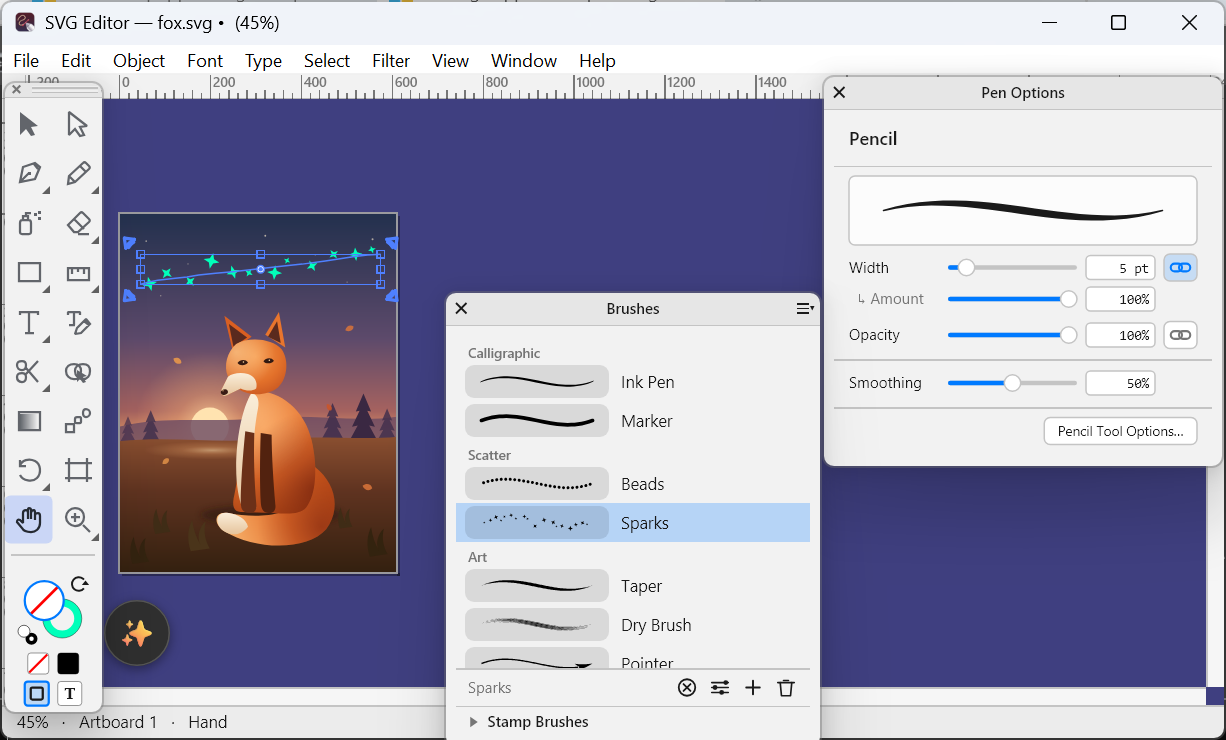
Vector Designer for Windows 26.24: brushes that stay live, and a pen that feels the paper
Live brushes on any path with ten presets, a Paintbrush that shows the stroke as you draw, the Path Eraser, and Pen Options for pressure, speed and tilt.
Read article →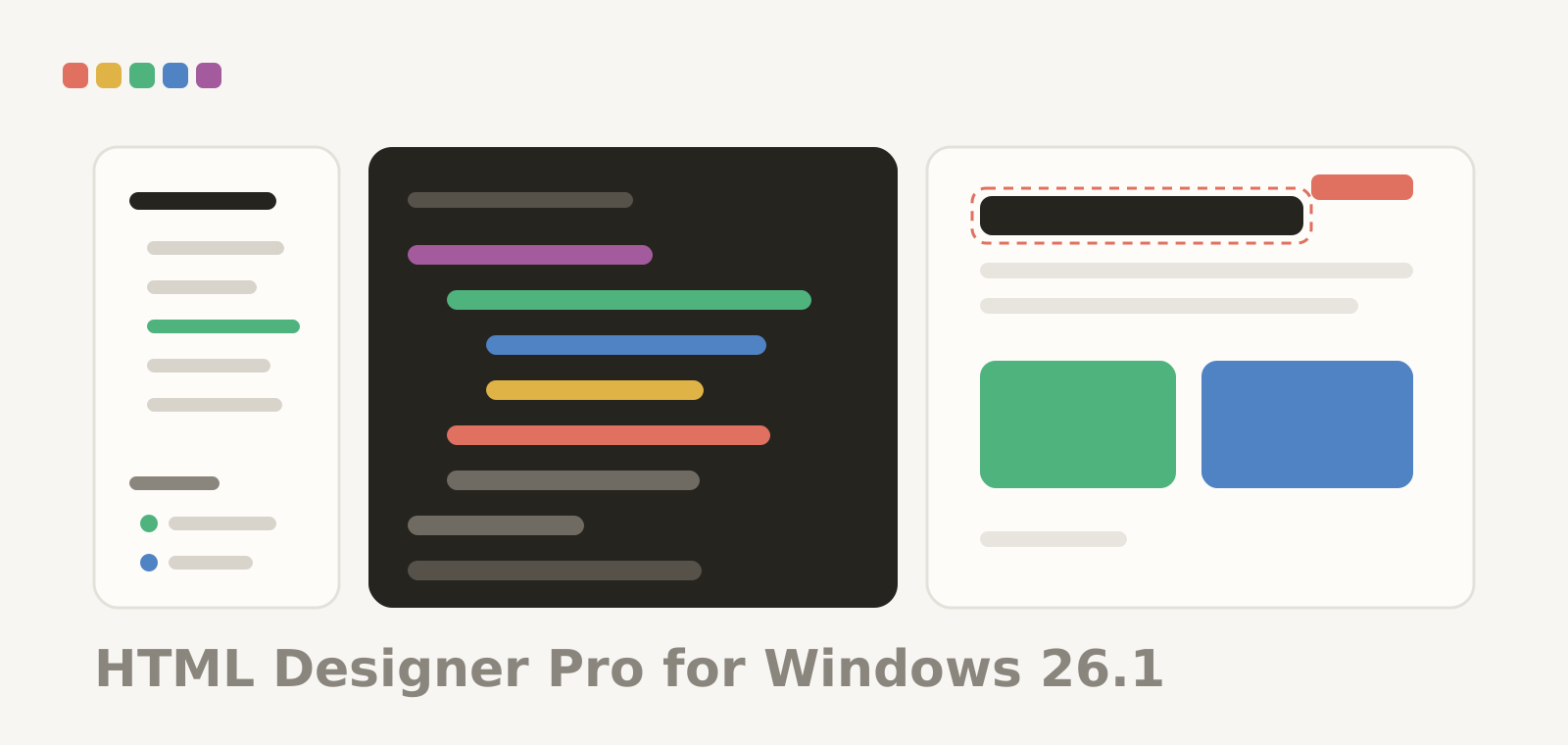
HTML Designer Pro for Windows 26.2: a steadier close
A fix release: closing a window or quitting the app no longer crashes on some PCs.
Read article →
Flare - Photo Editor for Windows 26.10: steadier AI tools
Remove Background and the other AI tools no longer close the app on some graphics cards, and move to the processor by themselves when needed.
Read article →
Flare - Photo Editor for Windows 26.9: a canvas for every PC
Two graphics engines: Direct3D 12 when the PC has it, the processor otherwise. Steadier on integrated graphics and large photos, and in-app updates that install by themselves.
Read article →
Flare - Photo Editor for Windows 26.8: watercolor painting
Watercolor Brush, Water, Ink Pen and Lift on a GPU-accelerated watercolor engine, a Watercolor layer with one click, and the new Waterbrush palette with Wet Brushes.
Read article →
Flare - Photo Editor for Windows 26.7: a big step towards the full toolset
Magnetic Lasso, Freeform and Curvature Pens, mesh Warp, a live Gradient, Refine Hair, new adjustments, multi-layer editing, the Properties and Glyphs palettes, History snapshots, Proof Colors and richer PSD files.
Read article →
Flare - Photo Editor for Windows 26.6: the second round of fixes
Adjustment layers over masks and groups, text layers that keep their name and styles, Merge Down, Apply Layer Mask and Drop Shadow, smart filter previews, Remove Object, Edit › Fill with any color, and rare legacy formats removed.
Read article →
Flare - Photo Editor for Windows 26.5: fixes from the first weeks
Selection and gradient tools that keep working after a right-click menu, blend modes over transparency, the unsaved marker in the title, Pin Warp, Save As and window placement, plus the fixes sent in since the first release.
Read article →
Flare - Photo Editor for Windows 26.4: the first Windows release
Layers, masks, selections, brushes, adjustments and filters on Windows 10 and 11, x64 and ARM64: one signed installer, or a portable ZIP in two editions. Free, in twelve languages. Needs Direct3D 12 graphics.
Read article →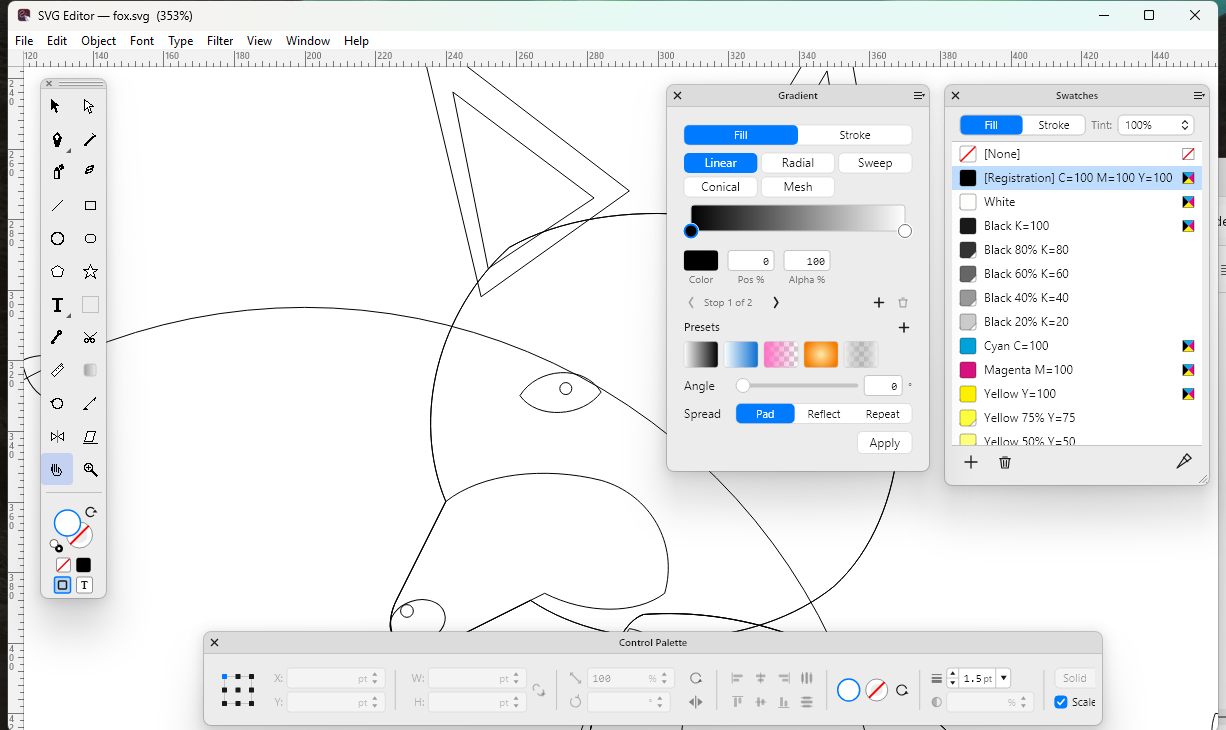
Vector Designer for Windows 26.23: Sketch and Figma files, design libraries and new tools
Sketch, Figma, EPS and Illustrator files open, design libraries come built in, and Curvature, Blend, Shaper and Area Type join the toolbox.
Read article →
HTML Designer Pro for Windows 26.1: the code, the page and the server in one window
The first Windows release: the preview beside the code, a library of every element, find and replace across the project, and FTP, FTPS and SFTP with your server next to your files.
Read article →
Vector Designer for Windows 26.22: several documents, working together
Closing one of two windows keeps the palettes, menus answer at once when you switch windows, and switching documents no longer redraws them from scratch.
Read article →
Vector Designer for Windows 26.21: straight to the sample document
The app opens maximized on the sample document, with no welcome card in the way; the welcome stays in Help › About.
Read article →
Vector Designer for Windows 26.20: the welcome card fixed for good, and installed copies that update themselves
The welcome card shows its illustration again and closes the way you expect, and copies installed from the site now update themselves.
Read article →
Vector Designer for Windows 26.19: always full screen, one installer, a welcome that gets out of the way
The window opens maximized every time, one signed installer for x64 and ARM64, and the welcome card closes with any click.
Read article →
Vector Designer for Windows 26.18: big screens, a better welcome, palettes with a shadow
Opens maximized the first time, the welcome tour shows its pictures again, palettes with a soft shadow, and the interface follows your display scale everywhere.
Read article →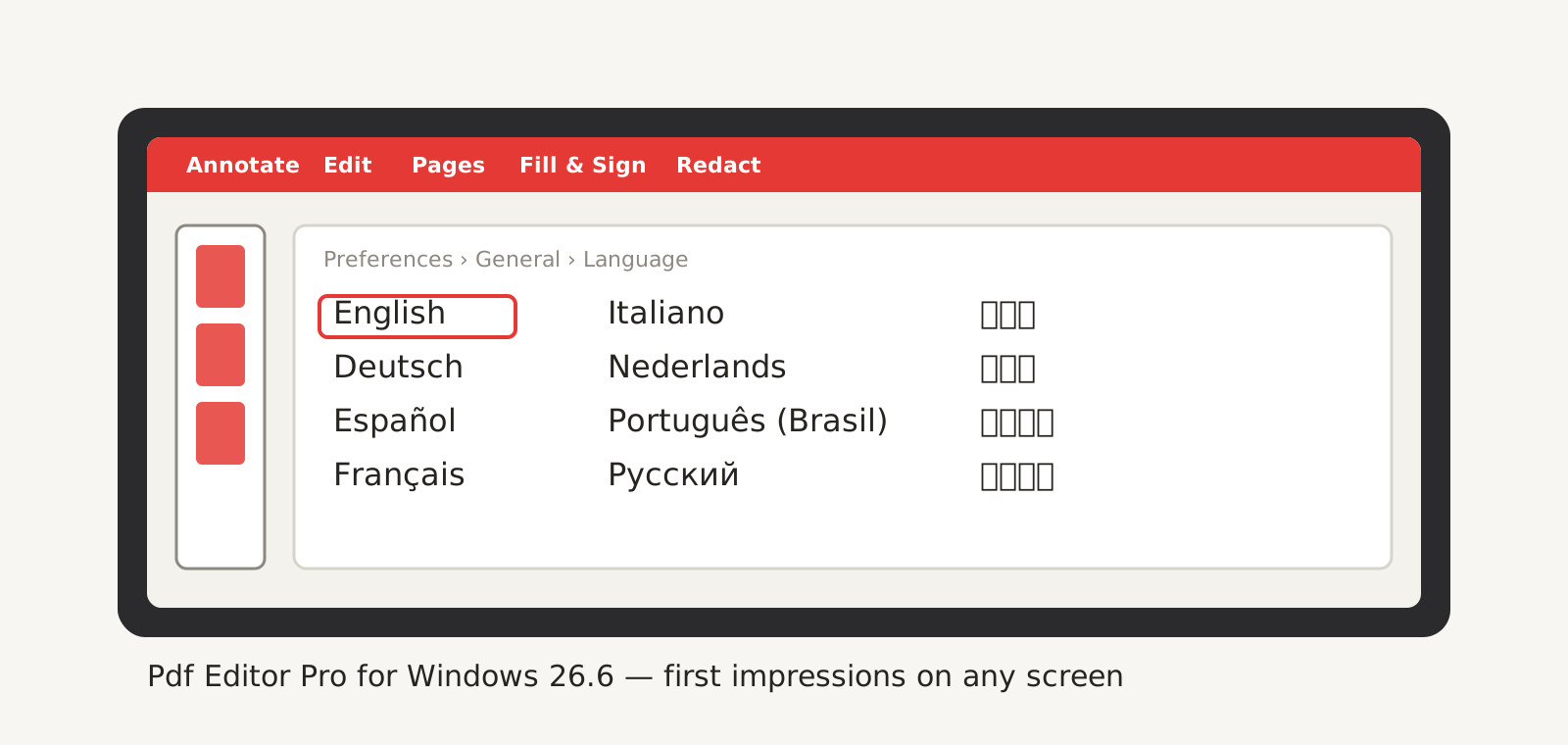
Pdf Editor Pro for Windows 26.6: first impressions on any screen
Opens maximized the first time, a welcome card that fits the window, and palettes with a soft shadow that stand out on Windows 10 too.
Read article →
Vector Designer for Windows 26.17: a status line, scrollbars and three fixes
A status line and scrollbars under the canvas, toolbox icons that show the selected tool, Pattern Along Path in the active colour.
Read article →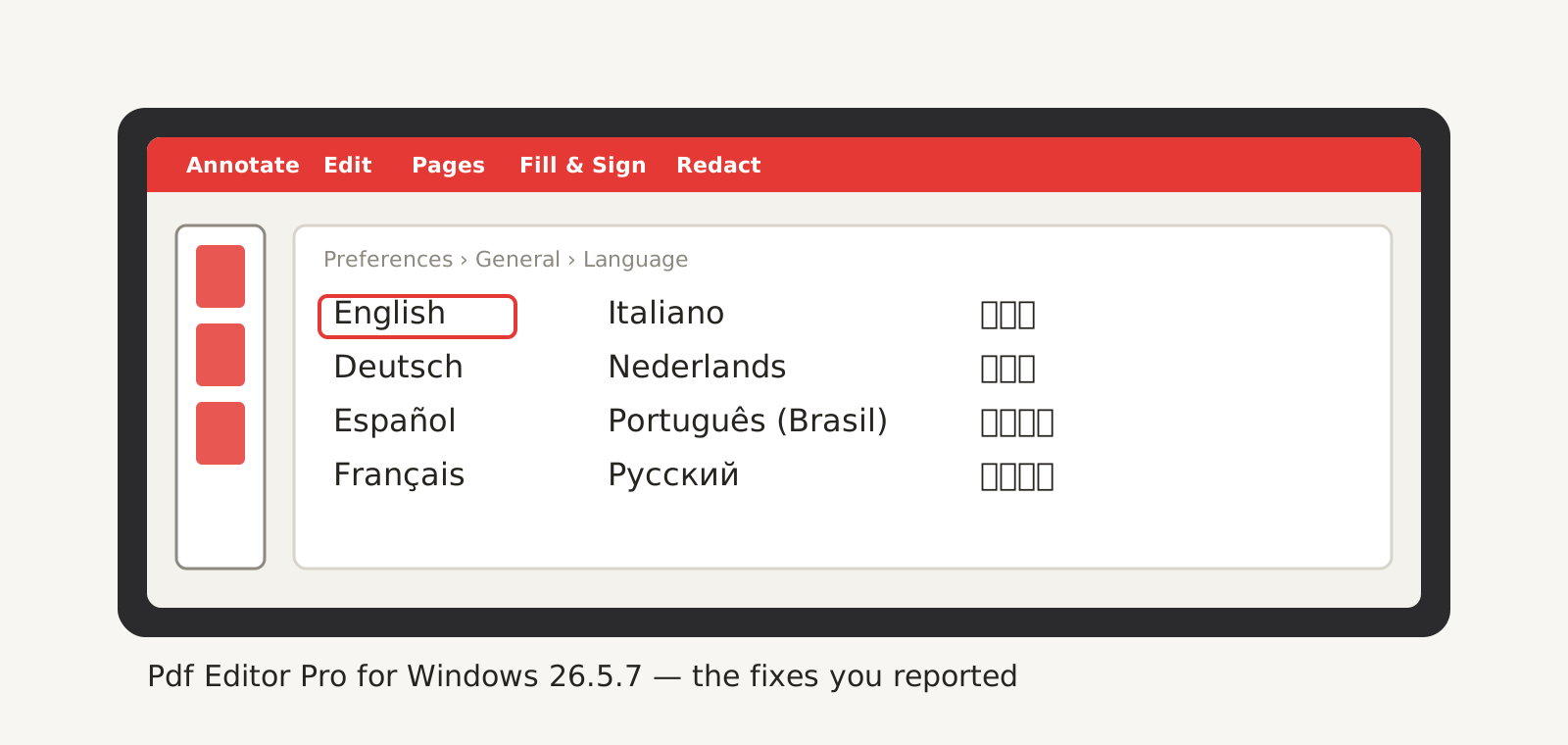
Pdf Editor Pro for Windows 26.5.7: the fixes you reported
No more closing on the Text Box tool or when shutting a window with a palette open; typing in form fields, freehand Pencil, stamps, Export PNG resolution.
Read article →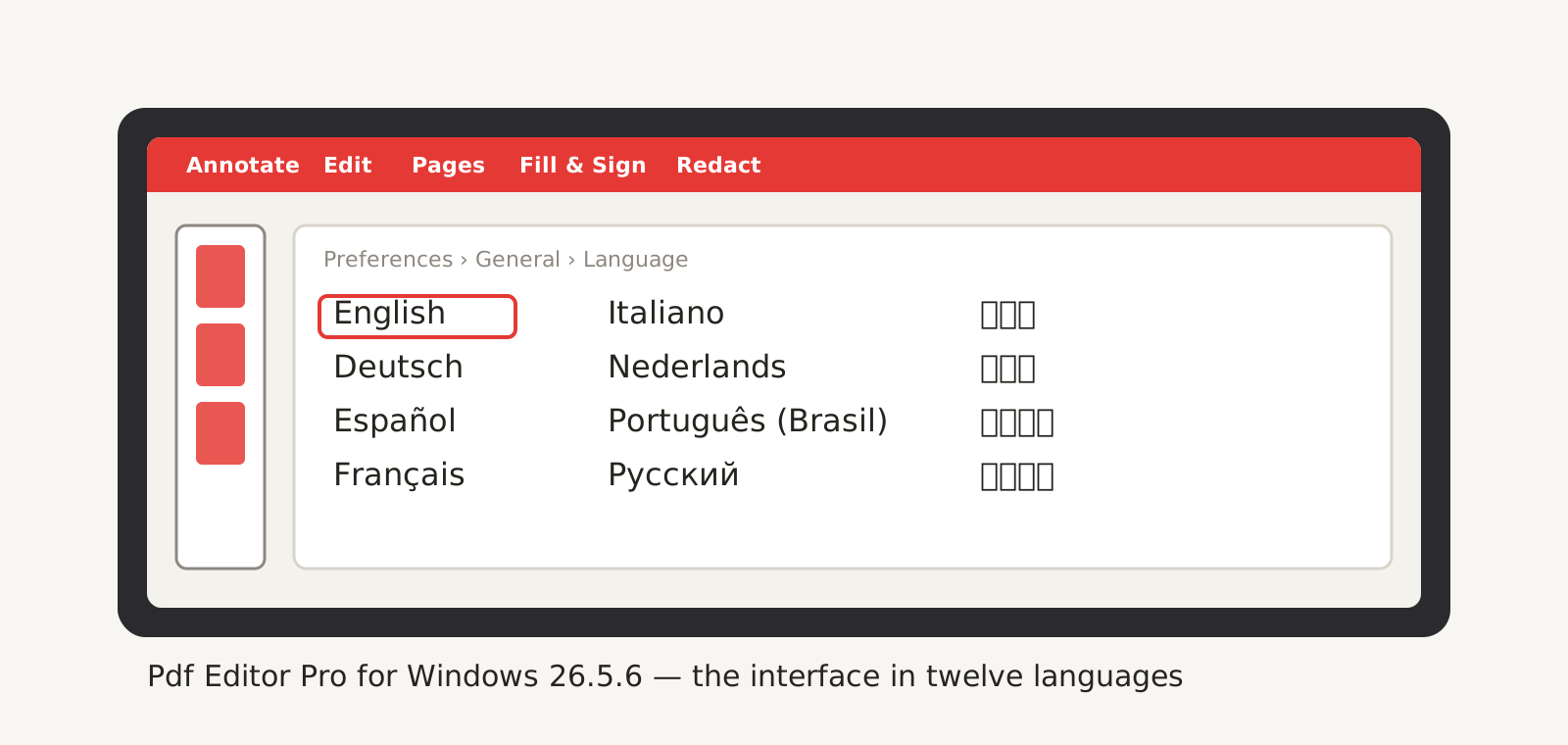
Pdf Editor Pro for Windows 26.5.6: twelve languages
Menus, palettes, dialogs and help in twelve languages, following your Windows, and the Store page to match.
Read article →
Vector Designer for Windows 26.16: twelve languages
Italian, Portuguese (Brazil), Korean and Traditional Chinese join the interface, and the Store page speaks the same twelve languages.
Read article →
Vector Designer for Windows 26.15: eight languages, artboards and the Shape Builder
The interface in eight languages, several artboards in one document, the Shape Builder, Feather, a reordered toolbox and a round of fixes from your reports.
Read article →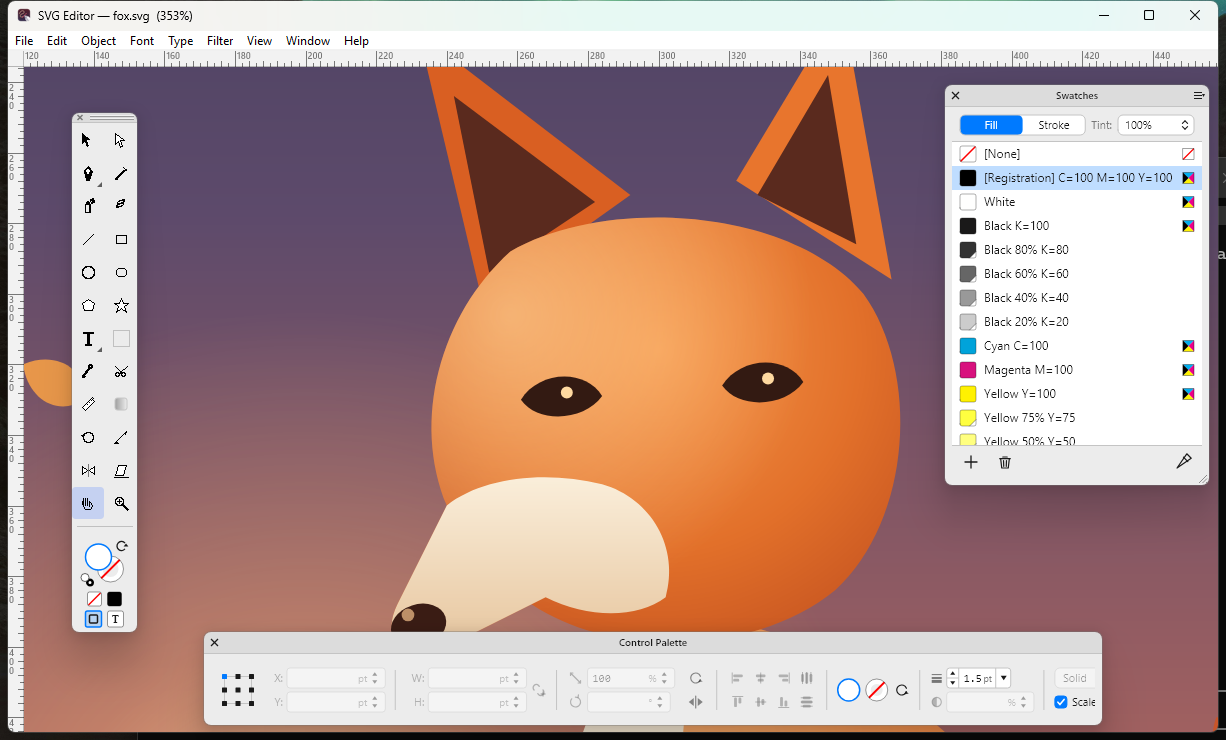
Vector Designer for Windows 26.14: steadier, quicker, and a Knife
What changed for Windows since 26.11: no more crash on close, smoother panning, the Knife, live corners and dozens of fixes from your reports.
Read article →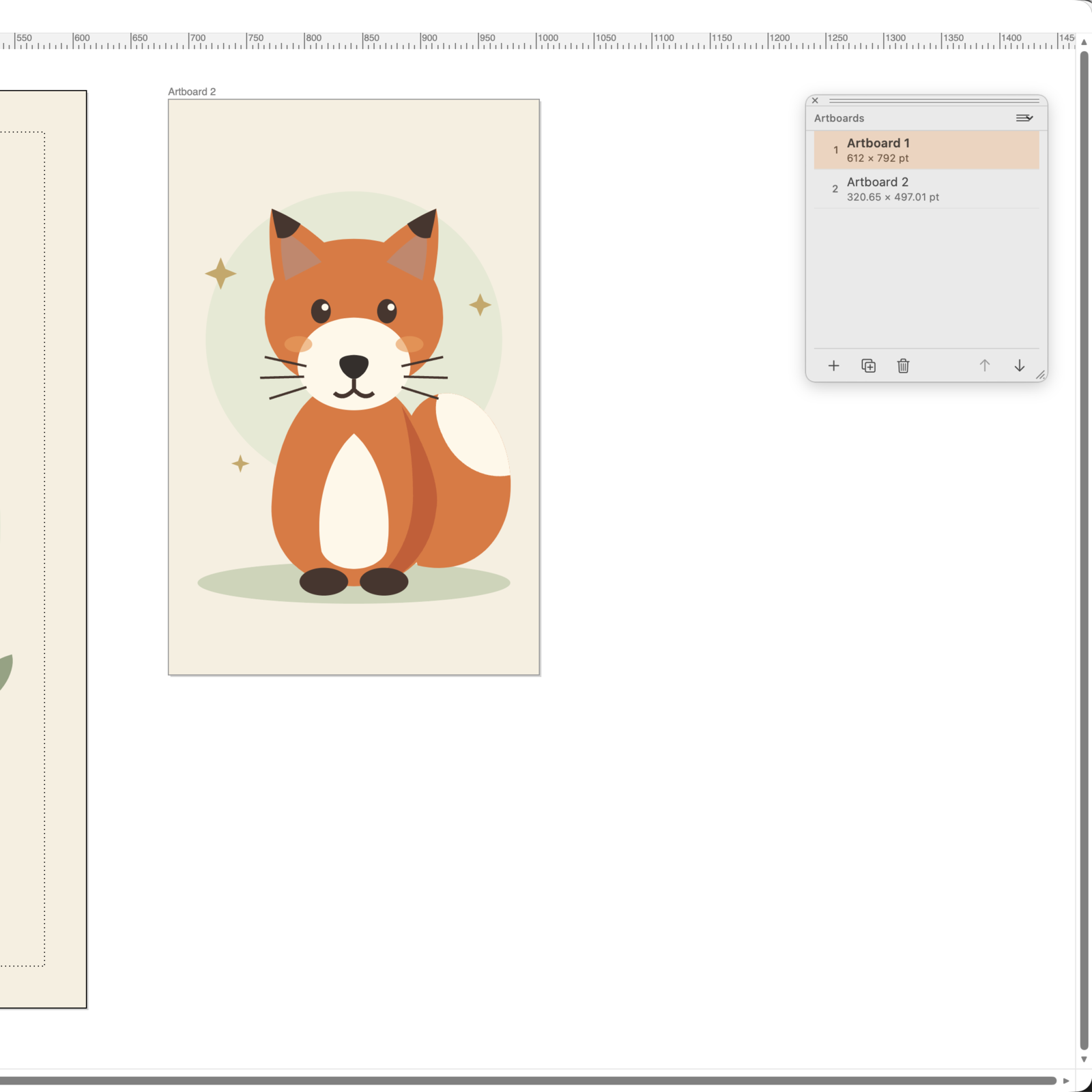
Multiple artboards come to SVG Editor
One SVG, many pages: an Artboards palette, an Artboard tool and per-artboard export.
Read article →
Pdf Editor 26.5.1: signing, certificates and real fonts
Sign forms, manage your signatures and work with certificate signatures.
Read article →
Toward HTML Designer 26
A look at the ideas behind HTML Designer 26 and its website-building workflow.
Read article →
Vector Designer 26.1: the direct-download build
Meet the direct-download edition of Vector Designer for Mac.
Read article →
Pdf Editor goes direct: signed DMG with automatic updates
Get Pdf Editor directly, with a signed installer and automatic updates.
Read article →
SVG Editor 26.0 on the Mac App Store
Explore SVG Editor 26 and its arrival on the Mac App Store.
Read article →