Give every product a clear place.
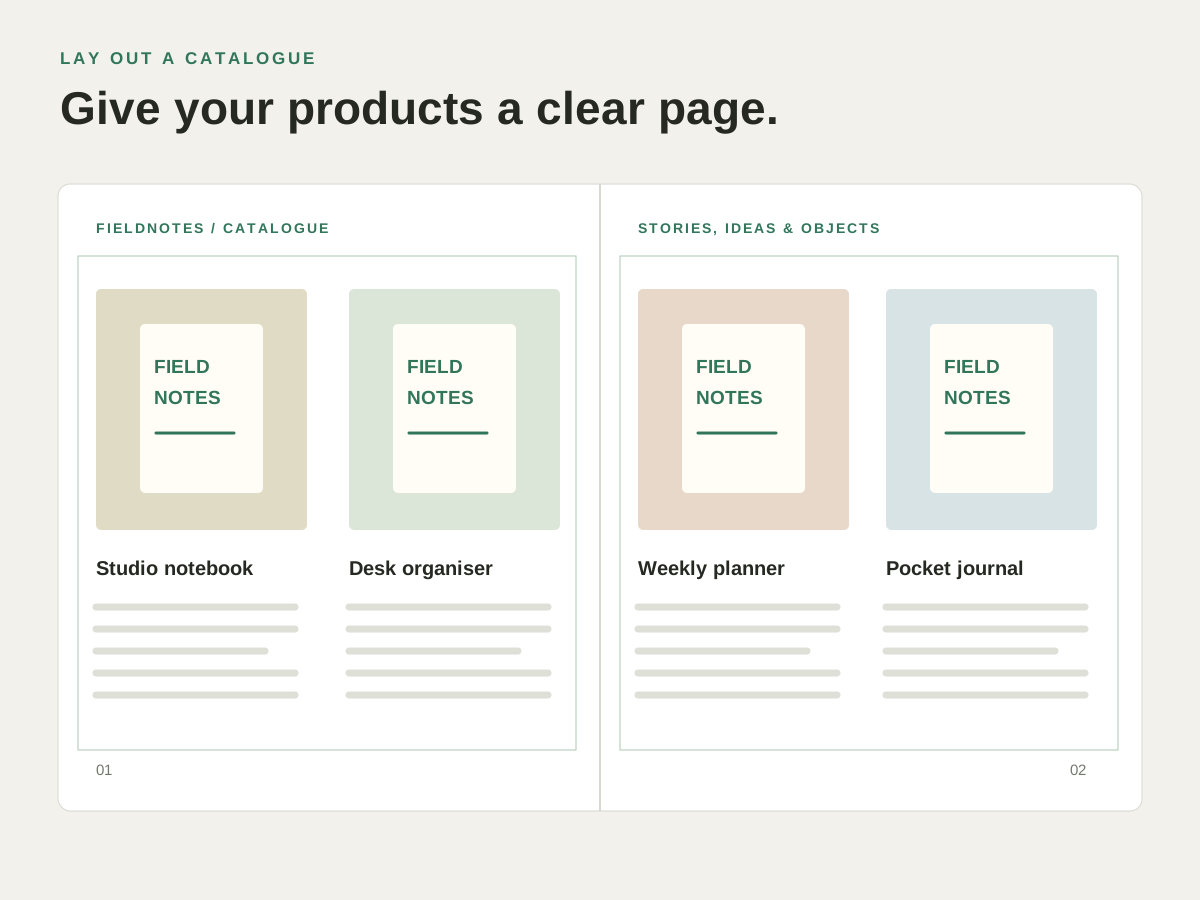
A catalogue spread needs a picture, a name and a short description for each item. Align the frames and repeat the same visual order across the pages.
Put it to work.
Place product photographs
Put images into graphic frames and adjust their fit within the layout.
Add a supplied logo or graphic
Place supported artwork alongside the product text rather than rebuilding it.
Keep track of linked assets
Review the document’s links when an image moves or the supplied artwork changes.
Try it with your own content.
- Set up the product page
Arrange the picture frames and text areas. - Place the images
Choose the photographs or artwork and adjust their fit. - Check the captions and links
Review the page and the linked assets before delivery.
Questions about this task.
Does placing artwork turn it into editable drawing objects?
Placed artwork stays in its graphic frame. Edit the source artwork in the appropriate application when it needs changing.
What should I check before sharing the project?
Keep the IDML and required linked graphics together, and inspect the links and text before exporting or handing off the layout.