Keep a story together as you edit.
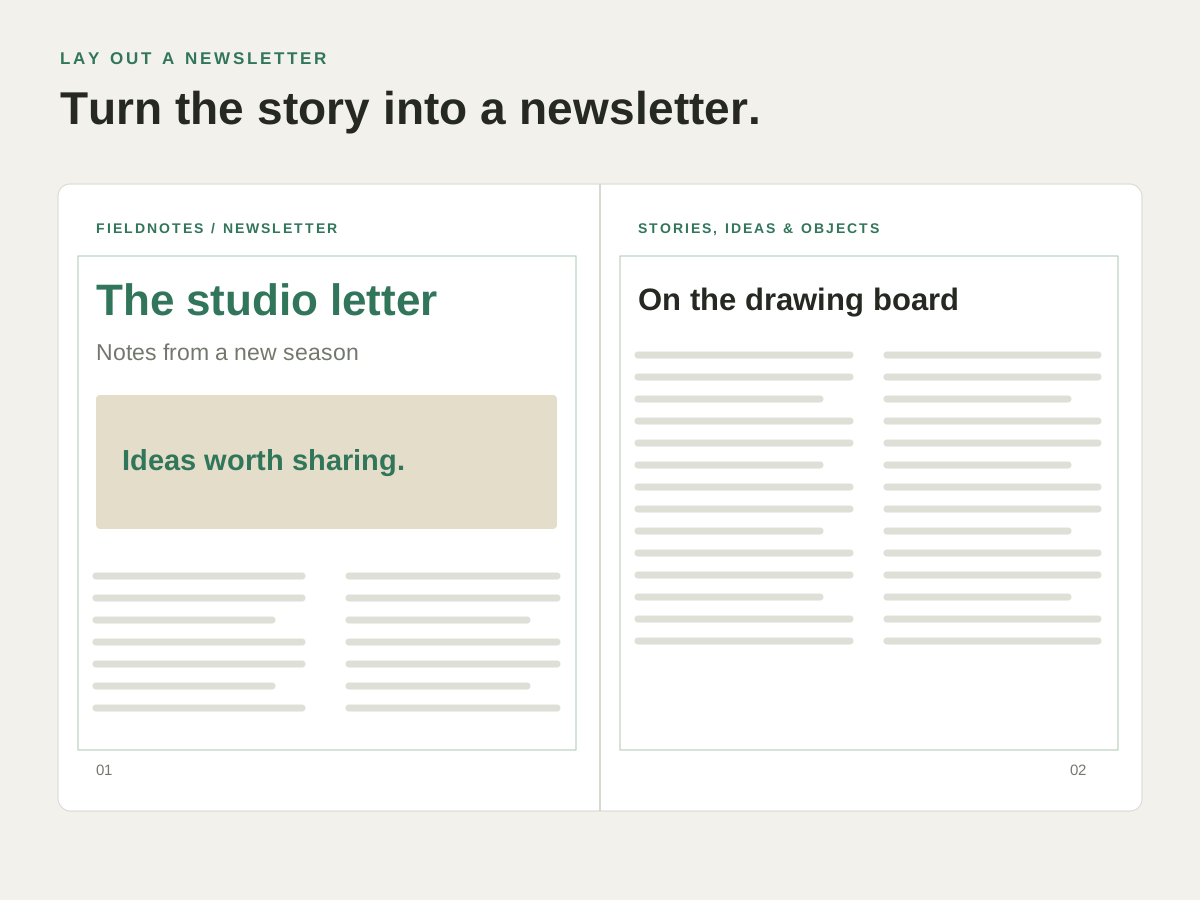
When the copy gets longer, linked frames give it a place to continue. Inspect the text flow and any overset content as the layout changes.
Put it to work.
Run an article through columns
Link text frames in the order you want readers to follow.
Continue onto another page
Connect the next frame when the article needs more space.
Check whether the copy fits
Review the story and overset indication before preparing the final PDF.
Try it with your own content.
- Add the text frames
Create the columns or page areas for the story. - Link them in reading order
Connect the frames and place or edit the story text. - Review the flow
Check each frame and resolve text that does not fit.
Questions about this task.
Does the story remain editable?
Yes. Edit the text in the layout and review how it composes through the linked frames.
Will text wrap exactly as it does in another app?
Text composition can differ between applications. Check line breaks, fonts and overset text when opening or exchanging a layout.