Build the repeating parts once.
A publication needs the same identity across many pages. Use a master for shared elements, then add each page’s own copy and images.
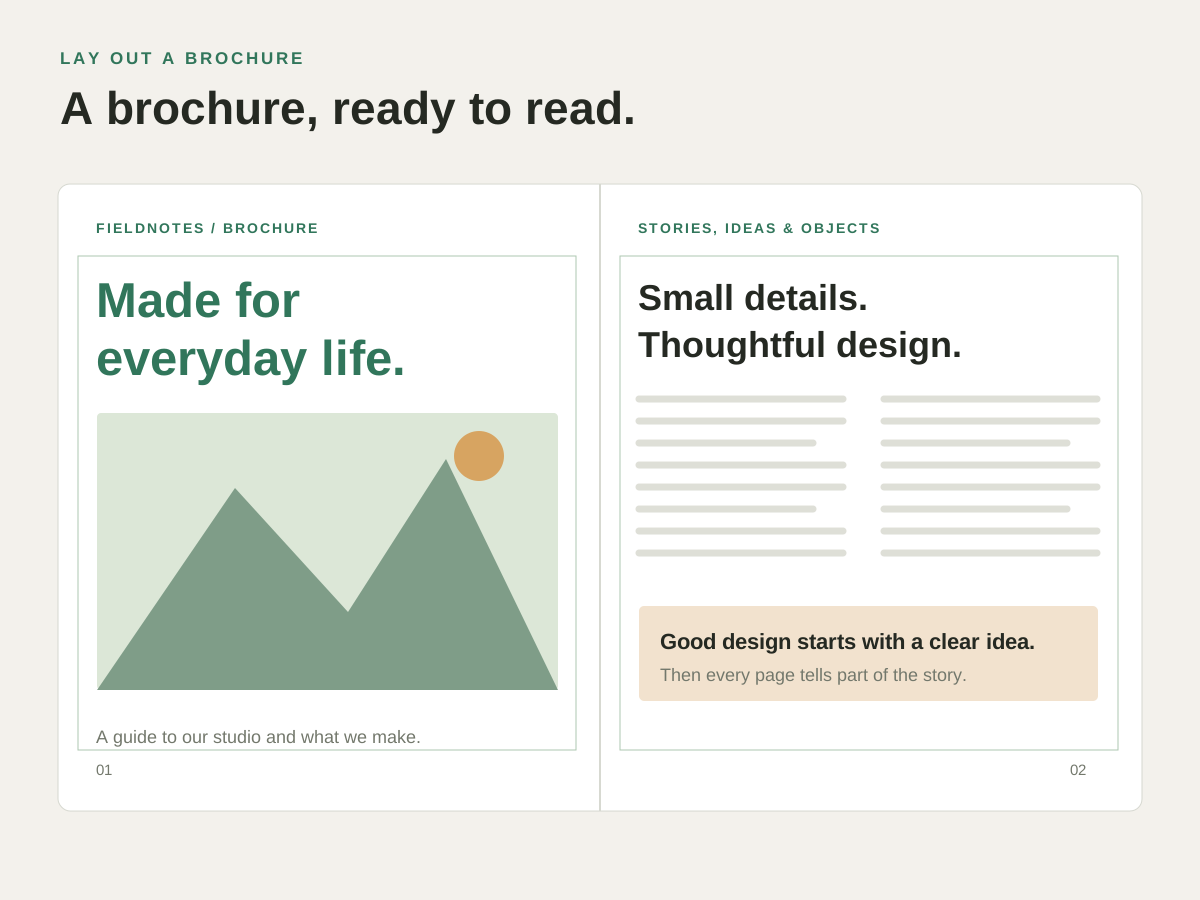
Put it to work.
Repeat the publication’s identity
Keep a recurring header or other page furniture in the master layout.
Use a different layout for a section
Create and apply the master suited to that part of the publication.
Make a page-specific exception
Use supported master-item overrides when one page needs a different treatment.
Try it with your own content.
- Create the shared layout
Add the recurring elements on a master page. - Apply it to the document
Choose the pages that should use the master. - Check the individual pages
Add the page content and review any exceptions.
Questions about this task.
Can I edit the shared design later?
Yes. Return to the master to change its recurring elements, then inspect the pages that use it.
Can one page differ from its master?
Supported master-item overrides let you make page-specific changes. Review those exceptions after updating a master.