What you get
Feature list
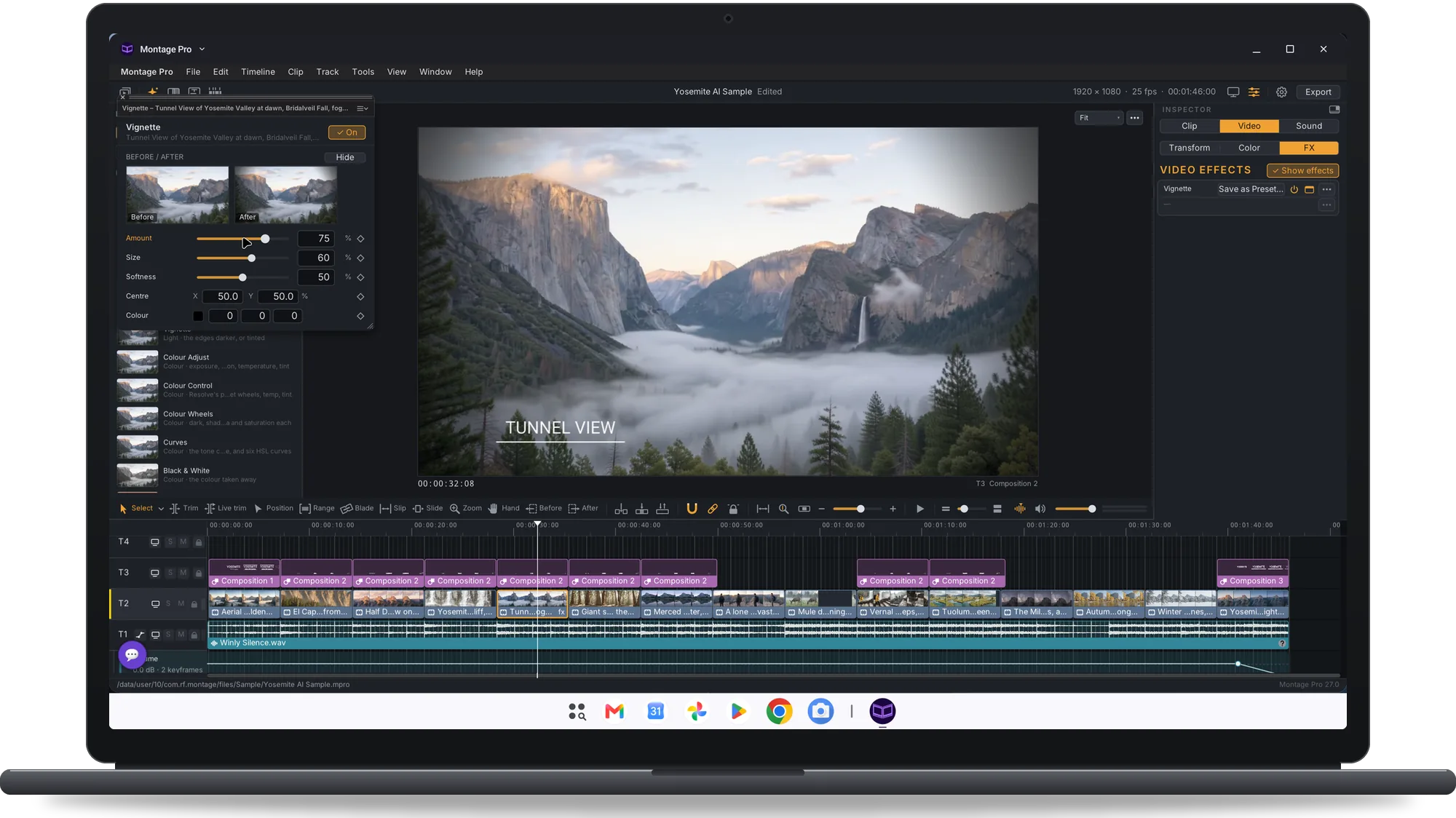
Cut a travel film on the beat, title it, subtitle an interview, steady a shot filmed on foot, grade the colour and export a movie to share.
Cut a travel film on the beat
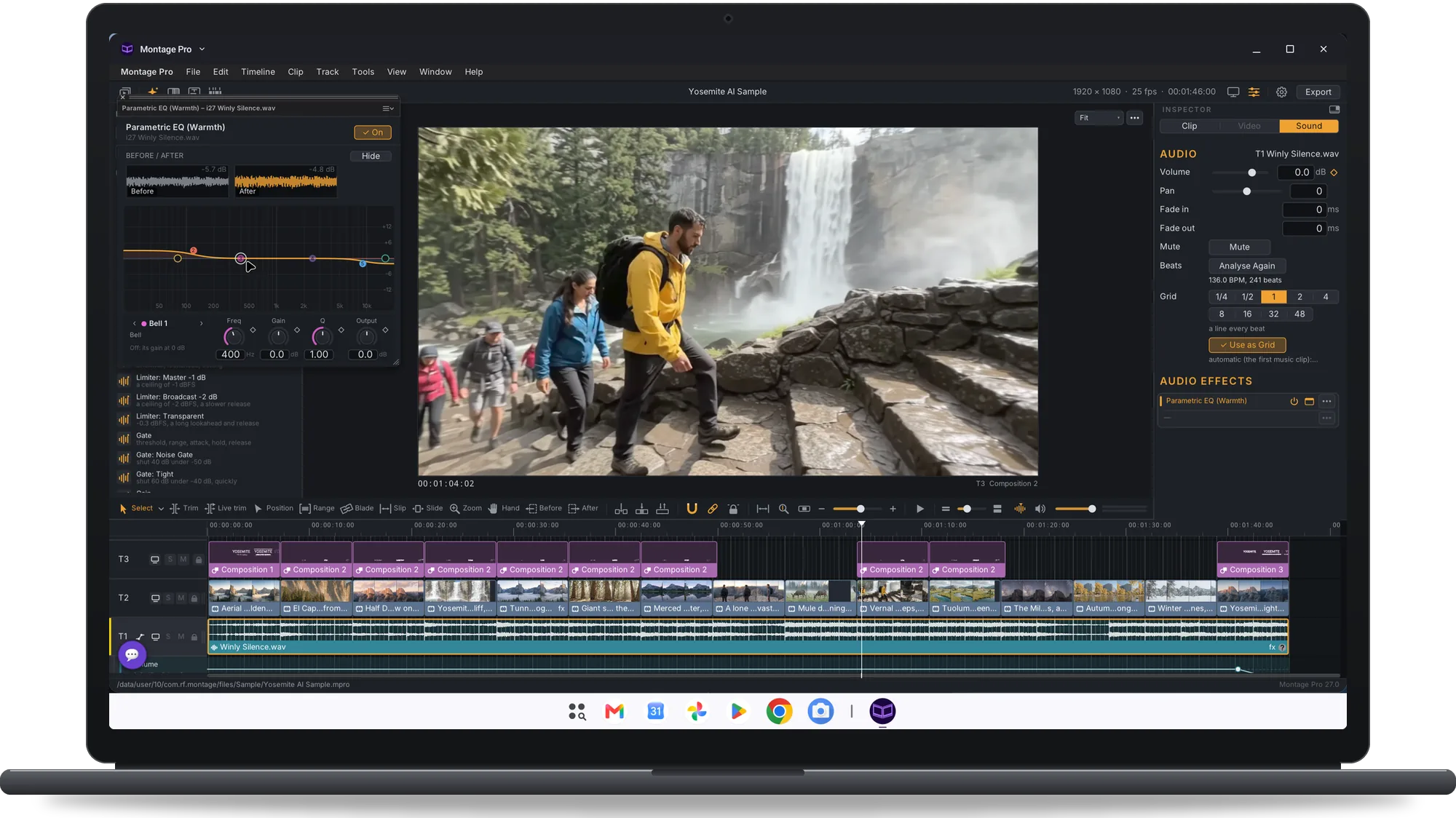
The music's beats are found for you and cuts snap to them. Make Montage cuts the selected clips to the song under them; Replace Music swaps the song and keeps the cuts.
Edit on a real timeline
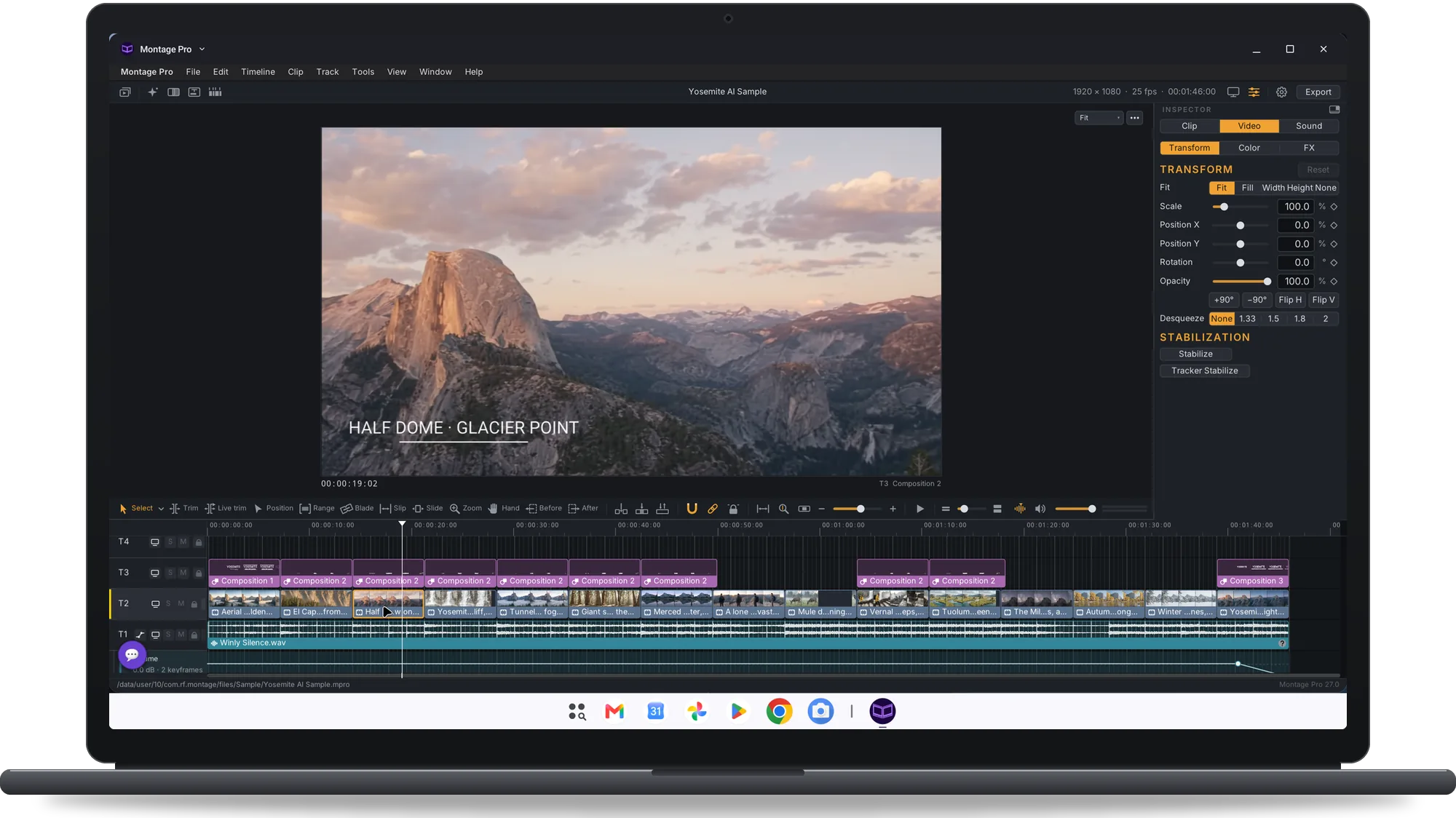
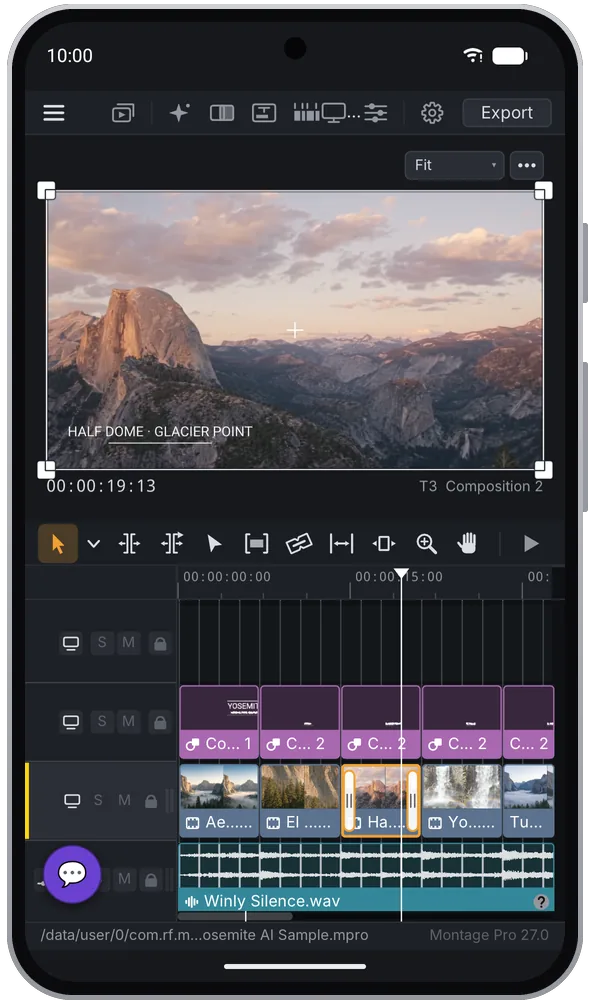
Tracks of video, stills, titles, subtitles and audio; trim, split, ripple, roll, slip and slide; marks and tags; timelines inside timelines and compound clips. Import FCPXML timelines.
Title a film
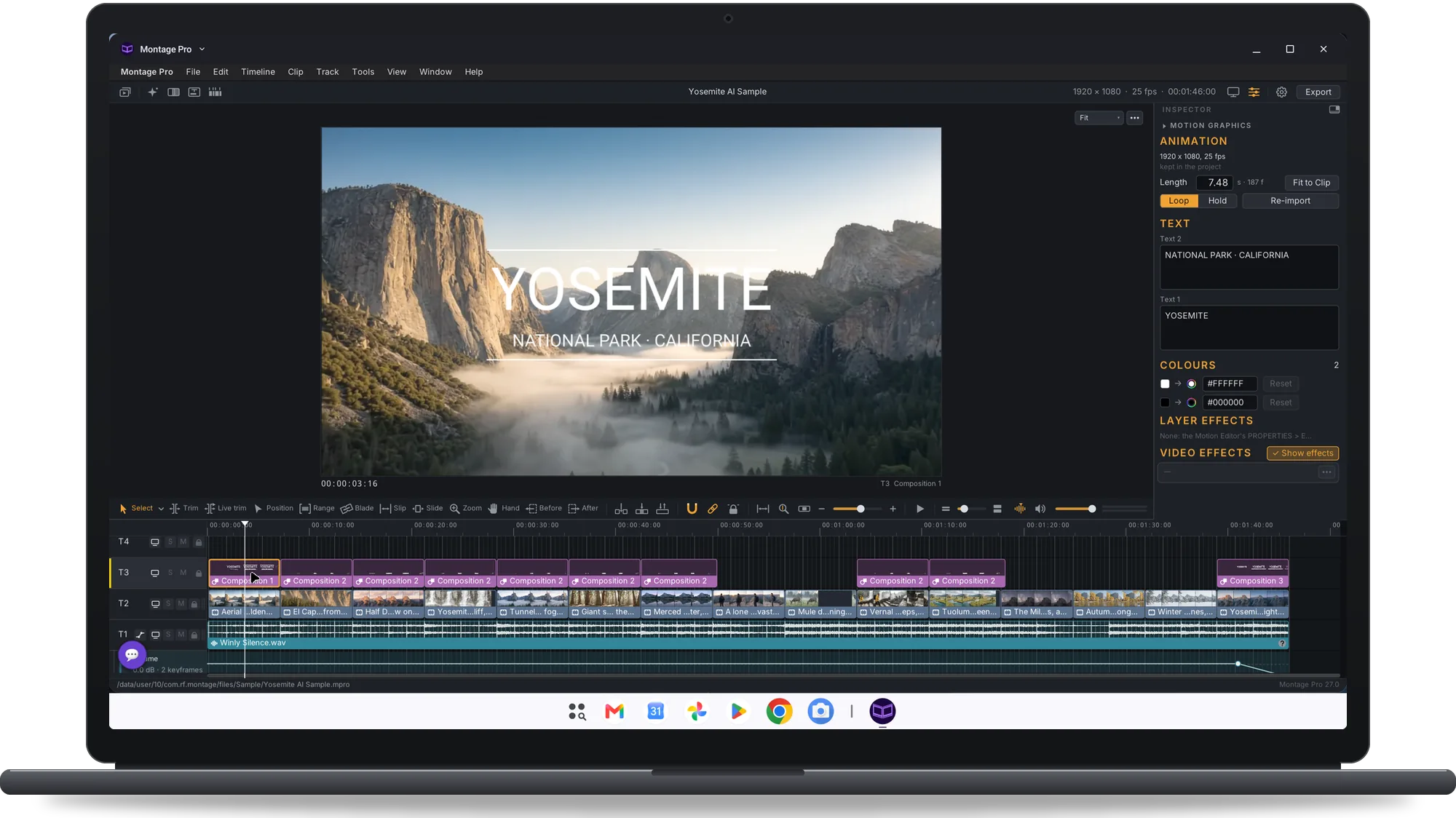
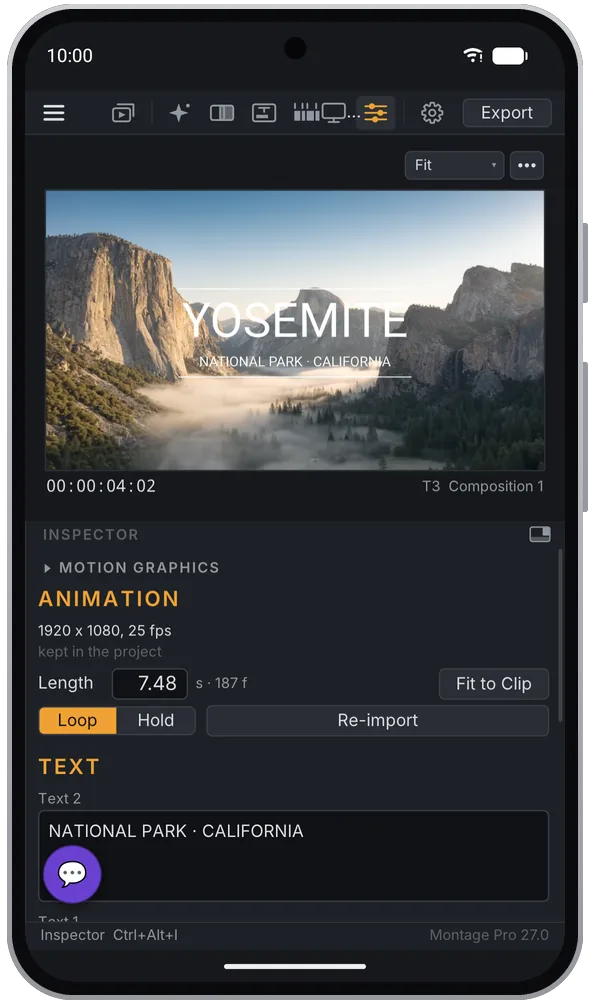
The Motion Editor makes titles and animated graphics with layers, masks, 3D layers and cameras, text along a path and motion blur.
Add effects and transitions
Native video effects, transitions and Motion Graphics templates, with keyframes and automation lanes.
Grade the colour
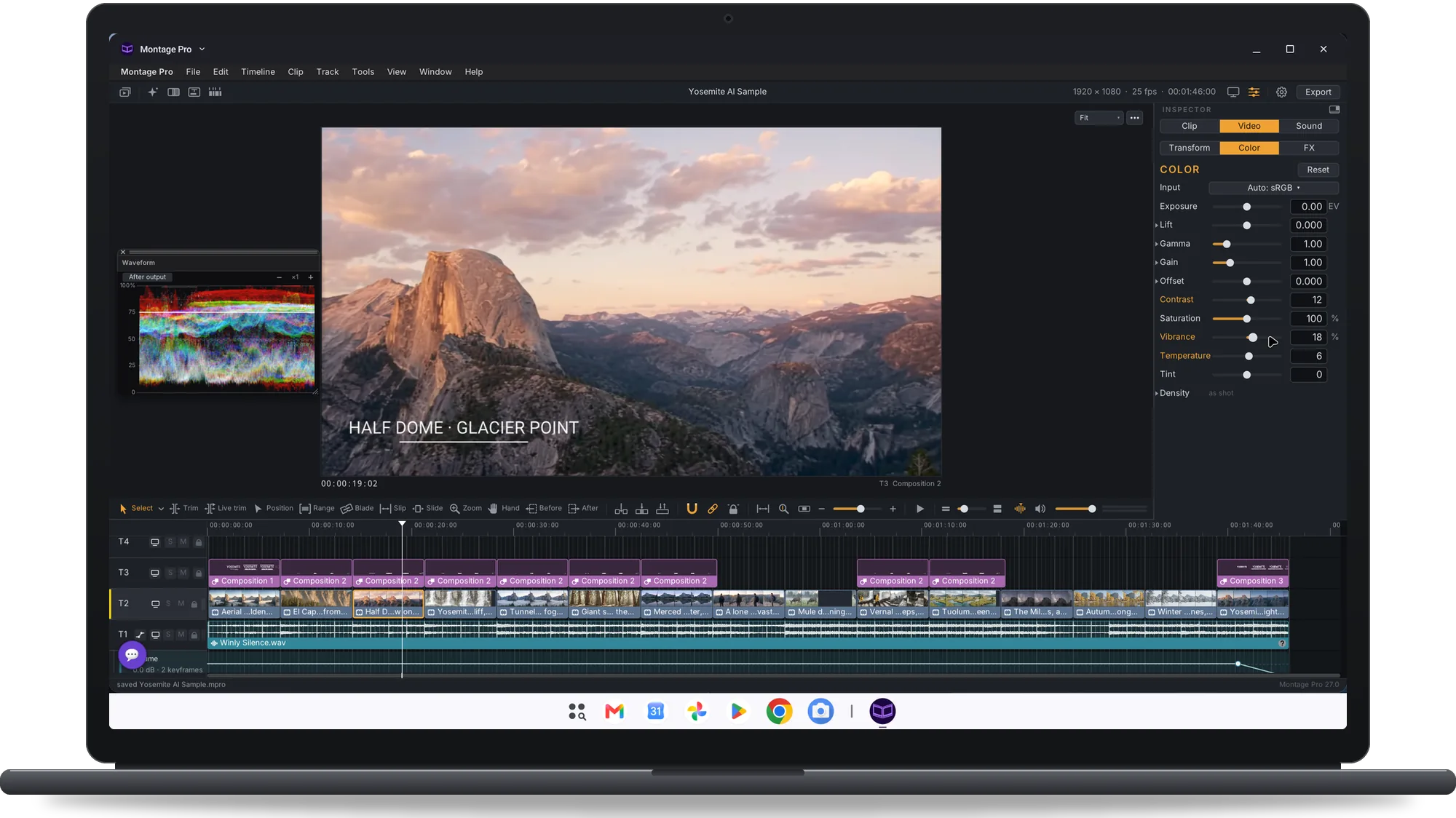
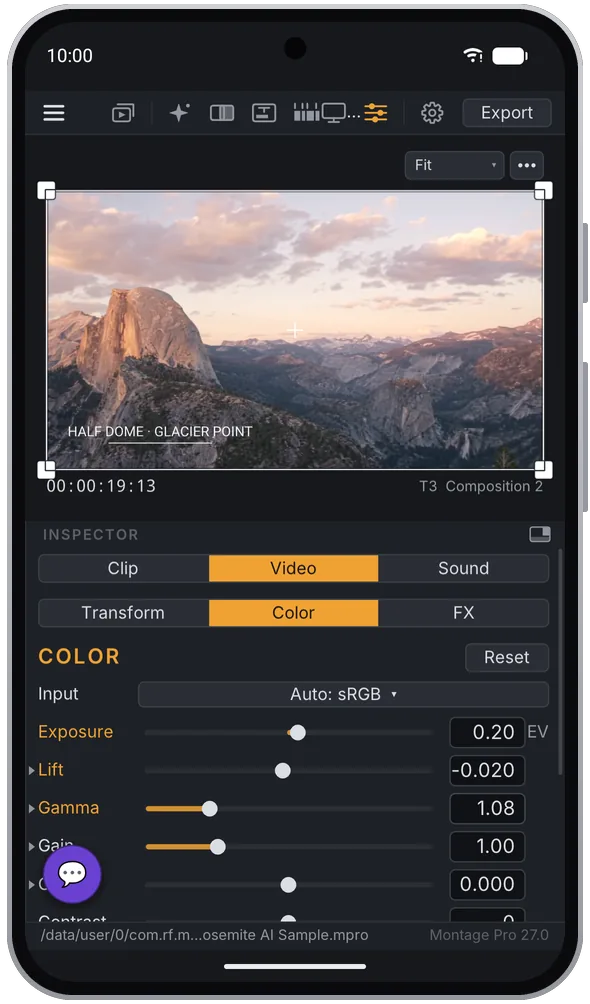
Colour management with HDR output (Rec.2100 PQ and HLG) on devices that support it, cameras' logs and LUTs, colour grading; Waveform, Parade, Histogram and Vectorscope.
Subtitle an interview
Subtitles from speech, transcribed on the device: the speech model is downloaded once. Their look is set per track.
Find music for a film
Free music and sound effects from open libraries, with their licences. A music check reads each song's name and tags and says whether it looks royalty-free.
Steady a handheld shot
Stabilisation of shaky clips with the camera's gyro data when the file has it, otherwise by analysing the picture.
Make a clip from a prompt
AI Prompt Clip and Animate image: video made from a prompt or from a still by Google's Gemini model, with your own API key.
Export the film to share
Movies in H.264 or HEVC, HDR10 too, and ProRes encoded in software (slower). Exports go on in the background.