Correct a PDF
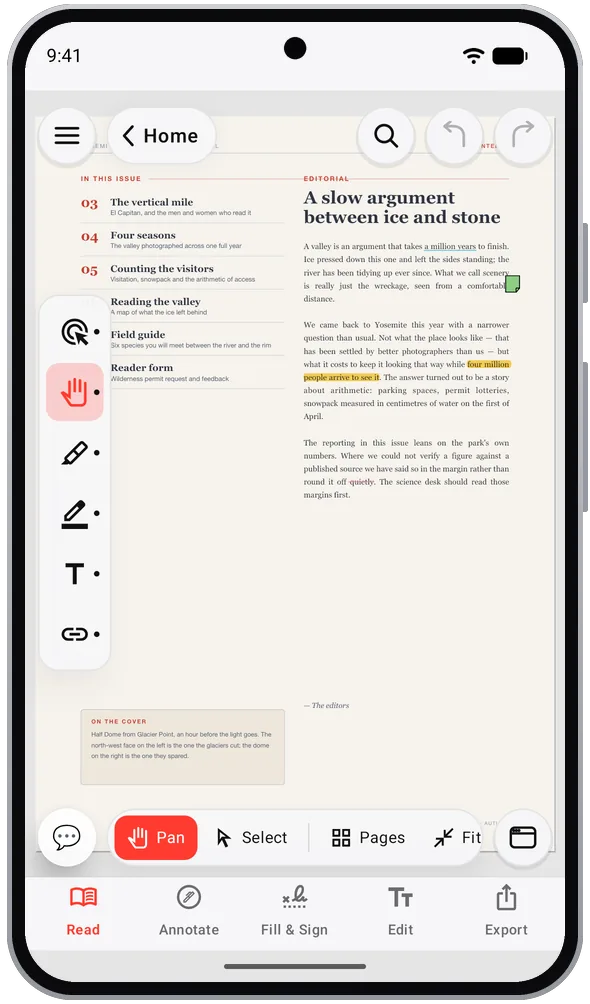
Click into a line and rewrite it, add new text anywhere, or place an image or a page of another PDF.
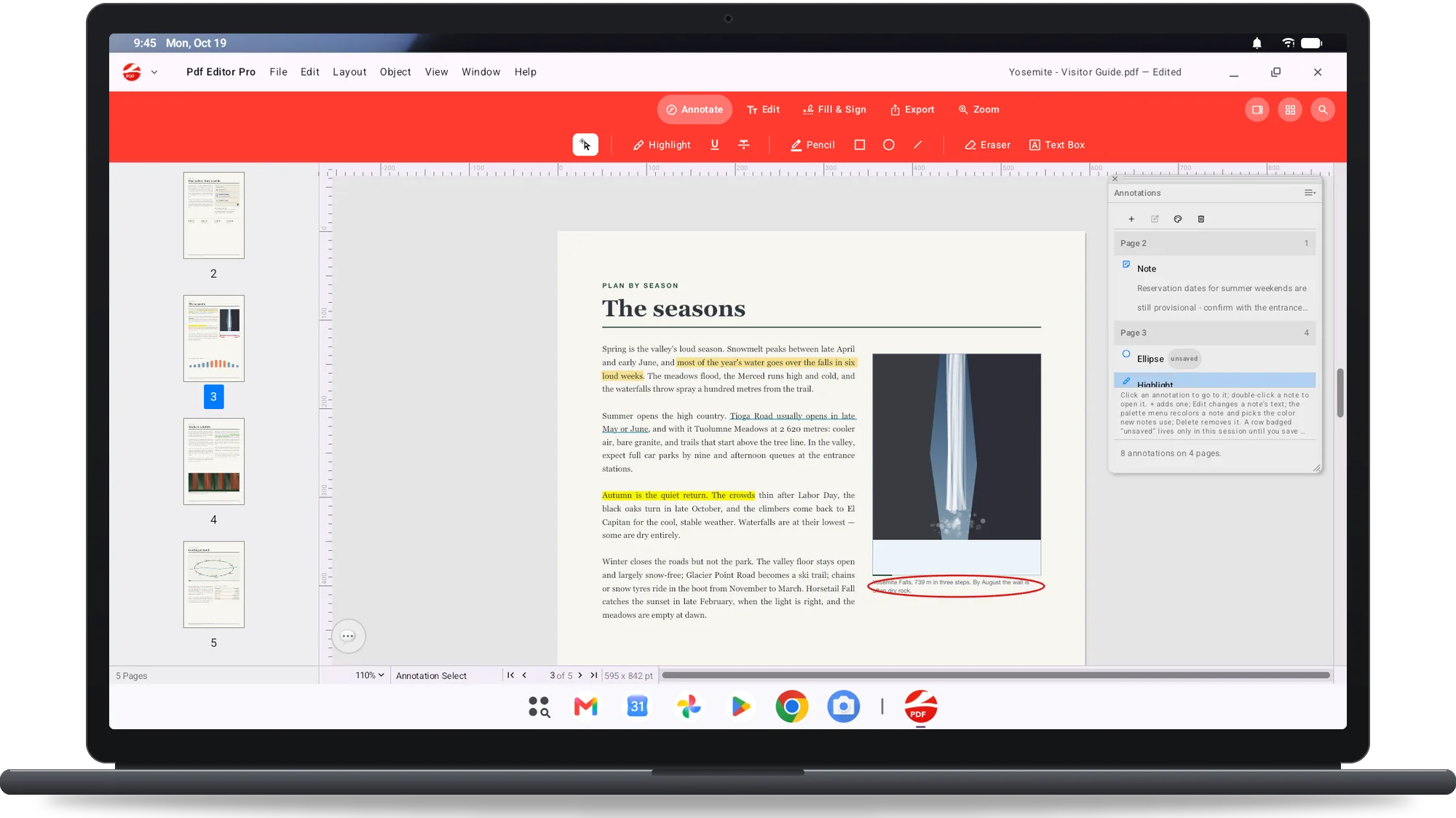
Review a draft
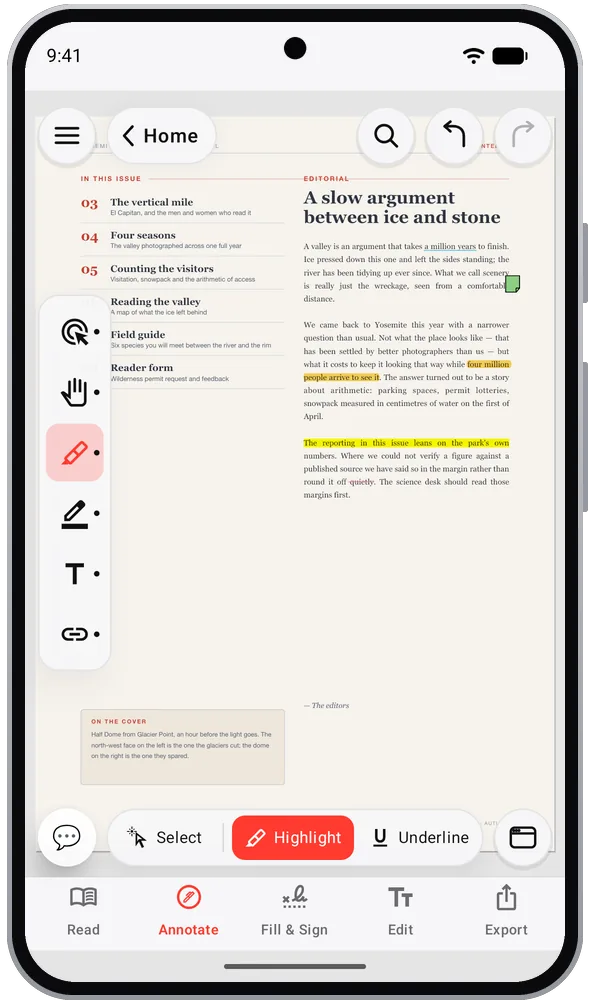
Highlight, underline and strike out real words; add ink, shapes, sticky notes and stamps such as Approved or Draft.
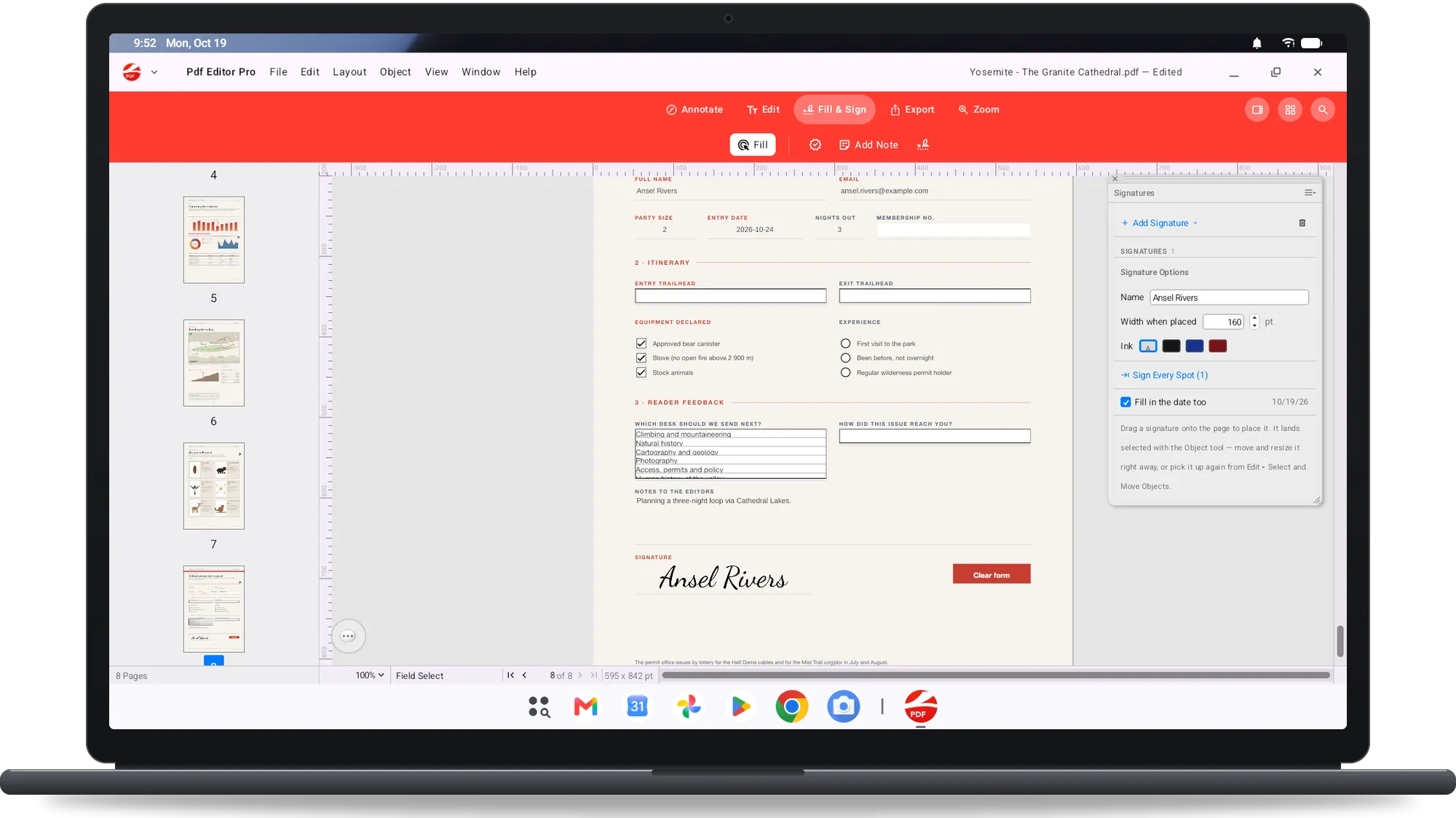
Sign a contract
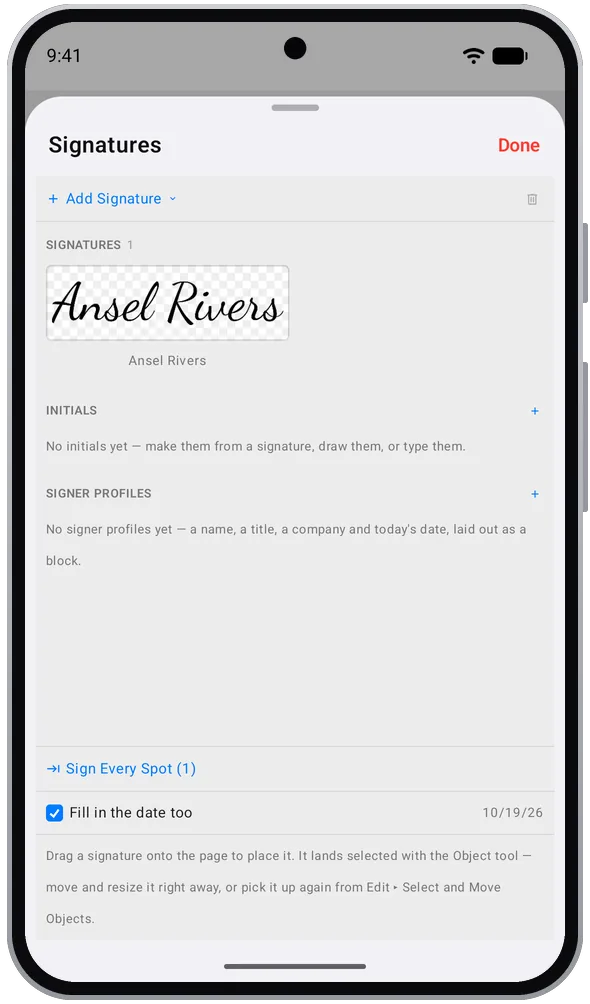
Draw, type or photograph your signature and initials; Sign Every Signing Spot walks through each signature field.
Fill in a form
Text fields, checkboxes, radio buttons and lists in interactive forms, without printing anything.
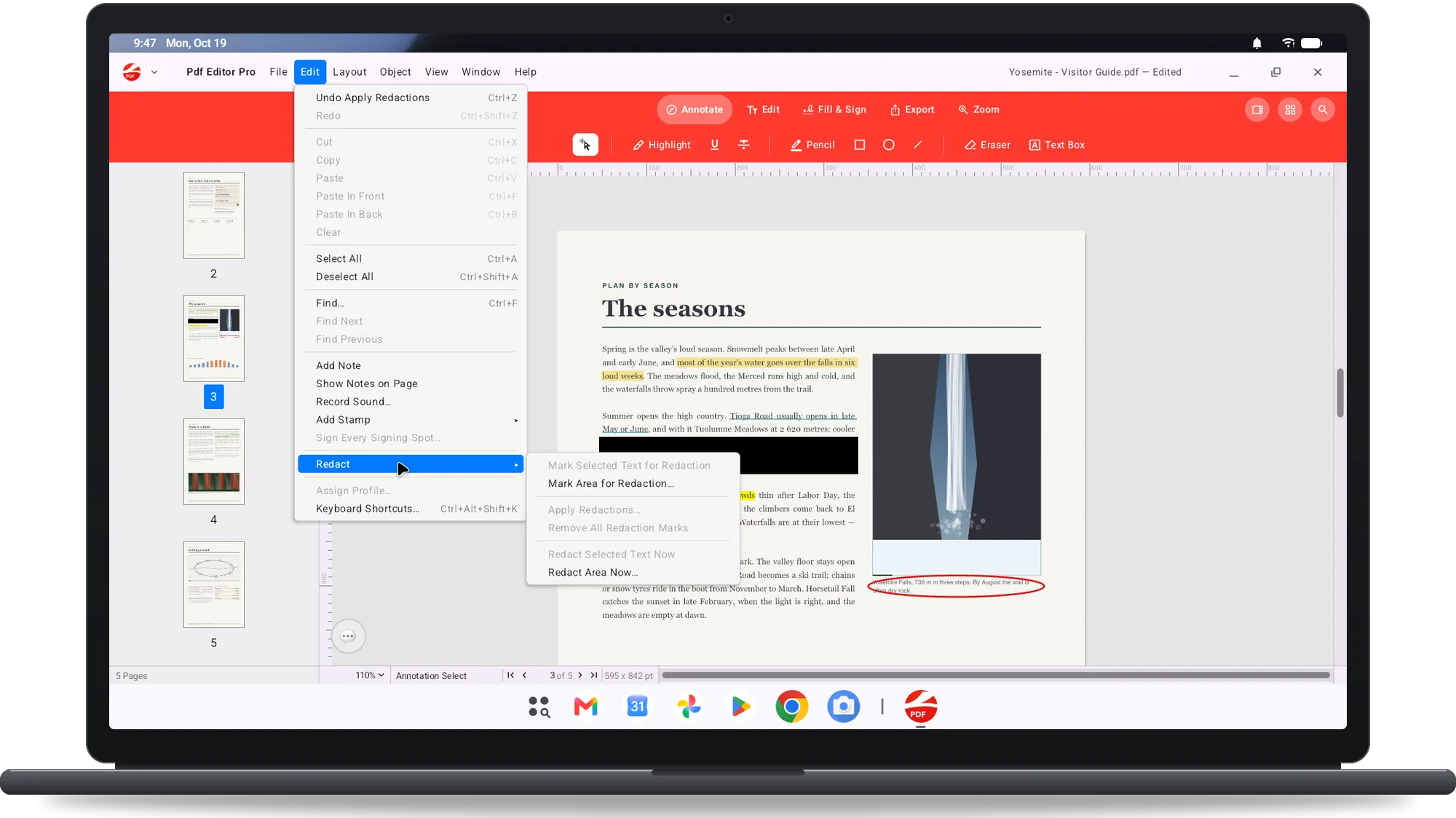
Redact for good
Mark words and apply: the hidden text is removed from the file, not covered by a box someone can drag away.
Assemble an application pack
Reorder pages in Organize Pages, insert pages from another PDF, extract, rotate and crop; add Bates numbers, headers, footers and watermarks.
Check a print file
Swatches in RGB, CMYK and spot colours; the Separations palette shows the inks a document really uses.
Send a lighter copy
Export with Compression with a before and after preview, or export PNG, JPEG and TIFF up to 600 dpi and Word (.docx).
 Soon on Google Play