Android · Phone, tablet and Googlebook

Design a logo on your Googlebook, finish it on your phone.

Design a business logo, draw an event poster or correct a Sketch or Figma file someone sent you, on a Googlebook, a tablet or a phone. Everything stays editable SVG.

Get it on Google PlaySoon on Google Play
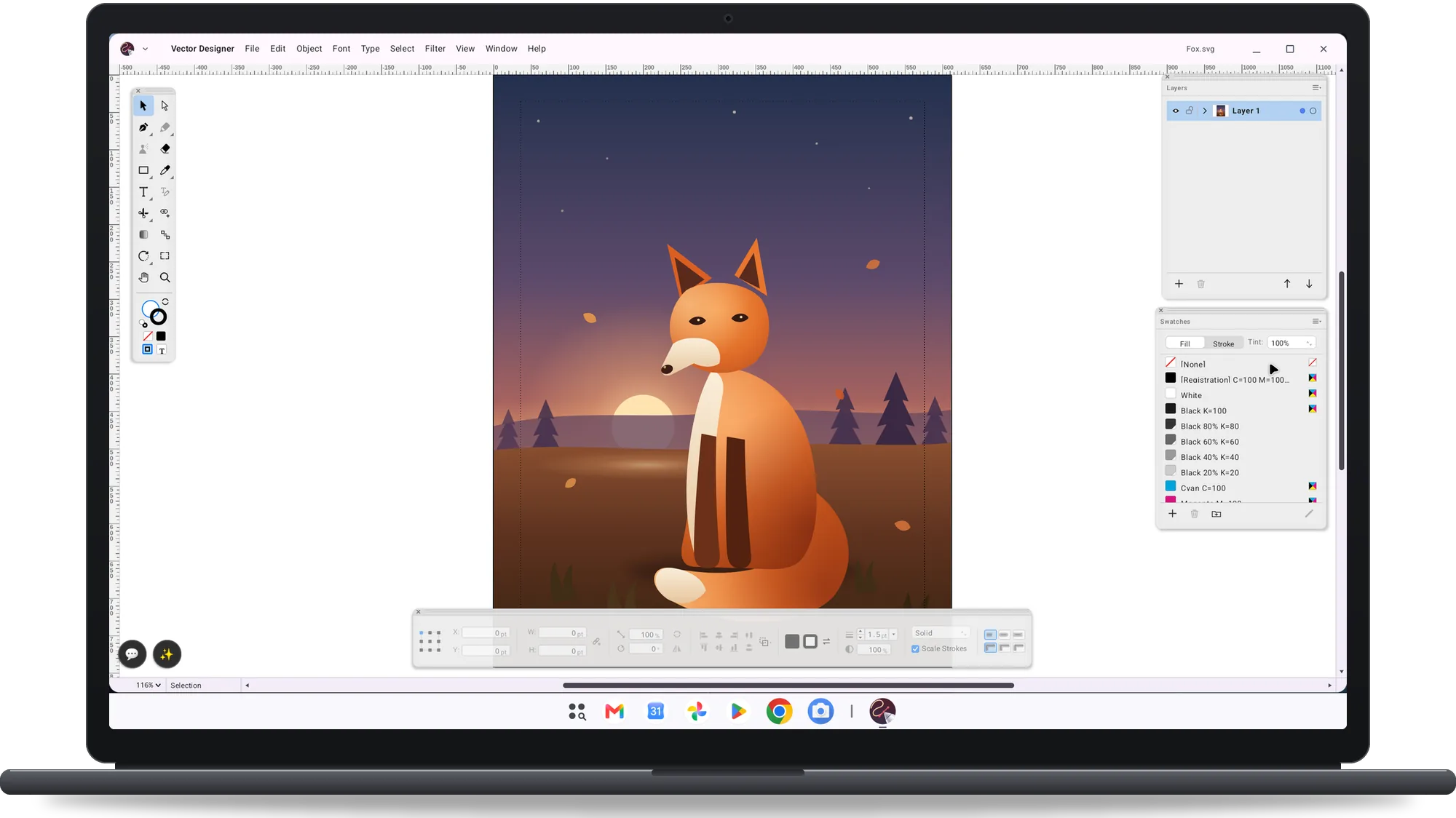
Vector Designer on a Googlebook: a fox illustration with the Swatches and Layers palettes and the Control bar
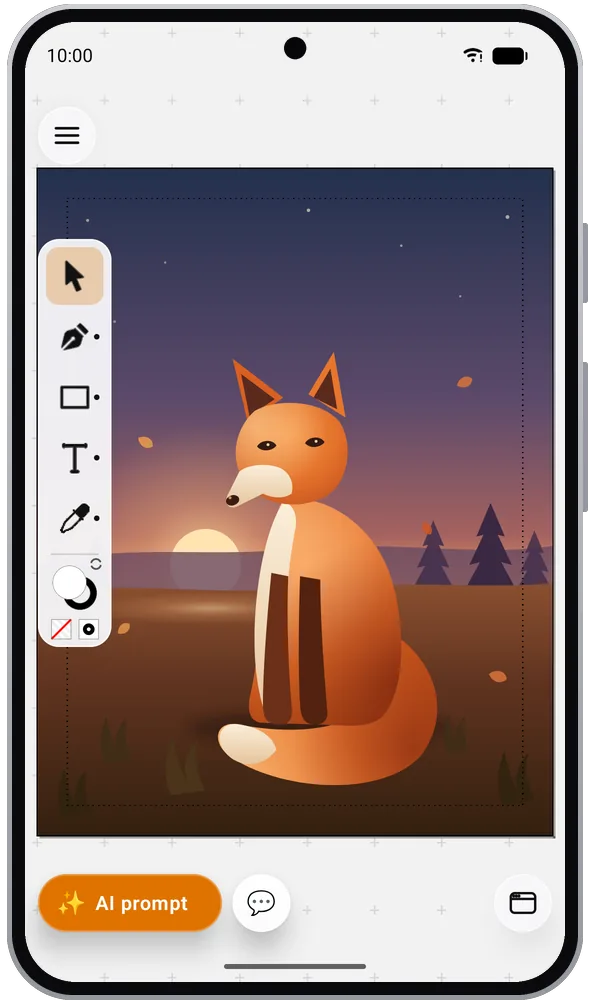
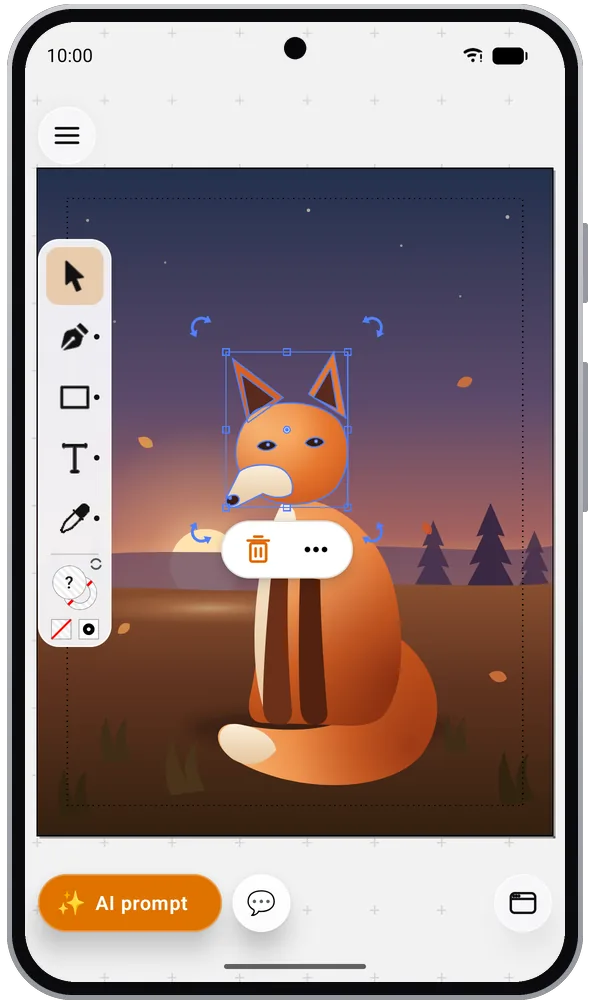
Vector Designer on an Android phone: a fox illustration with the tool strip
Phone, tablet and GooglebookAndroid desktop windows on Googlebook: floating palettes, classic menus, several windows and the desktop keyboard shortcuts. A compact layout on phones.
Requires Android 8.0 or laterFree on Google Play. Interface in English, French, German, Italian, Spanish, Dutch, Portuguese, Russian, Japanese, Korean and Chinese.
No ads, no accountNo in-app purchases. Your drawings are plain SVG files you can open anywhere.
On Googlebook

Palettes, menus and two windows side by side.

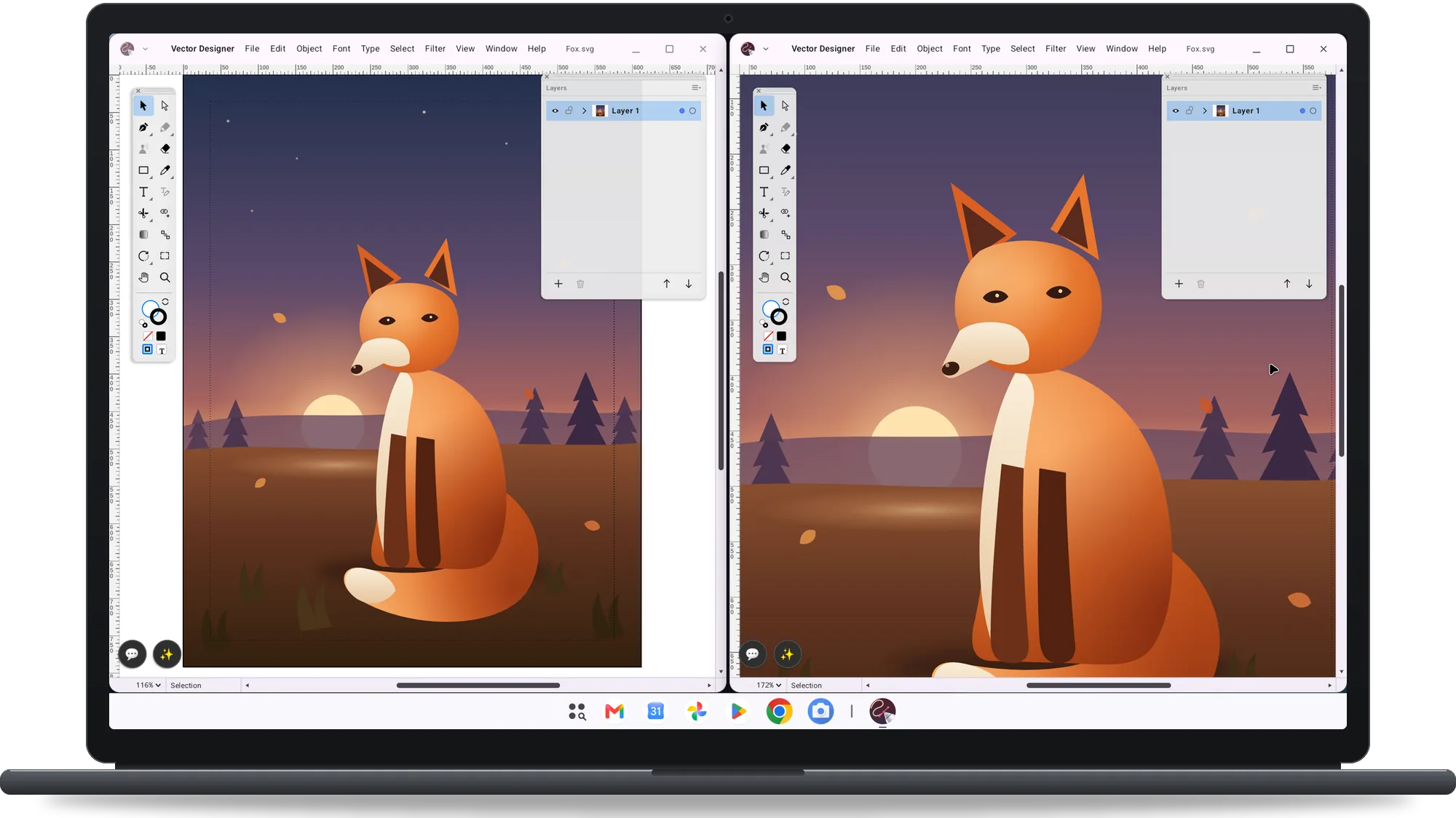
Vector Designer on a Googlebook with two document windows side by side
Two documents open in two windows
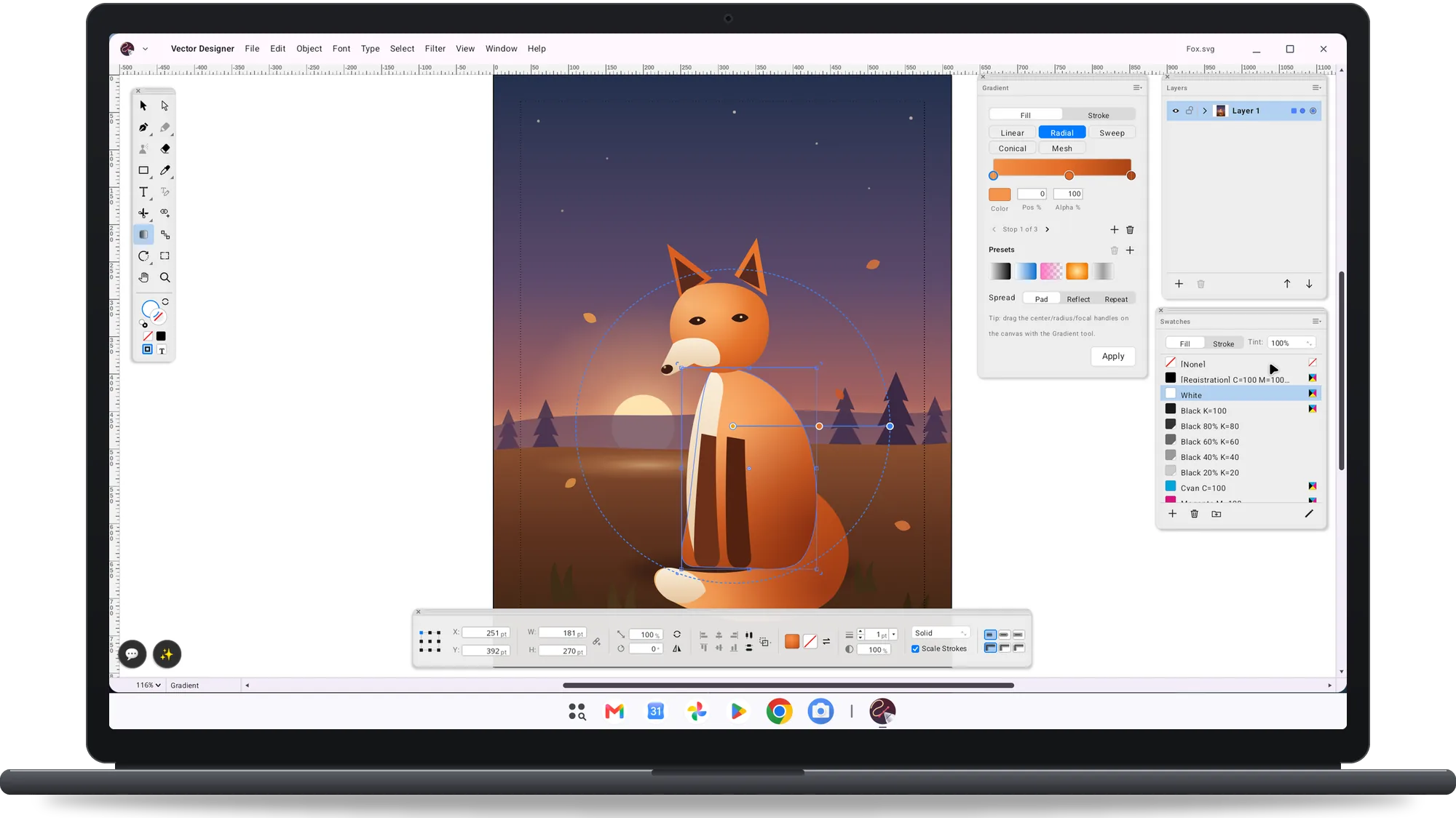
Vector Designer on a Googlebook: a radial gradient edited on the canvas with the Gradient palette open
Editing a radial gradient on the canvas
On a phone

The same drawing in your pocket.

Vector Designer on an Android phone: a fox illustration with the tool strip
The artwork fitted to the screen
Vector Designer on an Android phone: the fox's head selected with its transform handles
Adjusting a selected shape
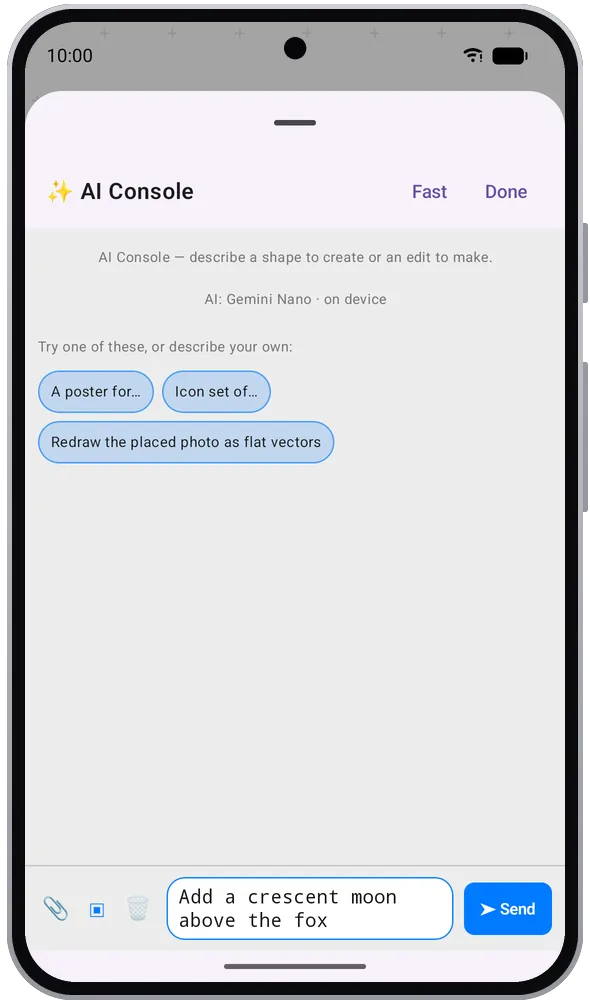
The AI Console on an Android phone with a prompt to add a crescent moon above the fox
Asking the AI Console for a crescent moon
What you get

Feature list

Design a mark for a client, correct the file they sent you or prepare a poster for the printer.

Open what a client sent you

Open a Sketch or Figma file, an .ai, EPS or PDF artwork, or a layered PSD or TIFF, as editable vectors and layers.

Draw a logo precisely

Pen and Curvature tools, live corners, Shape Builder, Pathfinder, Offset Path and Outline Stroke.

Set a poster headline

Point, area and path type, threaded text frames, live font preview and the Character and Paragraph palettes.

Trace a scanned sketch

Image Trace turns a scan or a photo into editable vectors you can clean up and recolour.

Prepare artwork for print

CMYK documents, process and tint swatches, and PDF export with marks, bleed and PDF/A.

Find the right icon

More than twenty bundled open-licence libraries, from Material Design 3 and Bootstrap to Lucide and Font Awesome Free.

Start a badge with AI

Describe it in the AI Console and get editable vector shapes back: Gemini Nano on the device where supported, or your own Claude or Gemini key.

Deliver the files

Export PNG, JPG, SVG, TIFF and PSD or a PDF per artboard, share to any app or print through Android printing.

Get Vector Designer for Android

Free on Google Play for phones, tablets and Googlebook. No ads, no account, no in-app purchases. Requires Android 8.0 or later.

Get it on Google PlaySoon on Google Play