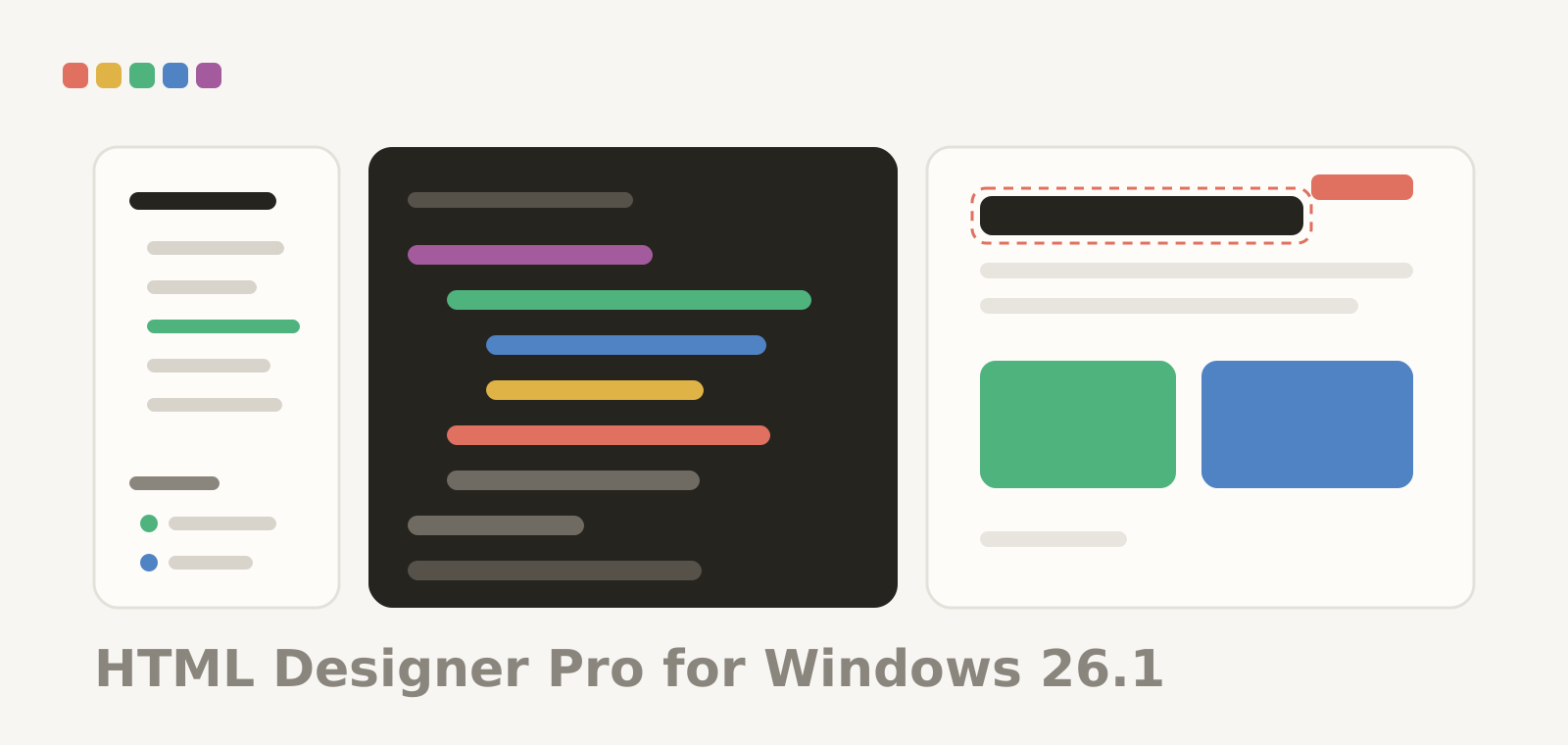
HTML Designer Pro 26.1 is on the Windows page today, as one signed installer that works on an Intel or AMD PC and on Windows on ARM: double-click it and Windows picks the right build. The same version is on its way to the Microsoft Store. It is free, there is no account, and nothing is locked behind a purchase.
It is the whole job in one window: your files on the left, the code in the middle, the page itself on the right — and the server you publish to right next to your files when you are ready to send.
The page keeps up with the code
The preview sits beside the code, or under it, and follows as you type. Point at anything in the page, pick Inspect, and you land on the exact line that drew it — a row of a table included. Pick Edit Text, change the words in the page, and the smallest possible edit goes back into the code rather than a rewritten block. There is a width for a phone, a tablet and a desktop, a zoom, and a console that shows you what the page itself is saying, so a script that fails says so instead of failing quietly.
Pages that need a server get one, served from your own machine, so links, fonts and scripts behave the way they will online. A PHP page is previewed by your own server, because that is the machine that runs it.
Writing, with the tags closed for you
HTML, CSS, JavaScript, PHP and Markdown are coloured, with the brackets you are inside lit up. Type an opening tag and the closing one appears. Type a letter and the tags, attributes and CSS properties that fit are offered. Both of those can be switched off, because an editor that types for you should ask first. Above the code, a breadcrumb says exactly where the cursor is, from <html> down to the element you are in.
One key comments a line out, moves it, duplicates it or changes its case. Another tidies the indentation of a file, or just of what you selected. Find and replace works in the file and across every file in the project — and if a replace across forty files was not what you meant, Undo Replace in Files puts them all back in one step.
Building the markup instead of typing it
There is a library of every HTML element, grouped and described, that writes the tag with its usual attributes. There are snippets you keep and drop in, a table builder that asks for the rows, the columns, the header and the caption, and a CSS panel that lists the styles the page really uses, rule by rule, so you can change a value and watch it land. A DOM tree and an inspector show you the document as the browser sees it, and one command pulls every inline SVG out of a page into files of its own — in a single undo step.
When you want a second opinion, the document can be checked against the rules of HTML or of XML, and the problems arrive as a list you click through.
Publishing without leaving the window
FTP, FTPS and SFTP, with your server shown next to your files. Every file and folder carries a badge: the same on both sides, newer here, newer there, or only on one — so you can see what needs sending before you send it. Upload, download and pull whole folders, drag between the two trees in either direction, or let Publish All take everything that changed. A transfer that breaks can be resumed, the progress is real, and the cancel button really cancels. Every success and every failure goes into a log, with the reason.
Your passwords are kept by Windows, in the same place it keeps the rest of your credentials, and never written into a project file. The first time you meet an SSH server its key is remembered, and you are told if it ever changes.
An assistant that has read your project
Ask for markup, for a style, for a fix, or for an explanation — in the panel under the code, or in a palette if you prefer it floating. It reads the files you are working on, so “make this table responsive” means this table. Bring your own key if you have one, or use the channel that comes with the app and start straight away, free and without an account.
When it writes files for you, a copy of every file it replaces is put aside first and one step undoes the lot. A file whose copy could not be written is left alone, and it tells you which one: an undo that is promised and not there is worse than no promise at all.
And it works the other way round too. Switch on external control and an assistant such as Claude, Codex or VS Code can work in the project with you — opening documents, searching and replacing, inserting elements, reading and editing the tree, connecting to your server and publishing. It goes through the same machinery the menus use, so everything it does undoes the same way.
What this release does not do
Said plainly, because a list of features is only half the truth. There is no code folding; the breadcrumb, the outline and the DOM tree are how you move through a long file here. The ten palettes float and remember where you put them, but they do not dock. The Inspector takes you to an element rather than editing its attributes for you. There is no broken-link report, no .ftpignore, and saving a file does not upload it: what goes to the server goes because you sent it. And there is one connection to one server at a time — two project windows share it, and closing the window that opened it closes the connection. All of that is on the Windows page, by name.
Copies installed from this site keep themselves up to date: when a new version is out the app says so, downloads it, checks its signature and installs it. Store copies are updated by the Store. Tell us what breaks and what is missing through Help › Send Feedback… or on Discord — the first release is the one where that matters most.