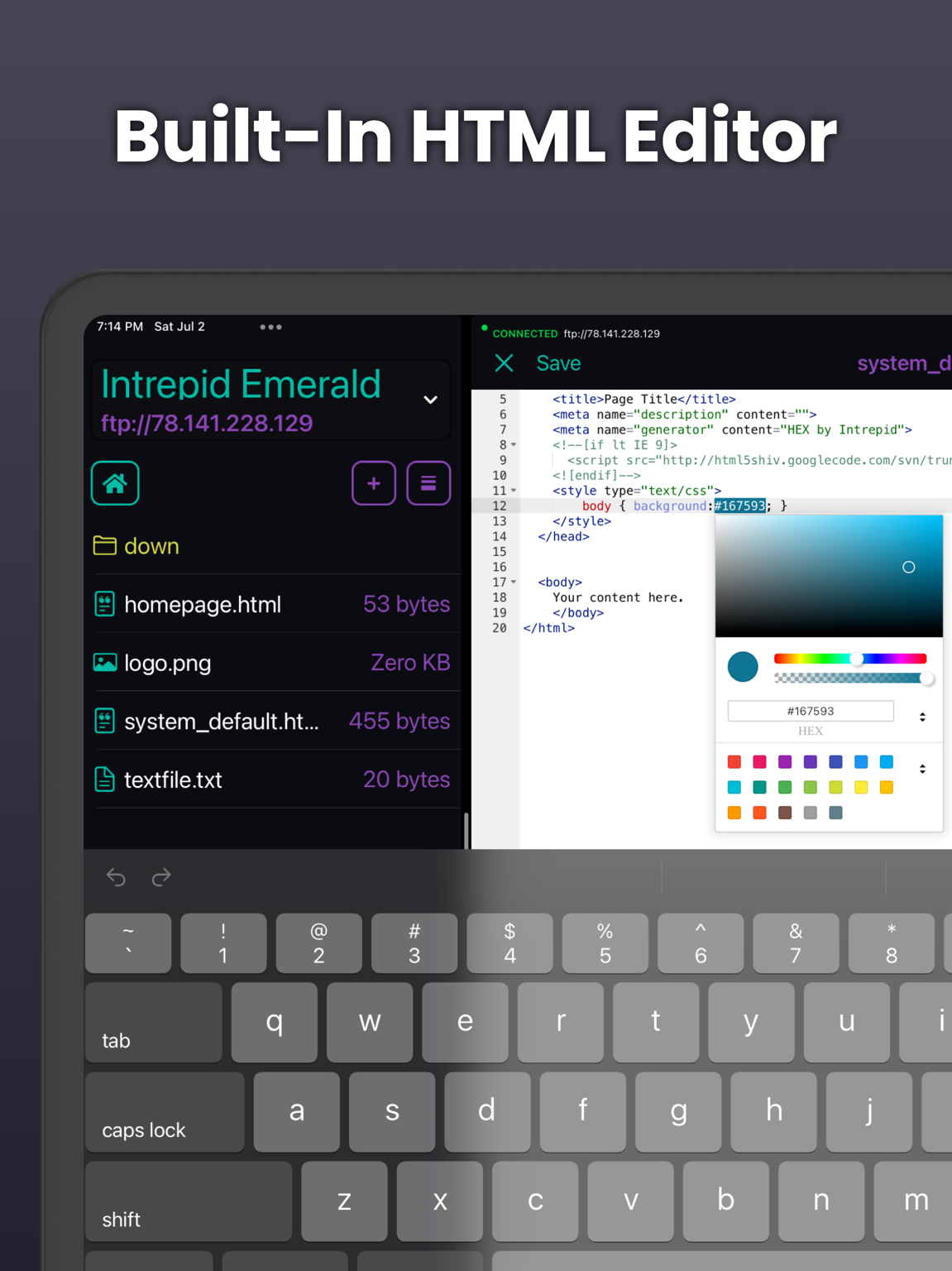
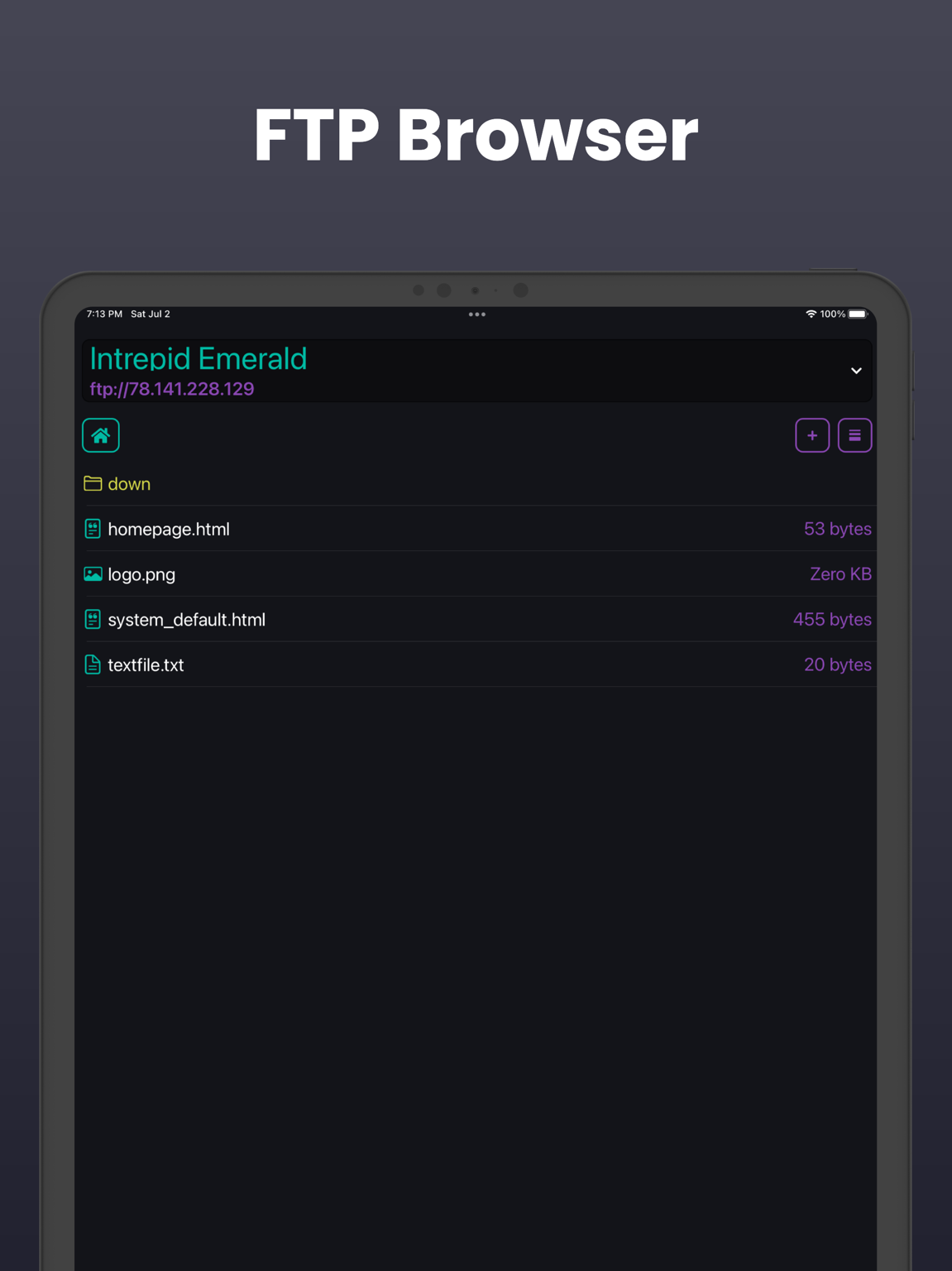
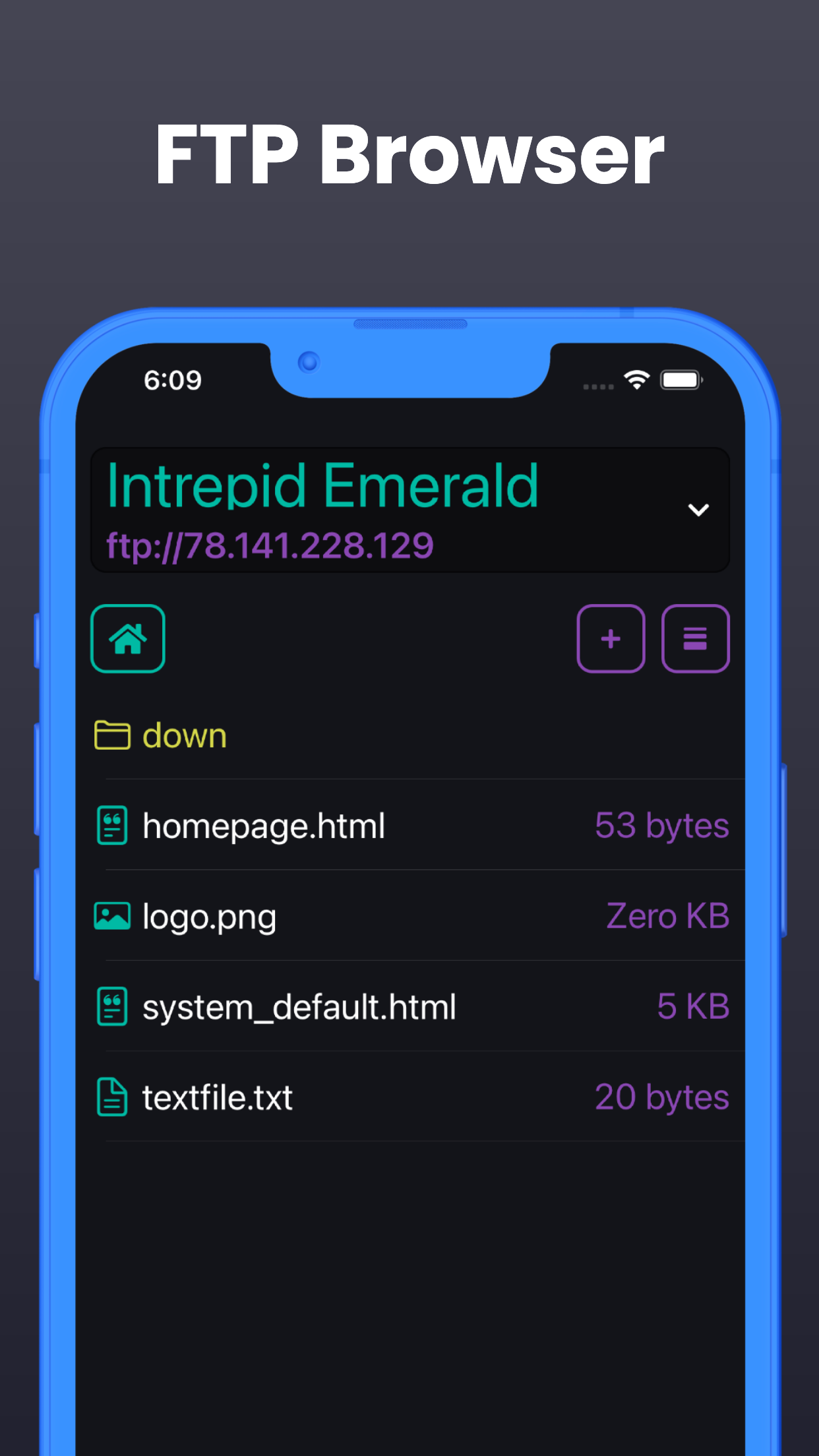
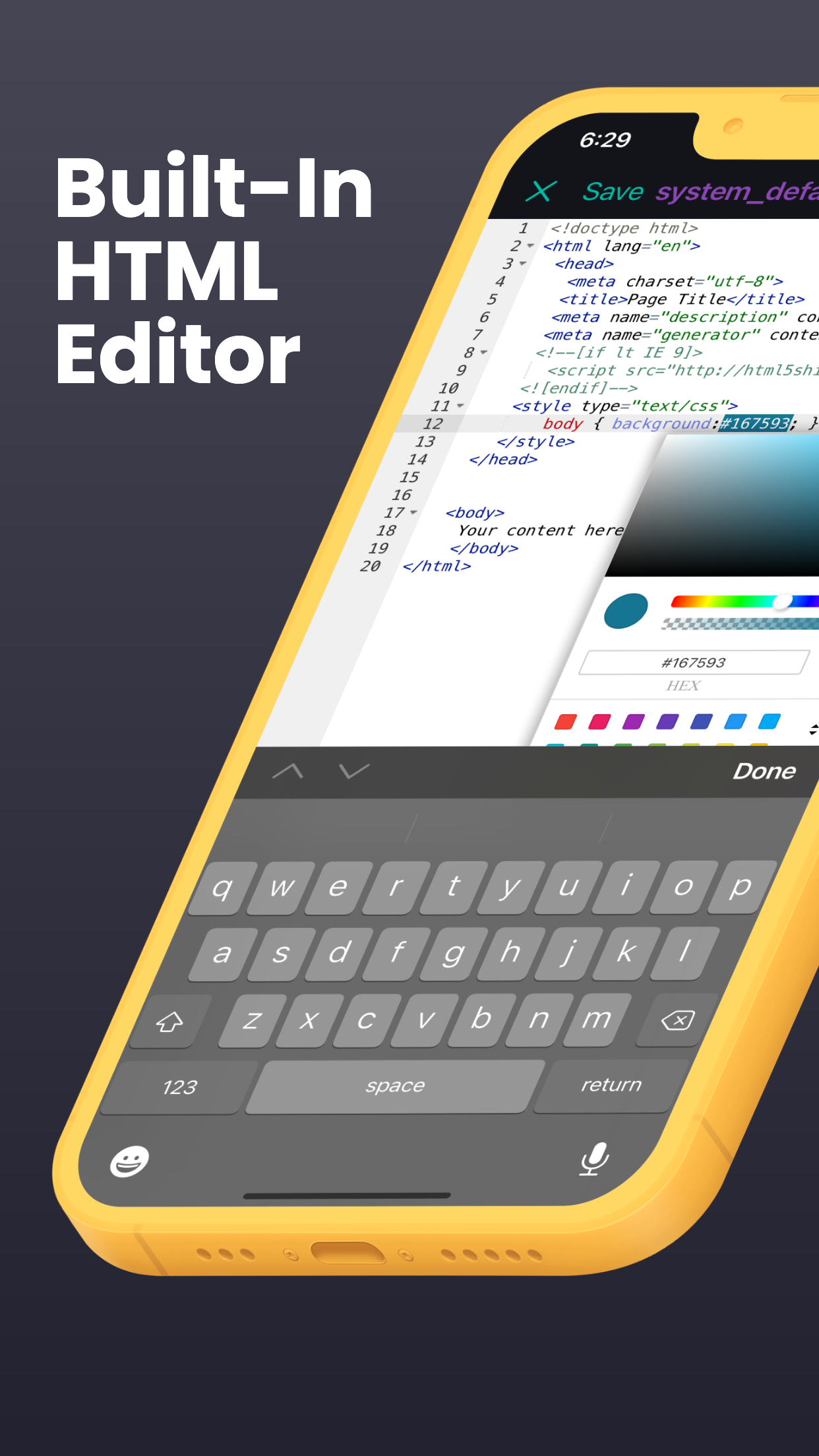
Use the current iPad and iPhone app for small website edits and file transfers.
Connect to your hosting, open the page with the old contact details, edit it and upload the correction.
Learn more →Find the heading, link or style rule in the source and make the update.
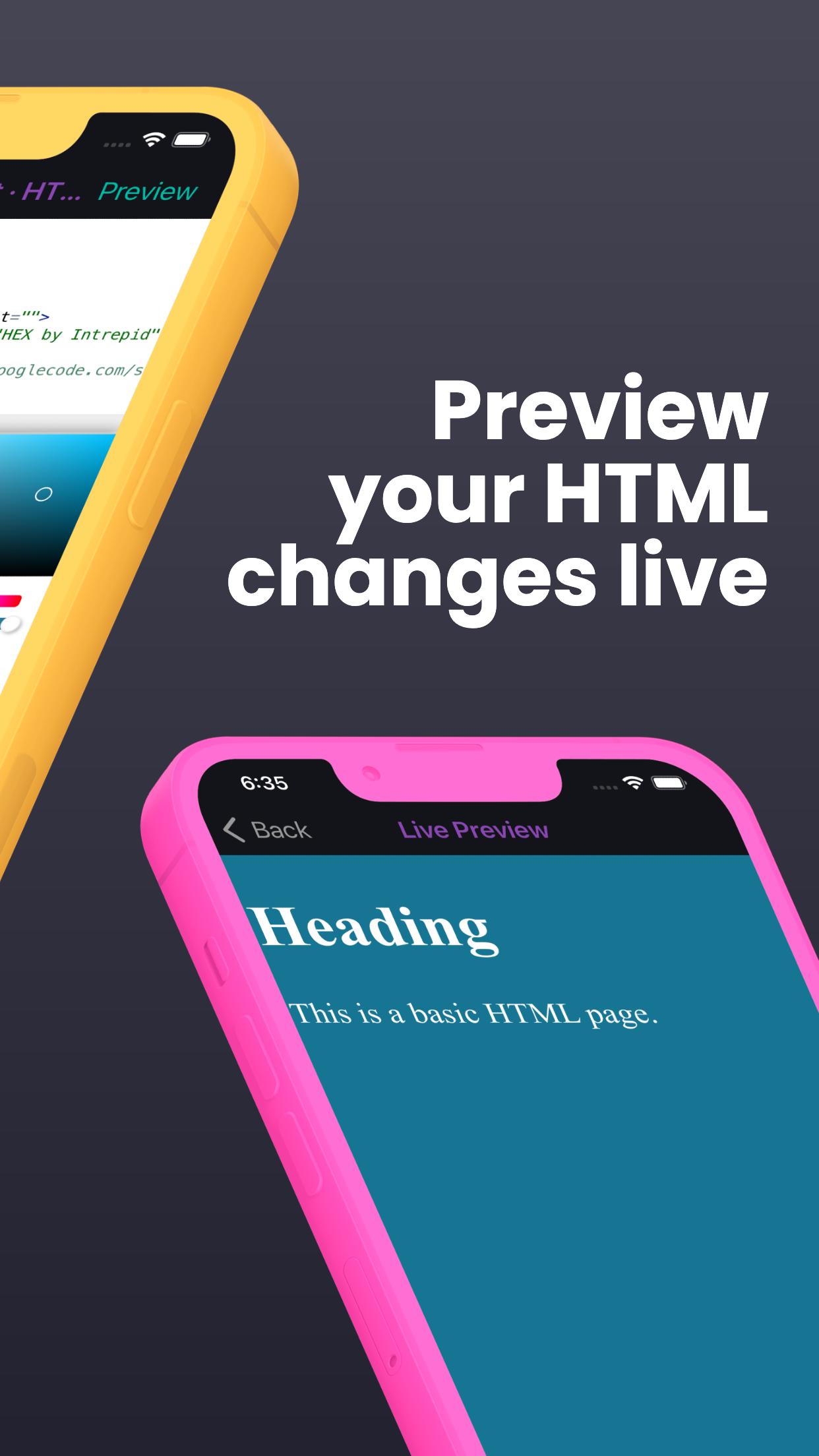
Learn more →Check that the new wording or image looks right in the rendered page.
Learn more →Correct a typo or opening time while you are away from your Mac, then upload and check the live page.
Learn more →Use the Mac workspace when you need the full project, visual inspection and AI tools for a larger change.
Learn more →Keep the website in ordinary source files so you can continue the project on your Mac.
Learn more →