Android · Phone, tablet and Googlebook

Lay out a magazine, a book or a brochure on your Googlebook.

Lay out magazines, books, catalogs, brochures and flyers, from a single page to hundreds. Master Page opens and saves IDML files as they are, so a layout made elsewhere keeps its pages, styles and links. No account, no ads, no in-app purchases: download it and open your first layout.

Get it on Google PlaySoon on Google Play
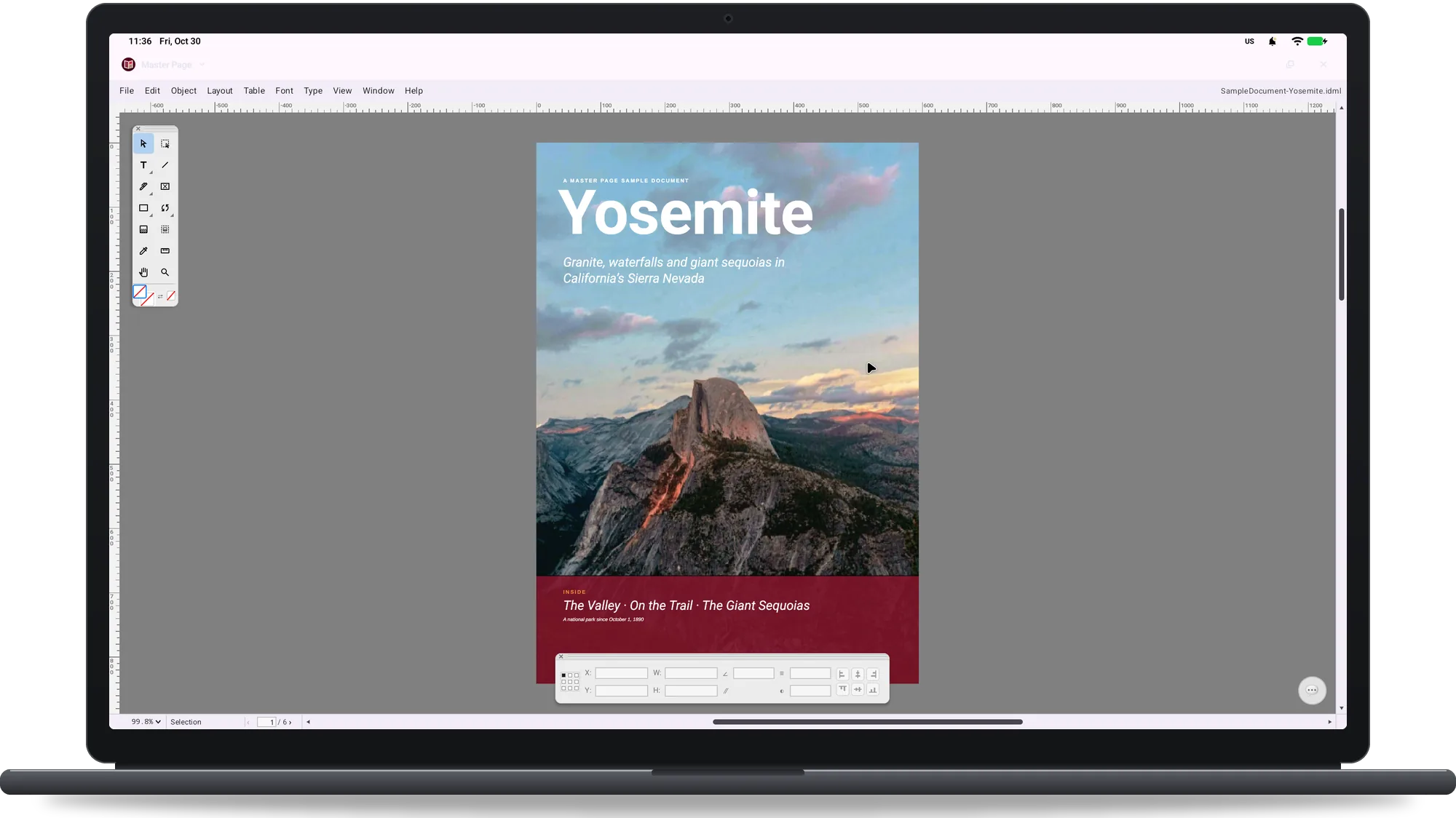
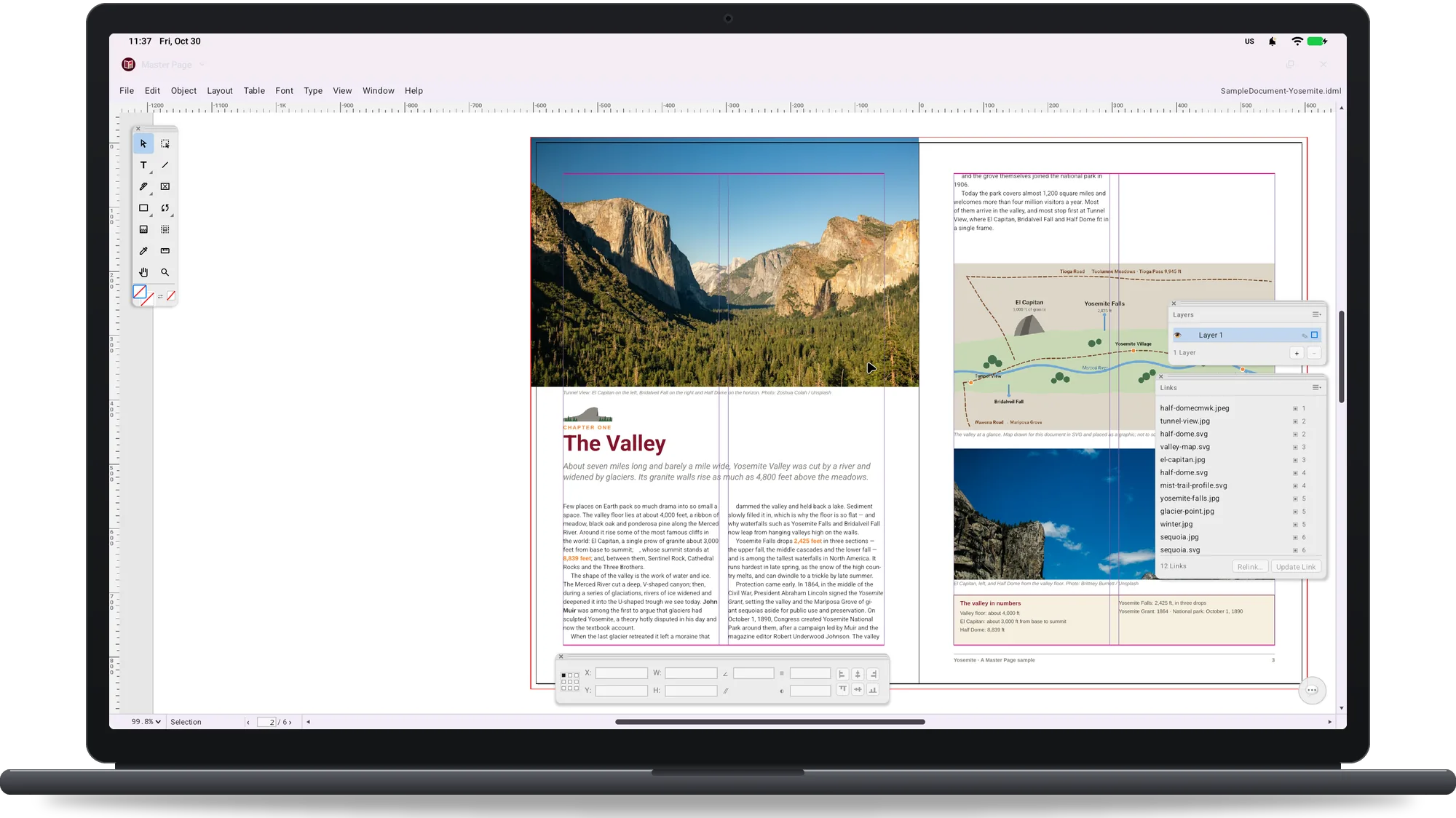
Master Page on a Googlebook: the cover of a Yosemite magazine on the page, with the menu bar, the Tools palette and the Control panel
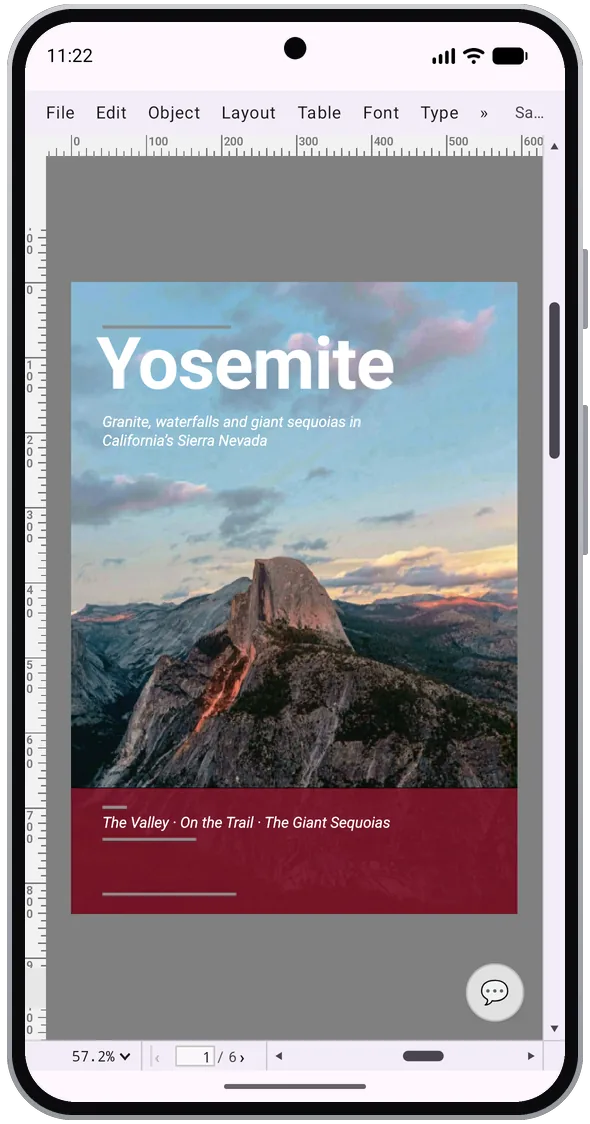
Master Page on an Android phone: the cover of a Yosemite magazine with the menu bar and rulers
Phone, tablet and GooglebookMade for a Googlebook or a large tablet with keyboard and mouse: a full menu bar, floating panels and one window per document. On a phone, the same workspace at a smaller size.
Requires Android 8.0 or laterFree on Google Play. Interface and online help in English, French, German, Italian, Spanish, Dutch, Portuguese, Russian, Japanese, Korean and Chinese.
No ads, no accountNo in-app purchases and no account with us. Layouts are saved as IDML; open IDML, ICML, IDMS, book and SVG files from your file manager or a cloud drive.
On Googlebook

Menus, panels and the whole spread, in a desktop window.

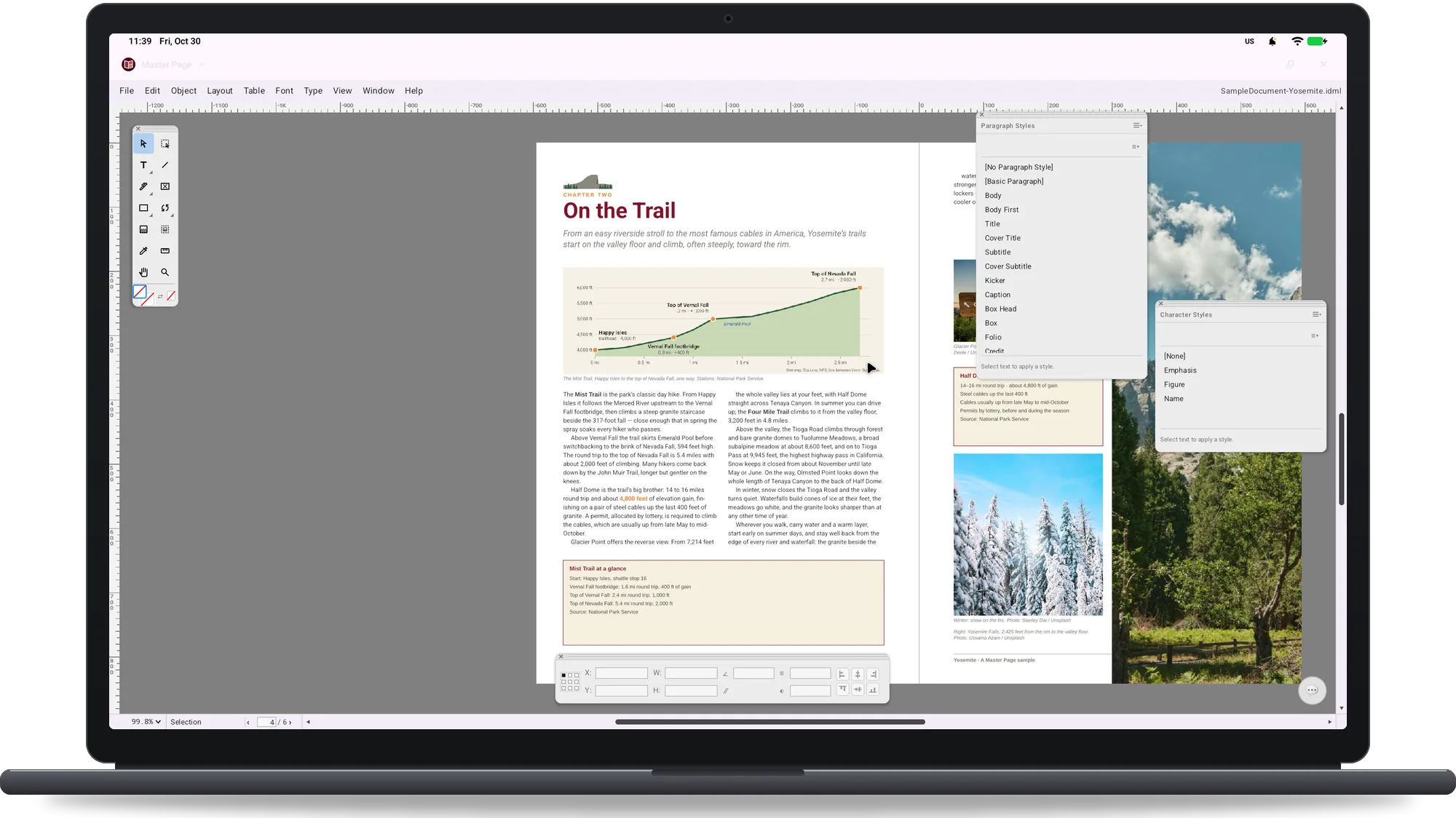
Master Page on a Googlebook: a magazine spread with an elevation chart and the Paragraph Styles and Character Styles panels
Paragraph and character styles for a long document
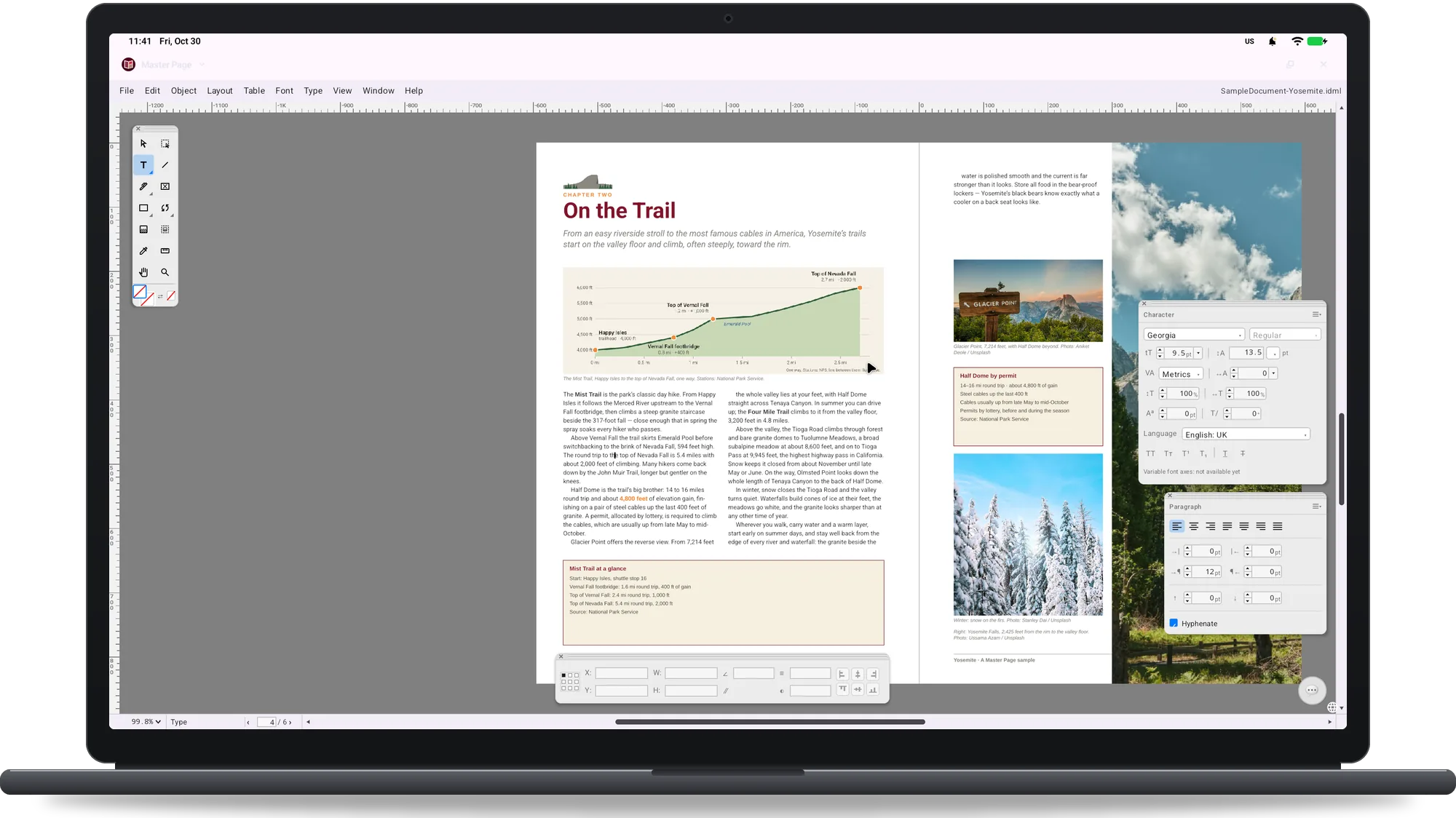
Master Page on a Googlebook: the cursor in a text column with the Character and Paragraph panels open
Font, size, leading, tracking and hyphenation
Master Page on a Googlebook: margins, columns and frames of a magazine page with the Layers and Links panels
Margins, columns and frames, with Layers and Links
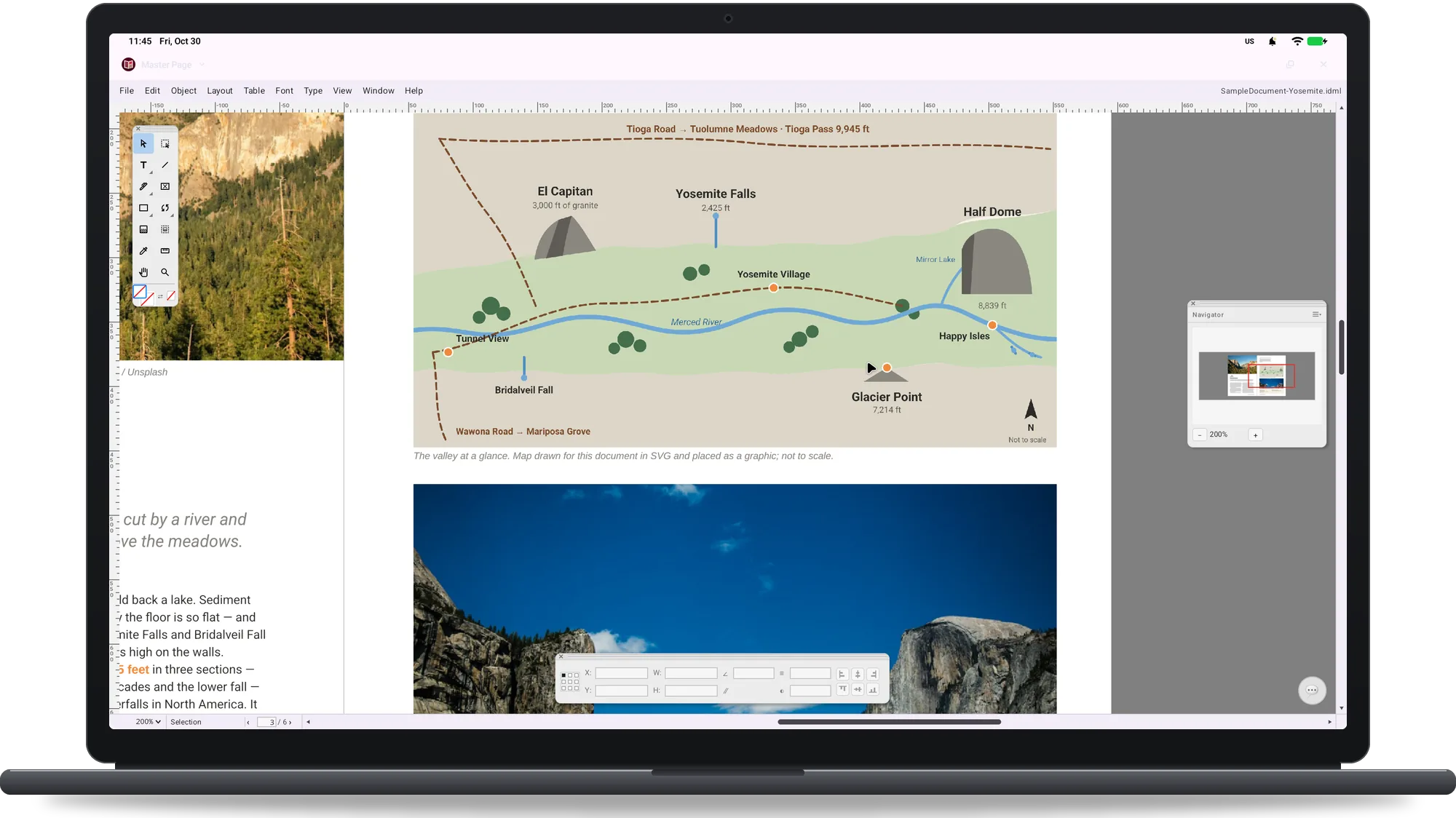
Master Page on a Googlebook: a page zoomed to 200 percent with the Navigator panel showing the whole page
The whole page in the Navigator while you zoom in
On a phone

Check a layout away from your desk.

Master Page on an Android phone: the cover of a Yosemite magazine with the menu bar and rulers
The same menus on a phone
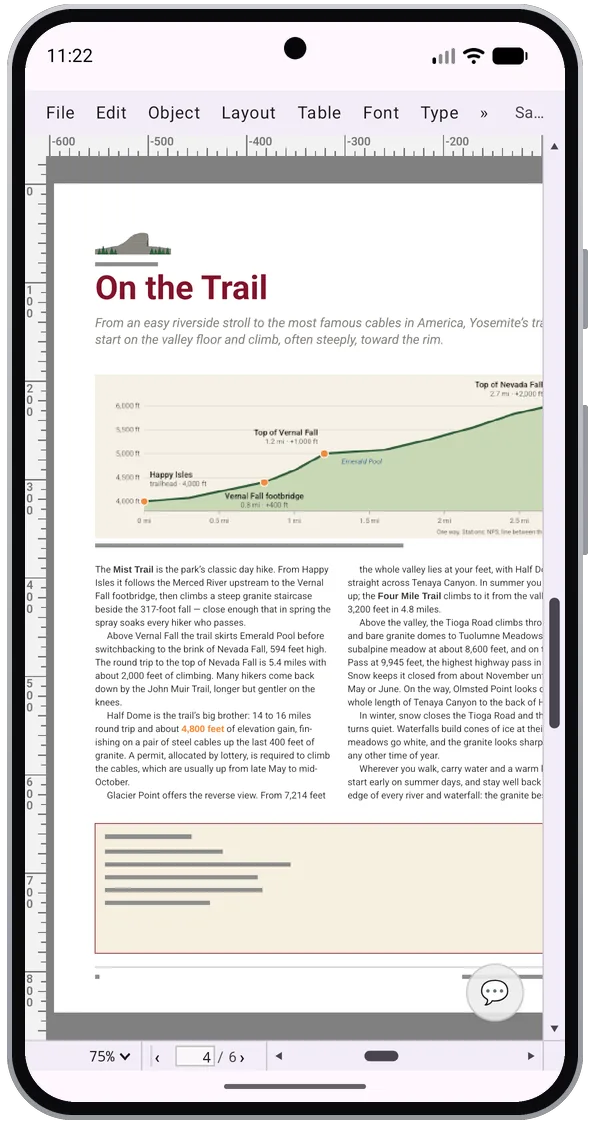
Master Page on an Android phone: a magazine page with a headline, an elevation chart and two columns of text
A page of the magazine at 75 percent
What you get

Feature list

Lay out a magazine, flow a long article, build a catalogue, check the colours for print and send a PDF to the printer.

Lay out pages and spreads

The Pages panel adds, moves and duplicates pages and spreads, single or facing. Margins and Columns, Bleed and Slug, rulers, guides, the Baseline Grid and layout grids.

Repeat headers on every page

Master pages with their own items, master pages based on other master pages, and master items you can override on a single page.

Flow a long article

Text frames threaded across pages and columns, Type on a Path and vertical text, the Story Editor, Find/Change for text, GREP, glyphs and objects, and Text Wrap around frames, shapes and images.

Keep headings and text consistent

Paragraph, Character and Object Styles; the Character and Paragraph panels with every font on your device, plus the Master Font Collection: 49 font families with open licences, included. Hyphenation, justification and spell checking with the Android dictionaries.

Set Japanese and Chinese

Vertical text, kinsoku sets, composite fonts and frame grids.

Build tables and product pages

Tables with header and footer rows, merged and split cells, strokes and fills for every cell. Place JPEG, PNG, PSD and PDF files, linked or embedded; the Links panel shows missing files to update, relink or embed.

Check the colours before print

Swatches in CMYK and RGB, spot colours, tints and gradients; Separations Preview and Overprint Preview; Preflight while you work, with profiles for missing fonts and links, overset text and more.

Make a book or a catalogue

Books that keep the styles and swatches of several documents in sync; Table of Contents, Index, Hyperlinks and Bookmarks; Data Merge from a CSV file.

Send it to the printer

Export a PDF of all pages or a range, as spreads, with bleed and CMYK output; print through Android; Package collects the document, its fonts and its linked images in one folder.

Automate the routine

Scripts in JavaScript with a Scripts panel and a Script Console. The optional AI Console: Gemini Nano on the device where Android offers it, or your own Claude or Gemini key, never through our servers; nothing is sent unless you use it.

Get Master Page for Android

Free on Google Play for phones, tablets and Googlebook. No ads, no in-app purchases, no account with us. Requires Android 8.0 or later.

Get it on Google PlaySoon on Google Play