iPadOS & iOS · Universal purchase

Lay out a brochure, a newsletter or a book.

Set up the pages on your iPad or iPhone, flow the story across columns, place the photos and export a PDF ready to share or print. IDML files open and save natively, and only the parts you changed are rewritten.

Download on the App Store
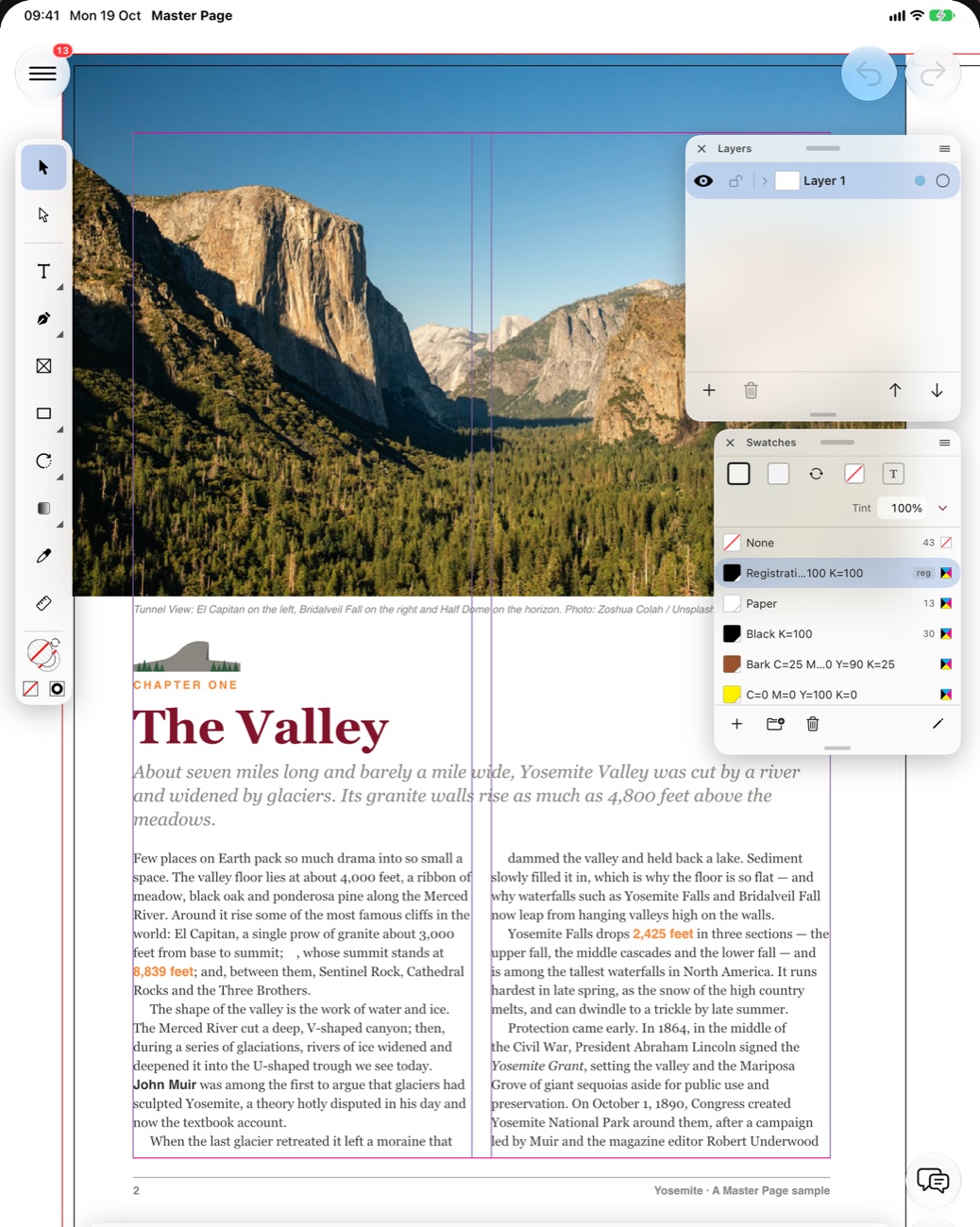
MasterPage on iPad: a magazine page with a photo and two columns of text, the tools on the left and the Layers and Swatches palettes floating on the right
Requires iOS 17.3 or lateriPhone, iPhone Duo and iPad. Current App Store version 27.0.
Universal purchaseSame App Store listing as the Mac app.
FreeFree on the App Store.
On iPad

Floating palettes beside the page.

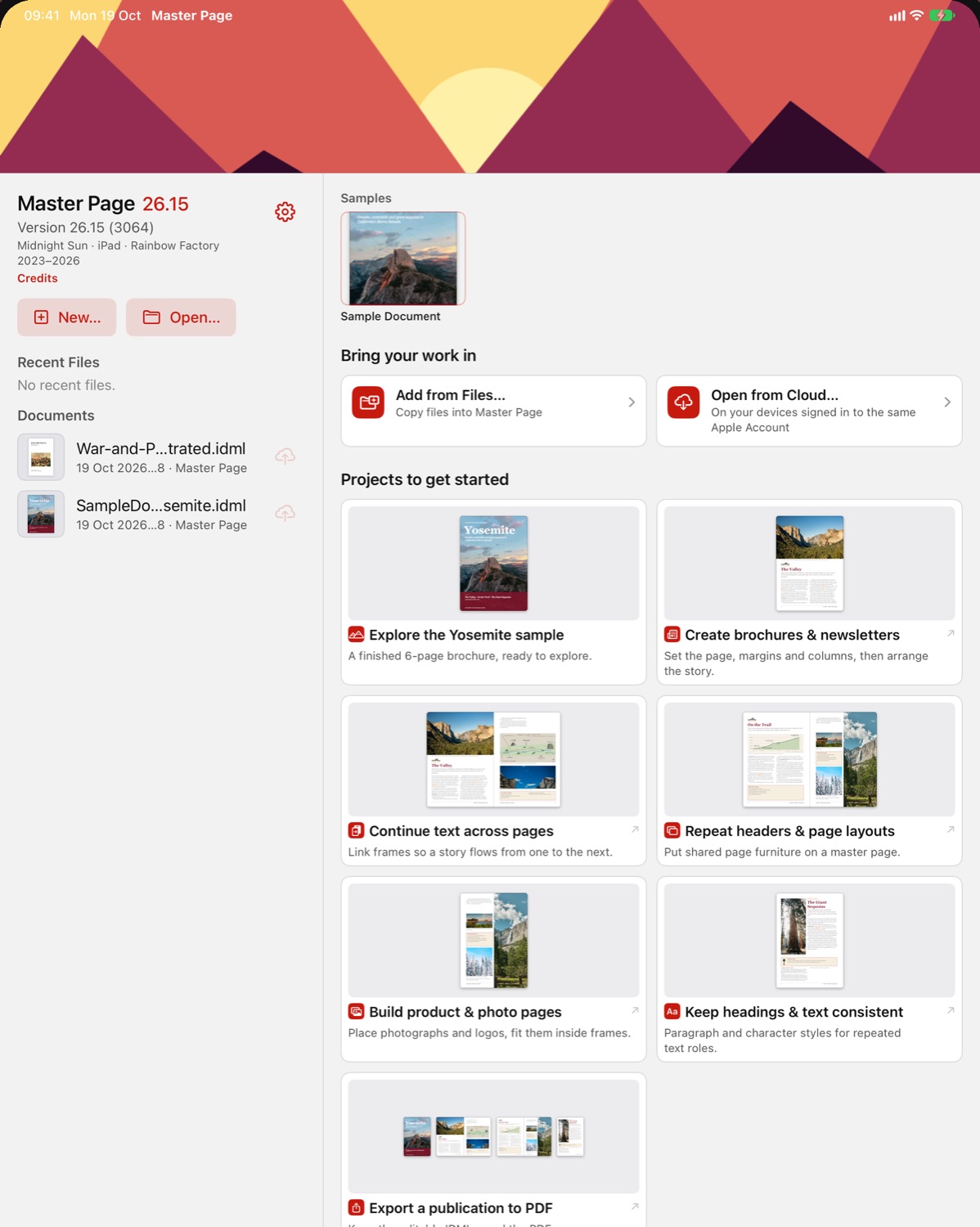
The MasterPage home screen on iPad with the sample document and the projects to get started
Samples and projects to start from
A magazine page with the Layers and Swatches palettes floating beside it
Layers and Swatches over the page
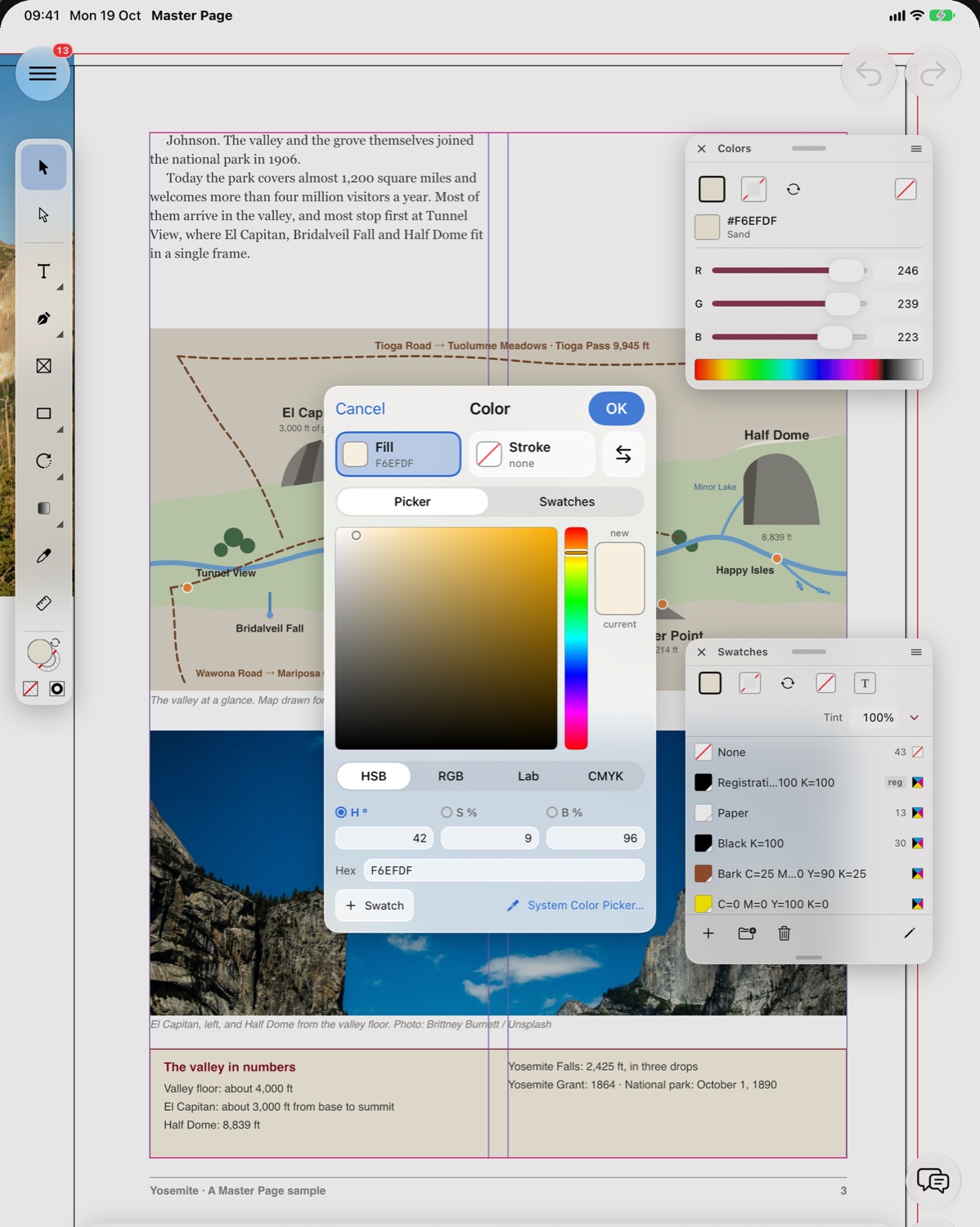
The colour picker over a page with a map, next to the Colors and Swatches palettes
Fill colour in HSB, RGB, Lab or CMYK
On iPhone

A compact layout on iPhone.

On iPhone Duo, the open display shows every tool group in the toolbar at once, and the shared chat adapts to both displays.

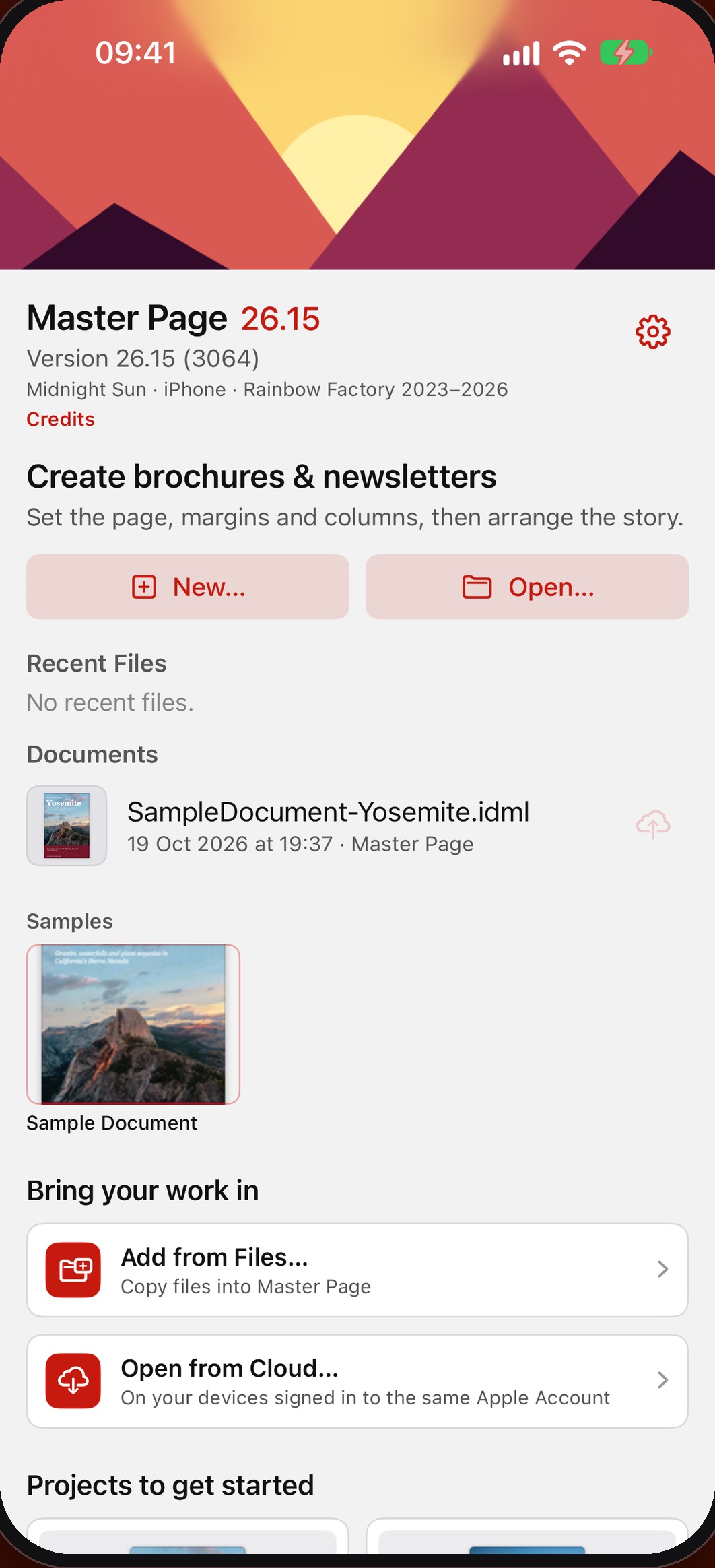
The MasterPage home screen on iPhone with New, Open, a recent document and the sample
Recent documents and samples
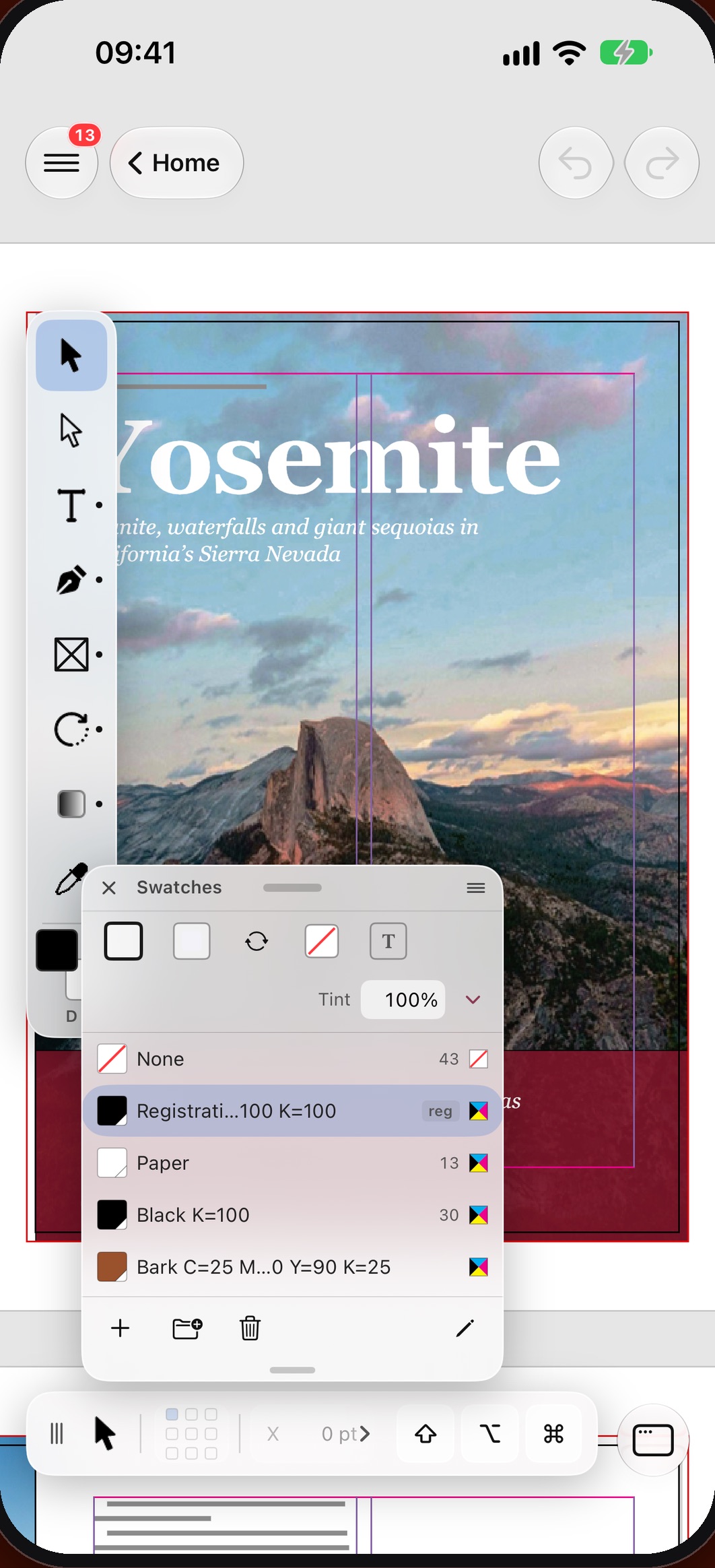
A brochure cover on iPhone with the tools on the left and the Swatches palette open
Swatches over a cover
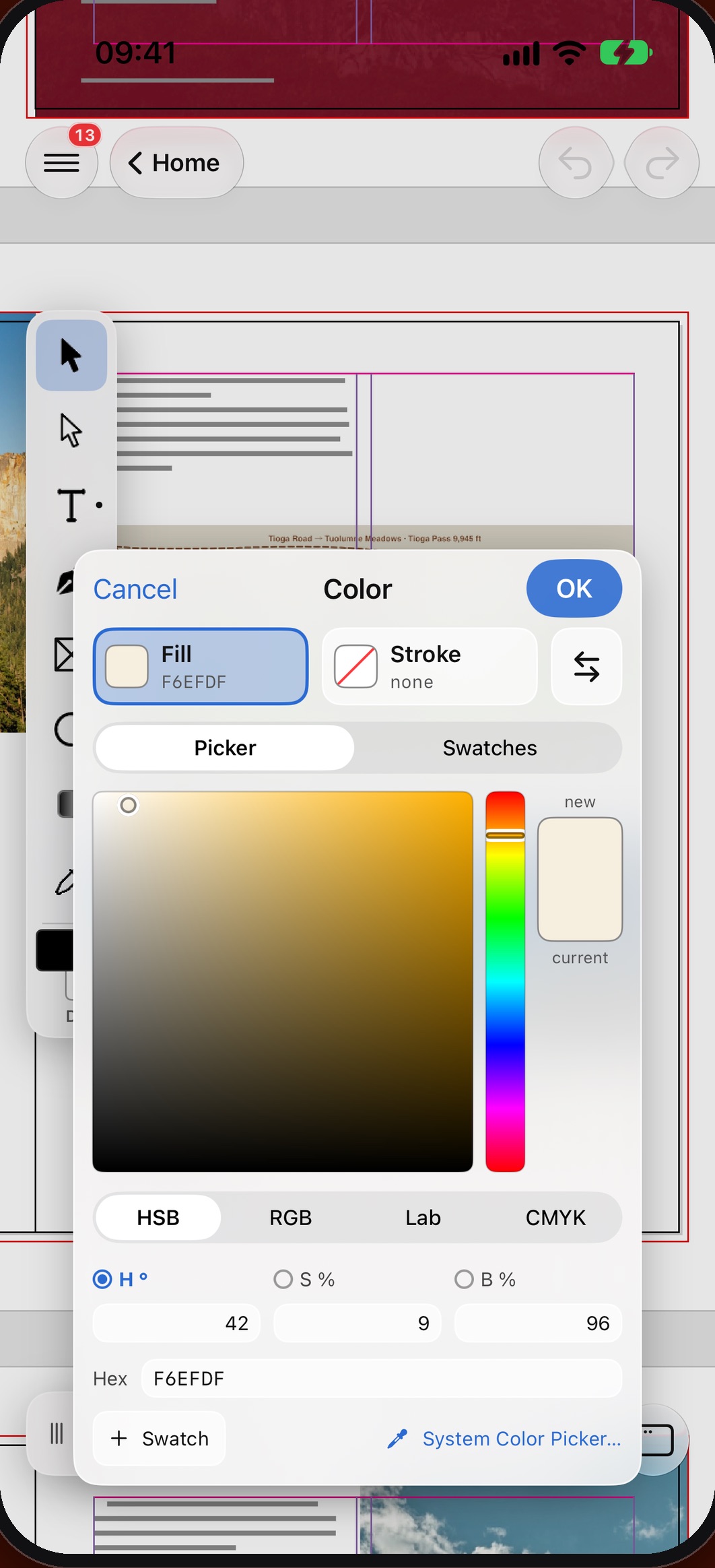
The colour picker on iPhone with the fill and stroke of the selected frame
Fill colour
What you get

From the first spread to the printer

Plan the pages, run the text, place the pictures and check the file before it goes out.

Set up the pages

Choose the page size, margins, columns and bleed, then add, move or duplicate pages from the Pages palette.

Learn more →

Repeat headers and page numbers

Put the header, footer and page number on a master page and apply it only to the pages that need it.

Learn more →

Run a story across pages

Thread text frames so an article flows through columns and pages; overset text is flagged.

Learn more →

Keep headings consistent

Paragraph, character and object styles keep every heading and caption alike, and Find/Change with GREP fixes a term everywhere.

Learn more →

Place the photos

Fit photos and artwork inside their frames and keep track of them in the Links palette.

Learn more →

Build a long document

Add a table of contents, an index, hyperlinks and bookmarks to a book or a catalogue.

Learn more →

Send it to print

Preflight for missing links and overset text, export a PDF, or Package the layout for the printer.

Learn more →

Continue on the Mac

Pick up the layout on the Mac through iCloud Drive or Handoff.

Learn more →

Get MasterPage for iPad & iPhone

Requires iOS 17.3 or later.

Download on the App Store