Vector Designer 26.14 for Windows is on the Windows page today, for x64 and for Windows on ARM, and it reaches existing copies through Help › Check for Updates. The same build is on its way to the Microsoft Store. This post gathers what changed since 26.11, the last version the Store shipped.
Steadier and quicker
The app no longer crashes when you close it with a document open. Panning moves the picture instead of redrawing it, and the selection outline no longer repaints the whole window, so big illustrations stay smooth while you work. You can open several documents at once, each in its own window, and an untouched document is no longer marked as modified.
New on the canvas
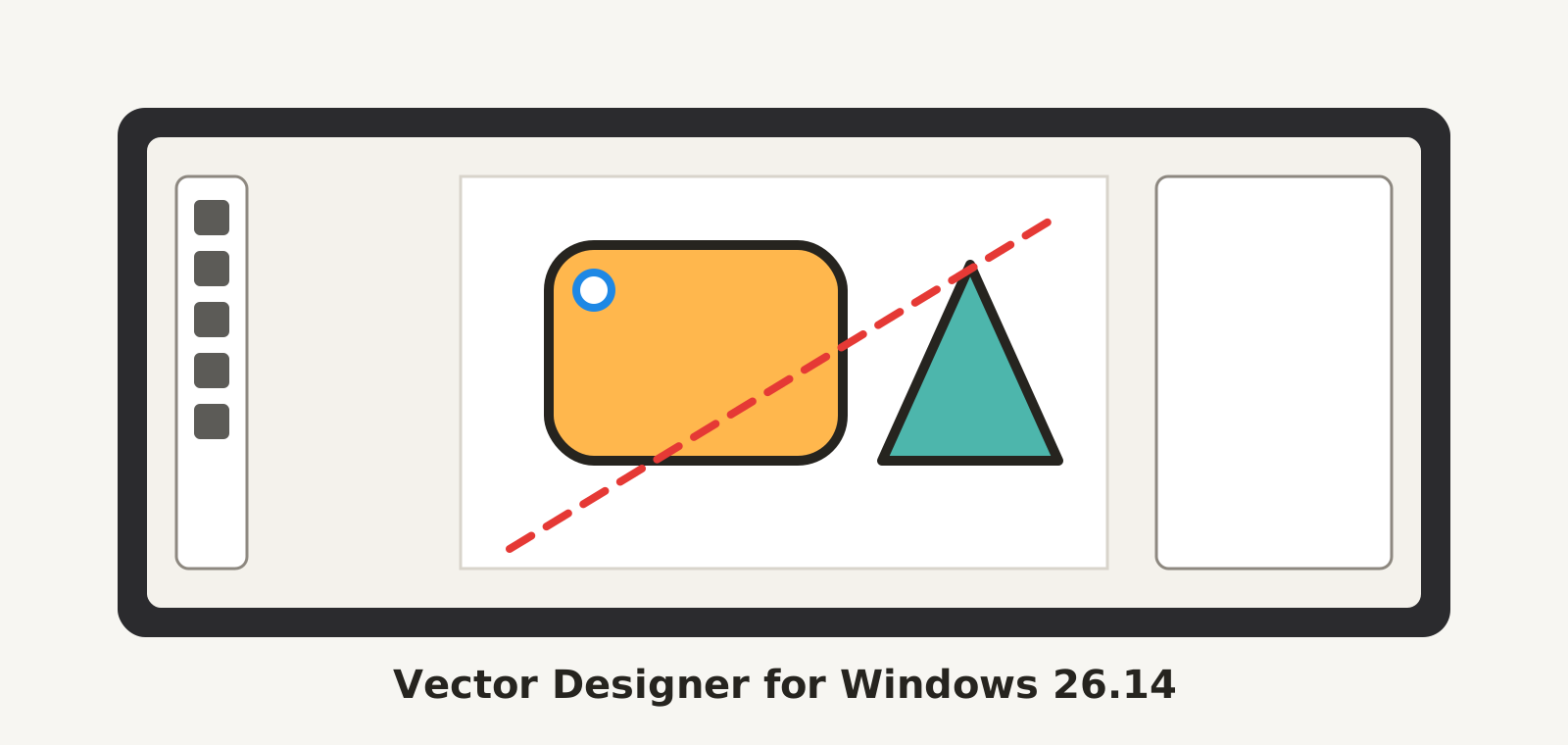
The Knife, in the Scissors slot, cuts a filled shape along a freehand line and keeps both pieces. While you drag out a polygon or a star, the Up and Down arrows change the number of sides or points; the same keys set the corner radius of a rounded rectangle, and the Control bar shows a Corner field for the rectangles you select. Live corners: drag the small circle on a selected rectangle to round its corners by eye.
The workspace around the page can be light, dark or a colour of your choice, from Options › General or the canvas right-click menu. The toolbox wears a redrawn set of icons, and the Control bar opens next to the Tools at first launch, so nothing important is hidden the first time you start.
From your reports
Right-click on the canvas opens the context menu. Ctrl+Shift+G ungroups. Delete removes a selected guide. Object › Expand turns text into outlines. A group's colour reaches its letters and a text stroke is visible. A gradient stop takes the colour from any palette without moving the gradient. The font list can be searched, and a family that is not installed shows its styles anyway. Align Stroke and Knockout are saved in a standard form other programs can read. Undo tells the truth about a layer's eye and lock. Send Feedback accepts short videos, compressed by the app before they leave your computer.
Most of these came in through Help › Send Feedback. Keep them coming: every report is read, and the ones we fix are listed in the next post.