iPadOS & iOS · Universal purchase
Draw a logo or edit a sketch on the go.
Create a simple logo, adjust a vector drawing or revise a piece of artwork on your iPad or iPhone. Save the SVG to continue working with it on another device.

Create a simple logo, adjust a vector drawing or revise a piece of artwork on your iPad or iPhone. Save the SVG to continue working with it on another device.
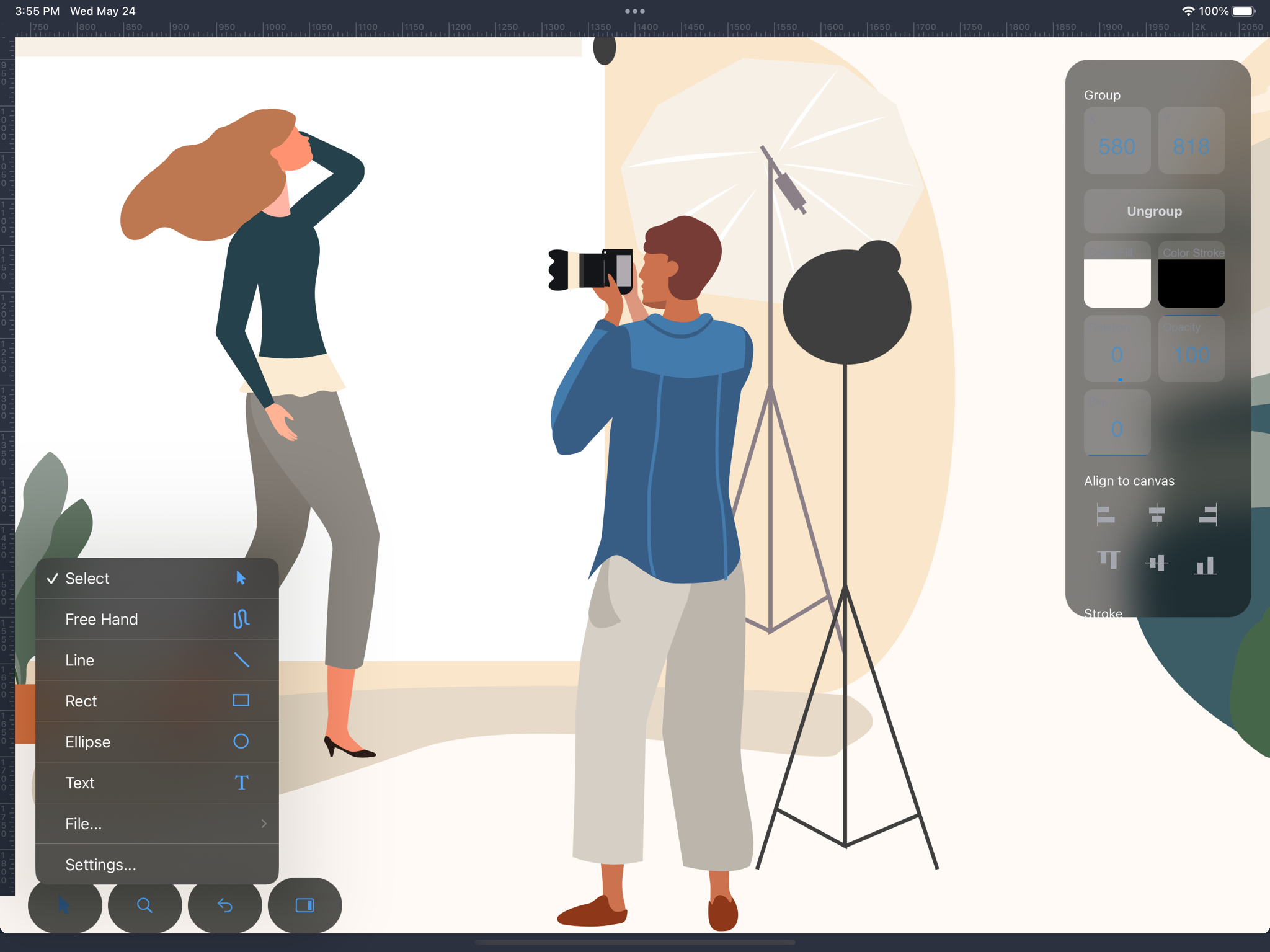
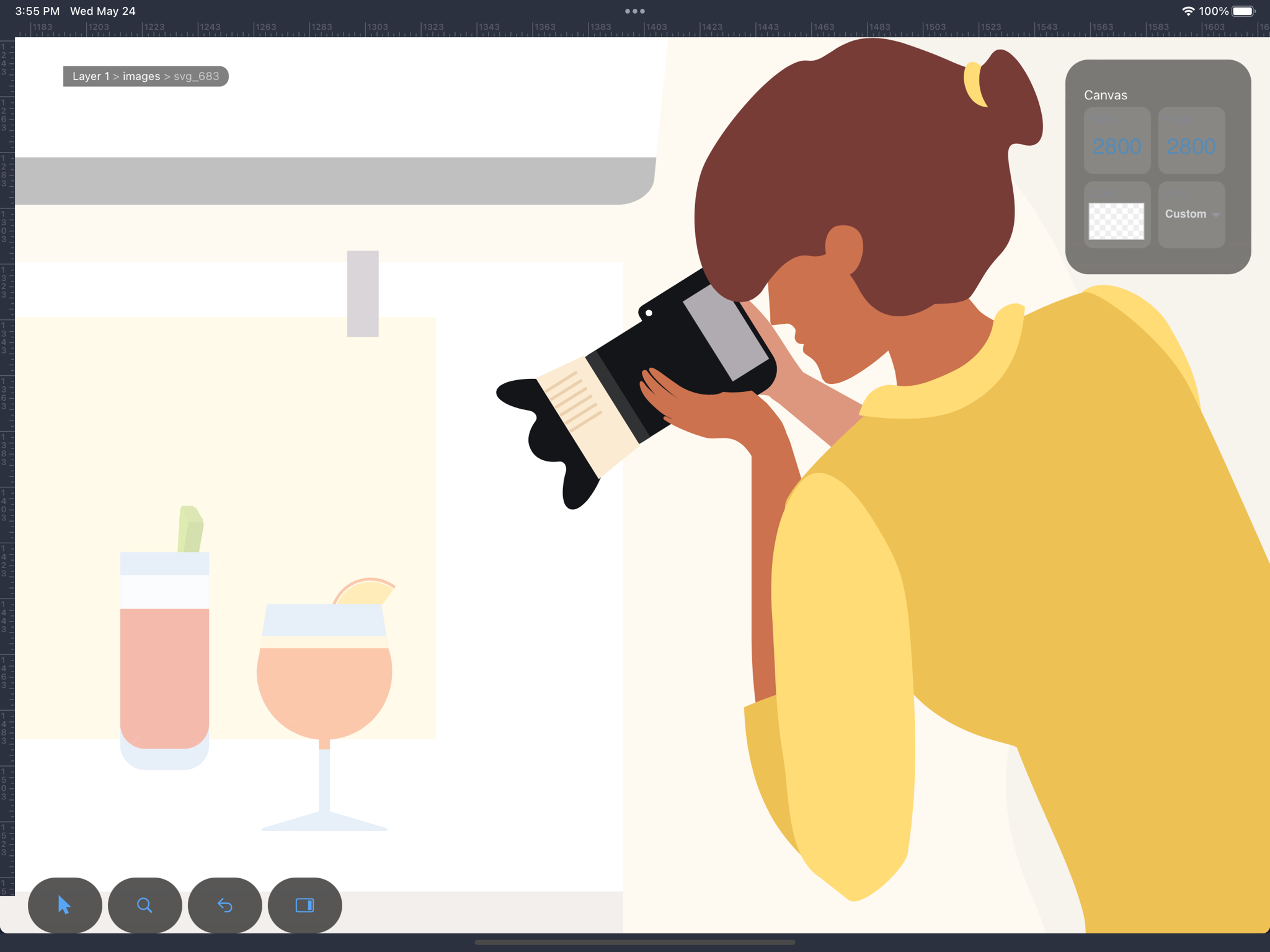
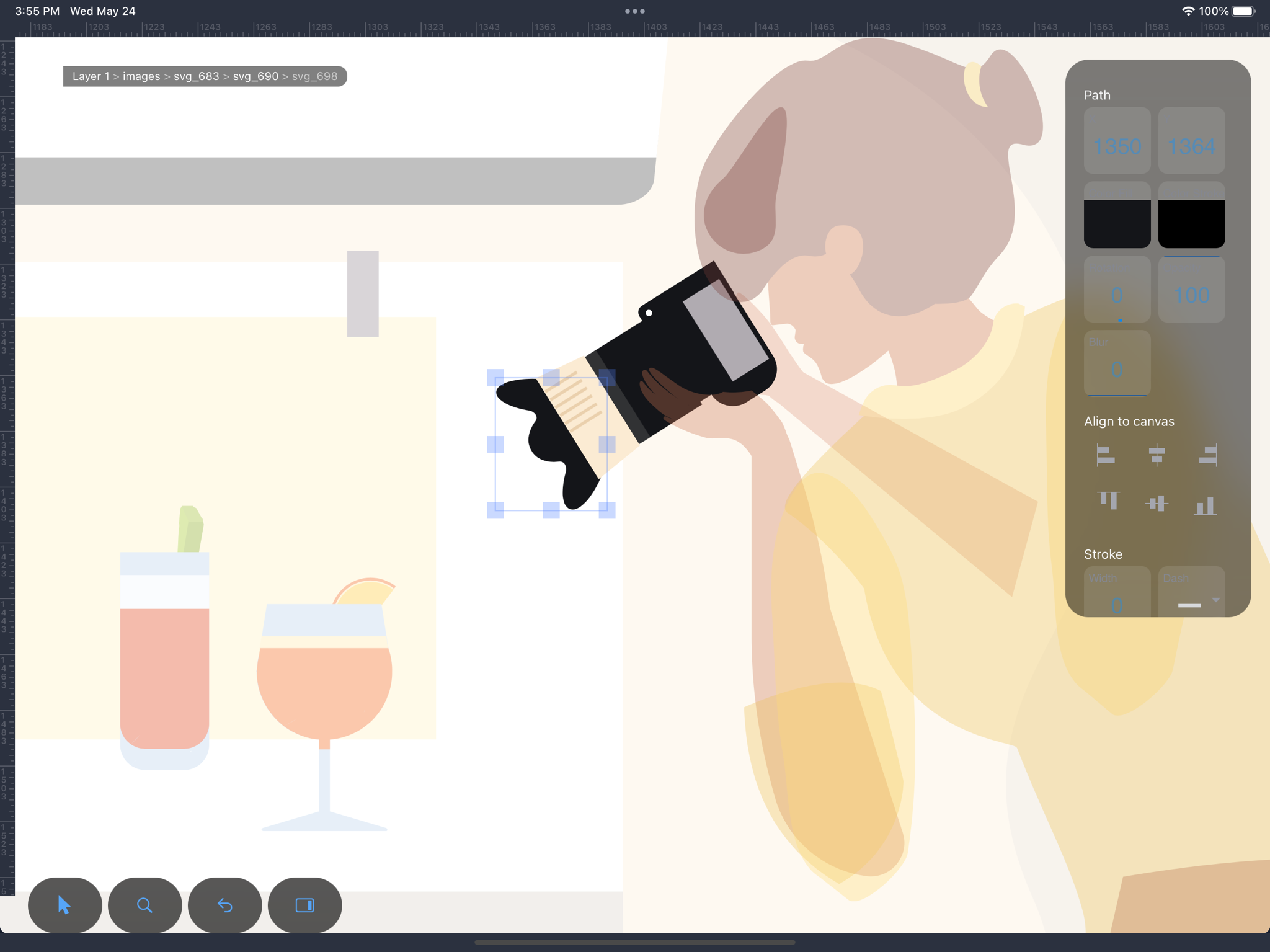
Draw a simple mark, refine existing artwork or prepare a small illustration to share.
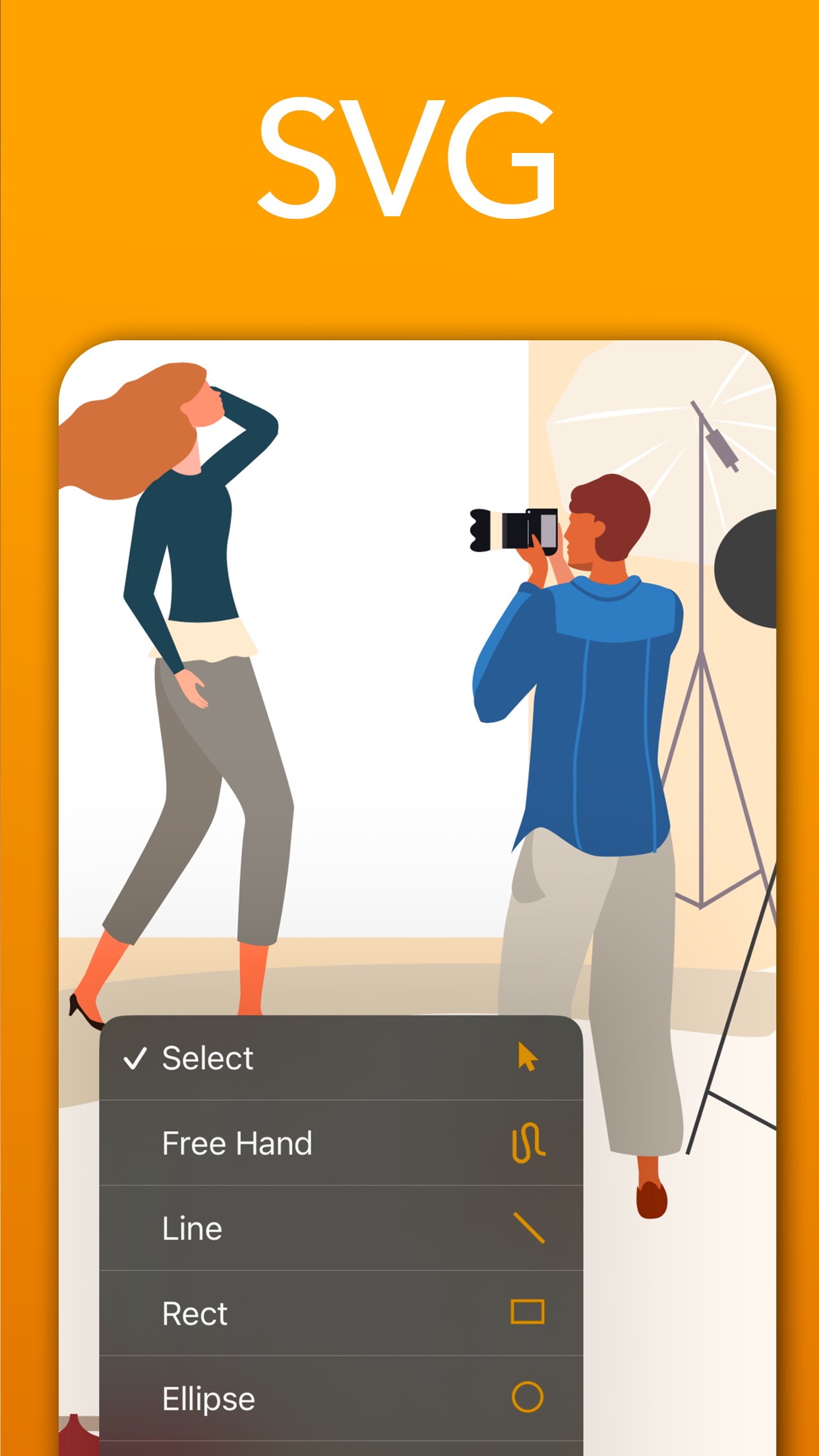
Build a logo from shapes and lines, draw a freehand sketch or add a name to the artwork.
Learn more →Refine a logo’s outline by moving individual points. Group its parts and keep the artwork organised in layers.
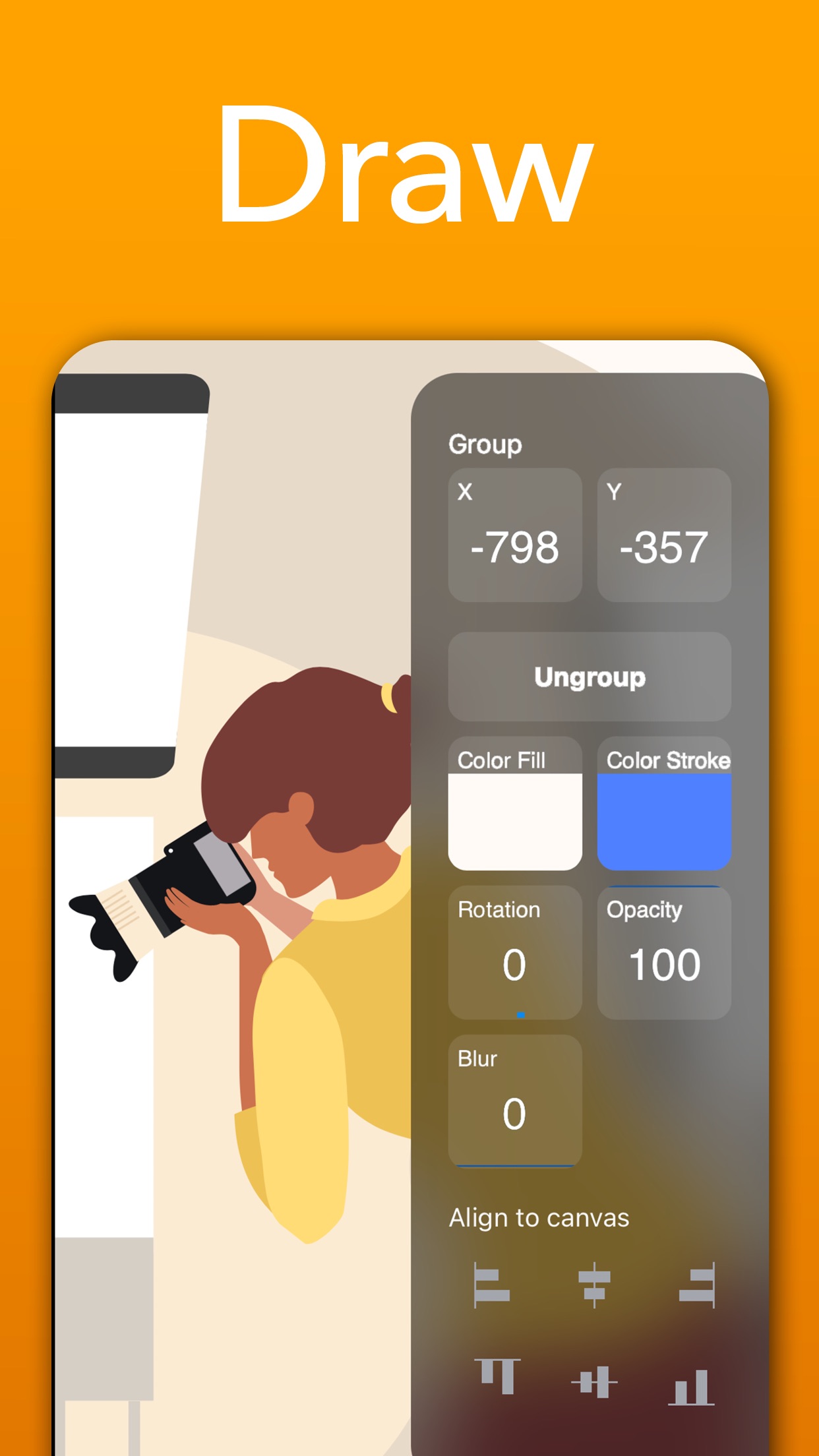
Learn more →Align a row of icons or enter an exact size and position when the artwork needs to fit a supplied space.
Learn more →Change a logo’s colours, match its outline weight or soften a detail with opacity and blur.
Learn more →Zoom in to refine an edge, then review the complete drawing before sharing it.
Learn more →Open an SVG from Files, make the correction and share an SVG or PNG copy.
Learn more →Try a colour or shape change and step back through the edit history if you prefer the earlier version.
Learn more →Keep the drawing as SVG when you want to continue editing it on another device.
Learn more →Free download, 3-day trial, then a subscription unlocks everything. Requires iOS 17.6 or later.