iPadOS & iOS · Universal purchase
Fill a form. Review a draft.
Annotate a report on your iPad, leave comments on a draft from your iPhone or fill in a PDF form. Mark the page and save the document to continue the review.

Annotate a report on your iPad, leave comments on a draft from your iPhone or fill in a PDF form. Mark the page and save the document to continue the review.
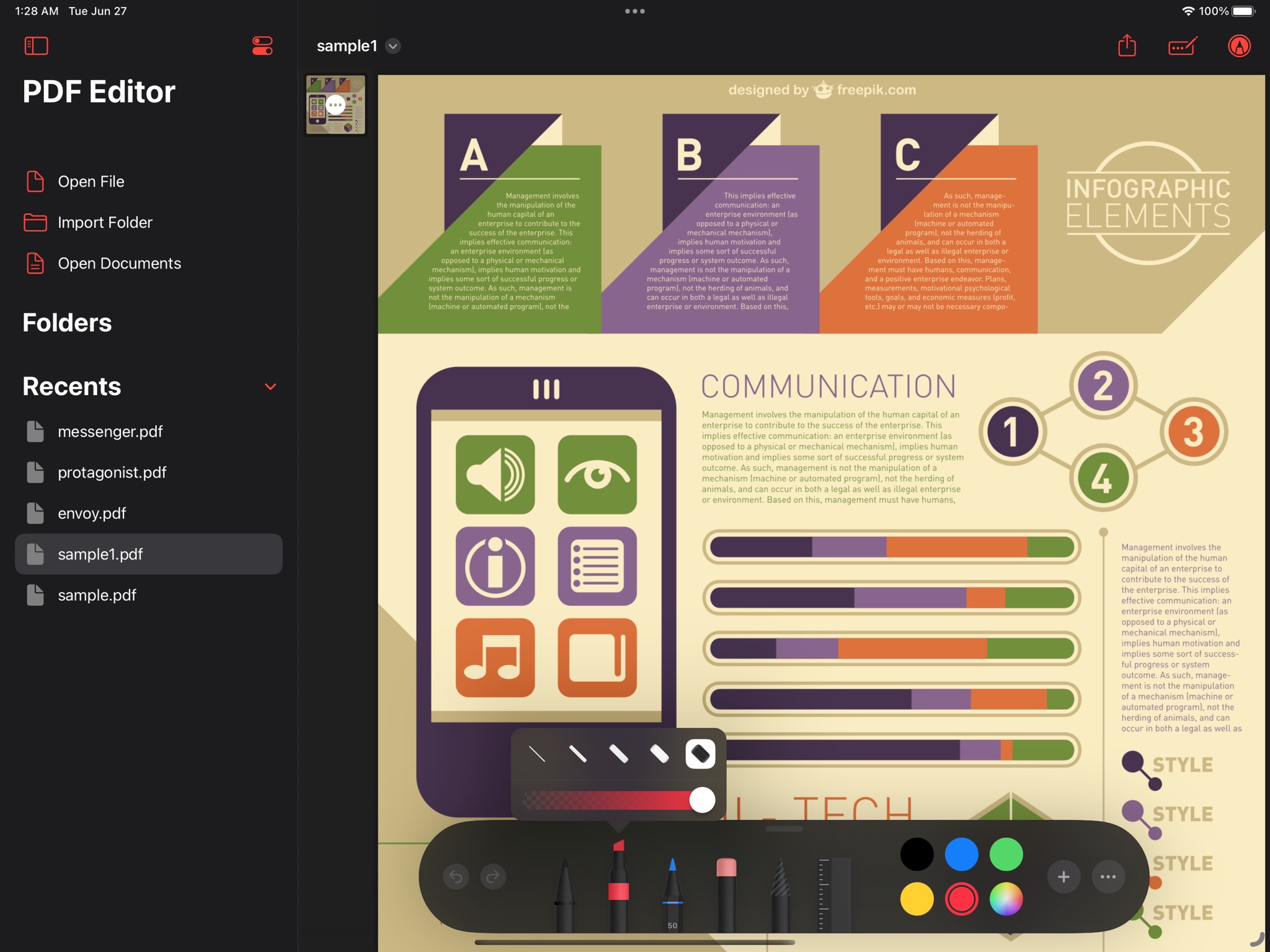
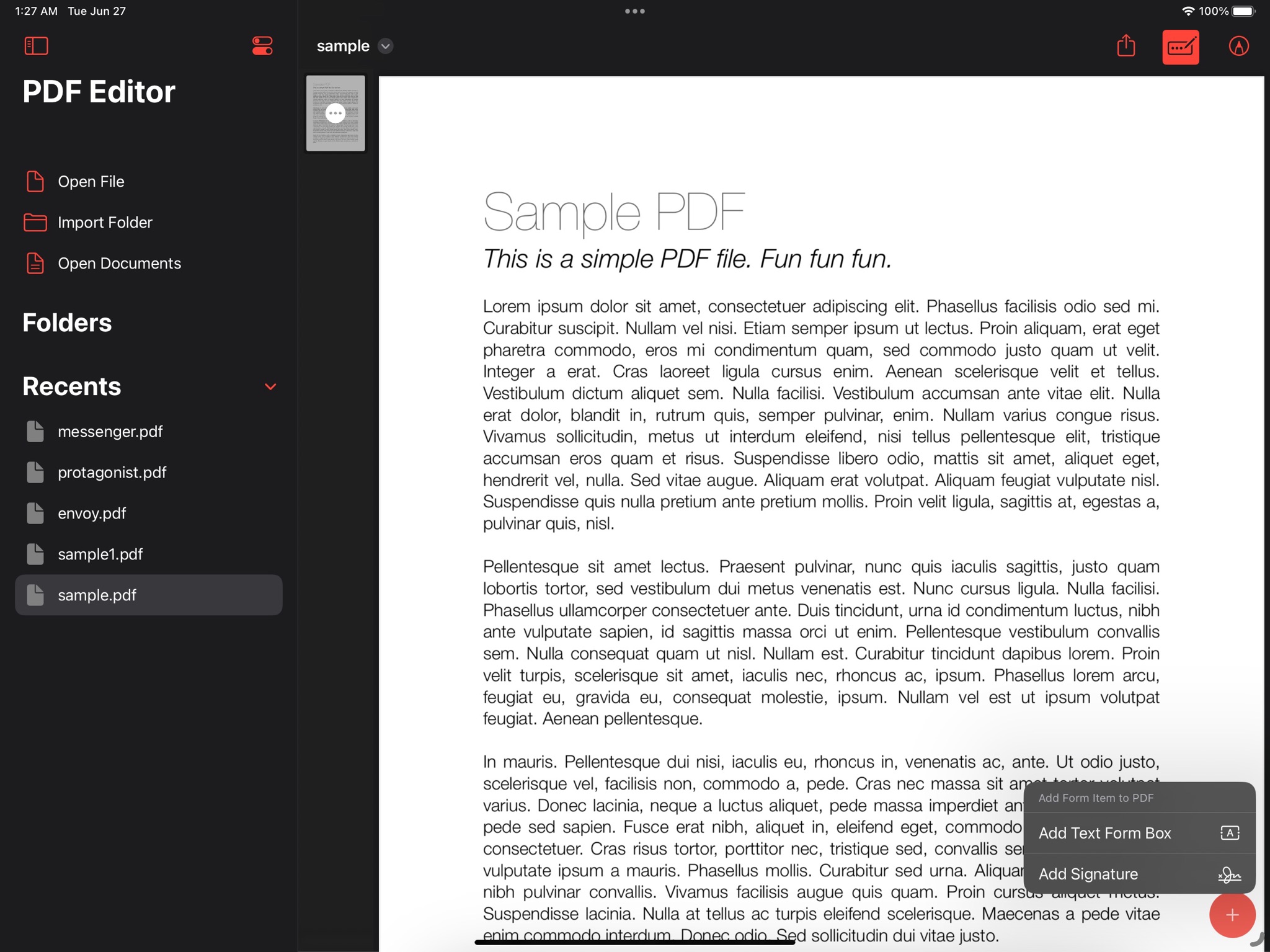
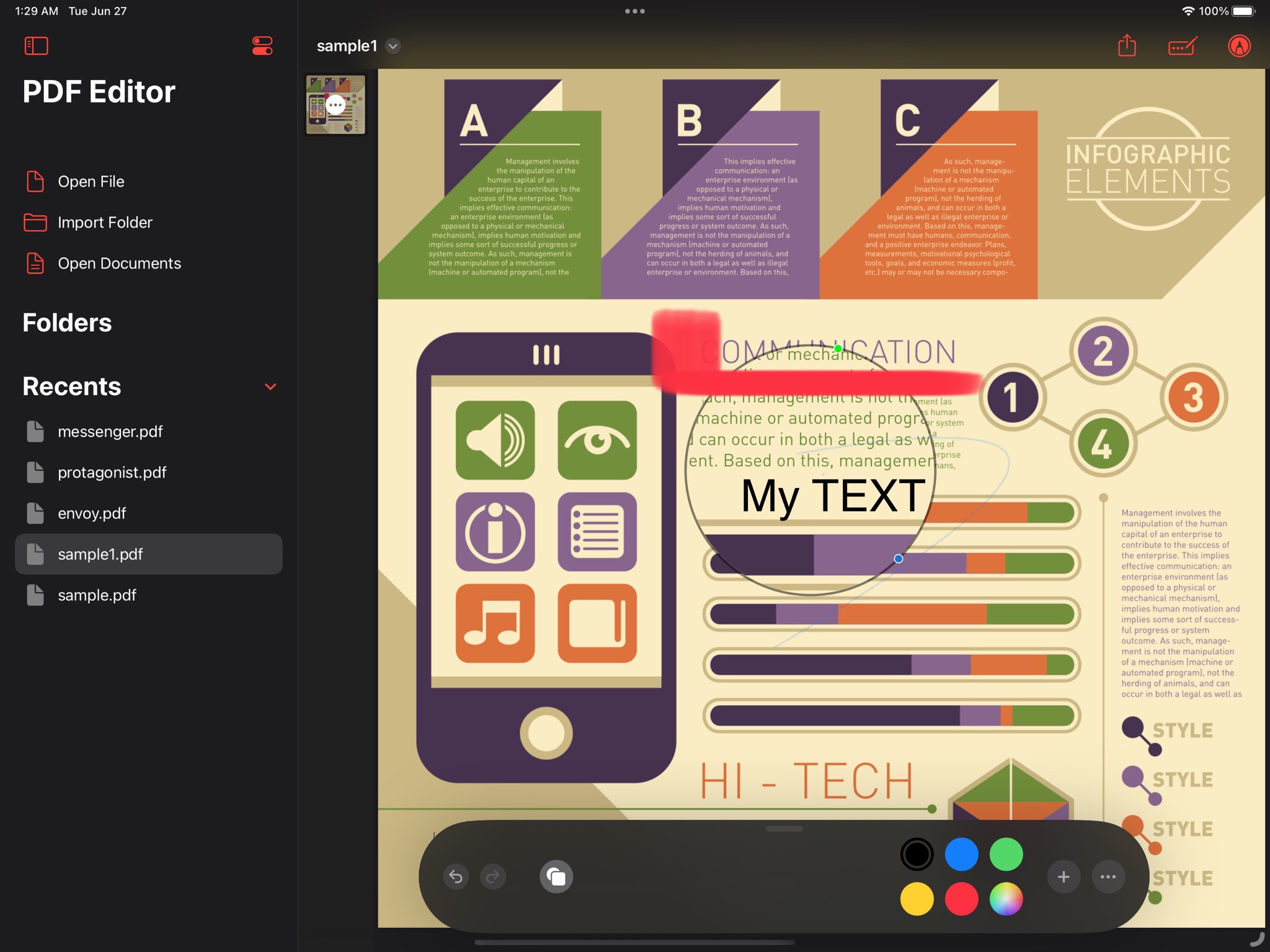
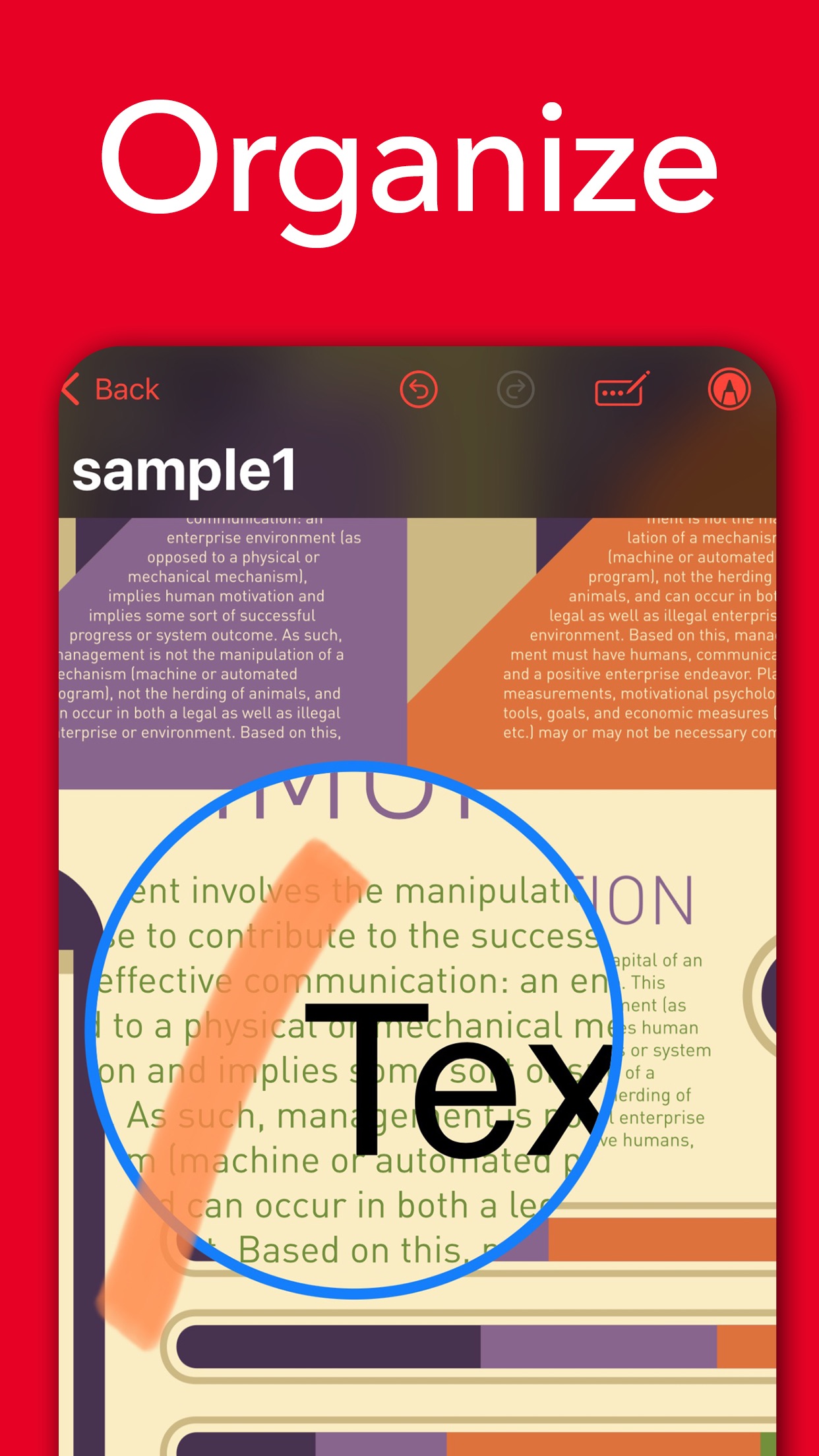
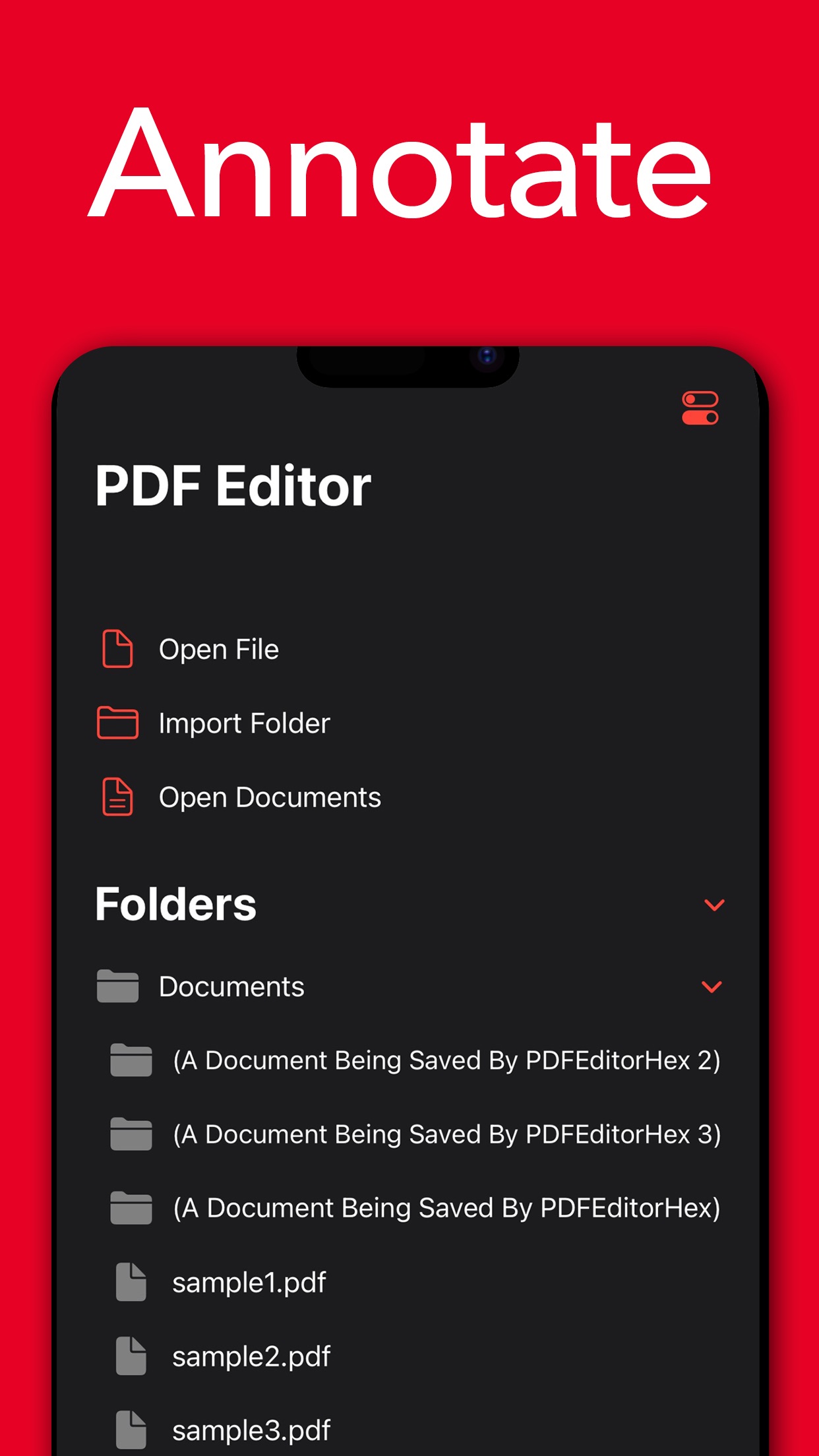
Start with a form to fill, a passage to highlight or a draft to review.
Leave a question beside a contract clause or explain a correction on a report.
Learn more →Highlight the passages you need for a meeting or study session.
Learn more →Circle the image that needs replacing or sketch a correction on the page.
Learn more →Enter the requested details in a PDF form from your device.
Learn more →Move to the page you need while reading a long report.
Learn more →Save the annotated PDF and open it on your Mac to continue the review.
Learn more →Free on the App Store. Requires iOS 17 or later.