Start with the job in front of you.
Correct an invoice or update a brochure.
Fix a customer name, change a price or replace an outdated logo in the PDF you have. Check the edited page before sending the new copy.
For a small correction, select the existing text and replace it. Check the line after editing: PDF text stays in fixed positions and does not reflow like a Word paragraph. Correct a PDF →
Review drafts and mark corrections.
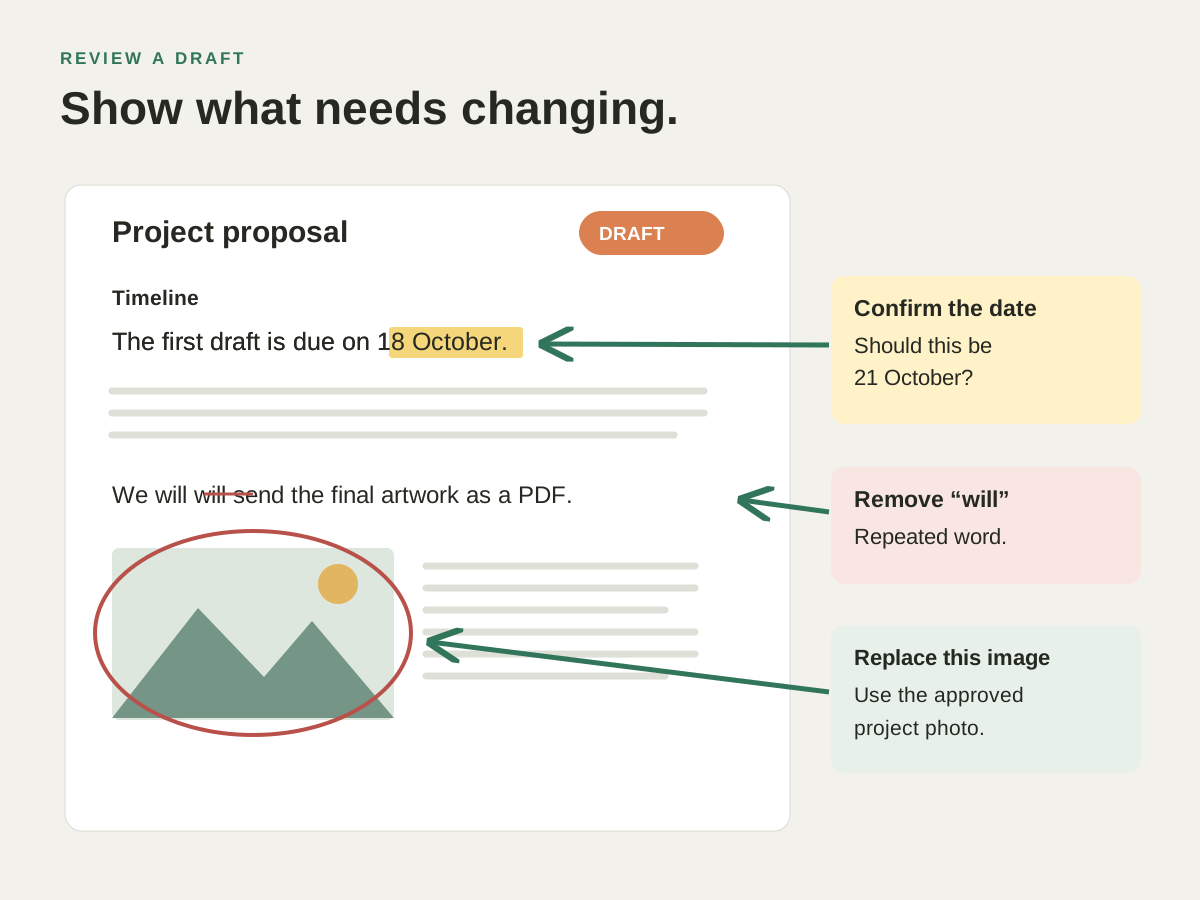
Proofread a report, comment on a contract or review a brochure before it goes to print. Highlight a typo, leave a note beside a clause or circle an image that needs replacing, then send the annotated PDF back to its author. Review drafts →
Fix the detail someone got wrong.
Correct a misspelt name, phone number or date without asking for the original source document. Choose a matching font, size and colour for the supported text.
After changing the wording, check that it fits beside the surrounding content. The app tells you when a selection cannot be edited safely. Correct a PDF →
Combine receipts or assemble an application.
Merge the form and supporting PDFs into one file, put the pages in order and rotate sideways scans. Extract just the pages a colleague needs. Combine documents → Finish a longer pack with Number & label pages.
Fill tax forms and sign contracts.
Enter your details, figures and checkboxes in a tax or application form. Add text when the PDF has no fillable fields, place your signature and save the completed copy to return. Fill forms & sign → Choose Sign with a digital ID when the recipient requires a digital ID.
Remove private details & Search scanned pages
Remove a selected account number or other private detail from a copy before sharing it. Remove private details → Need to find a name inside an old scan? Recognise the text, then search or copy it. Search scanned pages →
Check a brochure before the print run.
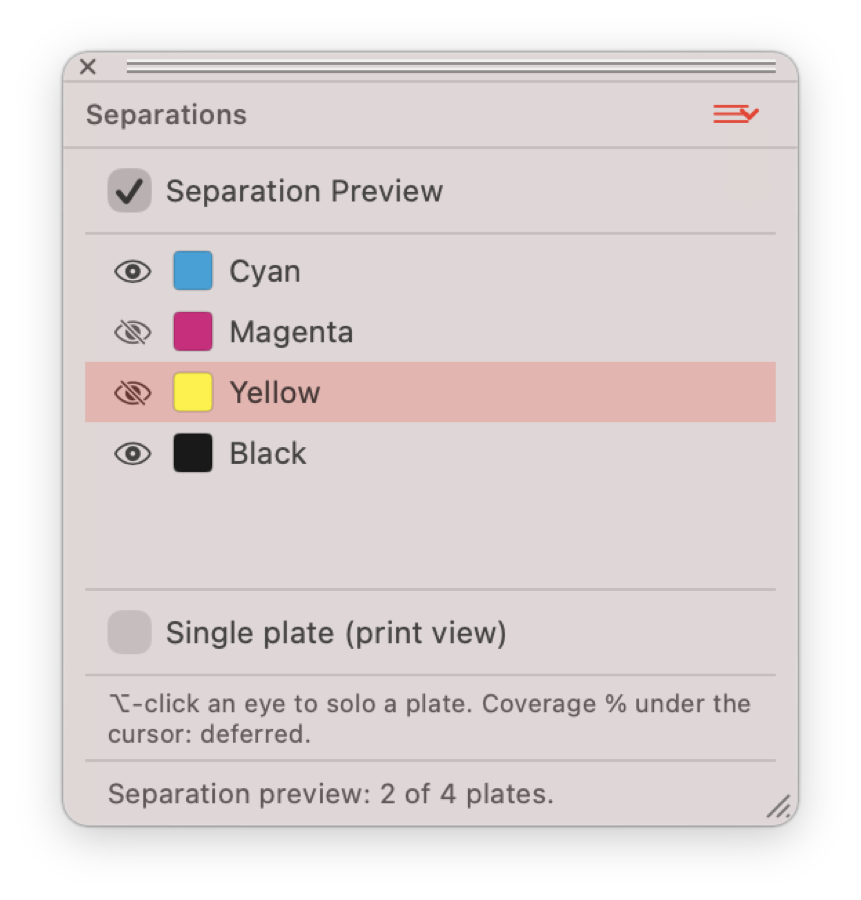
Inspect the inks in a flyer, business card or brochure. Look at the black text and spot-colour logo on their individual plates, then prepare the file to your printer’s specification. Check a print file →
Use PDFs in Word & slides & Make files smaller
Continue a PDF draft in Word or export a page image for a presentation. Use PDFs in Word & slides → If a report is too large to email or upload, compare compression settings and save a smaller sharing copy. Make files smaller →
Ask AI to find and mark a passage.
Try “Find the phrase payment terms and highlight it” or “Add a note on page 2 saying: please confirm this date.” Inspect the result in your PDF before saving.
Choose the built-in online service or a supported provider with your own key. AI requests use the selected service; check its settings before working with a private document.
Ask AI to mark a PDF → To connect a compatible external assistant, follow the AI setup guide.