Fill forms. Review drafts. Sign contracts.Pdf Editor for Mac
Complete a tax form, mark corrections on a draft or return a signed contract. Fix a detail in an existing PDF, combine the supporting pages and prepare the copy you need to send.
Complete a tax form, mark corrections on a draft or return a signed contract. Fix a detail in an existing PDF, combine the supporting pages and prepare the copy you need to send.
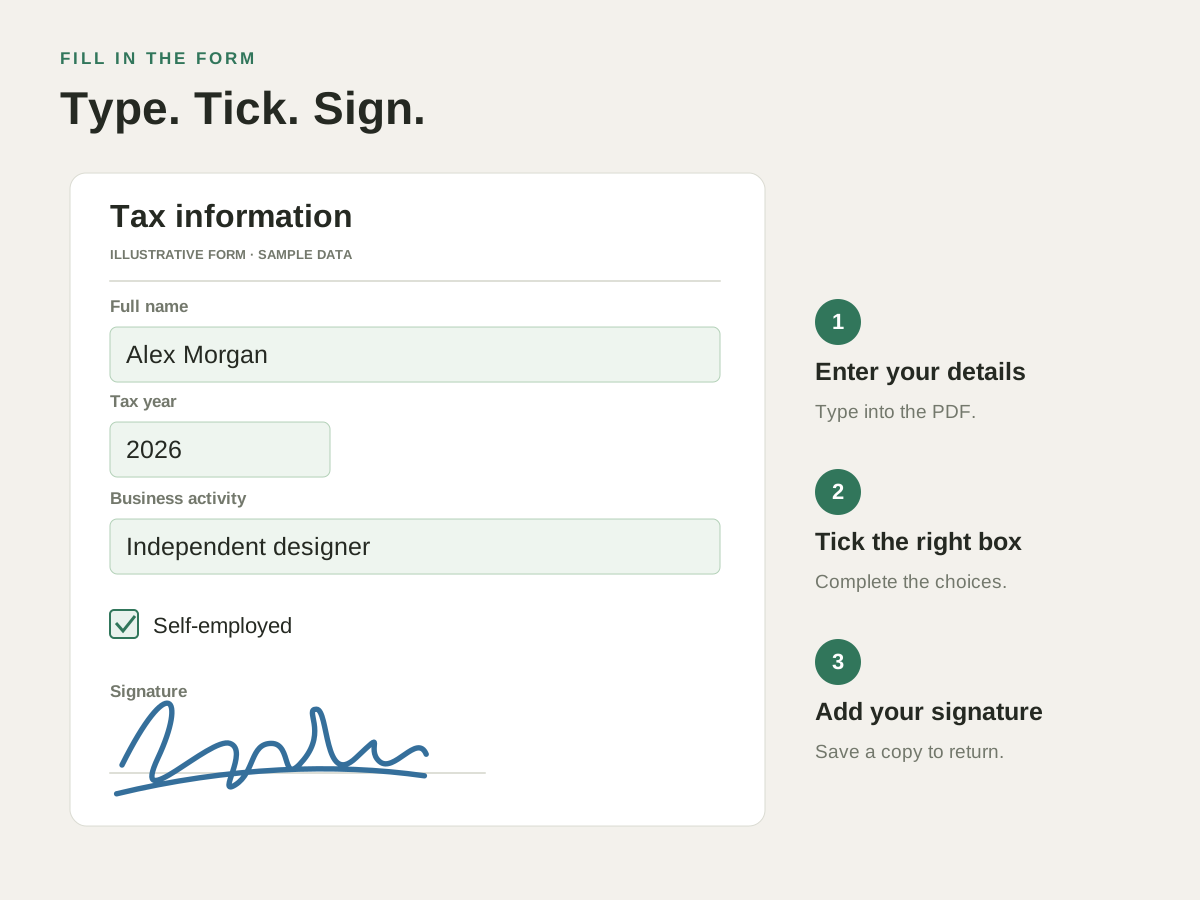
You receive a PDF that needs a correction, a comment or your signature. Open it, finish the task and save a copy ready for the next person.
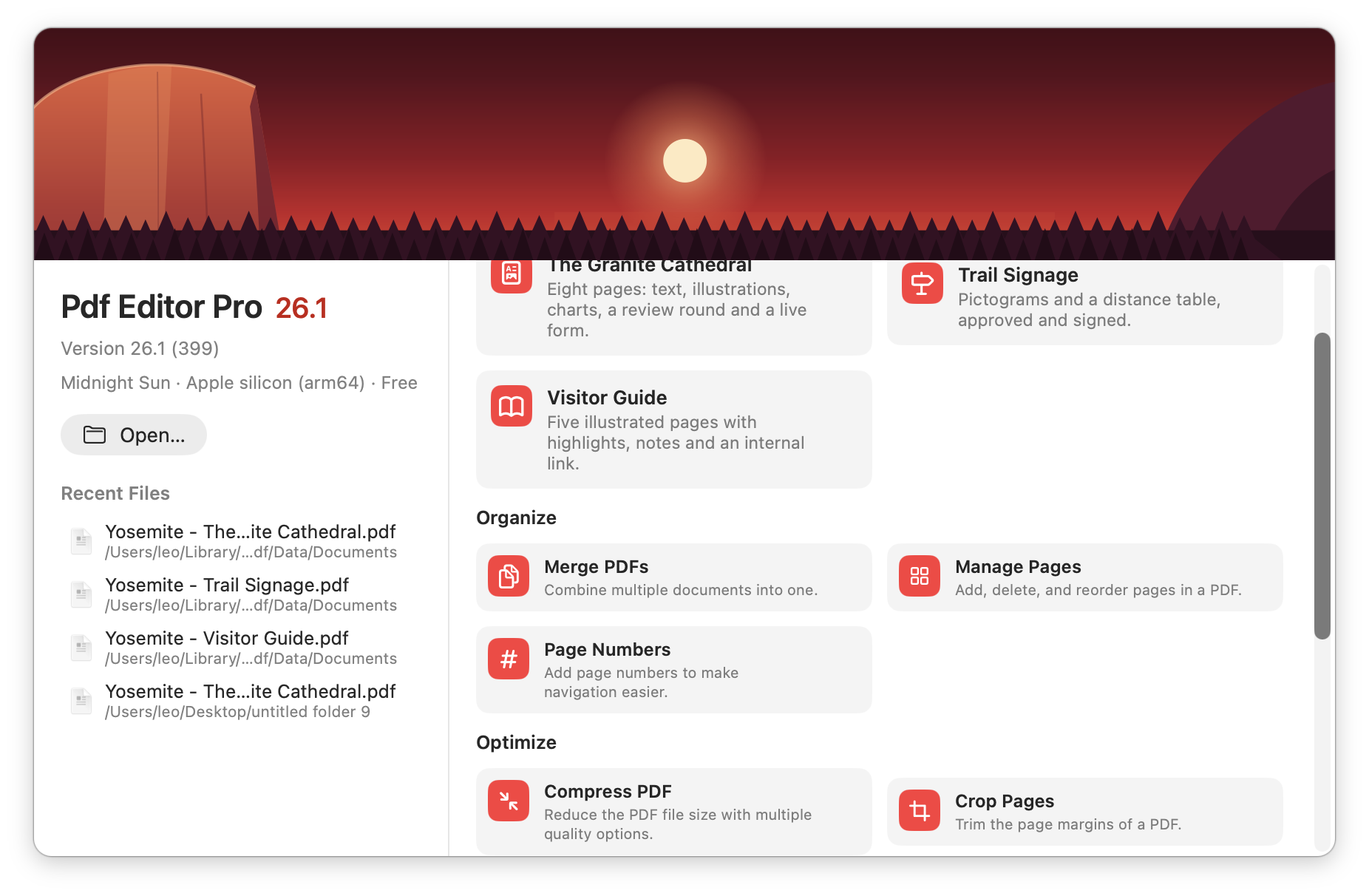
Combine receipts for an expense claim, put application documents in order or make a large attachment smaller. Start with the PDF task you need to finish.
Find your way around →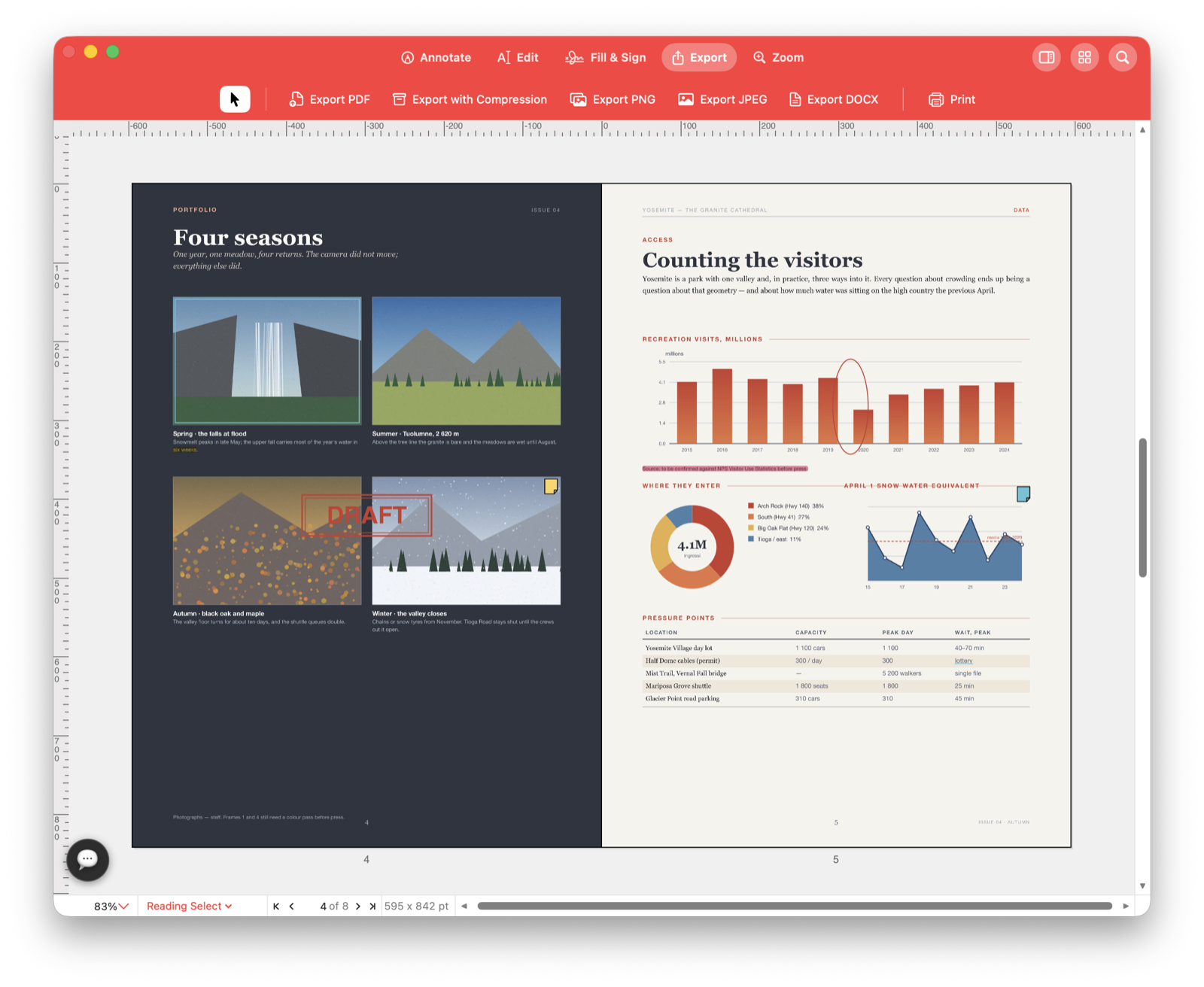
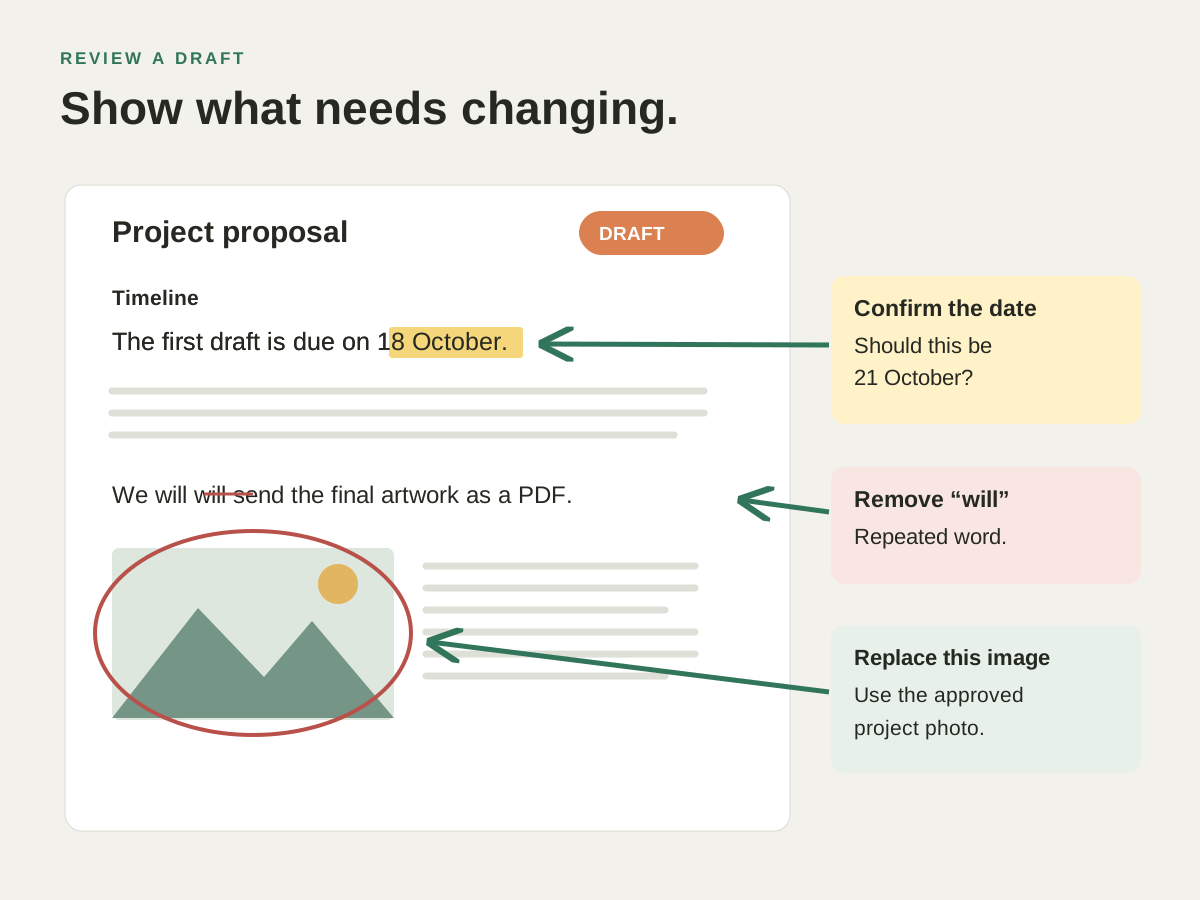
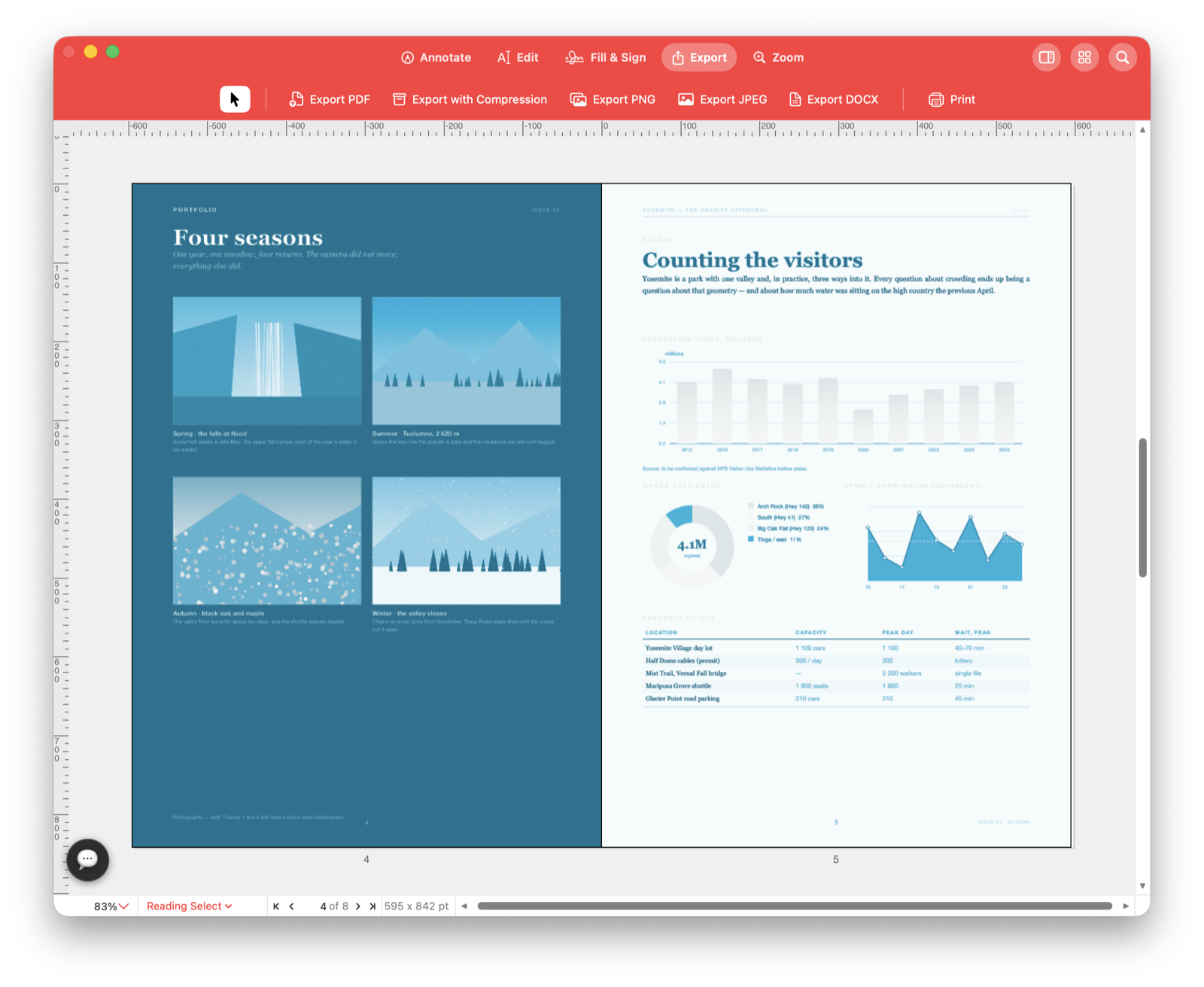
Proofread a report, comment on a contract or mark corrections on a brochure before sending the draft back.
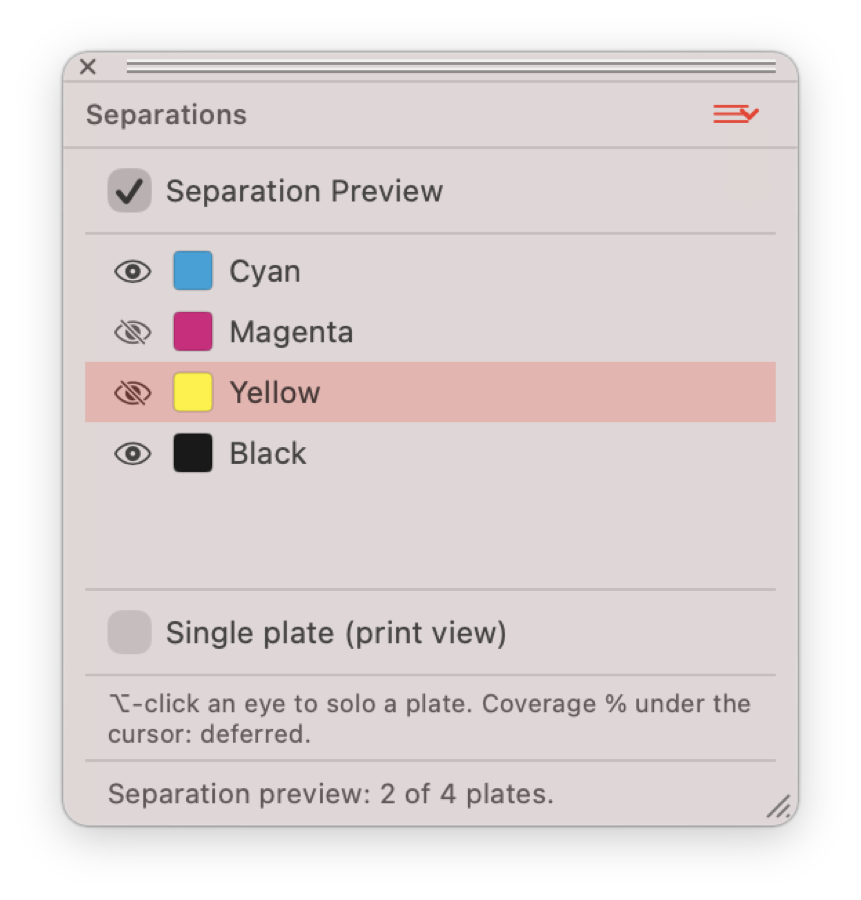
Review drafts →Inspect the inks in a flyer, brochure or business card before sending it to the printer.
Fill the application, add your signature and merge its supporting documents. Check the pages and send one completed pack.
Start with an everyday job: a form to return, a draft to review, a scan to search or a document to send.
Correct a name on an invoice, update a price in a brochure or replace an outdated logo.
See how →Proofread a report, comment on a contract or mark corrections on a brochure before sending the draft back.
See how →Find a name in a scanned contract or copy text from a paper report after text recognition.
See how →Complete a tax form, sign a contract or return an application without printing and scanning it.
See how →Combine receipts for an expense claim, assemble an application pack or send selected report pages.
See how →Number a report, mark a proposal as Draft or add consistent references to a document pack.
See how →Inspect the inks in a flyer, brochure or business card before sending it to the printer.
See how →Continue a draft in Word or turn a PDF page into an image for a presentation.
See how →Ask AI to find a phrase, highlight it or add a review note, then check the result on the page.
See how →Ask “Find the phrase payment terms and highlight it” or request a note on a particular page. Review the result before saving. A compatible connected assistant can use supported document tools too.
Ask AI to mark a PDF →
Open a palette from the Window menu and place it where you work.
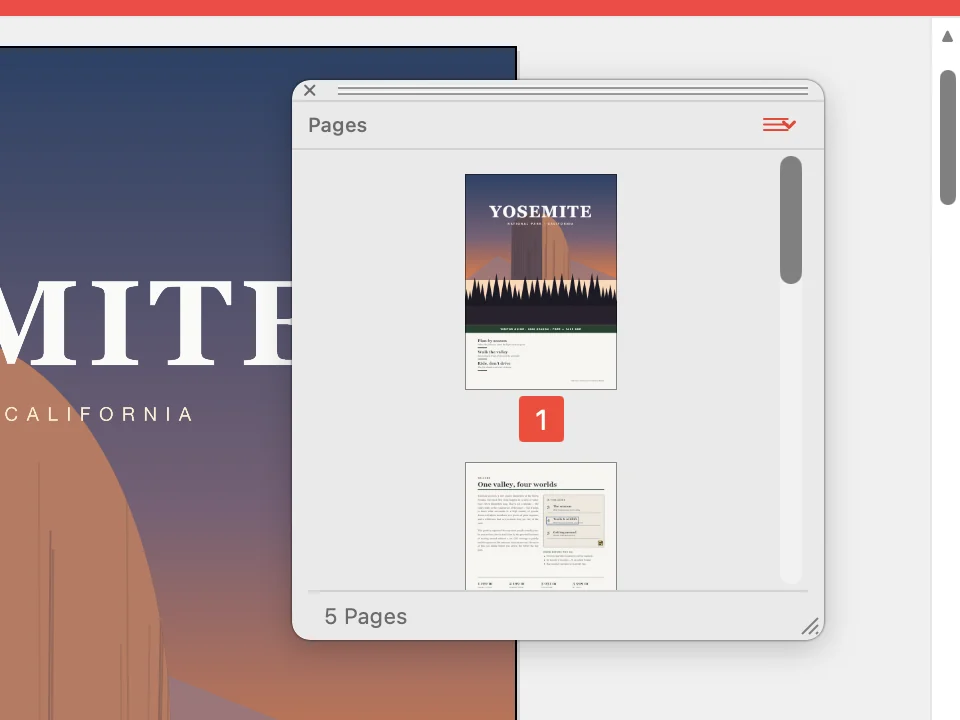
See every page as a thumbnail and jump to the one you need.
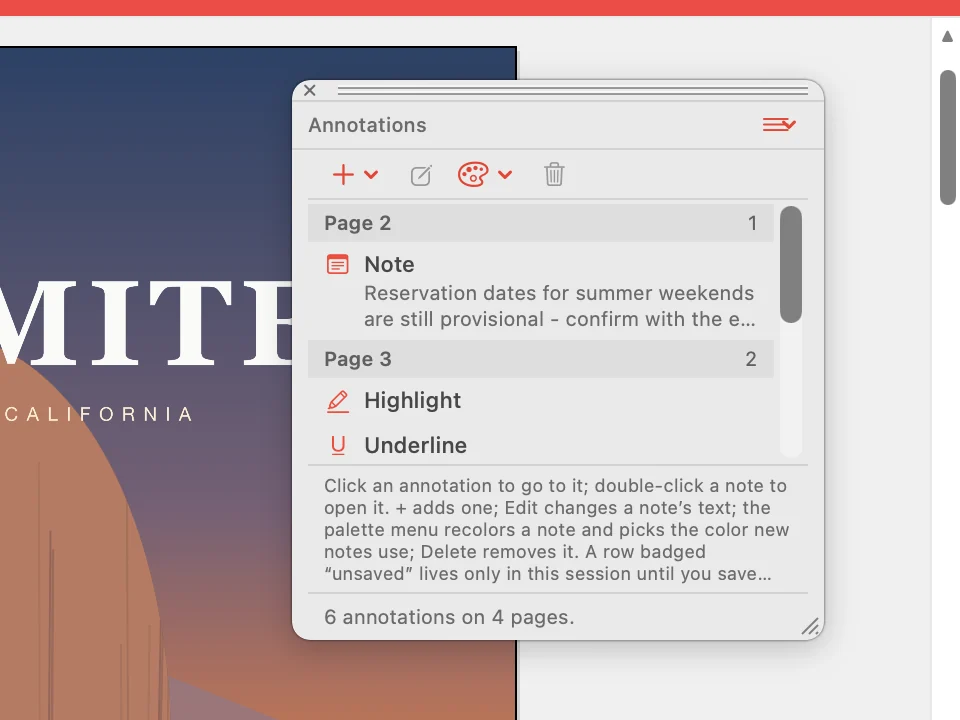
Read every note, highlight and underline in the document, grouped by page. Click one to go to it.
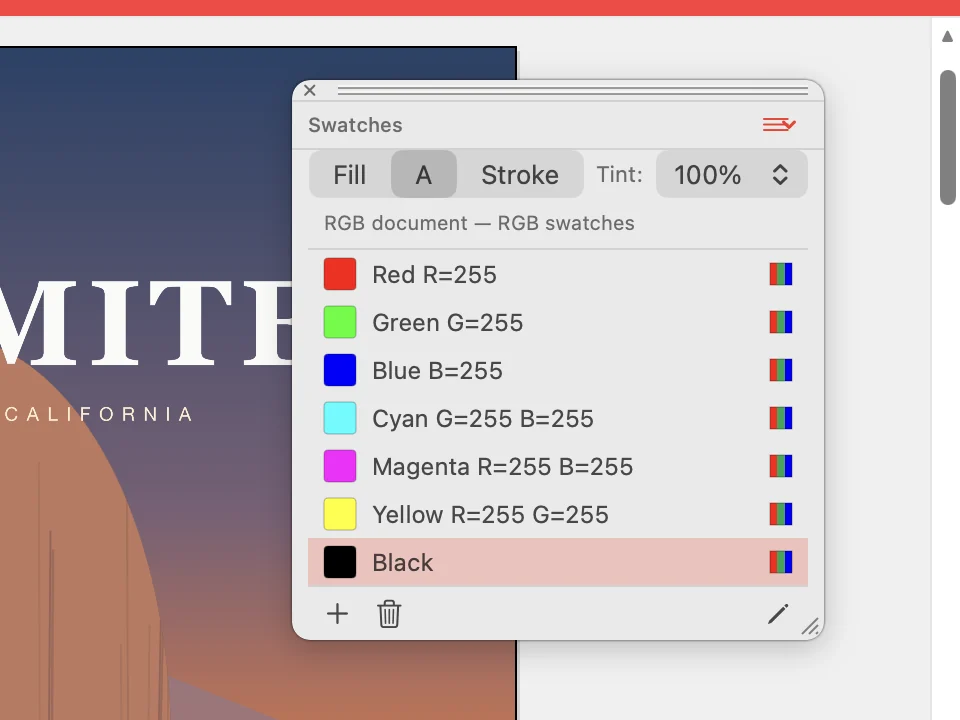
Pick a colour for a fill, for text or for a stroke from the swatches of the document.
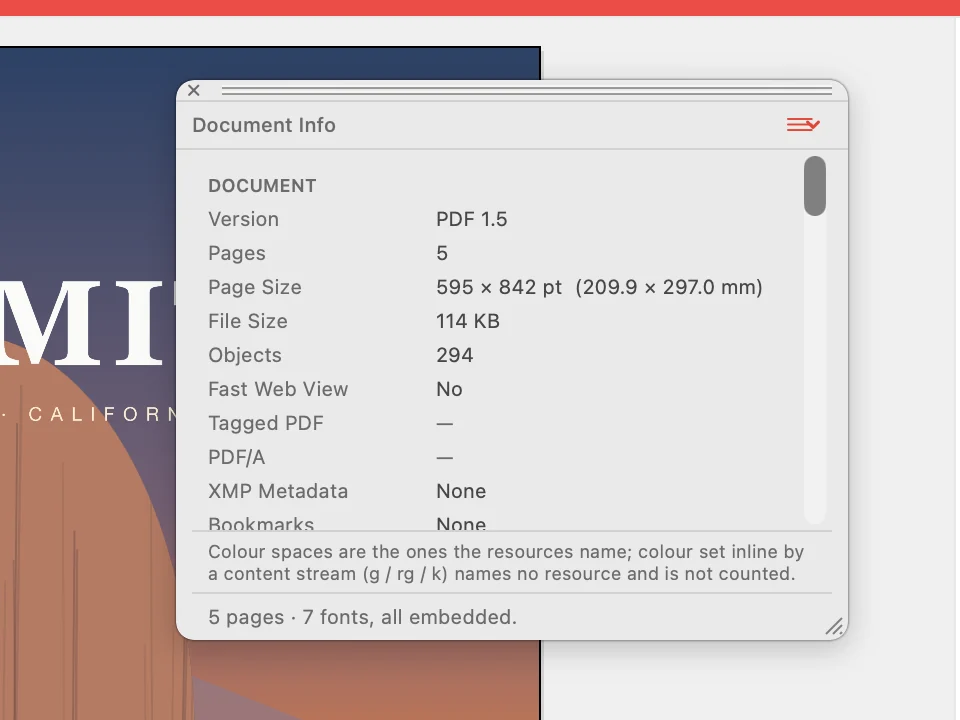
Check the PDF version, the number of pages, the page size, the file size and whether the fonts are embedded.
Fill the form, review the draft or sign the contract waiting in your inbox.
Choose the direct Mac download with automatic updates, or install through the Mac App Store. Also available for Windows.