iPadOS & iOS · Universal purchase

Retouch a photo and build a composition on your iPad.

Paint and retouch with Apple Pencil pressure and tilt, stack photos, lettering and adjustments on layers with masks, and develop RAW photographs at 16 bit. Layered PSD and TIFF files open and save, and documents stay in iCloud Drive.

Download on the App Store
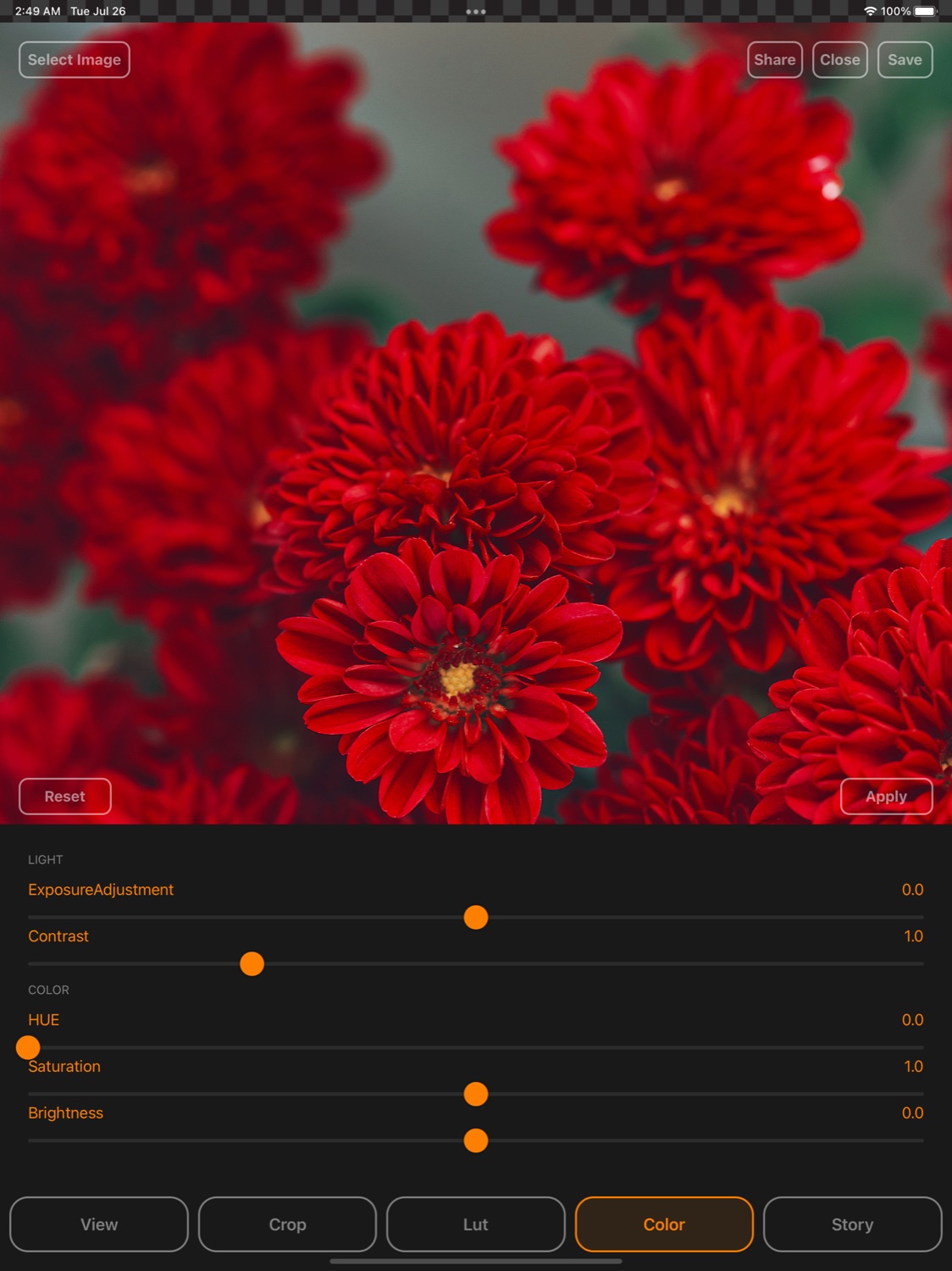
Flare on iPad: a photo of red flowers above the Light and Color sliders for exposure, contrast, hue, saturation and brightness
Requires iOS 17.3 or lateriPhone, iPhone Duo and iPad. Current App Store version 27.3.
Universal purchaseSame App Store listing as the Mac app.
FreeFree on the App Store.
On iPad

The photo above, the tools below.

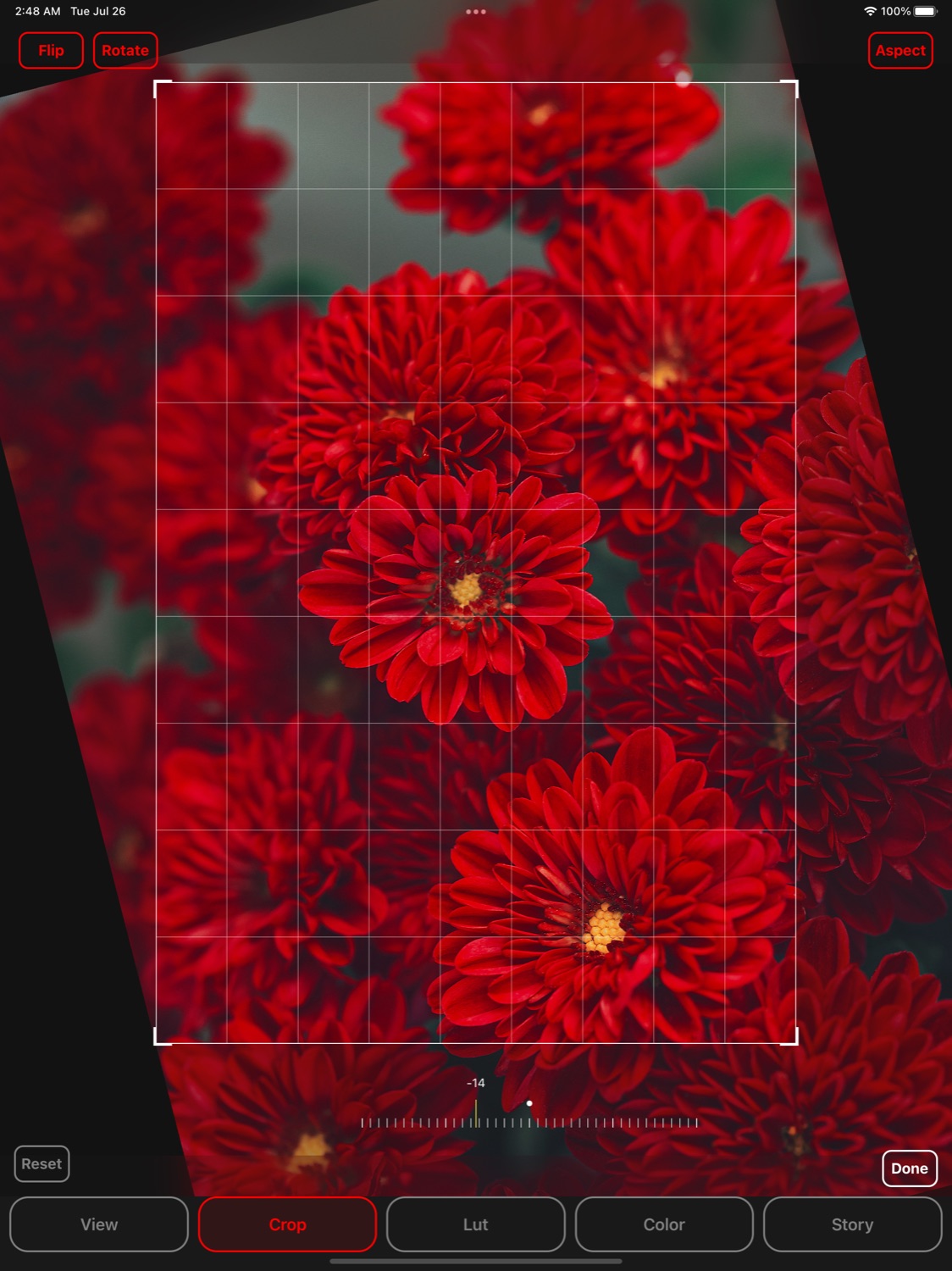
A crop frame with a grid over a photo of red flowers on iPad, tilted with the straighten dial
Crop and straighten
Exposure, contrast, hue, saturation and brightness sliders under a photo of red flowers on iPad
Light and colour sliders
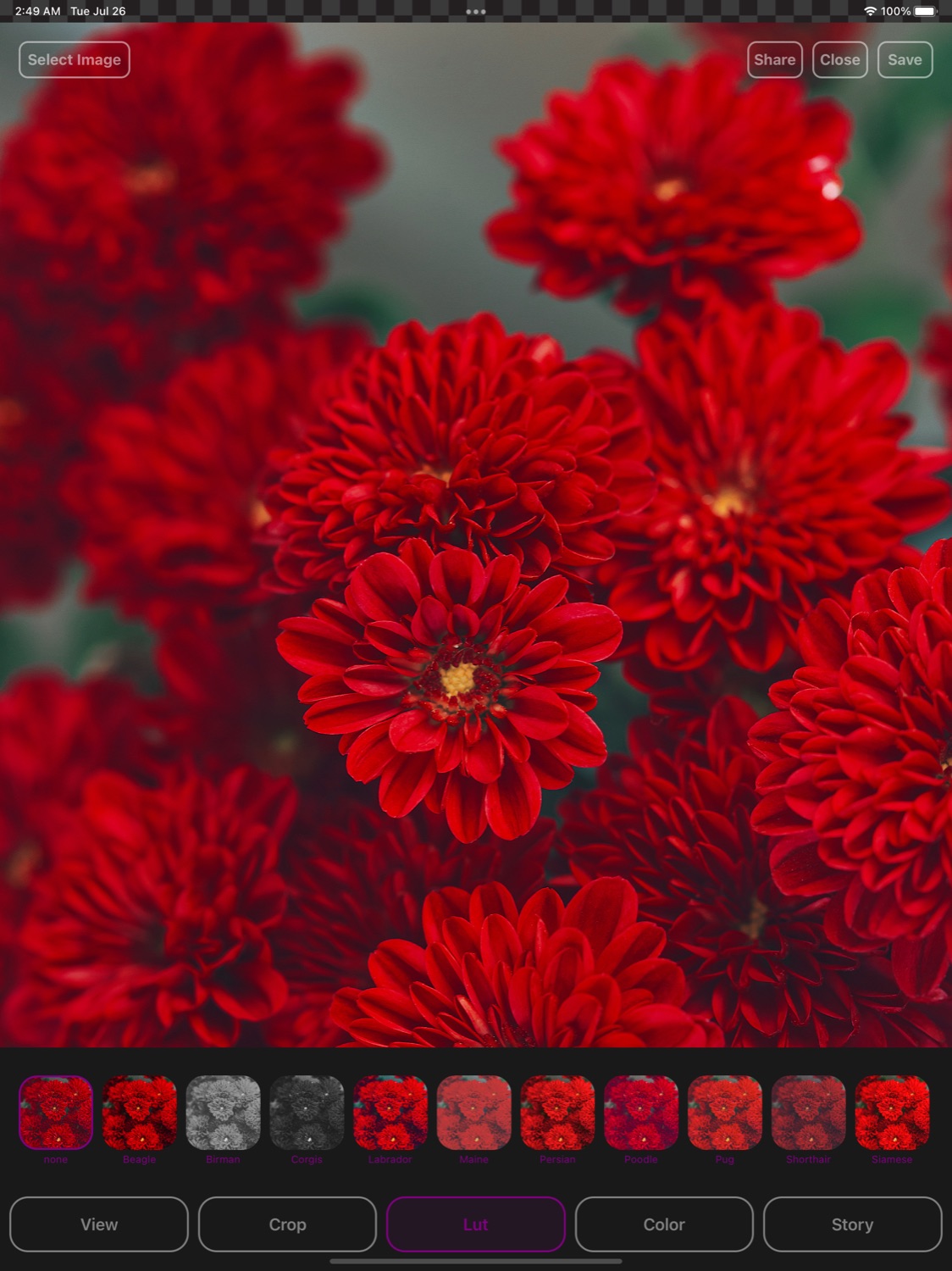
A strip of look thumbnails under a photo of red flowers on iPad
Looks side by side
On iPhone

Retouch on iPhone.

On iPhone Duo, New, Open and Close sit on the system’s vertical bar of the Home screen.

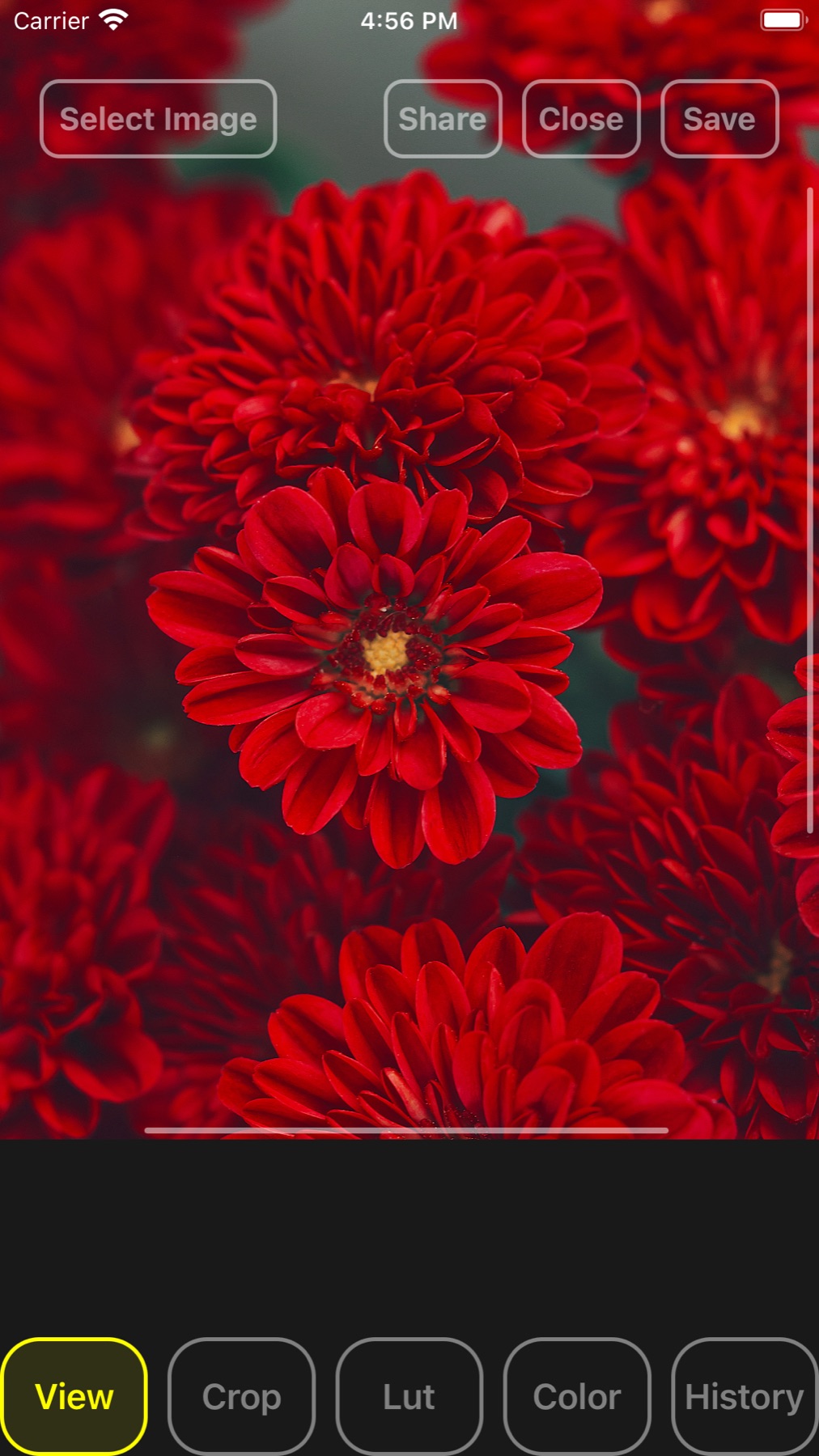
A photo of red flowers filling the iPhone screen above the View, Crop, Lut, Color and History buttons
The photo, full screen
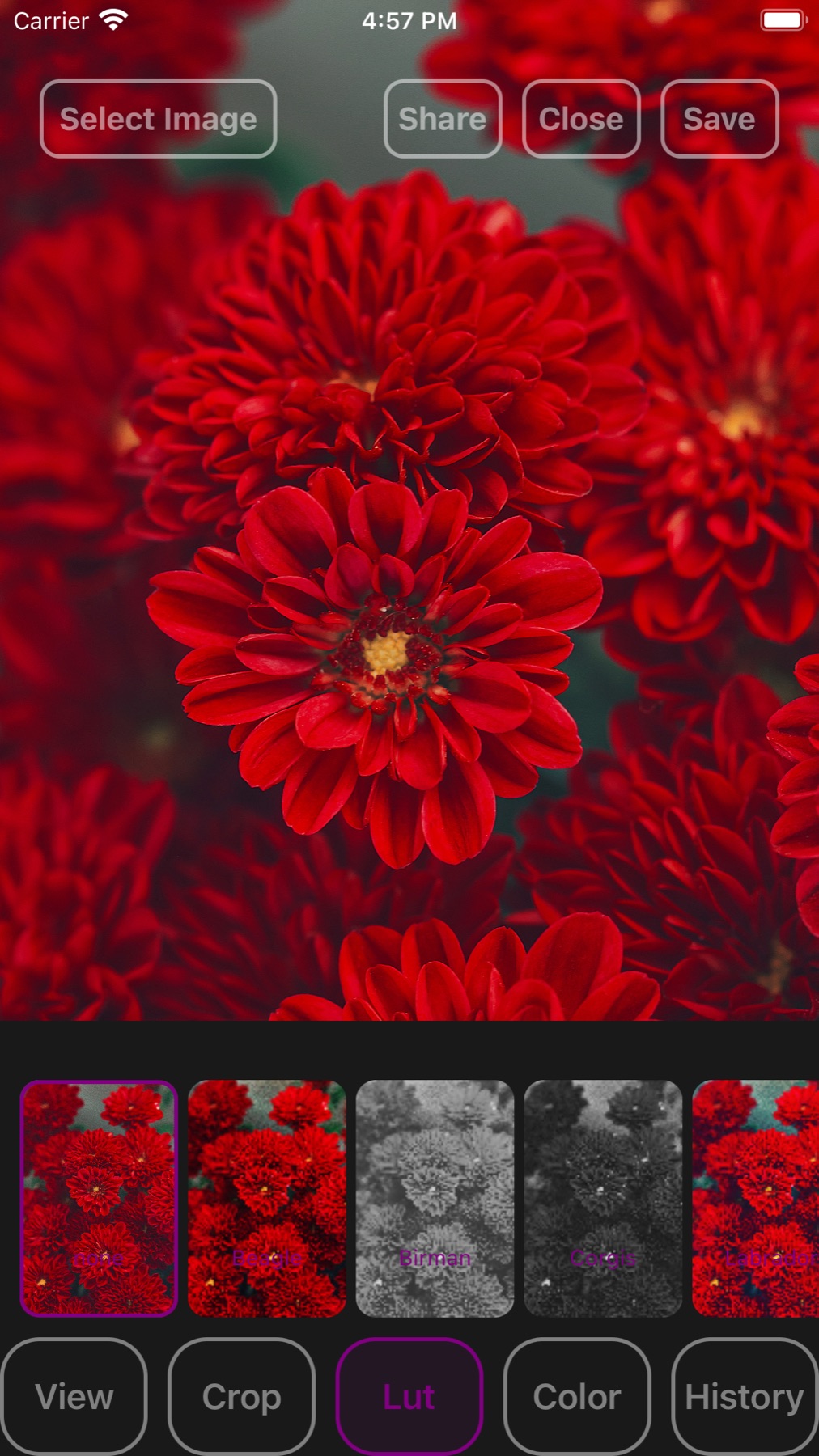
Look thumbnails, in colour and in black and white, under a photo of red flowers on iPhone
Looks under the photo
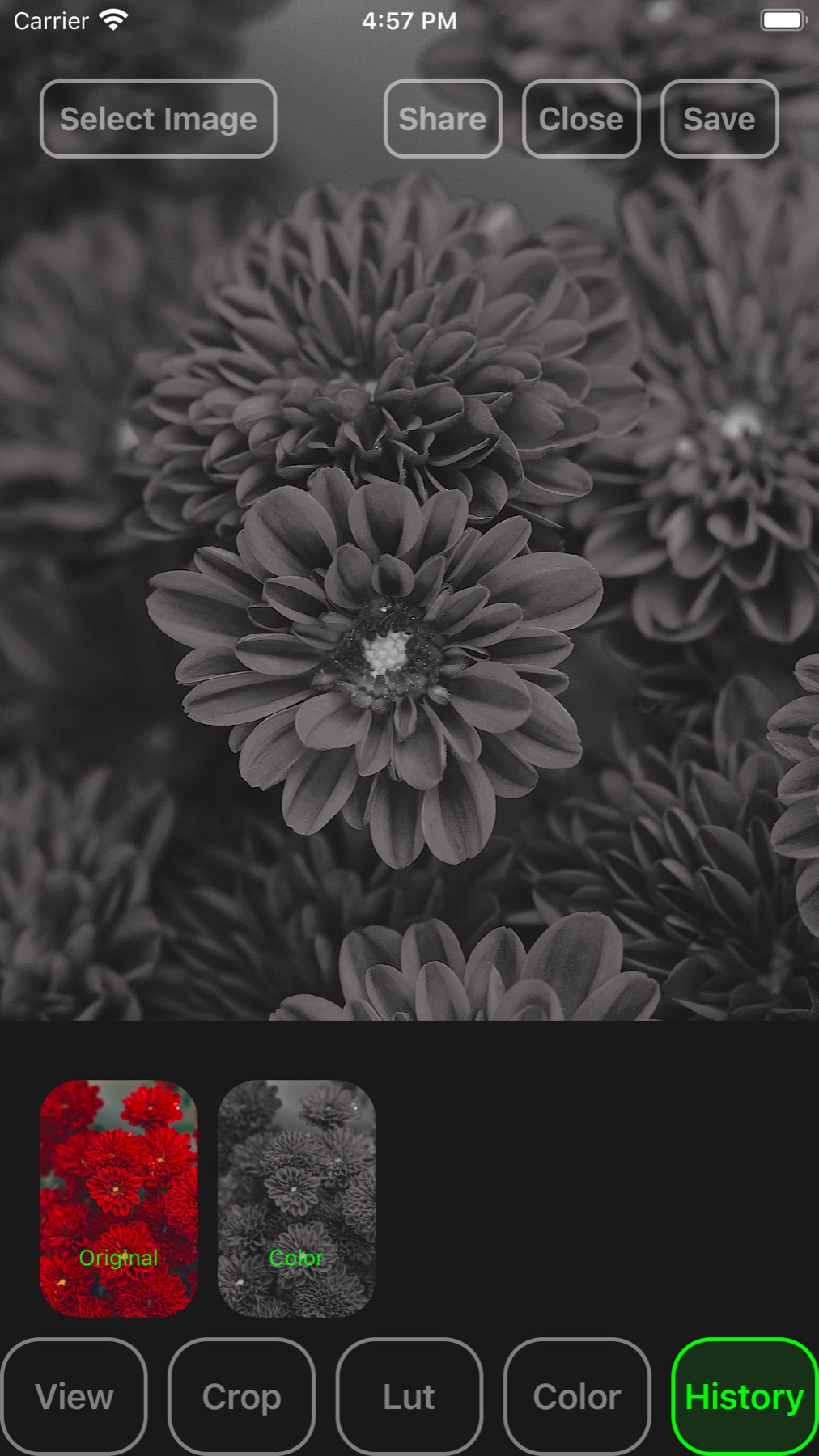
The History strip on iPhone with the original and the colour step, the photo turned black and white
The original and each step
What you get

From the first photo to the finished image

Clean up a photo, build a composition on layers and send it on.

Retouch a portrait

Heal, clone, patch, dodge and burn with Apple Pencil pressure and tilt.

Learn more →

Remove a distraction

Select it with the lasso, the magic wand or subject selection on the device, then cover it with the clone stamp, healing or patch tool.

Learn more →

Combine images

Stack photos, lettering and artwork on layers with blend modes, layer and vector masks, layer styles and smart objects.

Learn more →

Correct the colour

Levels, Curves, Hue/Saturation, Color Balance and White Balance, as commands or as adjustment layers you can change later.

Learn more →

Develop a RAW

Camera Raw develops raw photographs and brings them in at 16 bit.

Learn more →

Open and save PSD

Layered PSD, PSB and TIFF files open and save; export PNG, JPEG, HEIC, WebP, JPEG XL or PDF.

Learn more →

Share for review

Share for Review publishes a link that reviewers open in a browser.

Learn more →

Continue on the Mac

Open the same layered PSD or TIFF in Flare on the Mac.

Learn more →

Get Flare for iPad & iPhone

Requires iOS 17.3 or later.

Download on the App Store