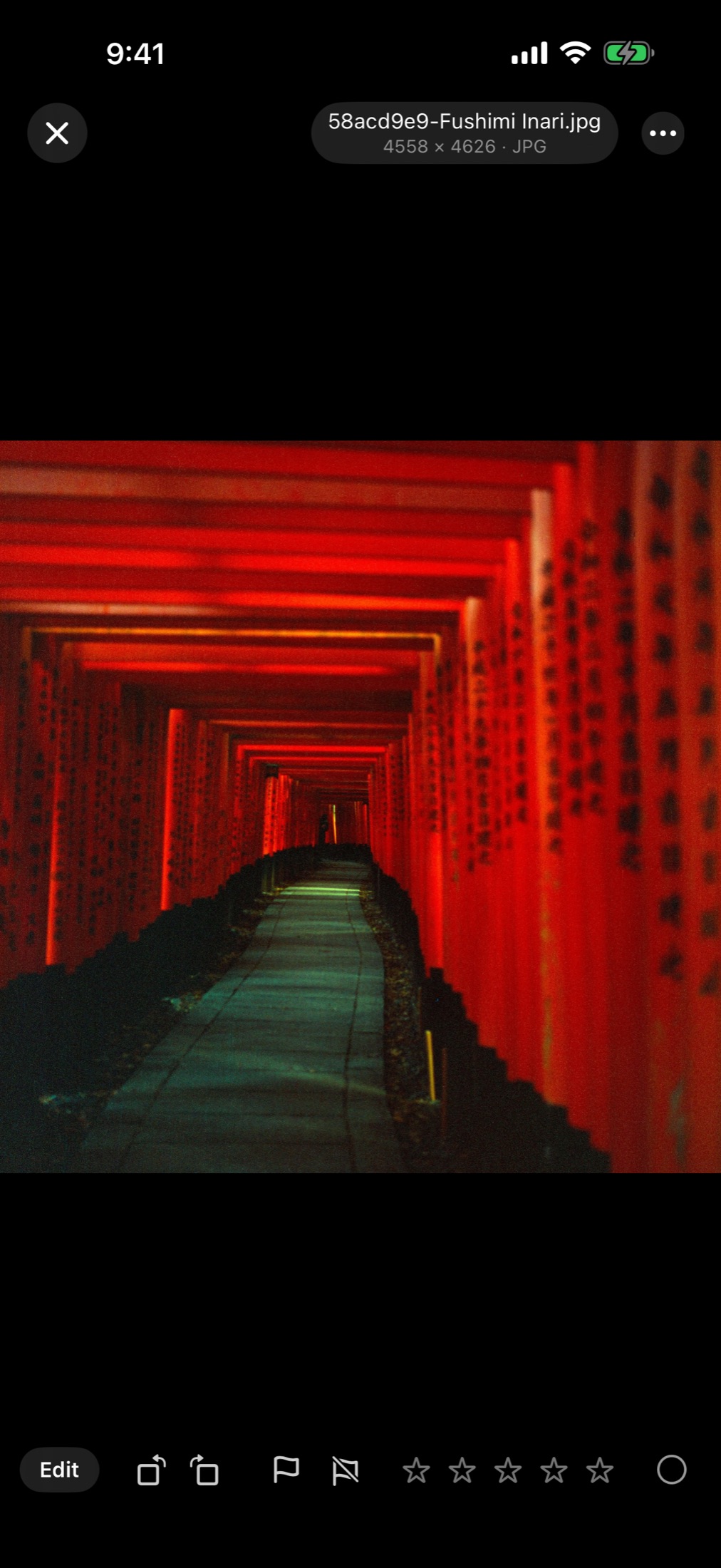
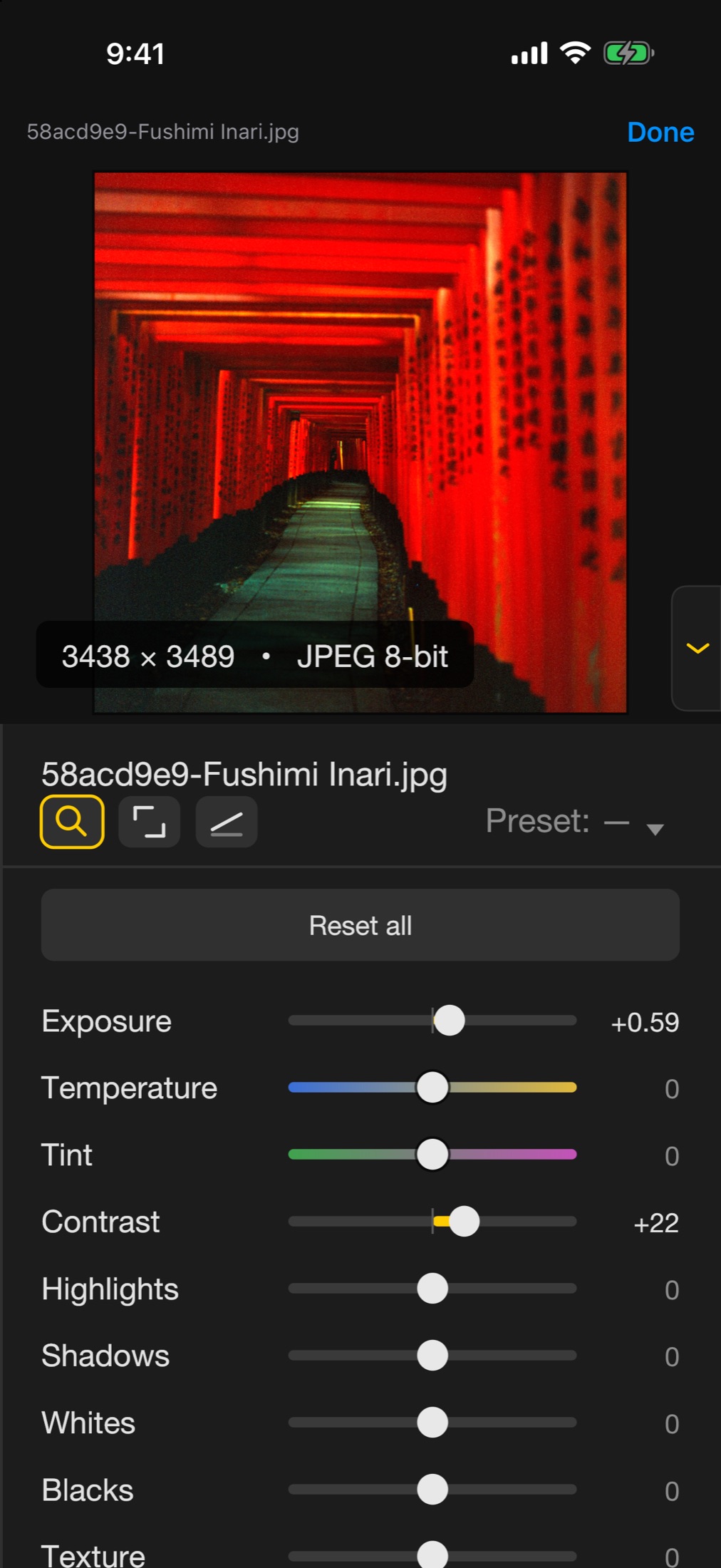
Import a shoot from the camera, Files or an external drive, flag the keepers and adjust exposure, colour and tone on your iPad or iPhone. The library is the one on your Mac, kept in sync through your own iCloud, and the original files never change.

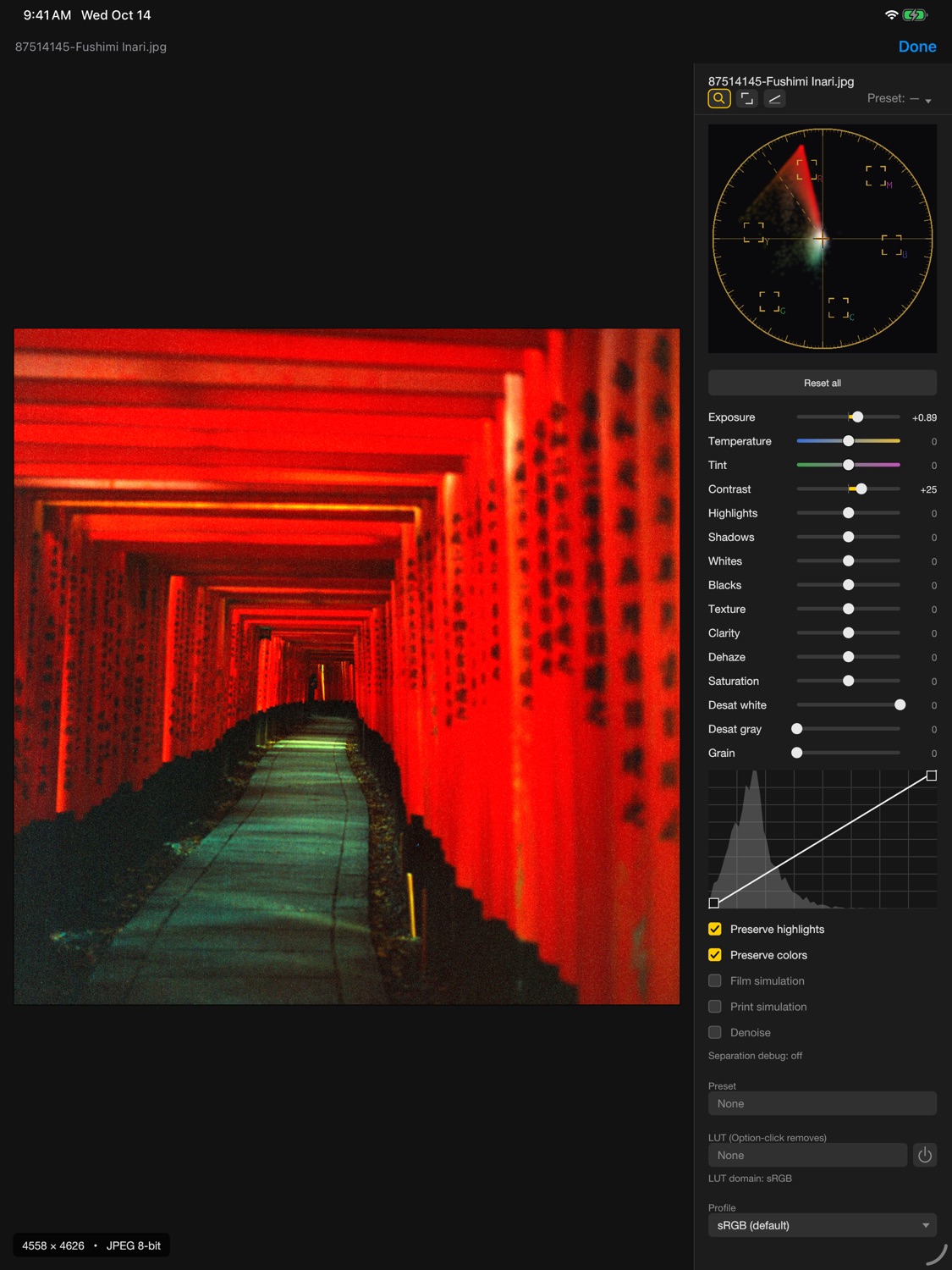
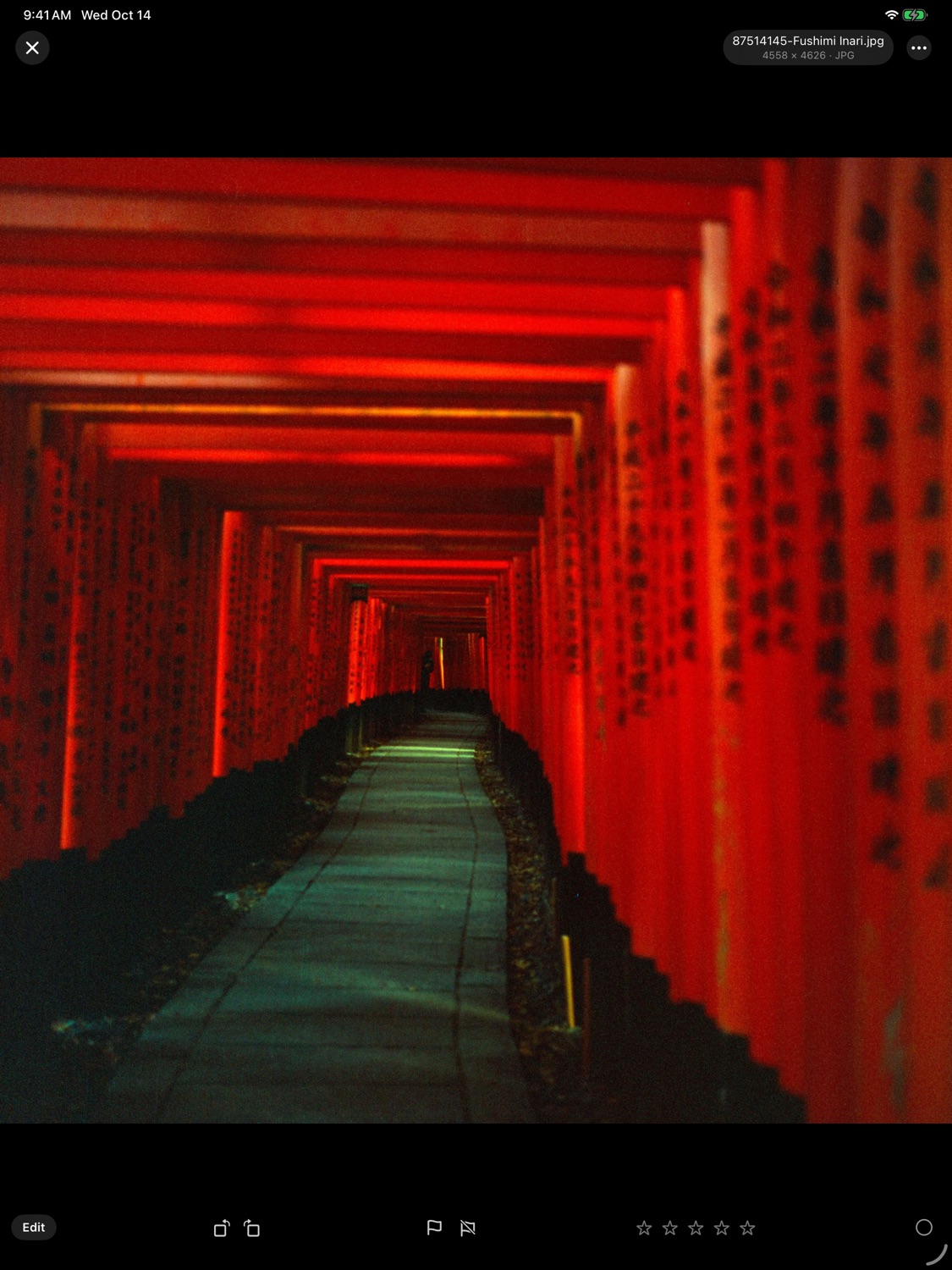
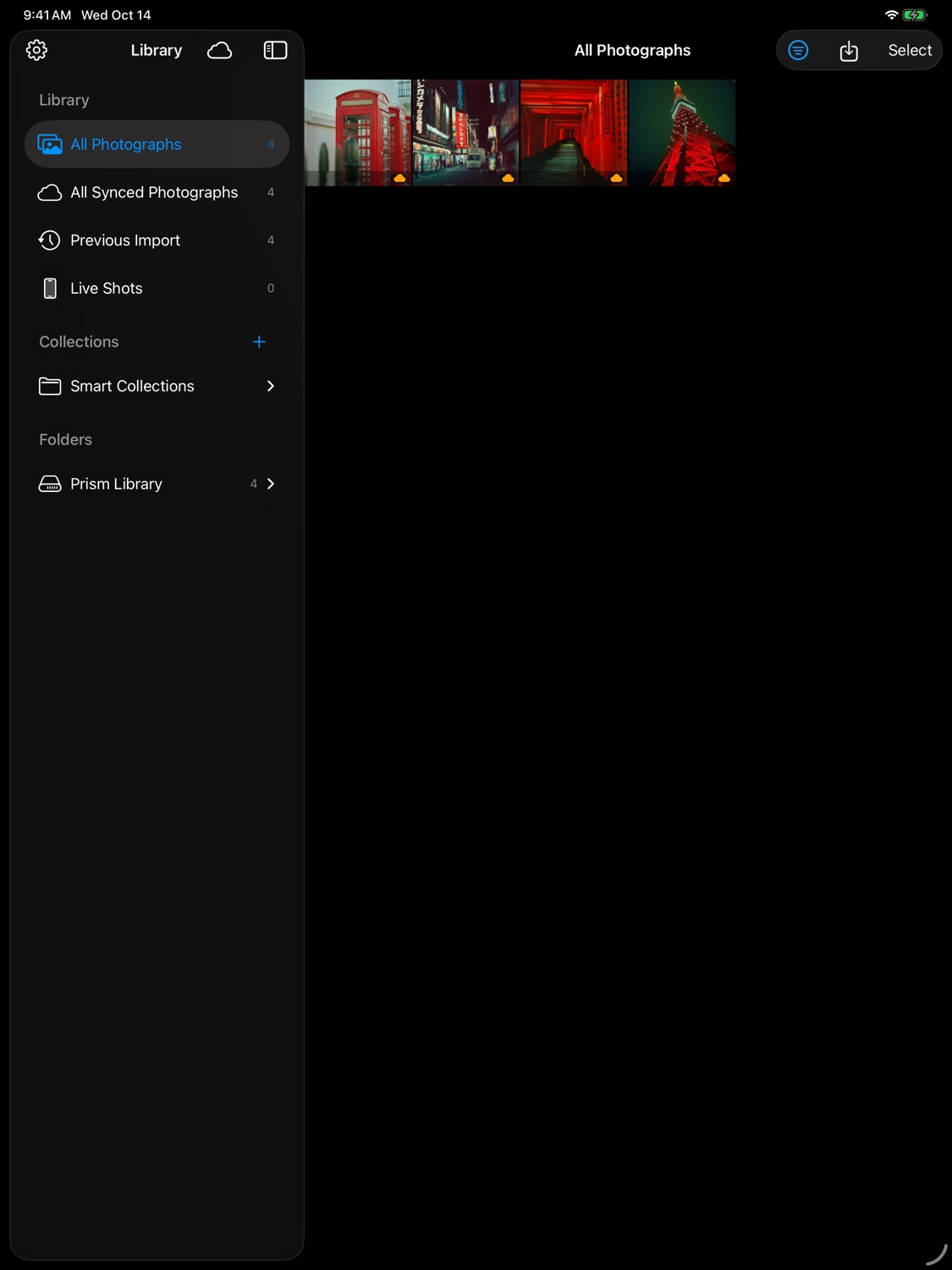
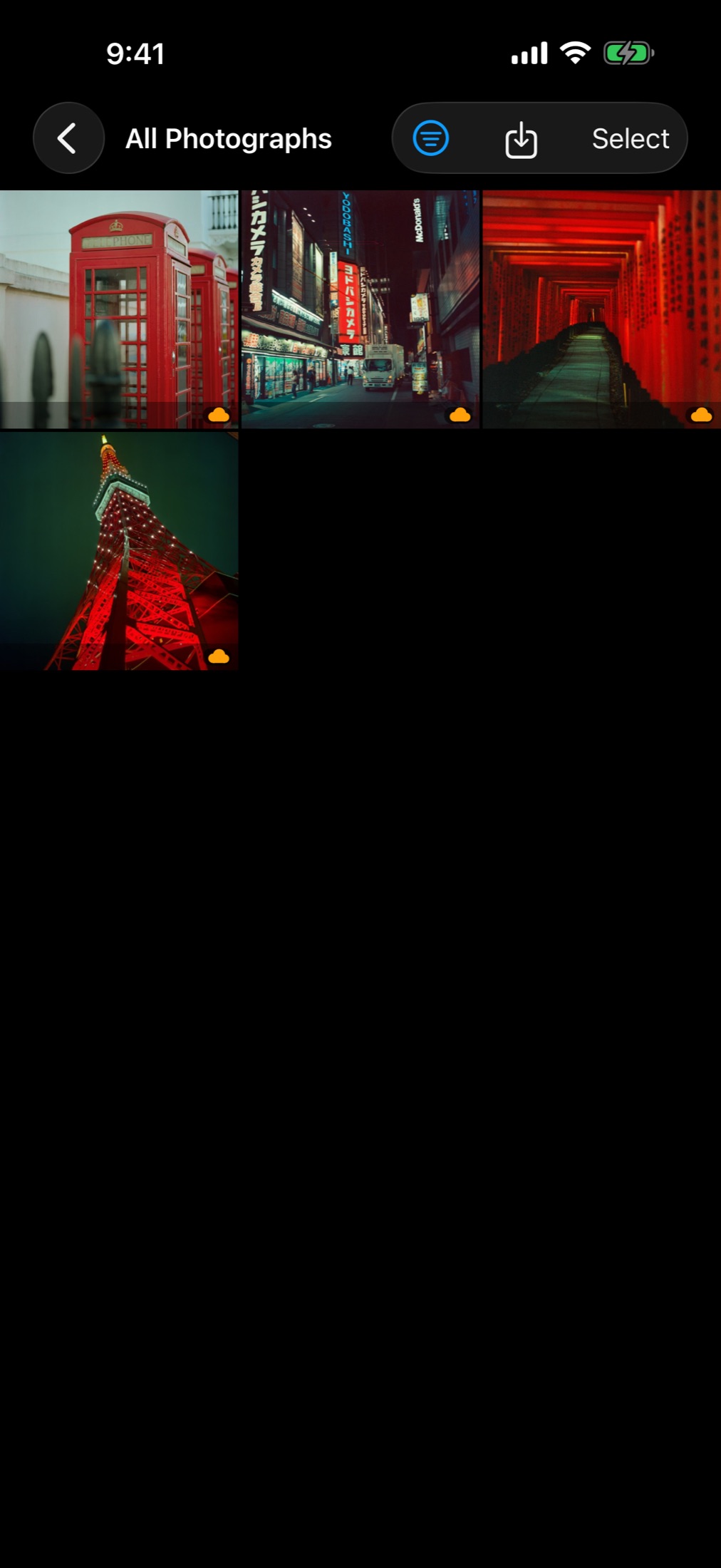
On iPhone Duo, the layout is tuned for the phone folded and unfolded.


Bring a shoot in, pick the best frames, develop them and send them on.
Bring in single photos or whole folders, RAW files included, from the camera, Files or an external drive, or capture straight into the library with the built-in camera.
Learn more →Mark photos with flags, stars and colour labels, sort them into folders and collections and find them again in a moment.
Learn more →Adjust exposure, colour and tone with Lab tone curves, crop and straighten; the original file stays untouched.
Learn more →Adjust part of the frame with a full-resolution AI mask, or take out a spot with the Remove tool and Apple Pencil pressure.
Learn more →Make a virtual copy to develop the same photo another way.
Learn more →Play a slideshow with included music, fades and cuts on the beat.
Learn more →Save the photos in the size and format you need, or share them with a link.
Learn more →The library syncs with Prism on the Mac through your own iCloud, with no account to create.
Learn more →