Vector Designer 26.23 for Windows is on the Windows page and reaches installed copies through the in-app updater. It is the biggest update since the first release.
Open more of your files
Sketch files and Figma files now open as editable drawings, and a Figma design can also be opened from its share link. EPS and Illustrator files open too, and a PDF can be imported page by page. In the other direction, a drawing can be saved as a Sketch file, and Export PDF gains options and saves several pages in one file.
Design libraries built in
The app now carries a set of design libraries, with an Assets palette to place their pieces and a Resources gallery of ready-made elements. New Document starts from presets for common sizes.
New tools
Curvature, Blend, Shaper and Area Type join the toolbox, and Shape Builder works everywhere. Corners can be rounded by dragging them right on the canvas. The new Select menu and Paste in Place are in the menu bar.
A console that talks and draws
The AI console is now a chat: describe what you want and the drawing appears live while the answer is written.
Faster, tidier, translated
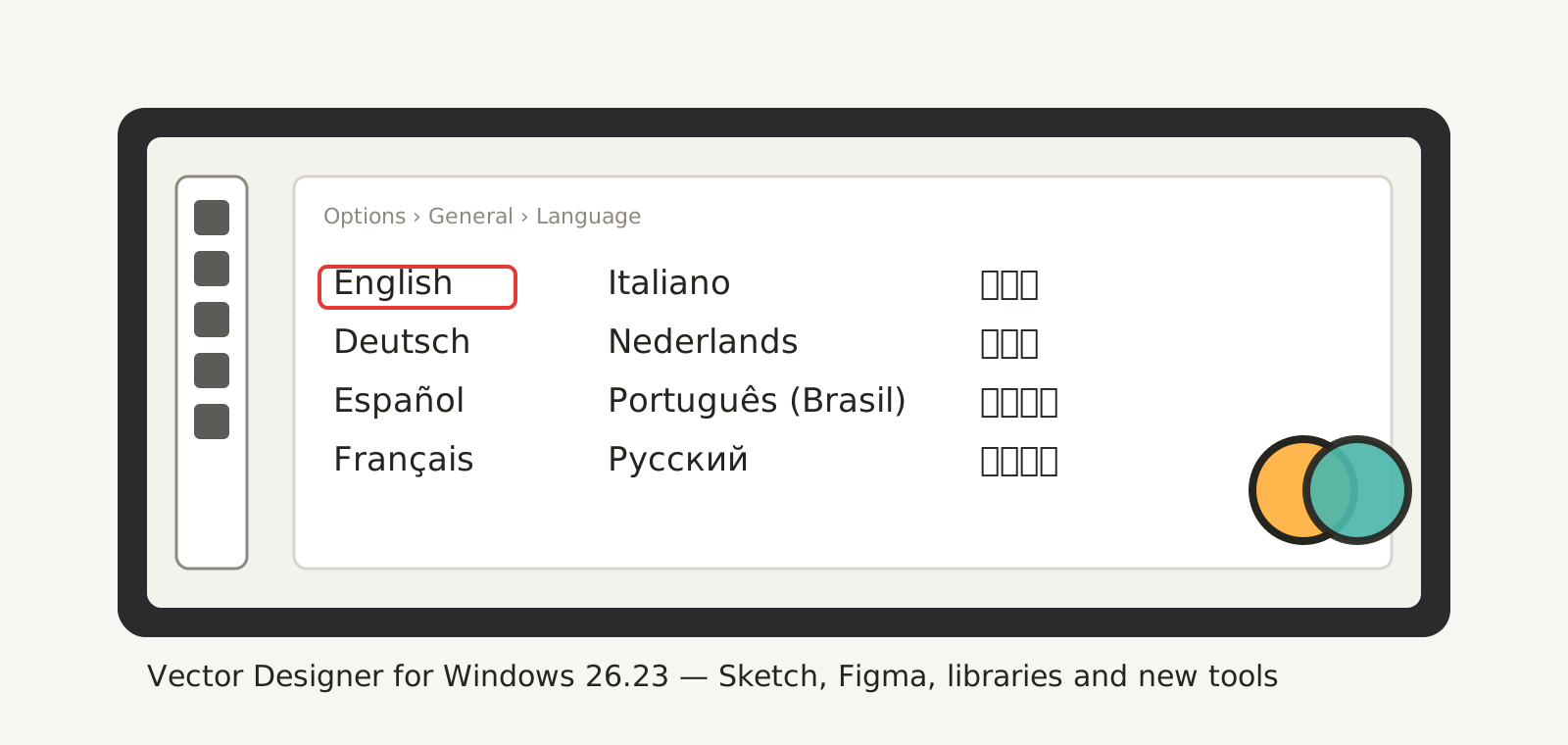
Recent files show thumbnails, palettes snap, group and dock together, the canvas redraws less and responds faster, and every menu, window and message is translated.
Keep the reports coming through Help › Send Feedback: every one is read.