

Draft a page section
Ask for HTML and CSS for a service, project or contact section, then adapt the result to your content.
Ask the assistant to draft a services section, explain an unfamiliar script or suggest a fix to a page. Review the project changes in the editor and preview before publishing.
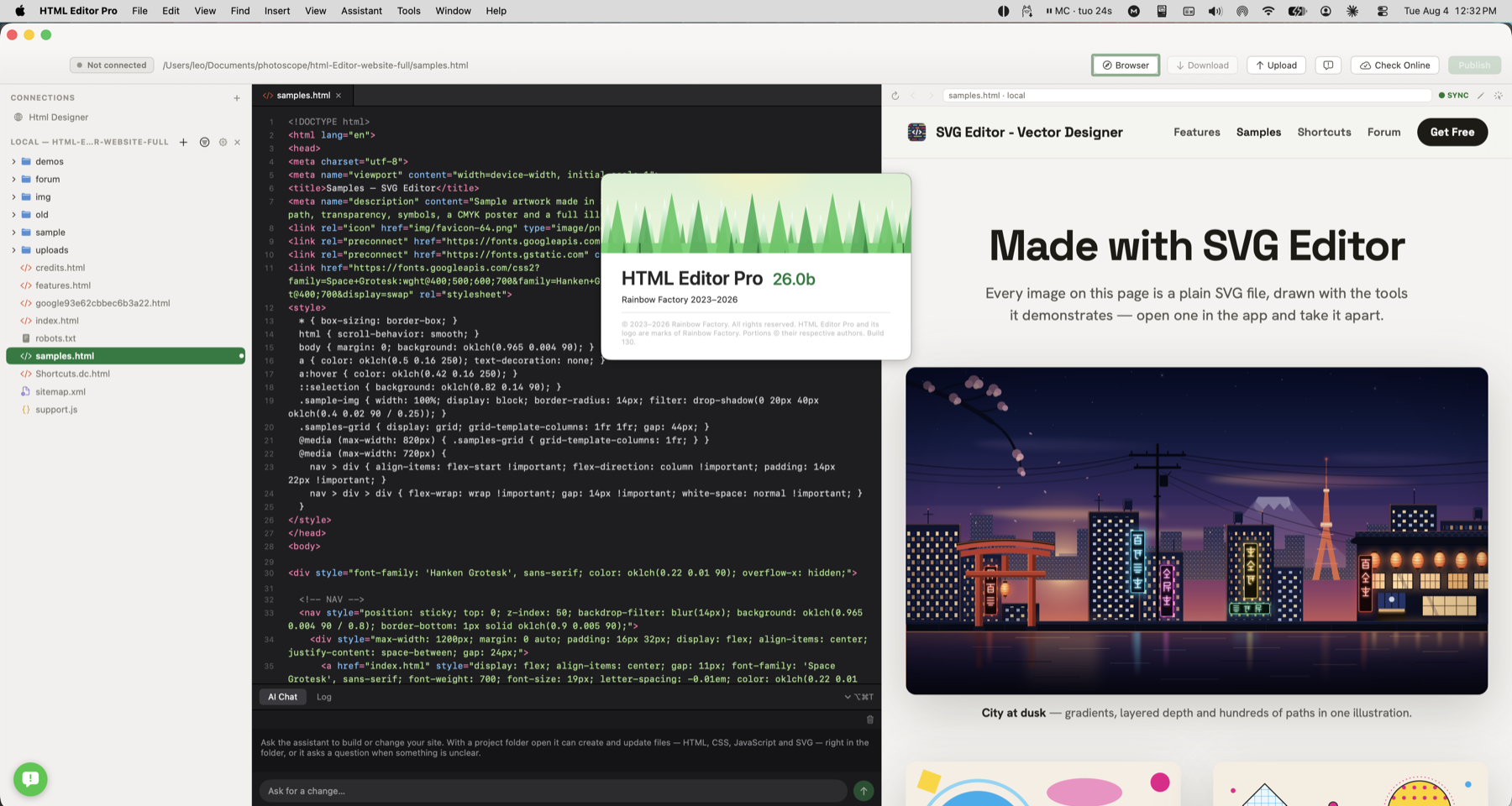
Try “Add a services section with three headings and a contact link”. Inspect the generated files, replace placeholder copy and check how the section looks.
Ask AI to draft a services section, explain a script or suggest a focused page fix.
Ask for HTML and CSS for a service, project or contact section, then adapt the result to your content.
Ask what a function does or where a problem might be coming from.
Inspect the assistant’s changes in source and preview before keeping them.
Try “Add a services section with three headings and a contact link”. Inspect the generated files, replace placeholder copy and check how the section looks.
Check how this works with your project and hosting.
Claude and Gemini require your own key and may have provider usage charges. Apple Intelligence needs no API key; it requires macOS 26 or later and a compatible Mac with Apple Intelligence turned on.
Apple Intelligence processes requests on device. Cloud providers receive your request and the project context included for the task. Review the chosen assistant and its file changes before continuing.