

Check a new HTML section
Send the active HTML to the online W3C validator and review its messages.
Check a new page for HTML markup issues, read the reported messages and return to the source to fix them. Use the local XML check when it fits the document.
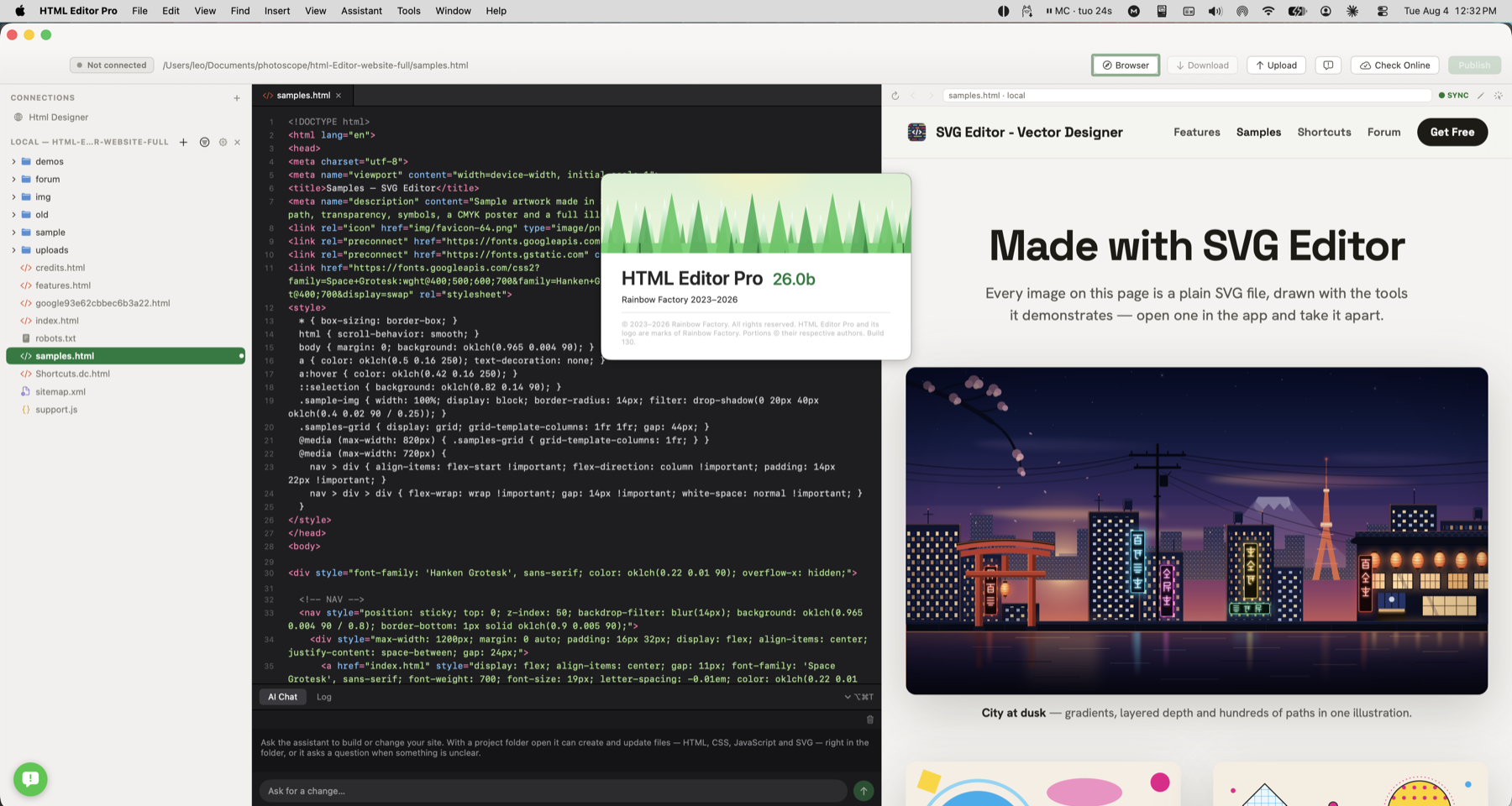
You added a section and want to catch markup problems. Run validation, inspect each message and correct the relevant source.
Check a page’s markup, fix the reported issues and review the result before publishing.
Send the active HTML to the online W3C validator and review its messages.
Use As XML to check XML-style content locally for well-formedness.
Use the results alongside the editor, then run the check again after corrections.
You added a section and want to catch markup problems. Run validation, inspect each message and correct the relevant source.
Check how this works with your project and hosting.
The W3C check sends the active source to the online validator and needs a connection. As XML runs locally, but checks XML well-formedness rather than HTML conformance.
No. Markup validation does not test every link, script, screen size or accessibility requirement. Review the page and its interactions as part of your publishing workflow.