

Explain a page in the project
Ask the connected assistant to inspect the relevant source and explain its structure.
Connect a compatible external assistant to your website project. Ask it to inspect files or prepare a focused edit, then review its work in HTML Designer.
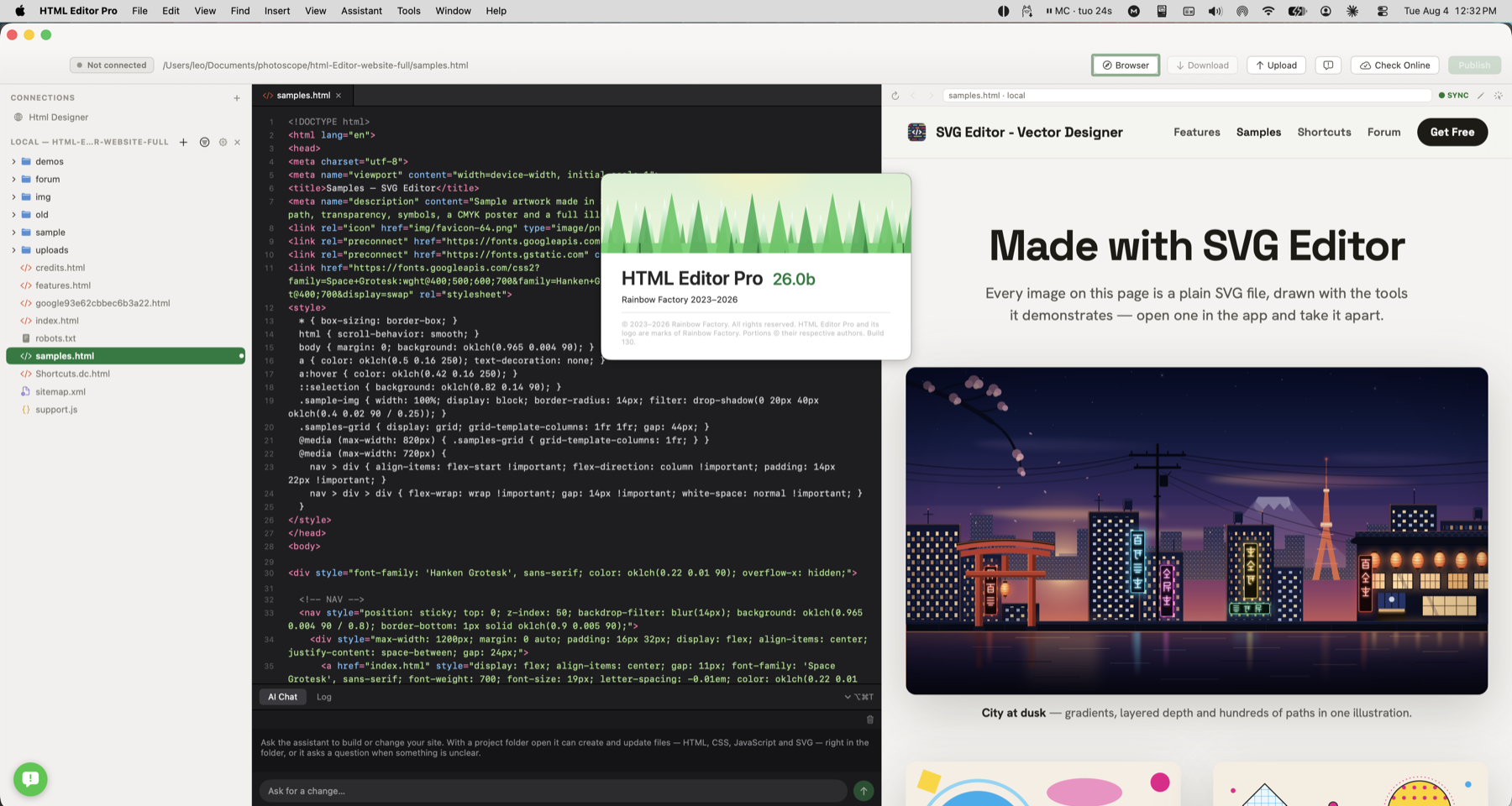
Use the app’s integration when you want a compatible assistant to work with project files and previews while you supervise the result.
Connect a compatible assistant to inspect your project or prepare an edit you can review in the app.
Ask the connected assistant to inspect the relevant source and explain its structure.
Request a wording or code update and inspect the edited files.
Use the preview and available project tools before deciding to save or publish.
Use the app’s integration when you want a compatible assistant to work with project files and previews while you supervise the result.
Check how this works with your project and hosting.
No. AI Chat runs inside HTML Designer. Assistant Integration connects a separate compatible client to the app’s tools.
The connection to HTML Designer stays on your Mac. The assistant you choose may use cloud services, and remote-file operations use your hosting connection. Availability and data handling depend on those services.