

Check a new headline
Review the wording and line breaks in the page preview as you edit.
Change a homepage heading, replace an image or adjust a section and see the page as you work. Keep the preview beside the code while checking the result.
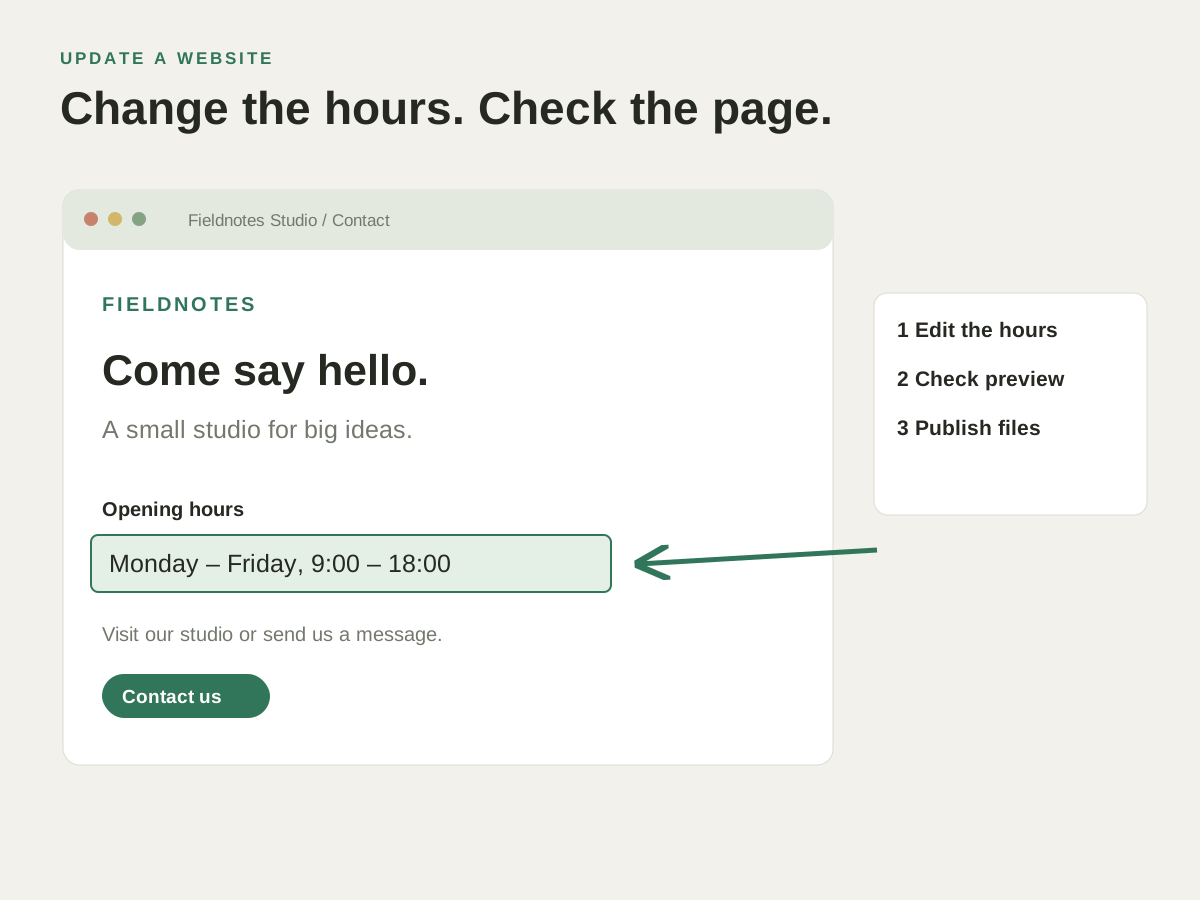
You have changed a headline and its spacing. View the page alongside the source, make another adjustment and confirm the content still fits.
Check a new headline, image or section in the page preview before publishing the update.
Review the wording and line breaks in the page preview as you edit.
See whether a new photo fits the surrounding content before uploading it.
Navigate in the preview or open the page in a browser to check the next step.
You have changed a headline and its spacing. View the page alongside the source, make another adjustment and confirm the content still fits.
Check how this works with your project and hosting.
Yes. Static project pages can be previewed on your Mac. Pages that depend on external services still need those services to be available.
No. The local preview shows the project files as they are. PHP Preview uses your configured server, and projects with build steps need their usual development tools.