

Update an existing page
Open a remote file, correct its content and save it back to the connected server.
Update a contact page, replace a menu or publish a new portfolio project. Connect to your hosting, transfer the changed files and check the live page in a browser.
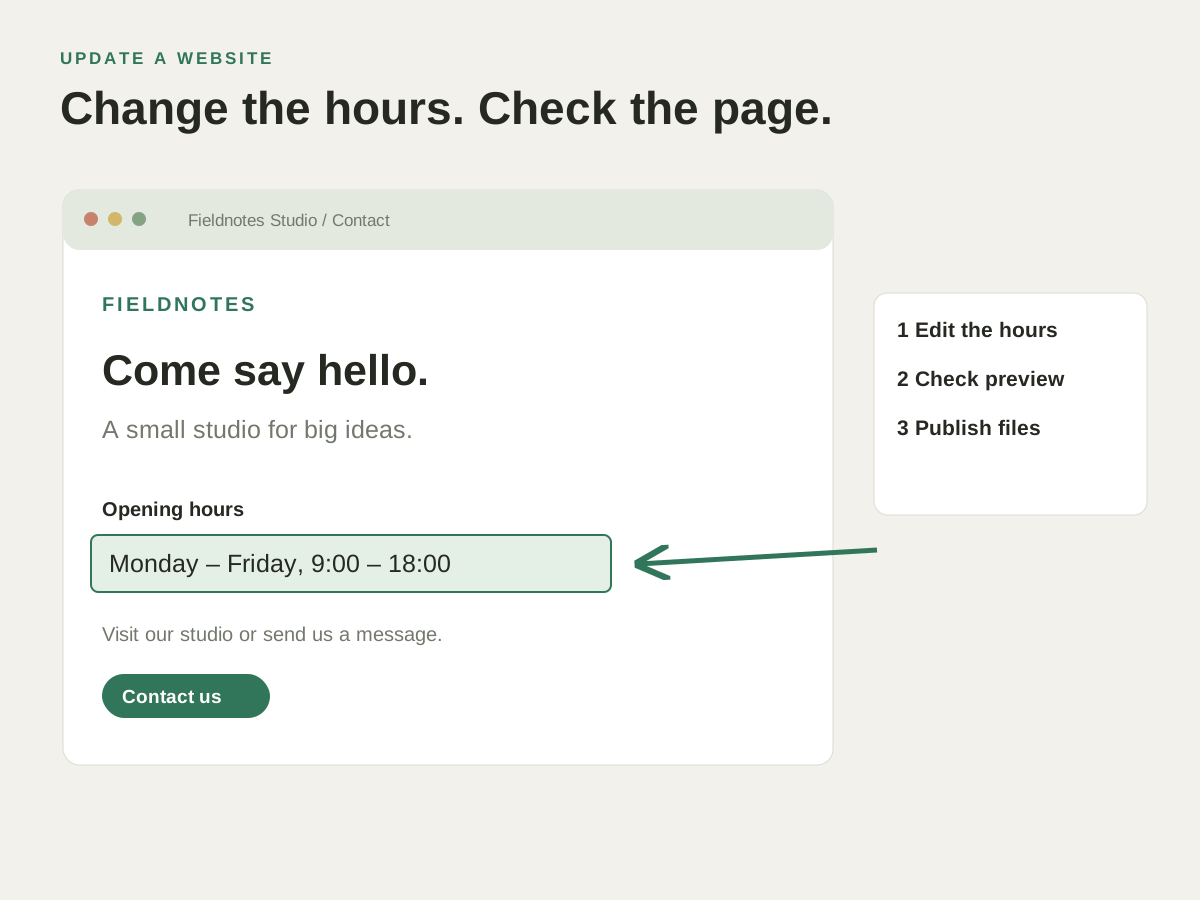
After editing the page, connect to the correct hosting account and folder. Upload the files the update needs and verify the published result.
Upload new opening hours, a revised menu or a portfolio page to your own website hosting.
Open a remote file, correct its content and save it back to the connected server.
Transfer the HTML, styles and images needed for a new portfolio entry or service page.
Use FTP, FTPS or SFTP according to the access your hosting provider supplies.
After editing the page, connect to the correct hosting account and folder. Upload the files the update needs and verify the published result.
Check how this works with your project and hosting.
No. Use your own hosting account with a supported FTP, FTPS or SFTP connection. HTML Designer provides the editing and transfer tools.
Saving an open remote file uploads it to the connected server. If that path serves the public site, the update can become visible after the upload. Use a separate test location when the change needs review first.