

Add a page section
Write the heading, copy, image reference and links for a service or project.
Write a service page, add a booking link or change a product section in HTML. Keep the source, related files and preview together while you work.
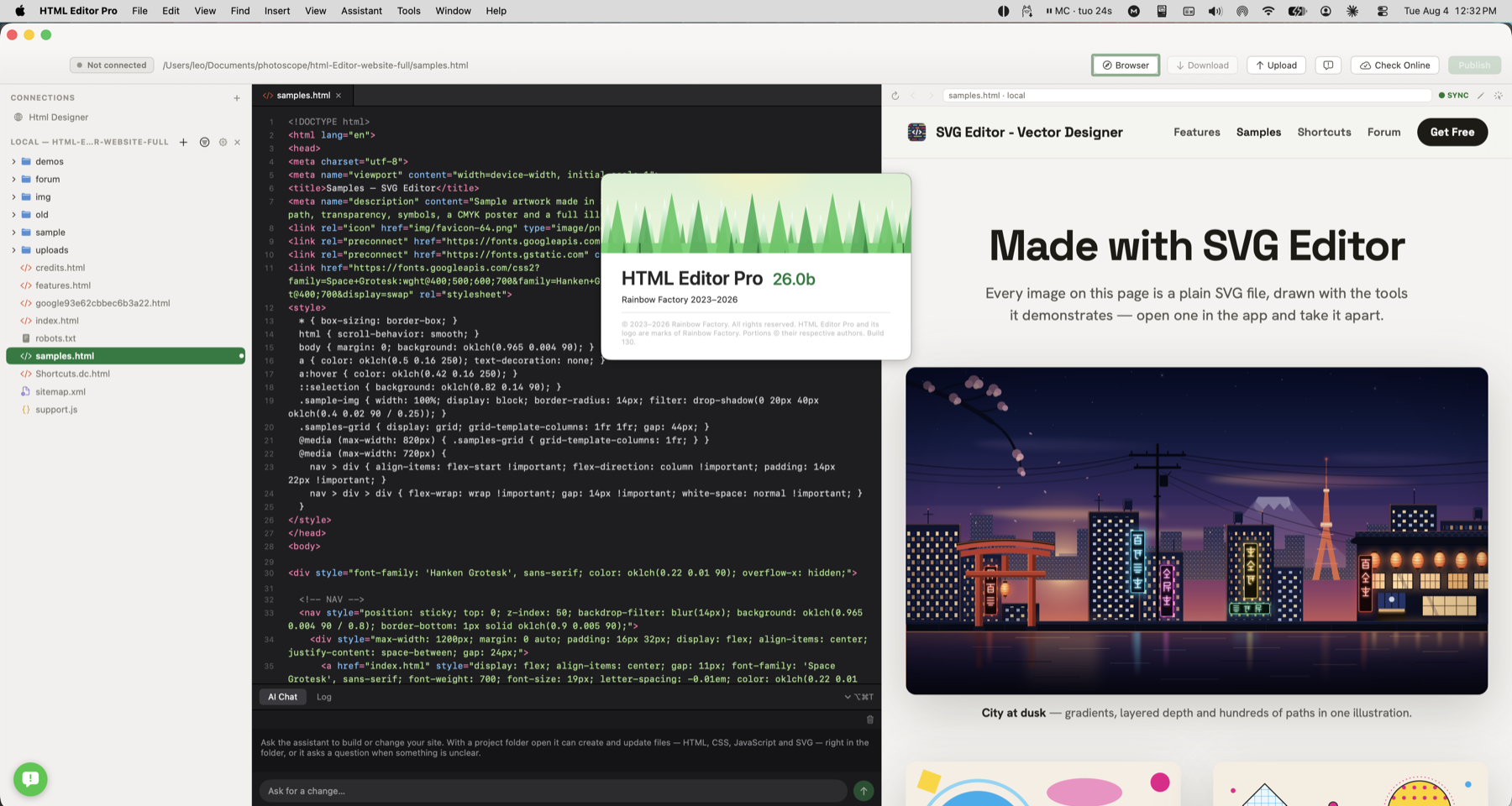
Open the page, find the section you need and edit the HTML, CSS or script. Check the result in preview before saving or publishing.
Write a service page, add a booking link or edit a product section with its preview nearby.
Write the heading, copy, image reference and links for a service or project.
Use matching selections to edit repeated text in the current document.
Hover a supported local image path to see which asset the page uses.
Open the page, find the section you need and edit the HTML, CSS or script. Check the result in preview before saving or publishing.
Check how this works with your project and hosting.
The editor supports common web source and text files, including HTML, CSS, JavaScript, PHP, JSON, Markdown and plain text.
No. Static pages can use the local preview; PHP pages preview on your own hosting, and projects with a build step need their usual tools.