HTML breadcrumb bar
A thin bar below the editor shows the tags enclosing the cursor; clicking a segment jumps to that tag.
The source editor supports common web project files with helper tools for formatting, navigation, snippets, image previews, multi-selection and file-aware editing.
A thin bar below the editor shows the tags enclosing the cursor; clicking a segment jumps to that tag.
Commands expand selection to the containing HTML element or descend to the first child element.
Find all, add next match and skip next match support repeated edits across a document.
Hover local image paths in HTML or CSS to preview project images without opening the file.
Smart quotes, replacements, spelling and data detection are disabled for reliable source editing.
Tab inserts two spaces and Shift-Tab removes indentation near the cursor.
| Area | Formats and tools | Workflow |
|---|---|---|
| Markup | html, htm, xhtml | Edit source, inspect DOM structure and preview rendered output. |
| Styles and scripts | css, js | Maintain page styling and behaviour next to the HTML project. |
| Server and data files | php, json | Open supporting files and preview PHP through a configured server workflow. |
| Writing and notes | md, txt | Edit Markdown and plain text inside the same project workspace. |
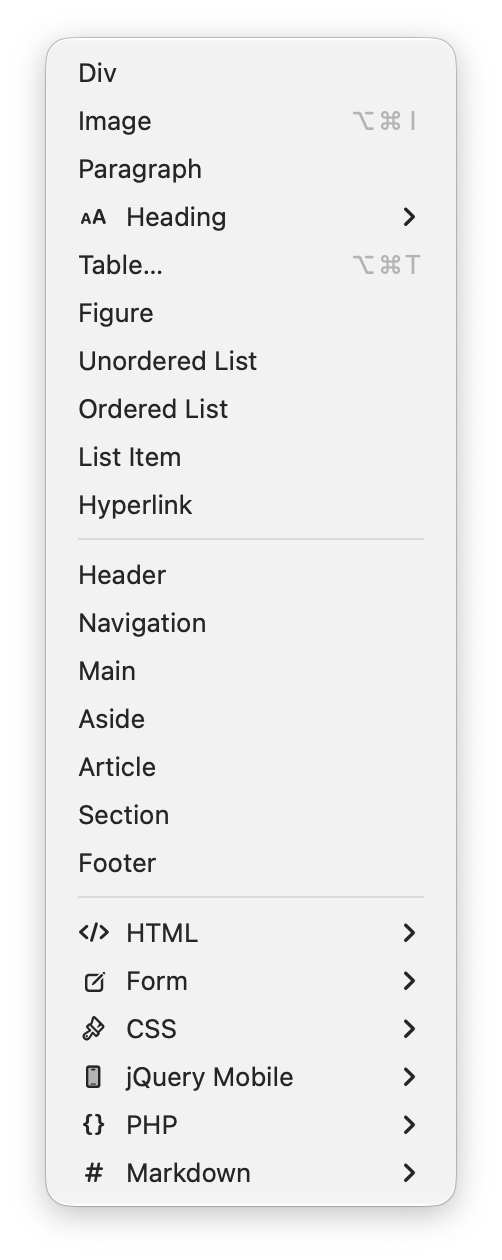
The Insert menu keeps common HTML, form, CSS, jQuery Mobile, PHP and Markdown snippets close to the editor.