

Update contact details
Find an old address or phone number across the website’s files.
Find an old phone number, address or product name across project files. Review the matches and apply repeated replacements without opening every page by hand.
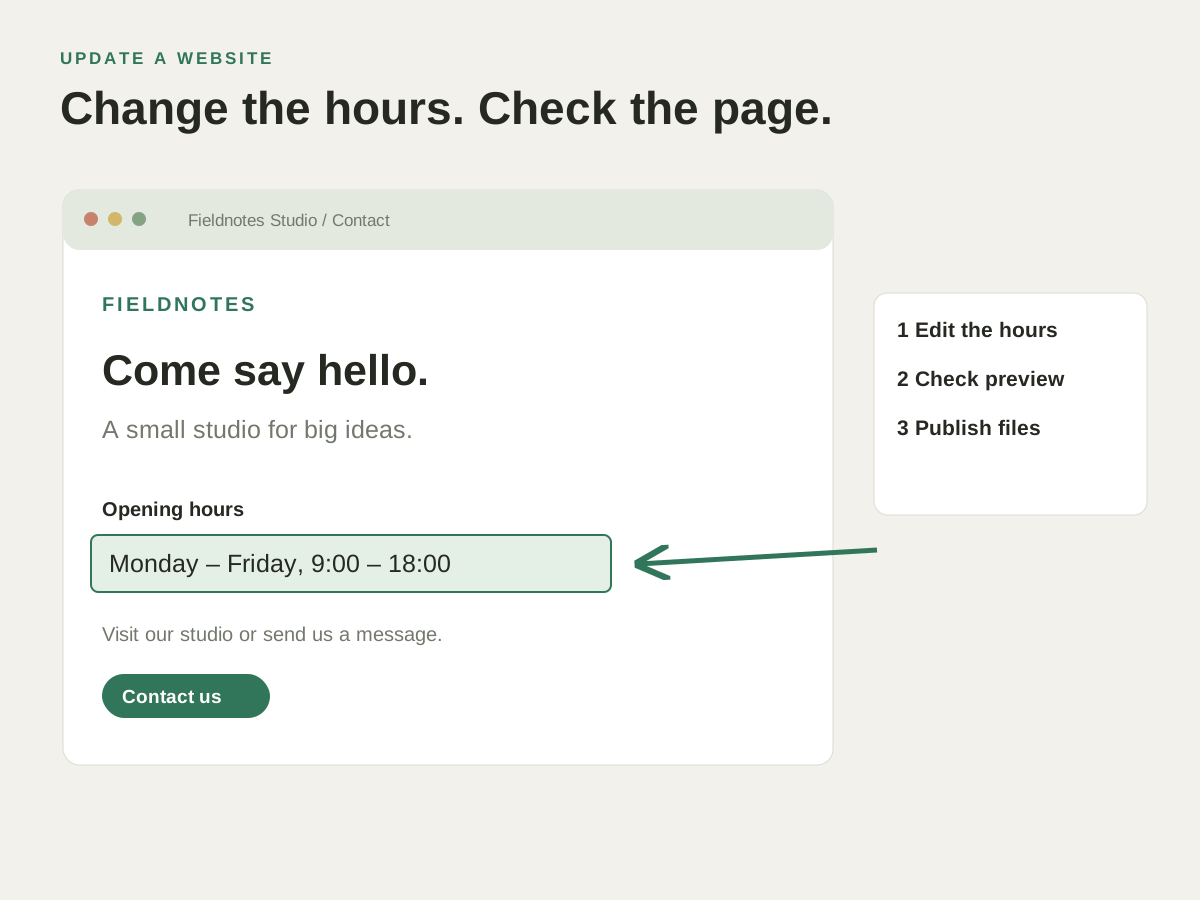
Your business has moved. Search the project for the previous address, review the contact page and footers, then replace the matching text.
Find an old address, phone number or product name across your website and update the matches.
Find an old address or phone number across the website’s files.
Review every matching reference before replacing the wording.
Search for the text you see on a page and open the matching project file.
Your business has moved. Search the project for the previous address, review the contact page and footers, then replace the matching text.
Check how this works with your project and hosting.
No. All Projects expands the search scope, while Replace All is limited to the current project.
Yes. Regular-expression search is available alongside whole-word and case-sensitive options. Check the matches before using a replacement.