

Fix a heading typo
Double-click an eligible plain-text heading and enter the corrected wording.
Fix a typo in a heading, change opening hours or rewrite a short caption directly in the preview. Eligible plain-text elements update in the HTML source when you commit the edit.
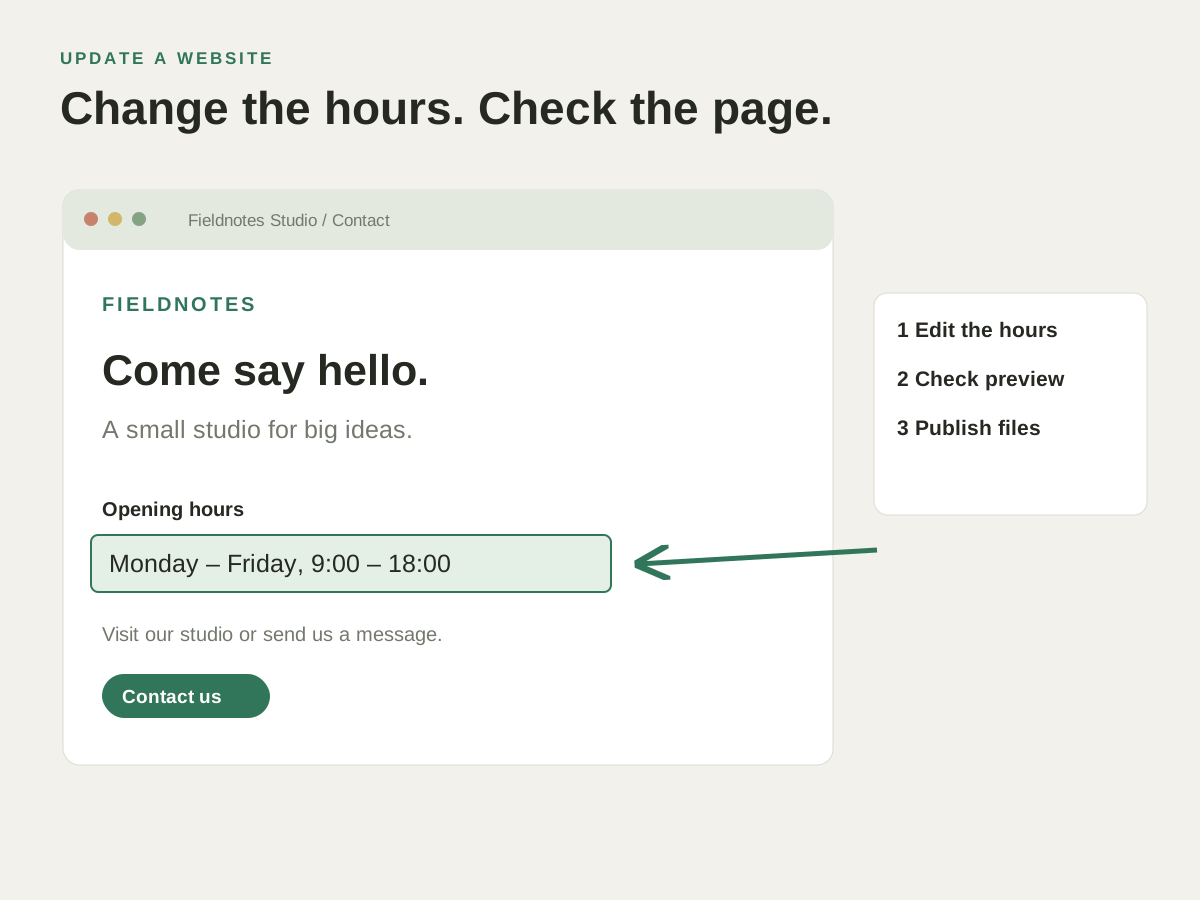
A service page has the wrong heading. Enter Edit Text mode, change the eligible text element and check how the new wording fits.
Fix a heading typo or change a short caption directly in the preview, with the HTML updated too.
Double-click an eligible plain-text heading and enter the corrected wording.
Change supported text beside an image and review it in context.
Commit the visual edit through the editor’s undo history and save the updated HTML.
A service page has the wrong heading. Enter Edit Text mode, change the eligible text element and check how the new wording fits.
Check how this works with your project and hosting.
No. Preview editing is for HTML elements containing plain text that can be matched to source. Nested markup and dynamically generated text may need editing in the source instead.
Yes. Committed preview text changes use the editor’s undo history. For a remote file, saving the updated file uploads it to the server.