

Investigate an unexpected gap
Inspect margins and padding around a selected element.
Select a button, heading or image in the preview to inspect its spacing and styles. Find the matching HTML and make a focused correction in the source.
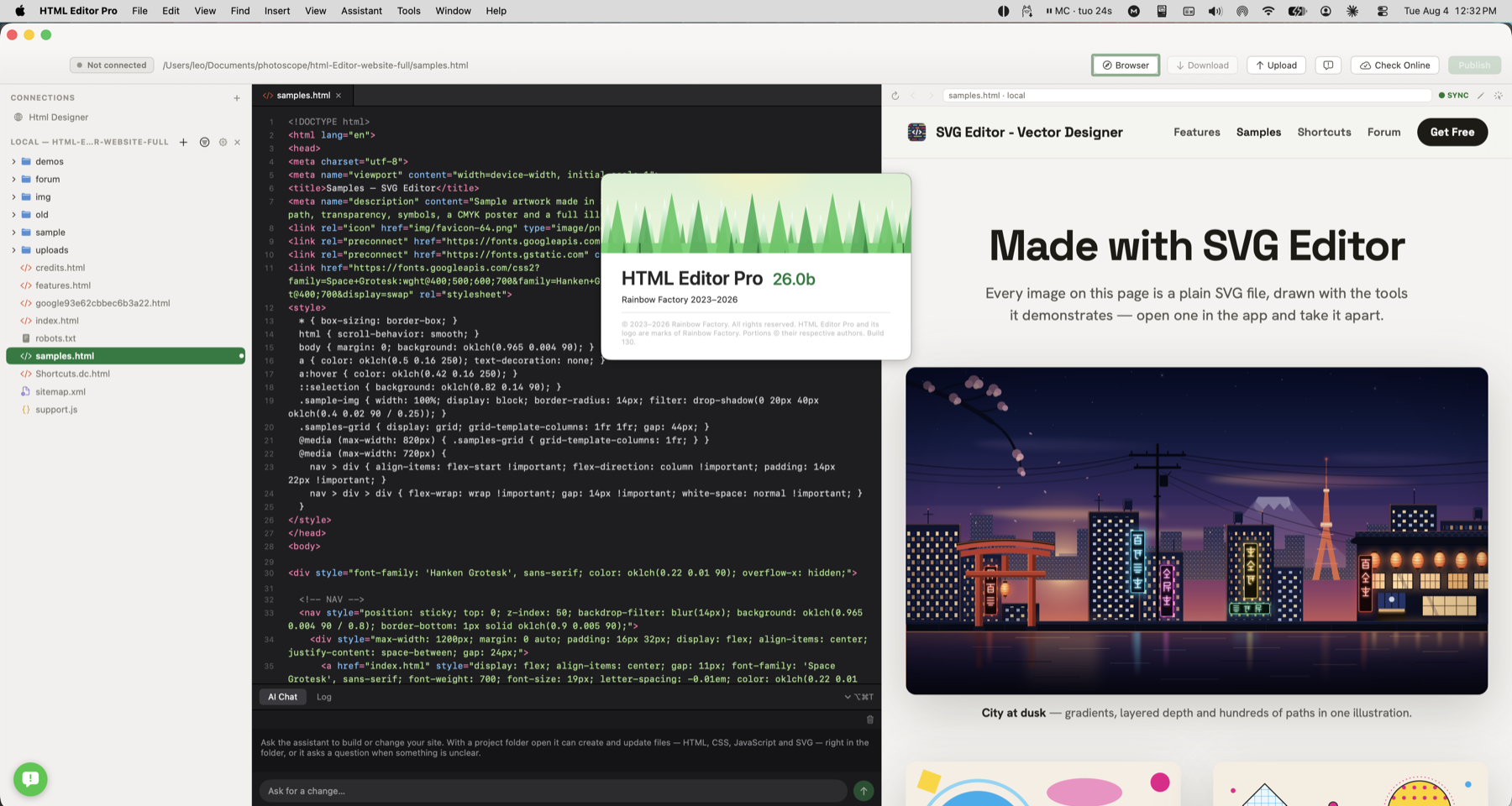
A button sits too far from its text. Select it in the preview, inspect the margins and padding, then find the source that needs changing.
Inspect a misplaced button or oversized heading and find the HTML or style that controls it.
Inspect margins and padding around a selected element.
Review the element’s styles and filter for the property you need to understand.
Jump to the corresponding source when the selected element can be matched to the document.
A button sits too far from its text. Select it in the preview, inspect the margins and padding, then find the source that needs changing.
Check how this works with your project and hosting.
Yes. Turn Inspect off to browse the page and follow links normally.
Not always. Scripts can create elements after the page loads, and the displayed page can differ from the source. Source reveal works where the selected element can be matched to the editable HTML.