Local projects
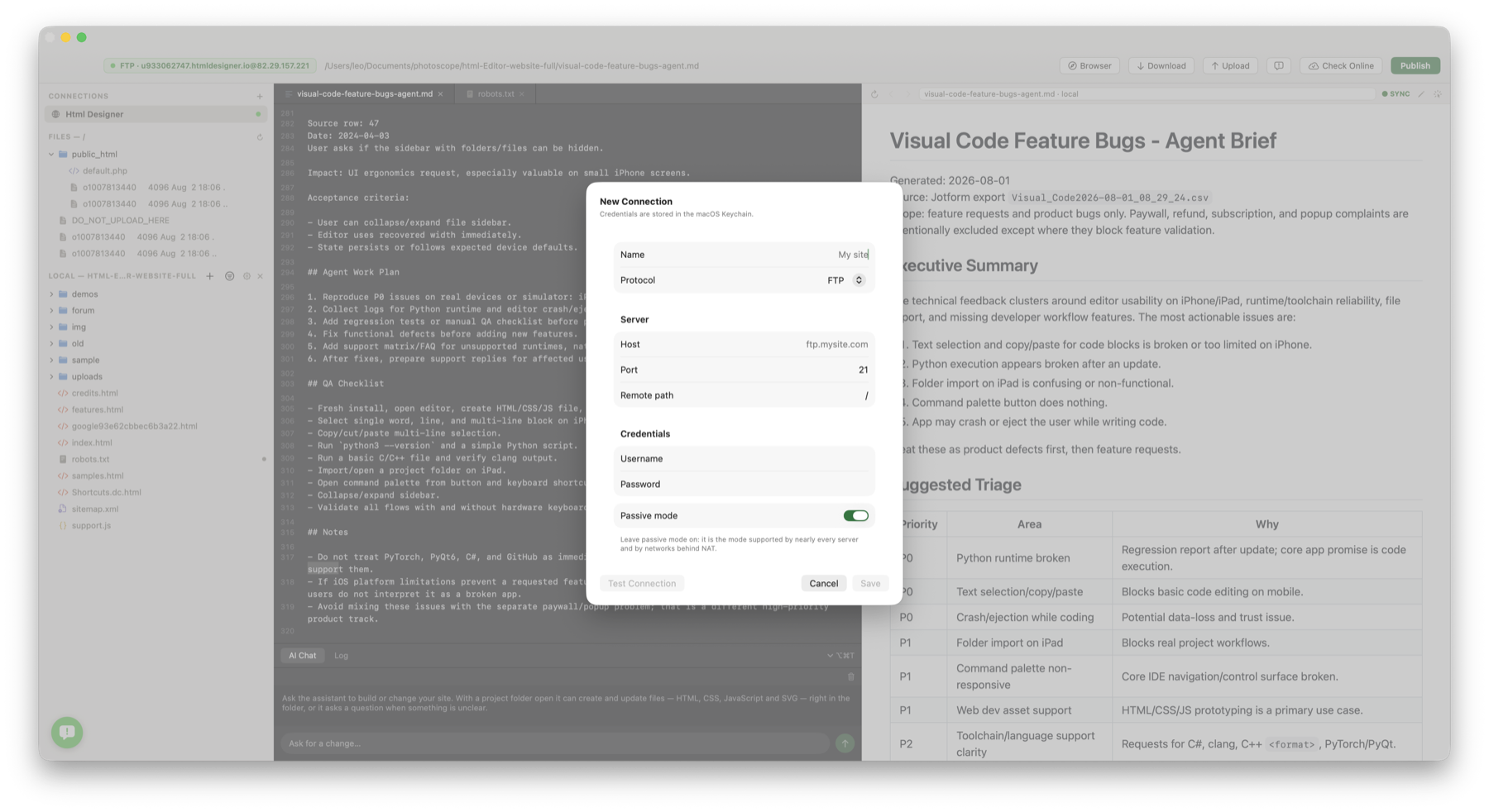
Open folders as editable web projects and keep files visible beside the editor.
HTML Designer keeps project folders, linked sites, source editing and preview in one desktop workflow, with Finder-friendly local files and saved remote connections.
Open folders as editable web projects and keep files visible beside the editor.
The Links palette lists saved FTP, FTPS and SFTP sites next to local project shortcuts.
Project actions include opening folders, revealing files and launching pages in a browser.
Remote and local project windows keep site-specific editing tasks organised.
The main workflow starts with the site you are working on, not with a blank document. Open a folder or connect to a saved site and continue from there.