Sign a PDF with your digital ID.
Send an approval with a certificate-based signature, or inspect the signature on a PDF you receive. Check the signer information and whether the document has changed since it was signed.
Use the signing method your recipient requests.
When a customer or organisation asks for a certificate-signed PDF, choose a suitable digital identity and save a signed copy. Check its verification status before sending it.
Use it for your next document.
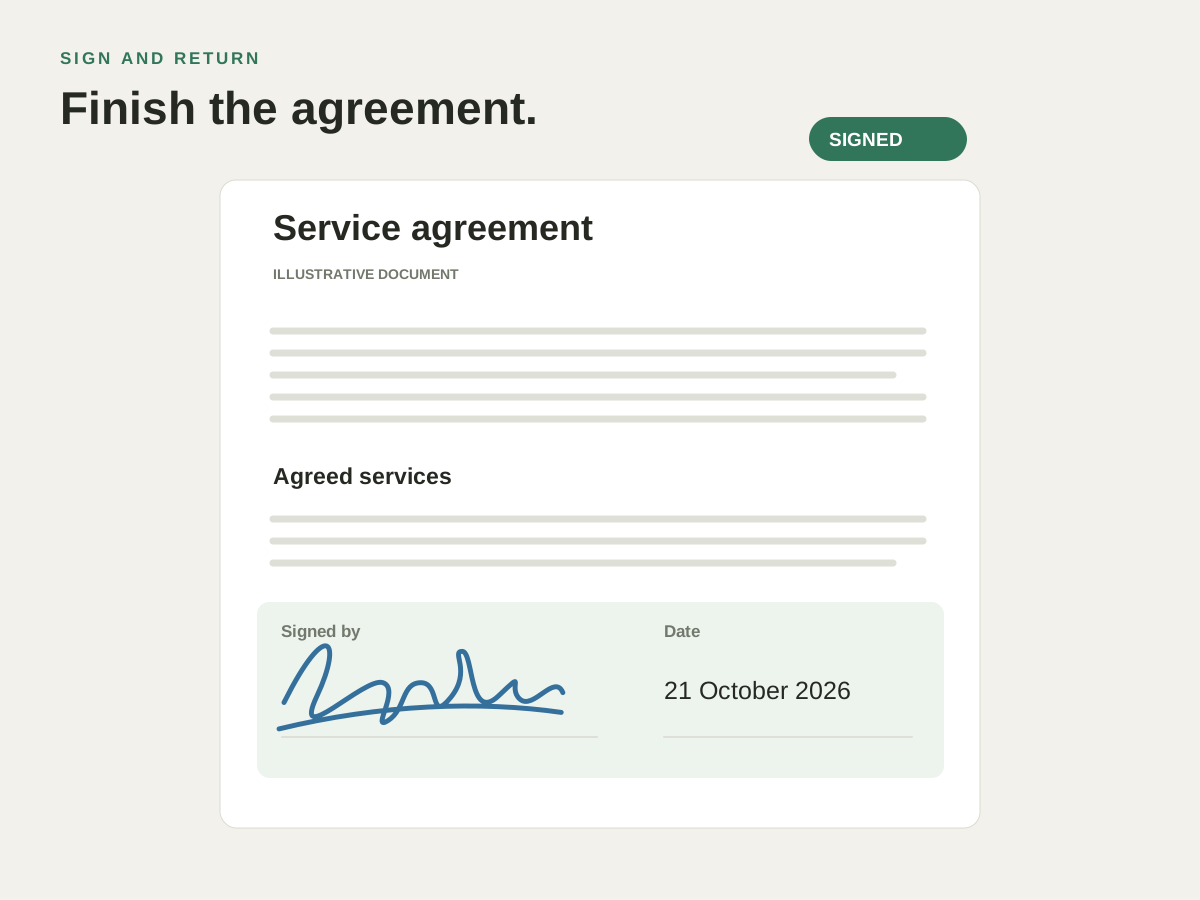
Sign an approval or agreement
Choose an identity from your Mac’s keychain, or create a self-signed ID where appropriate. Add a reason for signing when the recipient needs one.
Use a signature field in the form
If the PDF includes a signature field, use it to display your name, date and a signature image. You can also sign without a visible field.
Check a document you receive
Open the signed PDF and inspect its status. See whether the signature verifies, the signer is unknown or the document has changed.
Try it with your own PDF.
- Finish the document first
Review the final PDF and choose Digitally Sign. - Choose the required identity
Select the digital ID and available signature presentation. - Check the signed copy
Save the separate signed file and read its verification status before sending.
Questions about this task.
Will a self-signed ID be trusted automatically?
No. Other software may show an unknown signer until the recipient chooses to trust that identity. Use the digital ID required by your recipient’s workflow.
Can I keep editing or exporting after signing?
A digital signature relates to a specific file state. Later changes can affect its status, and Save As or Export can invalidate it. Keep the signed copy and verify the final file you intend to send.
Sign and check the final copy.
Use your digital ID, then verify the PDF you intend to send.

Choose the direct Mac download with automatic updates, or install through the Mac App Store.