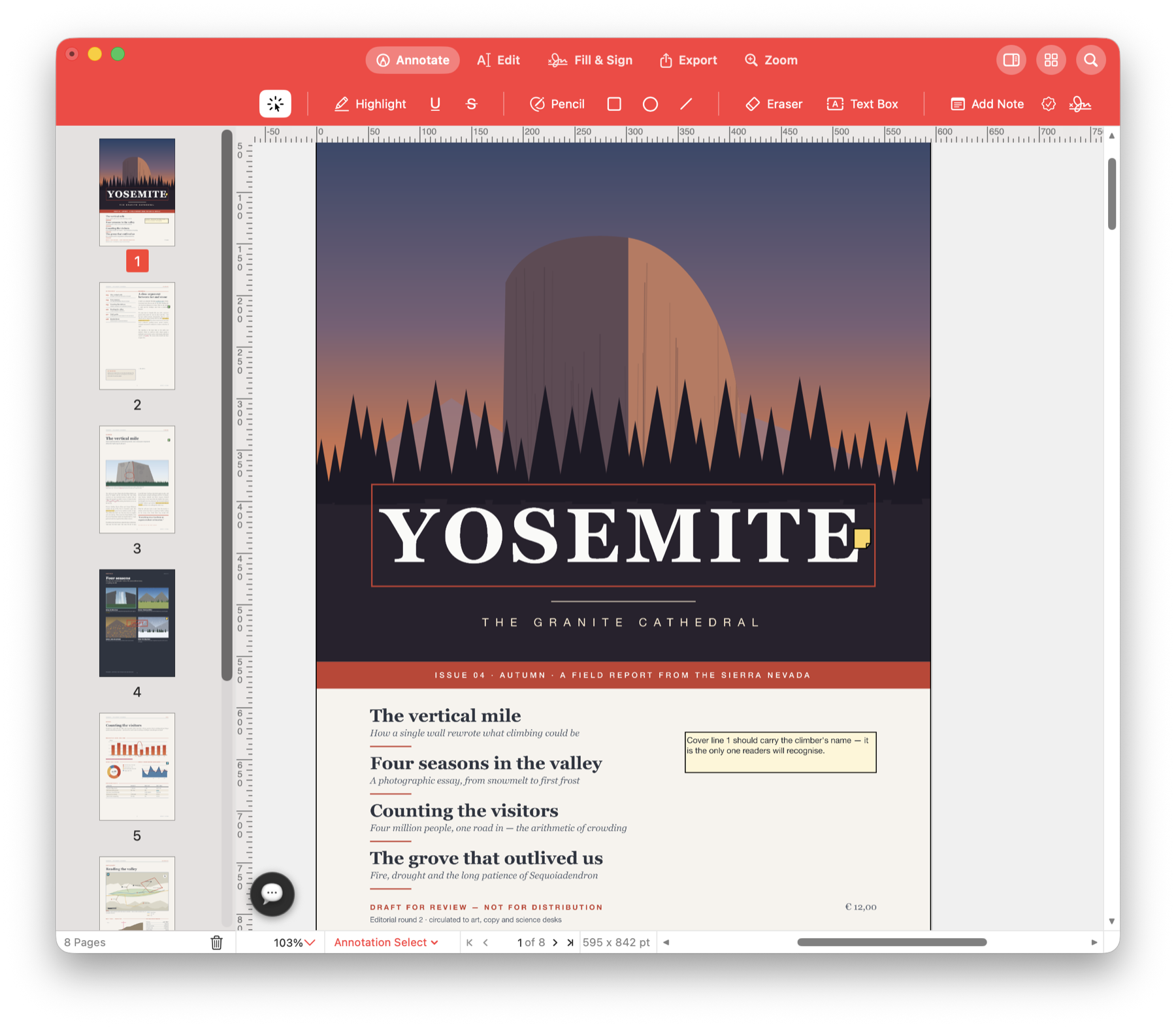
Fill tax forms. Sign contracts.
Complete a tax form, return an application or sign a contract on your Mac. Type your details, tick the relevant boxes and place your signature on the PDF, then save the completed copy to send back.
Finish the paperwork on your screen.
When someone emails a PDF form, open it and enter the information they need. Use its fillable fields or add text over a flat form, then sign and date it where required.
Use it for your next document.
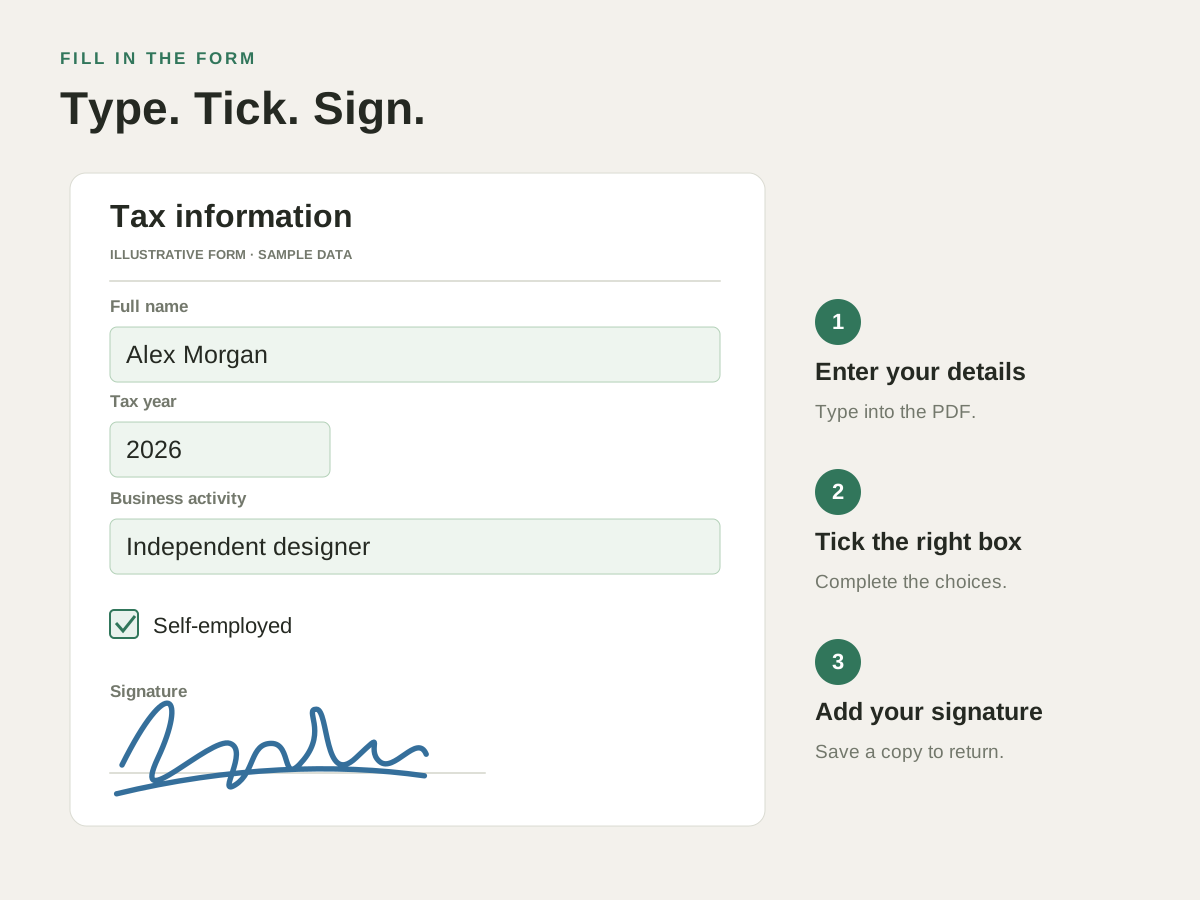
Complete a tax or application form
Enter your name, address and figures in the PDF. Tick checkboxes and move between interactive fields with Tab; add text directly when the form has no fillable fields.
Sign a contract you received
Draw or type your signature, import an image or capture your signature on paper. Place it on the signing line and save it for the next document.
Initial a document with several signing spots
Choose your saved initials or signature and work through detected signing locations. Add the date where the app recognises a matching date box, then check every page.
Try it with your own PDF.
- Enter your details
Open the form, choose Fill & Sign and complete the requested fields. - Add your signature
Choose a saved signature or create one, then place it on the signing line. - Check and return the form
Review names, figures, dates and signing spots, then save the completed PDF.
Questions about this task.
Do forms need interactive fields?
No. Interactive fields make entry convenient, but you can also add text and place a signature on a document without them.
Is a placed signature a certificate-based digital signature?
A drawn, typed or imported signature is visible artwork that becomes part of the page. Use Digitally Sign when you need a PDF signature backed by a digital ID.
Finish the form waiting in your inbox.
Fill in the details, add your signature and save a copy ready to return.

Choose the direct Mac download with automatic updates, or install through the Mac App Store.