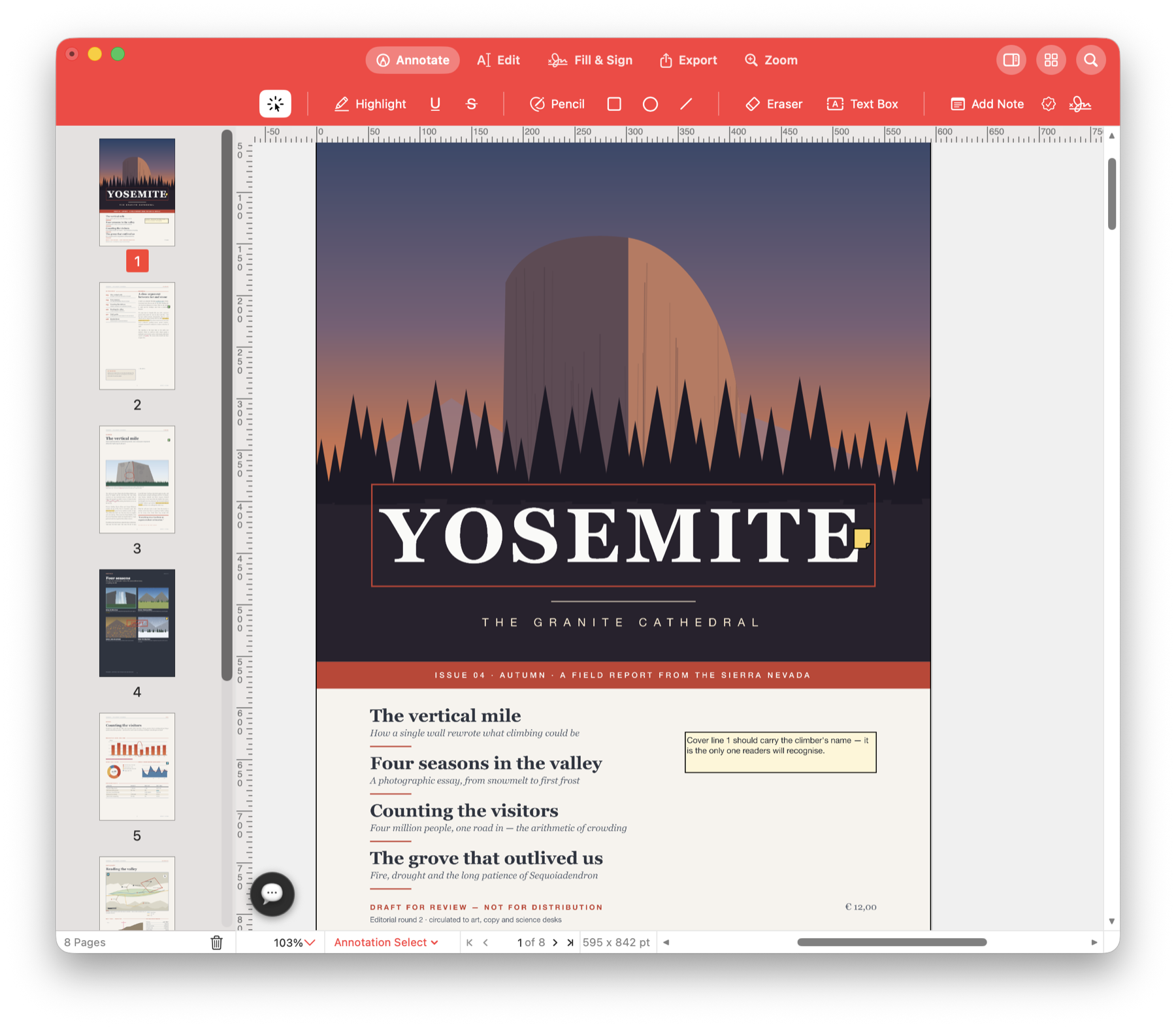
Fix a typo. Update a price.
Correct a customer name on an invoice, change a price in a brochure or update the contact details in a handout. Edit the PDF you have, even when the original document is no longer available.
Make a small correction without starting over.
You spot the wrong date just before sending a proposal. Open the PDF, replace the supported text and check it on the page. You can also change an image or add a link to your website.
Use it for your next document.
Correct an invoice or quote
Fix a misspelt name, a contact number or a price in editable PDF text. Check that the replacement fits the existing line before saving.
Refresh a brochure
Replace an old logo, move a product photo or adjust its size. Update the page artwork while keeping the rest of the document together.
Make a handout easier to use
Add a link to your booking page, change a heading colour or choose a different installed font for supported text.
Try it with your own PDF.
- Open the PDF
Choose Edit and select the text or image you want to change. - Make the correction
Replace the wording, adjust the image or add the link you need. - Check the finished page
Inspect the spacing and nearby content, then save the corrected PDF.
Questions about this task.
Can I change the font of existing PDF text?
Yes. Choose an installed font and an available style, then adjust its size and colour. Some selections or changes cannot be applied safely; the app explains when an edit would cause a conflict.
Will paragraphs reflow like a word processor?
PDF text stays at fixed positions on the page. Paragraph alignment and line spacing are not available for existing page text. For broader rewriting, export to Word and review the converted document.
Fix the PDF you need to send.
Make the correction, check the page and save the updated document.

Choose the direct Mac download with automatic updates, or install through the Mac App Store.