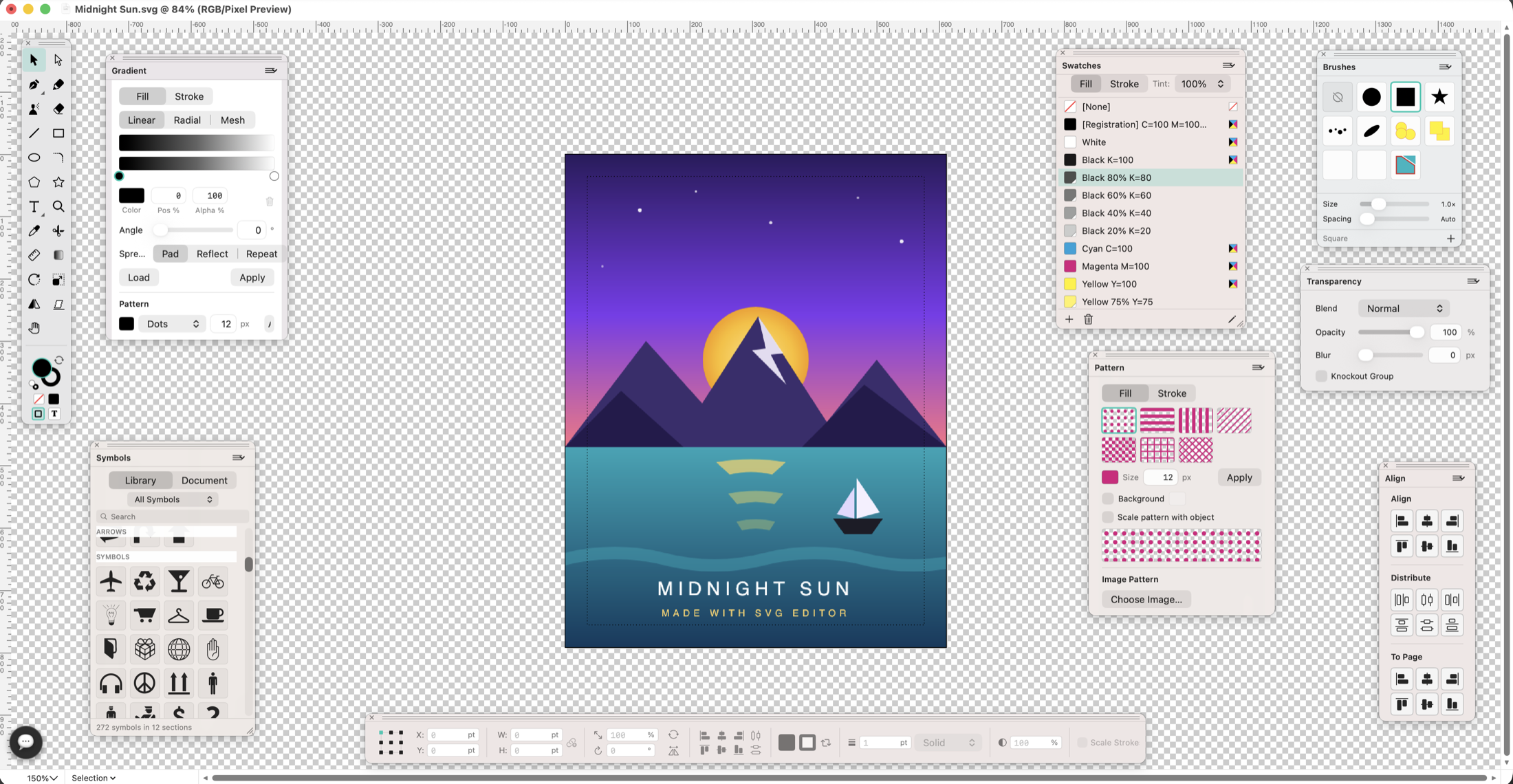
Create your logo, poster or label.SVG Editor for Mac
Design a logo for your business, a poster for an event or a label for a product. Draw the artwork, add lettering and save versions for your website, presentation or printer.

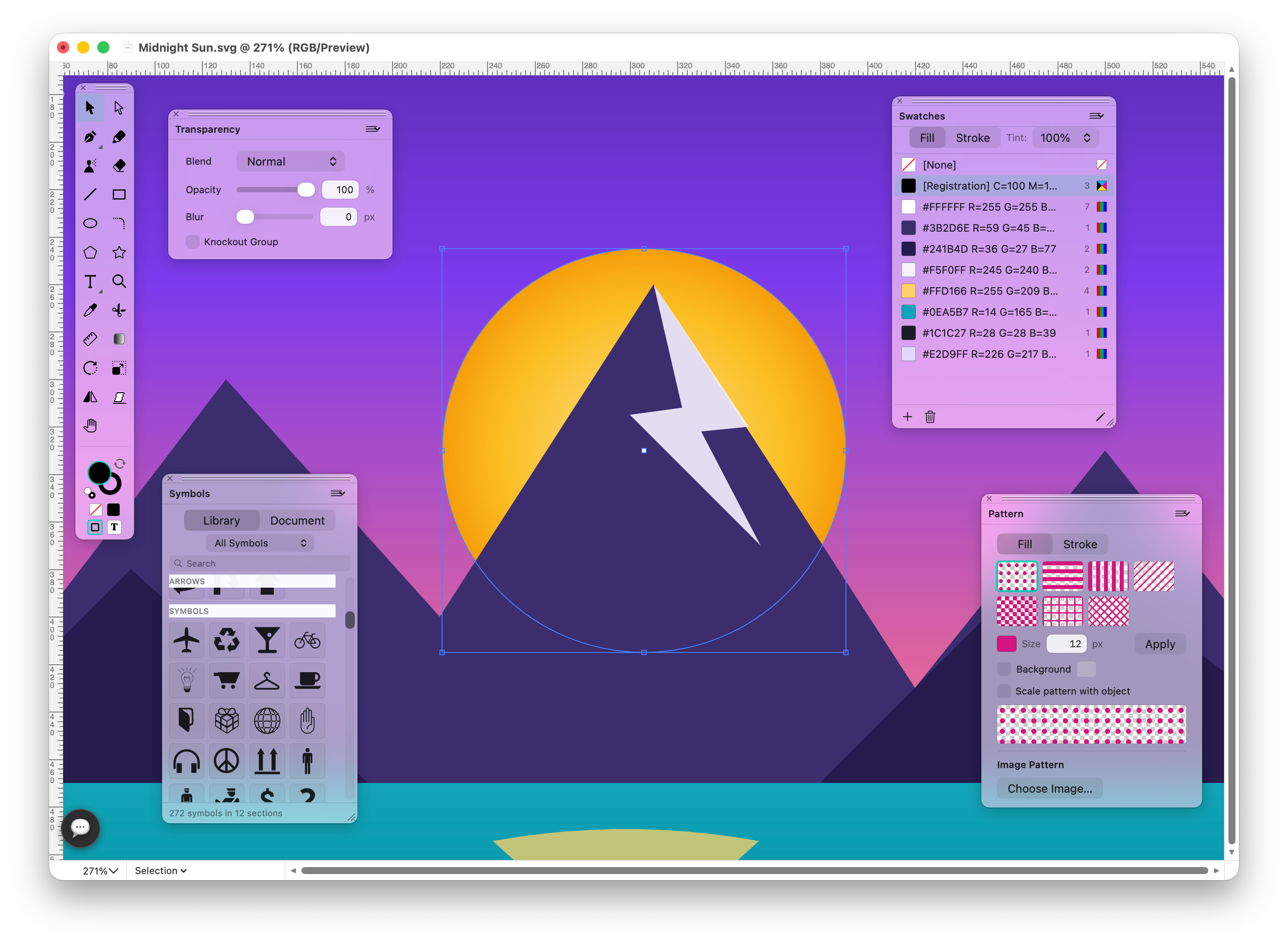

Make something you can use.
Start with a business name, a rough sketch or artwork someone has sent you. Turn it into a logo, icon set or poster you can revise for the next project.
Design a recognisable logo.
Create a business logo, club badge or matching website icons, then resize them for each use.
Design logos & icons →
Choose colours for the project.
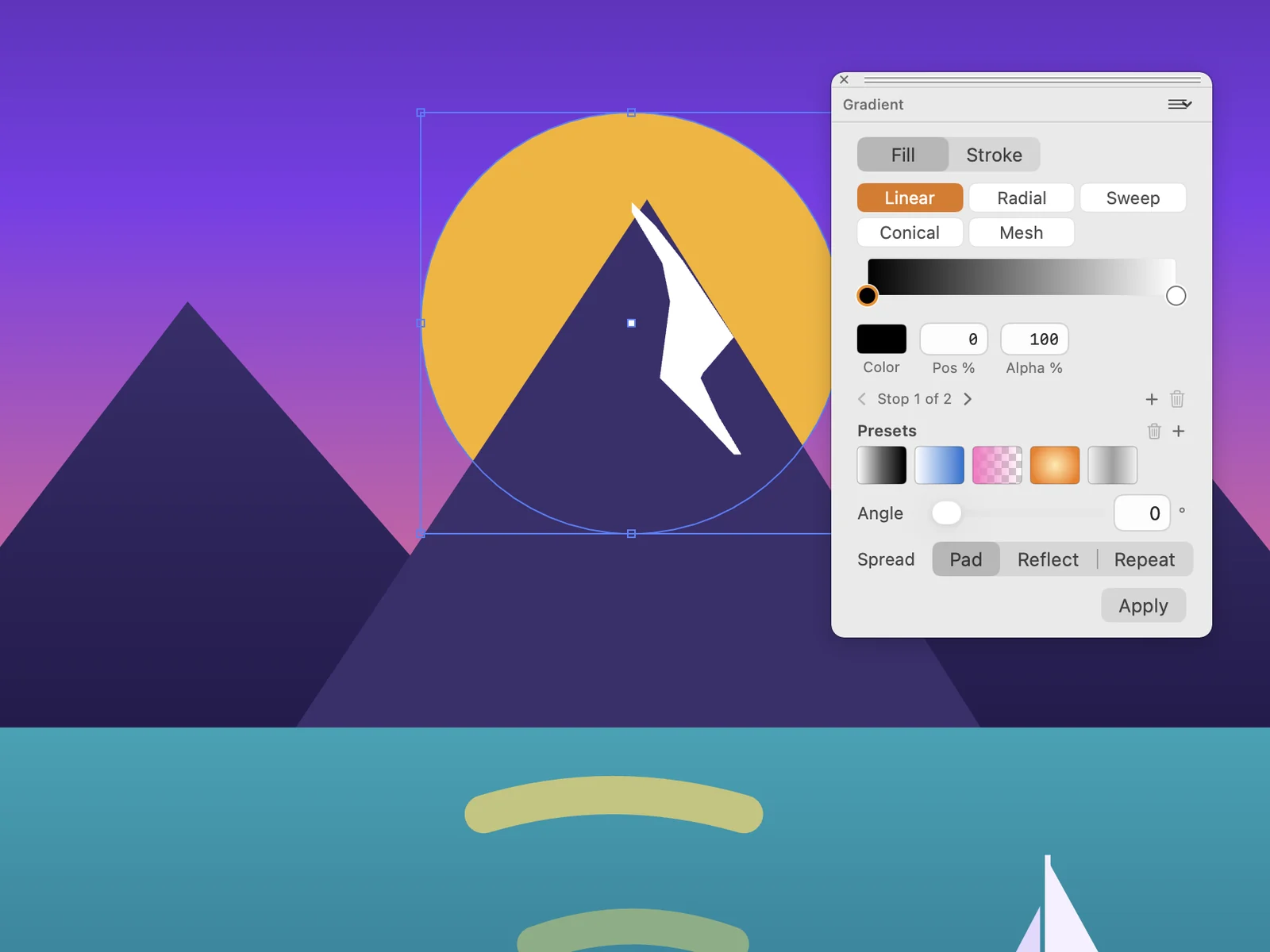
Choose colours for a brand, add a gradient to an illustration or repeat a motif in a greeting card. Save the colours you will reuse.
Draw posters & artwork →Build a badge from simple shapes.
Build a club badge from simple shapes, cut a letter out of an emblem or align a row of matching website icons.
Design logos & icons →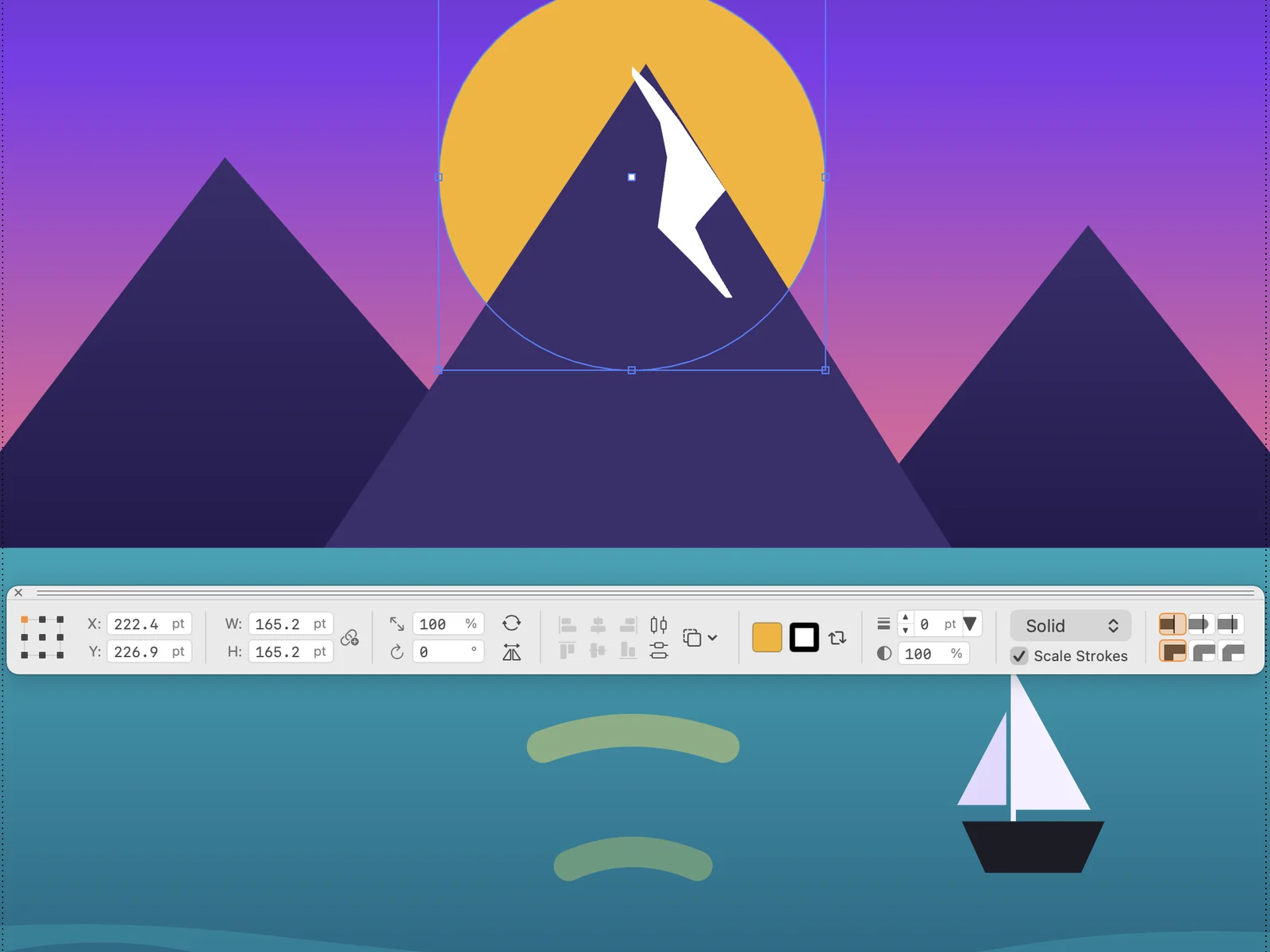
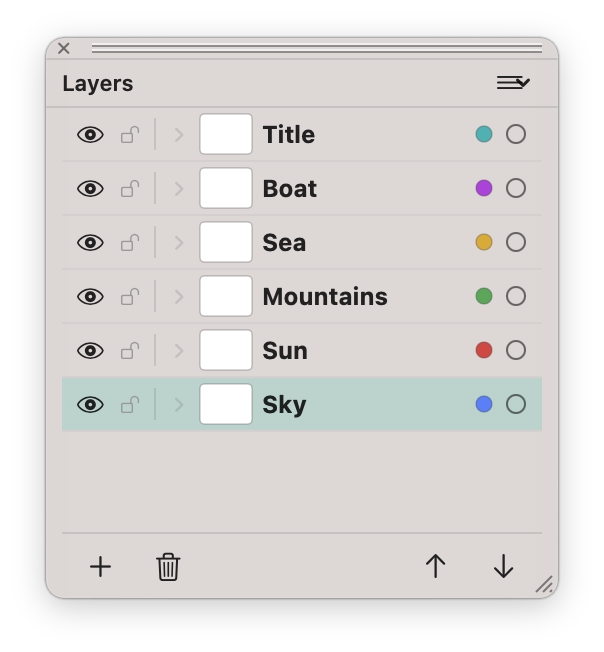
Change a poster without moving the rest.
Separate a poster’s background and text, align sponsor logos and make revisions to the right layer.
Arrange a busy design →Open a design kit and keep working.
Bring in Sketch and Figma files, start from a design system and send the result out for comments — all as editable SVG.
Open Sketch and Figma files
Open a .sketch or .fig file as an editable document — artboards, symbols with overrides, text, images and smooth corners. Whole UI kits open in the background.
Learn more →Export to Sketch
File ▸ Export Sketch… writes a .sketch file that Sketch opens, so a colleague can carry on in their own app.
Learn more →Open a resource archive
Drop a .zip of images, SVGs, PDFs or design files on the app and it opens as one document, with one artboard per file.
Learn more →Start from a design system
Pick a ready-made library in the Design Systems gallery: Material Design 3, Bootstrap, Carbon, Ant Design, Lucide and open-licence icon families such as Font Awesome Free and Phosphor.
Learn more →Libraries, Resources and Assets
Search a library and drag a component onto the page. The Resources gallery links the main official design kits; the Assets palette shows components by category and opens one in its own artboard.
Learn more →Share for Review
Publish your artboards to a web page through iCloud. Reviewers comment in the browser and their notes come back as numbered pins in the Comments palette.
Learn more →A real chat in the AI Console
The console remembers the conversation, sees your canvas and draws while it writes. Every result is a state you can restore or compare; choose Fast or Max effort.
Learn more →Fluid with large documents
A big UI kit stays smooth to zoom and edit.
Learn more →A tidier workspace
Artboard thumbnails with double-click to centre, presets for current phones, tablets and watches, recent files with thumbnails, and dialogs that open as sheets of their window.
Learn more →Ask for an idea, then finish the design.
Try “a simple mountain badge in two colours”, watch it appear on the canvas, then ask for changes in the same chat or refine the shapes yourself. The App Store version has a built-in AI service with usage limits; the direct download uses your own API key.
Start artwork with AI →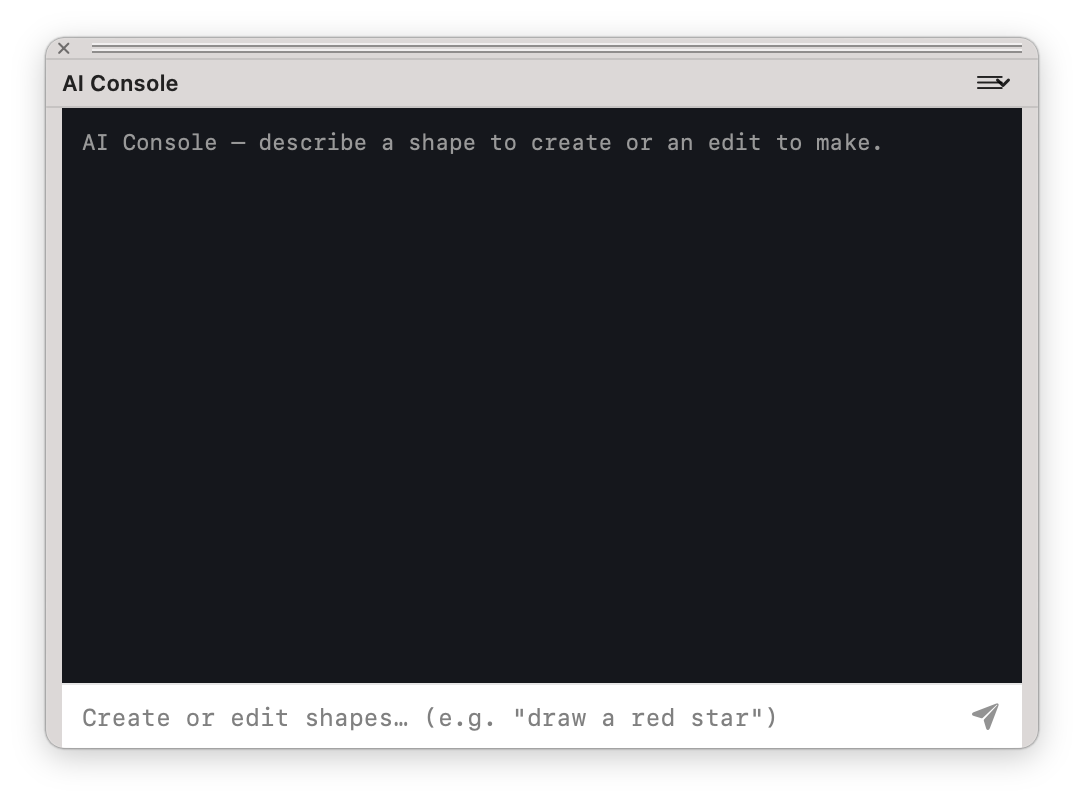
Choose your next design project.
Choose a project and follow the steps from the first shapes to a file you can use.
Design logos & icons
Create a business logo, club badge or matching website icons, then resize them for each use.
See how →Design logos & icons
Create a business logo, club badge or matching website icons, then resize them for each use.
See how →Design labels & lettering
Curve a club name around a badge or arrange a headline and lettering for a poster or label.
See how →Draw posters & artwork
Illustrate an event poster, draw a greeting card or build a diagram for a presentation.
See how →Prepare artwork for print
Prepare a flyer, poster or label at the required size and export a PDF for your printer.
See how →Reuse & share artwork
Adapt a supplied logo or illustration and deliver an SVG, PDF or image copy for the next job.
See how →Trace a sketch or logo
Trace a bitmap logo or scanned sketch, clean up its shapes and recolour it for a new project.
See how →Start artwork with AI
Ask for a badge or icon idea, then refine the generated vector shapes into your own design.
See how →Workflow Automation
Reuse a script to arrange repeated objects or apply a familiar artwork operation. Inspect the result before saving the design.
Learn more →Arrange a busy design
Separate a poster’s background and text, align sponsor logos and make revisions to the right layer.
See how →Stay in the flow with keyboard shortcuts.
The palettes in SVG Editor
Open a palette from the Window menu and place it where you work.
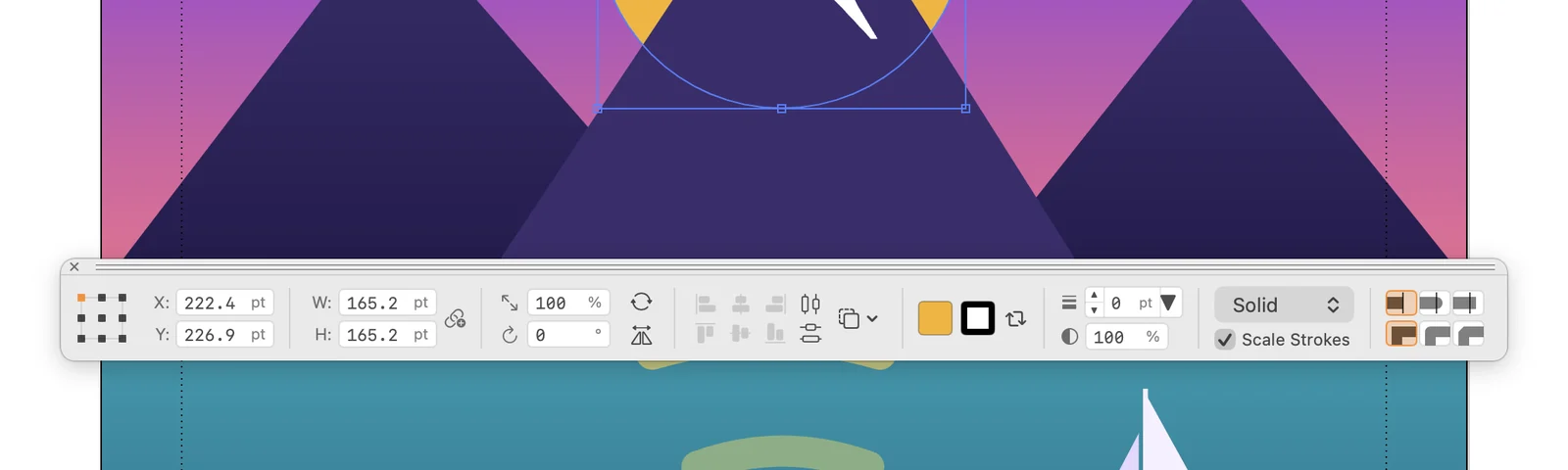
Control Palette
Type an exact position, size, scale or rotation for the selected object. Align objects and set fill, stroke and opacity from the same strip.
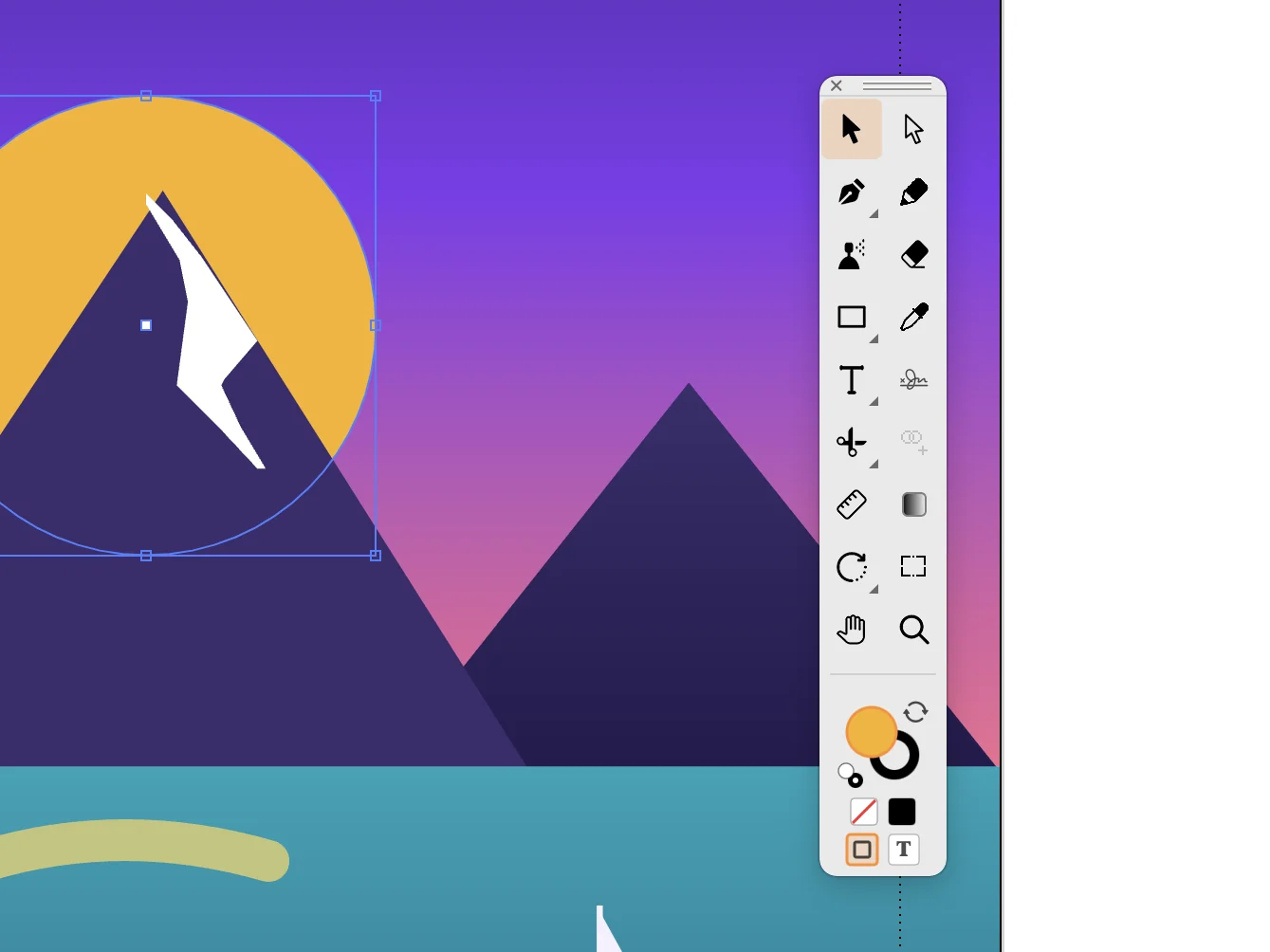
Toolbox
Pick the tool for the next step: selection, pen, shapes, text, eyedropper or zoom. The squares at the bottom show the current fill and stroke.
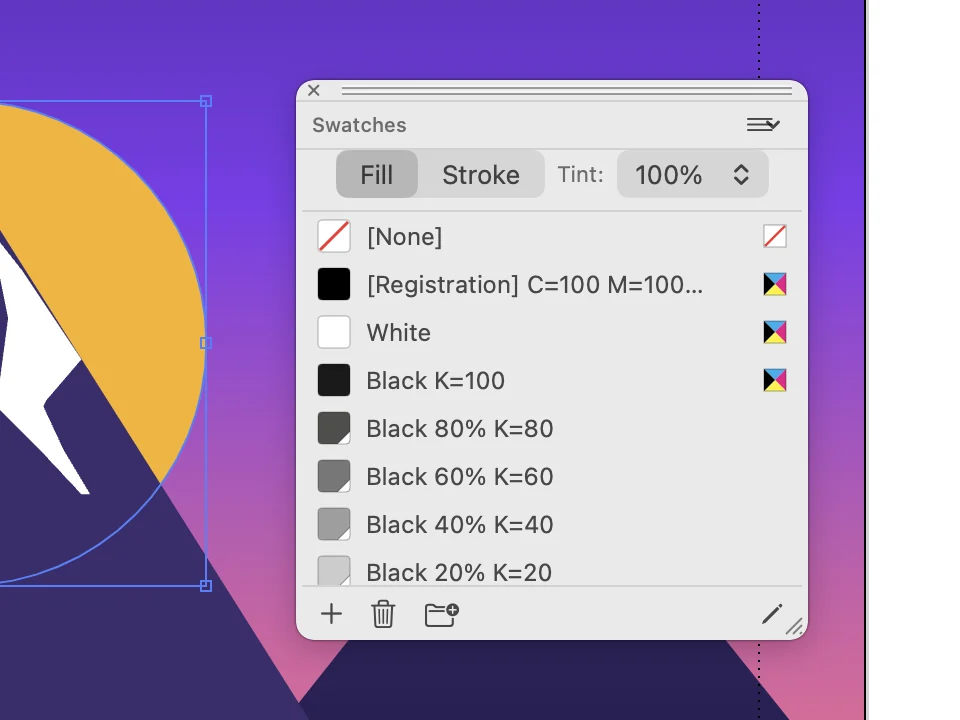
Swatches
Keep the colours of a project in one list, CMYK and registration colours included. Apply a swatch to the fill or to the stroke.
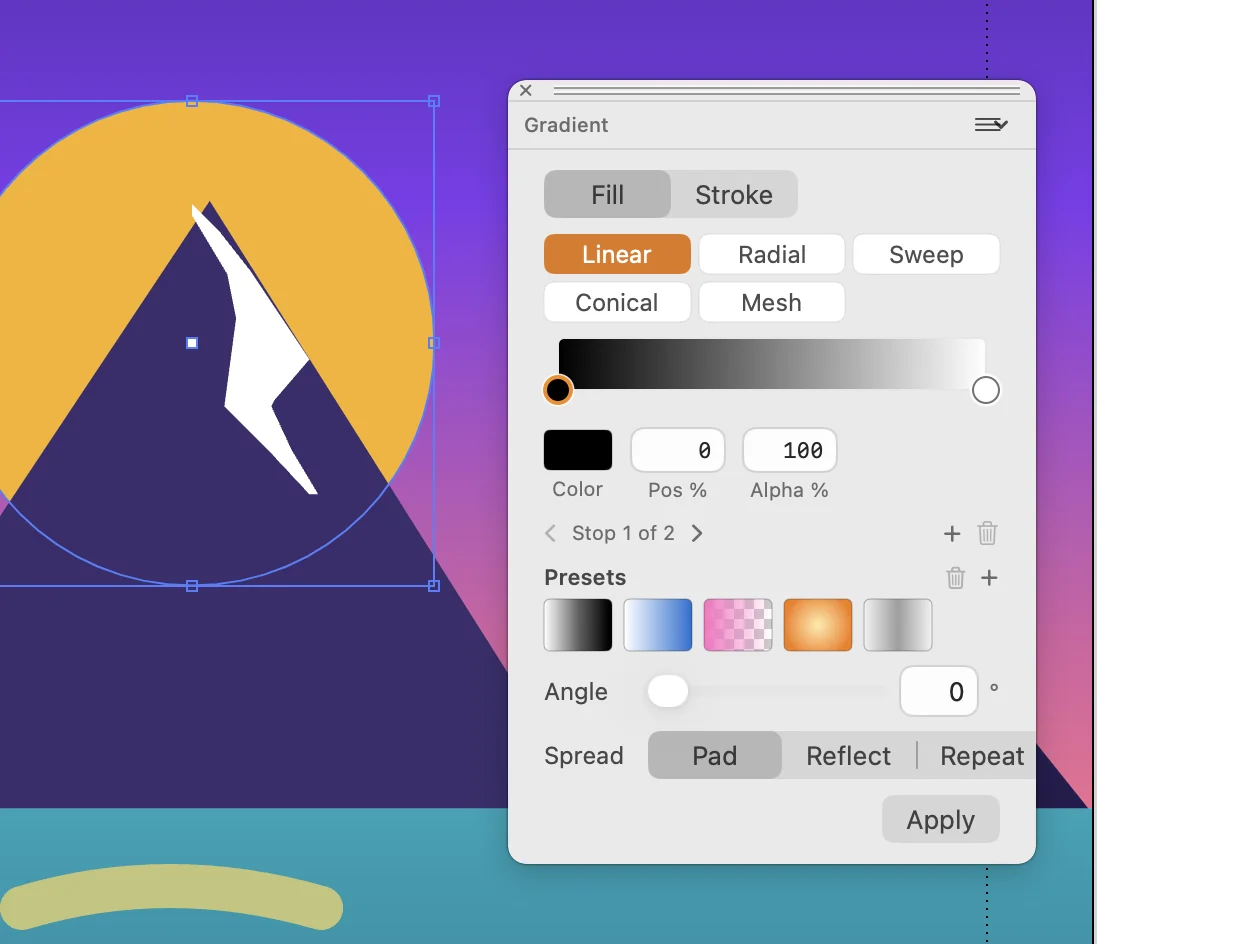
Gradient
Choose a linear, radial, sweep, conical or mesh gradient. Set the colour and position of each stop, then the angle and the spread.
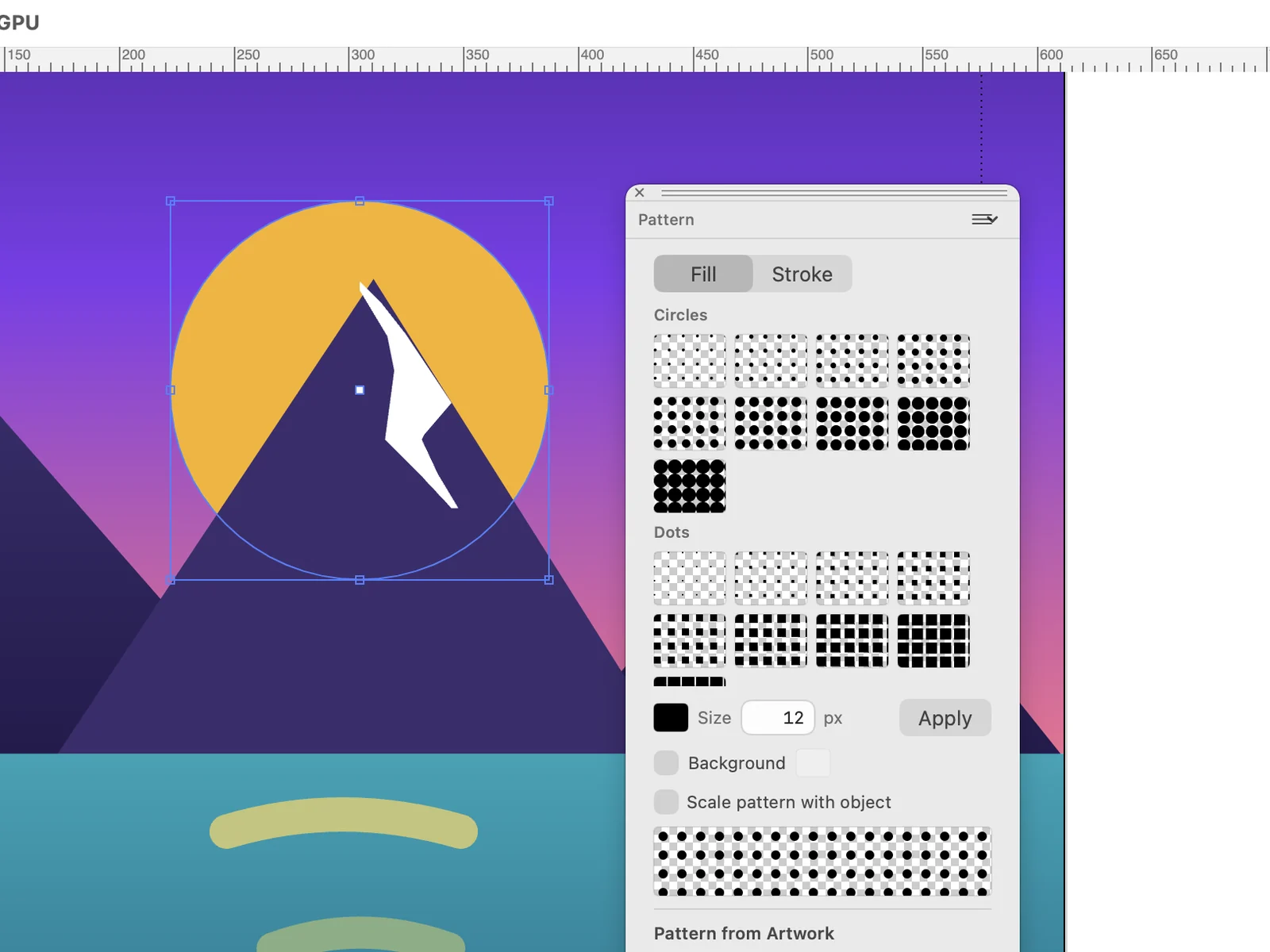
Pattern
Fill a shape or a stroke with circles, dots or an image. Set the size, add a background or make a pattern from your own artwork.
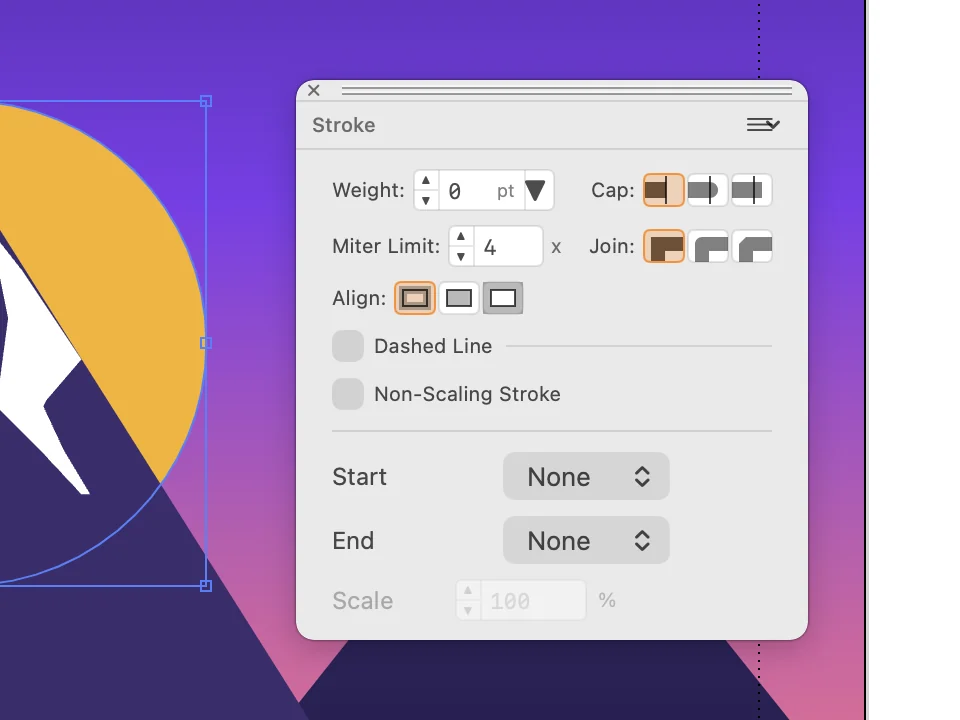
Stroke
Set the weight of an outline, its caps and joins. Turn it into a dashed line or add a start and an end marker.
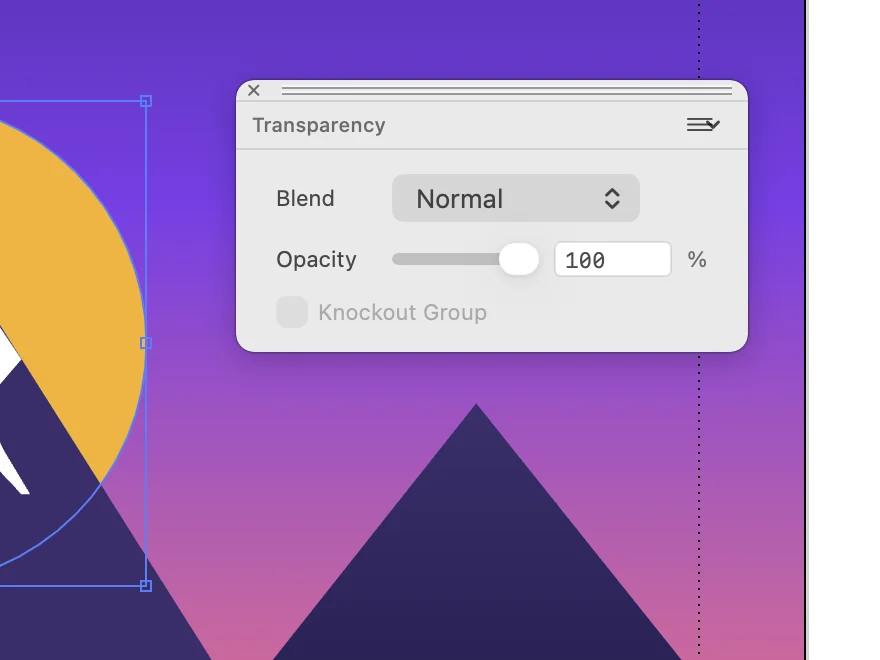
Transparency
Set the opacity and the blend mode of the selected object.
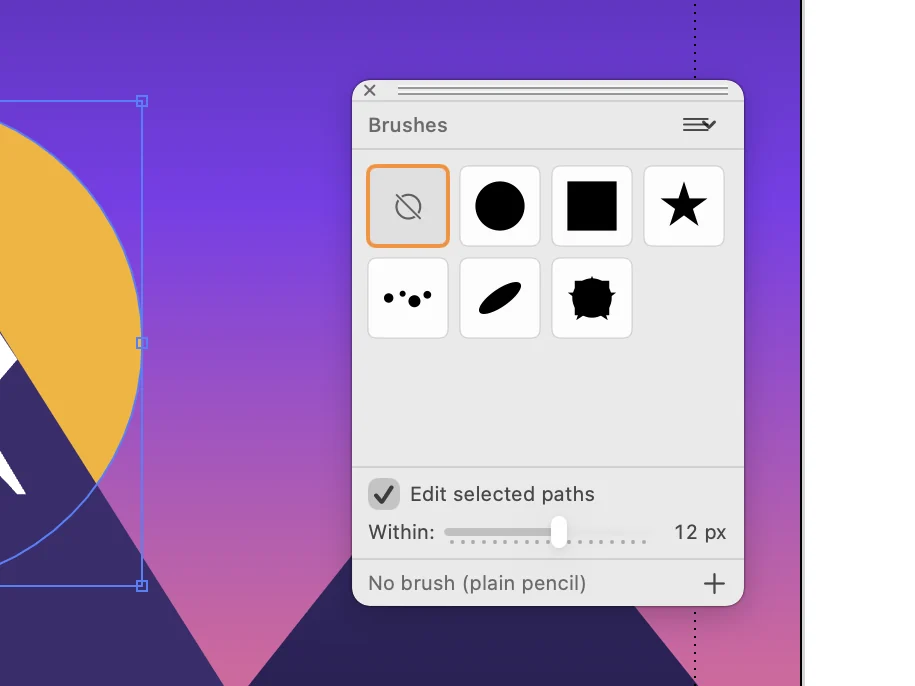
Brushes
Choose the brush for the strokes you draw. Define a new brush from selected artwork and reuse it across the design.
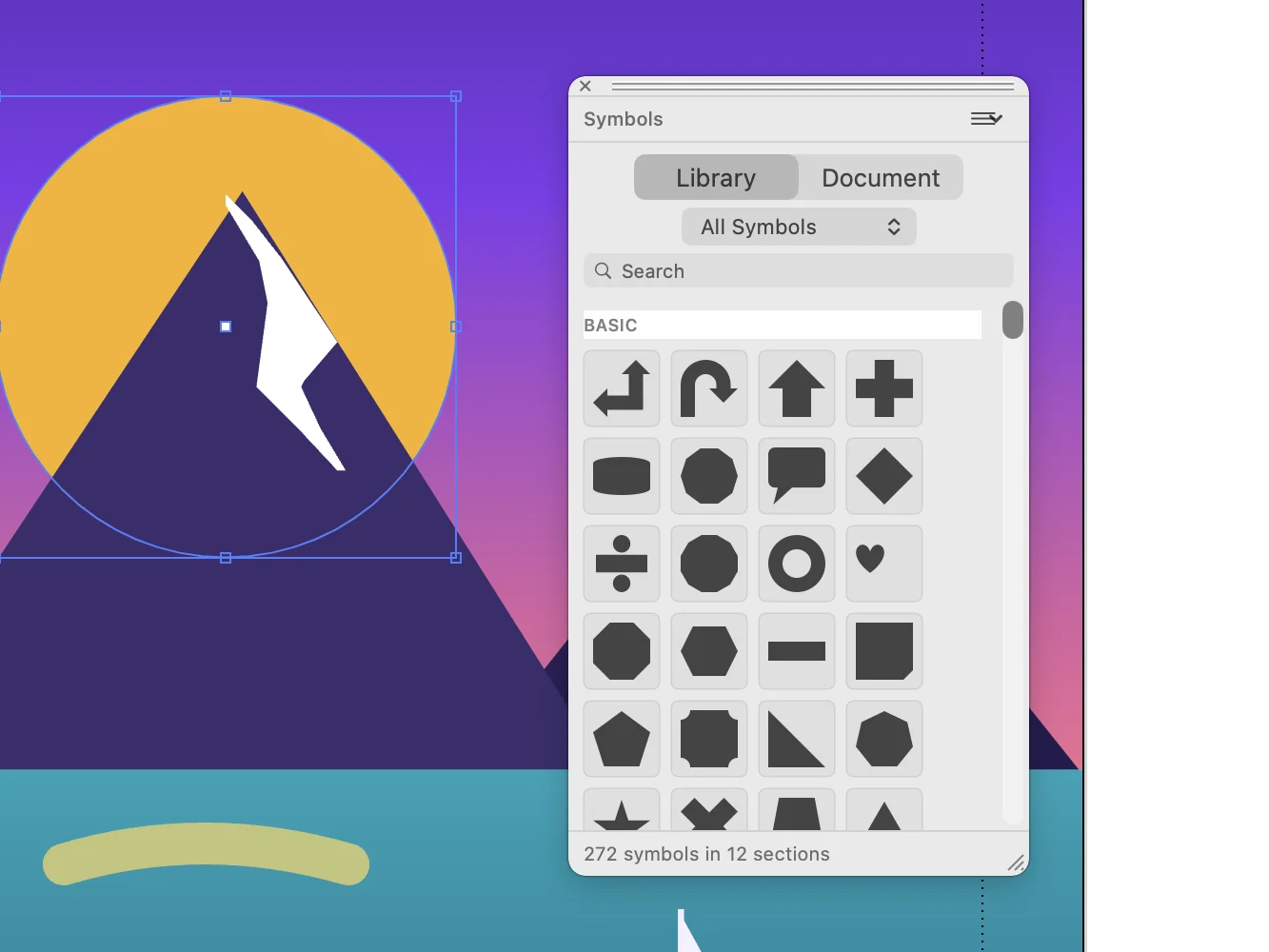
Symbols
Search the library of ready-made symbols, or keep your own artwork as a symbol and place it again in the document.
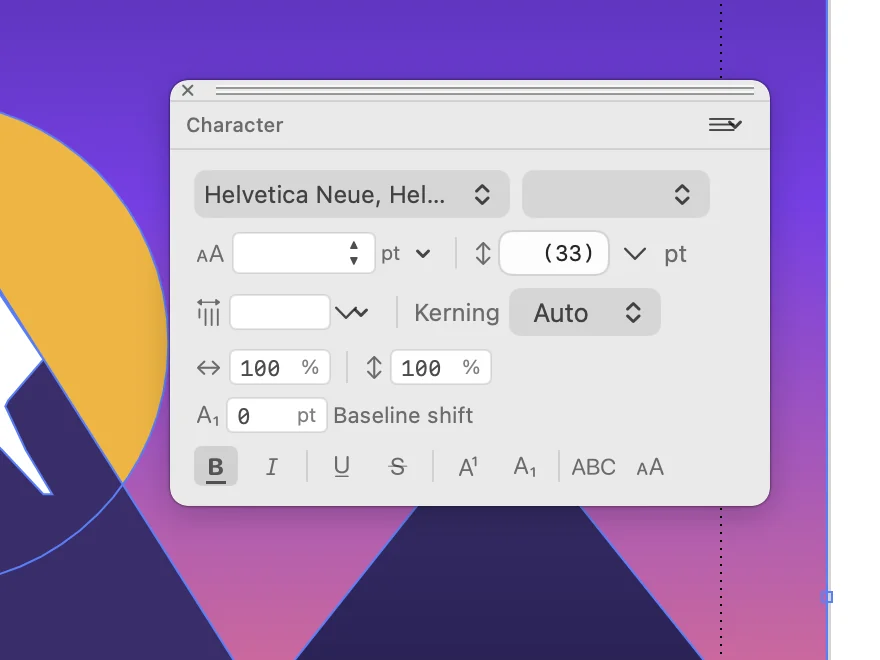
Character
Choose the font and style of the selected text. Set size, leading, kerning and scaling.
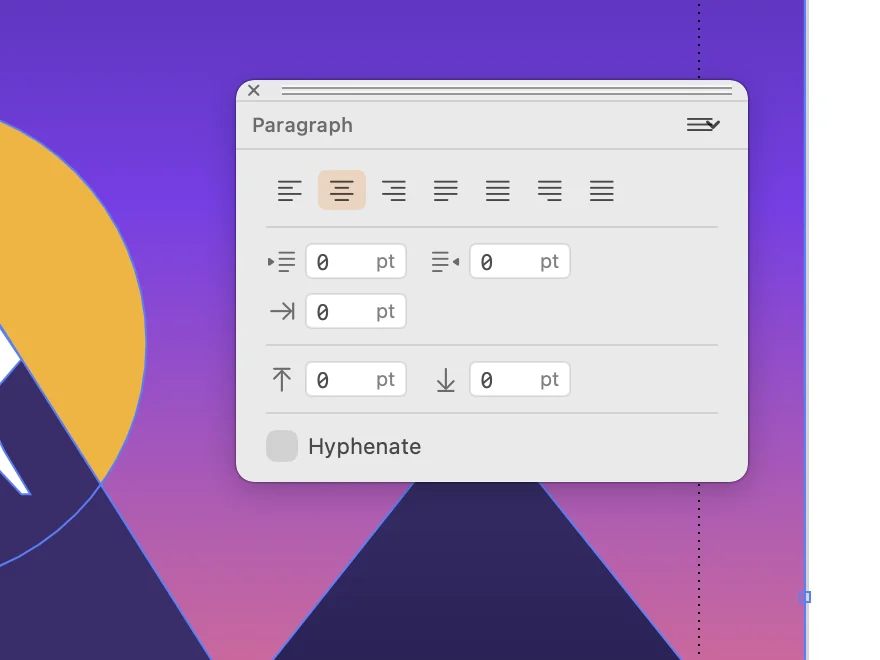
Paragraph
Align the paragraph, set indents and the space before and after it, and turn hyphenation on or off.
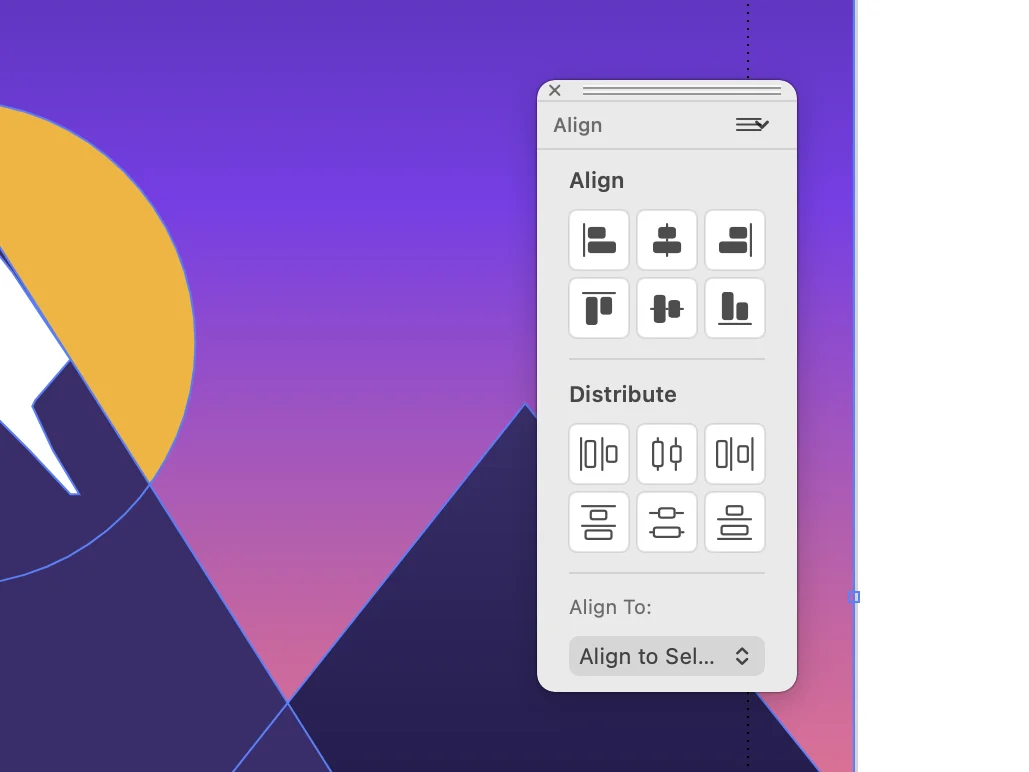
Align
Line up the selected objects by an edge or by their centre, or space them evenly.
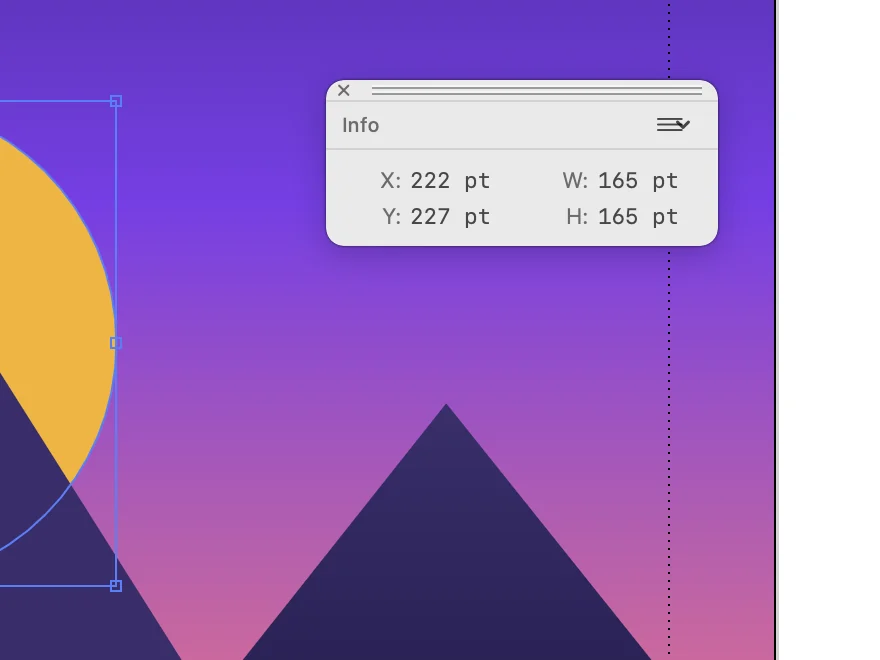
Info
Read the position and the size of the selected object.
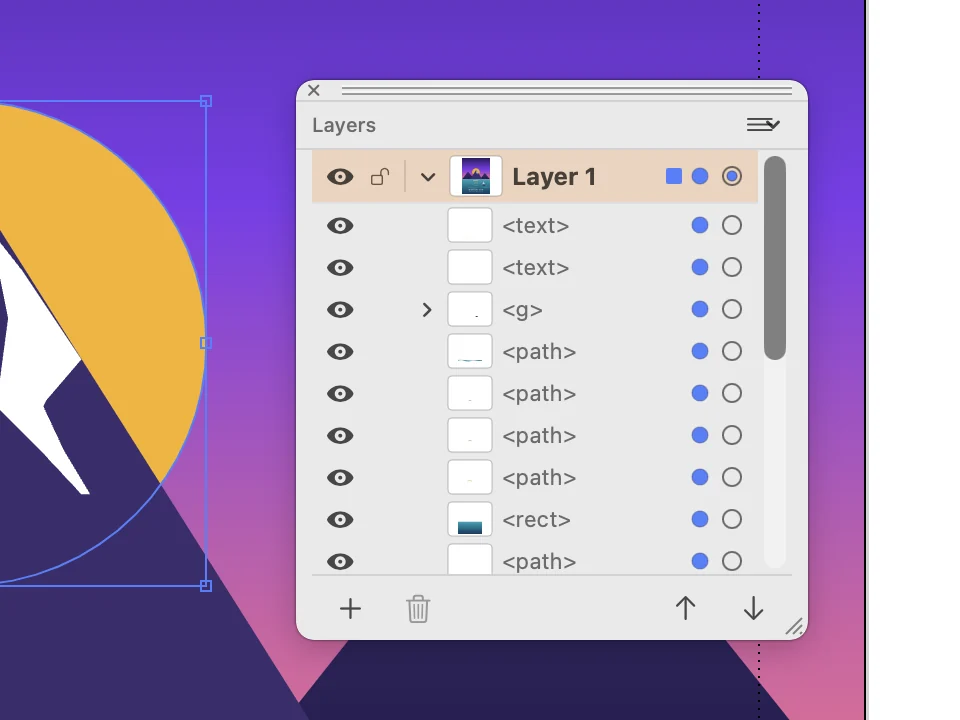
Layers
See every object of the design in order. Show, hide or lock one, and move it above or below the others.
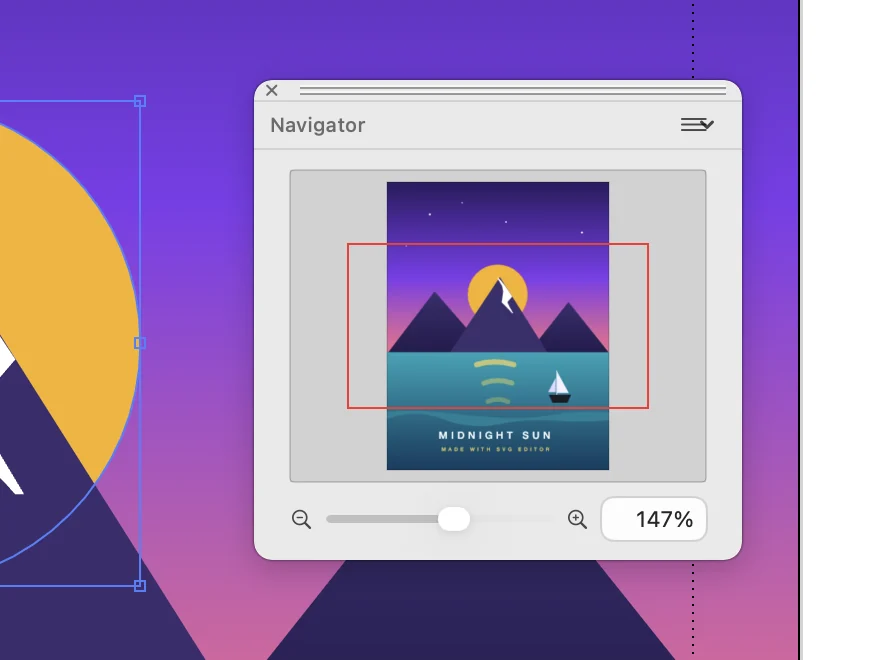
Navigator
See the whole page with a frame around the part on screen. Drag the slider to zoom.
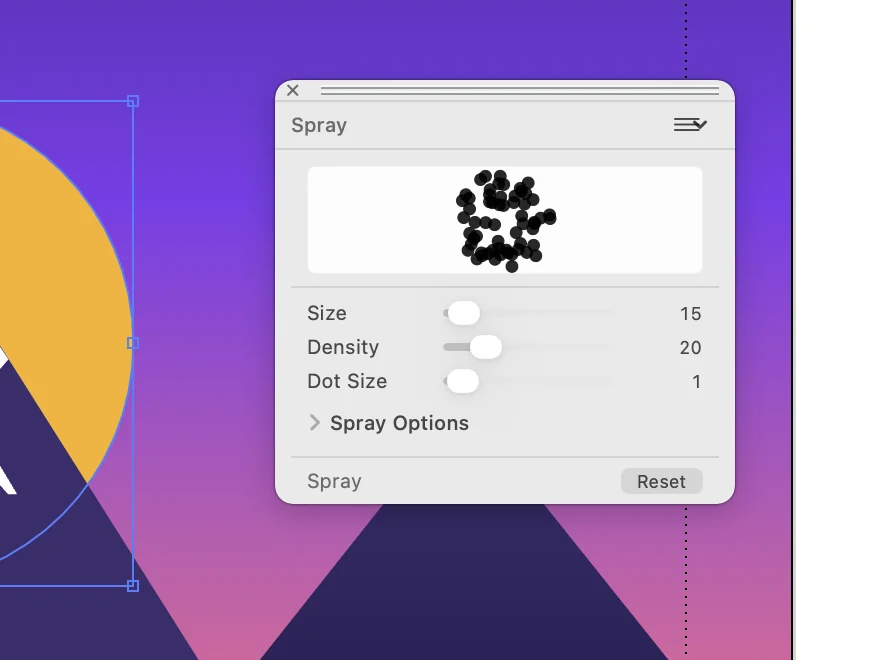
Spray
Scatter copies of a shape as you drag. Set the size, the density and the dot size of the spray.
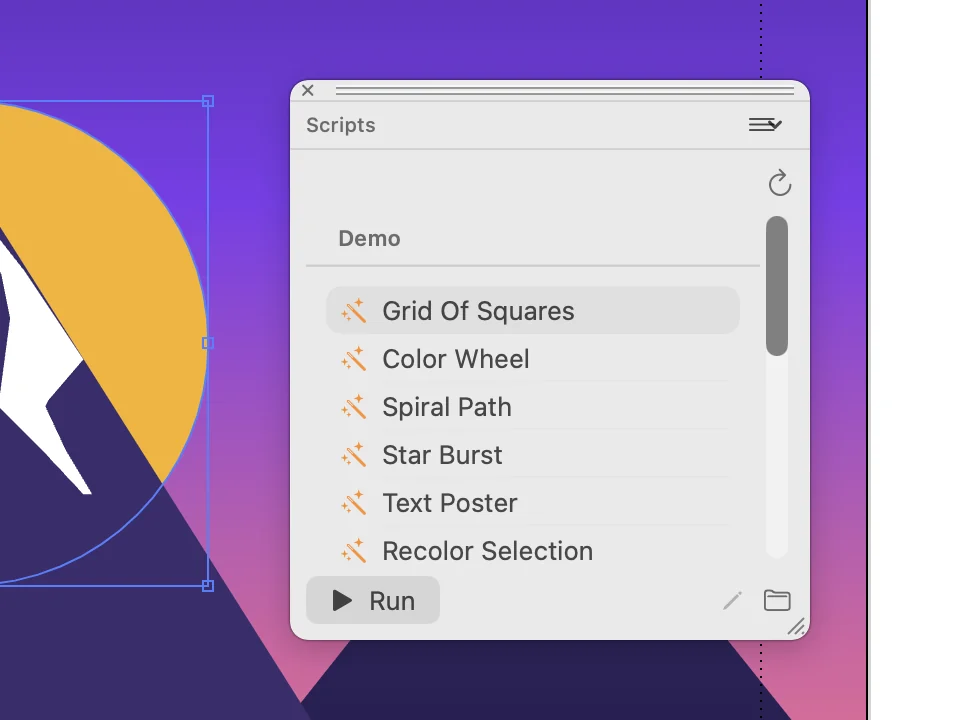
Scripts
Run a script on the document. The list opens with examples such as Grid Of Squares, Color Wheel and Spiral Path.
Get SVG Editor
The direct Mac download includes Image Trace and PDF, PNG and TIFF export. These are Pro features in the free-to-download App Store version. For AI, the direct download requires your own API key.