Draw a business logo
Combine circles, lines and custom curves into a mark, then add your name and brand colours.
Create a café logo, a badge for your club or a set of icons for your website. Draw the mark, add the name and prepare versions for your sign, business card and online profile.
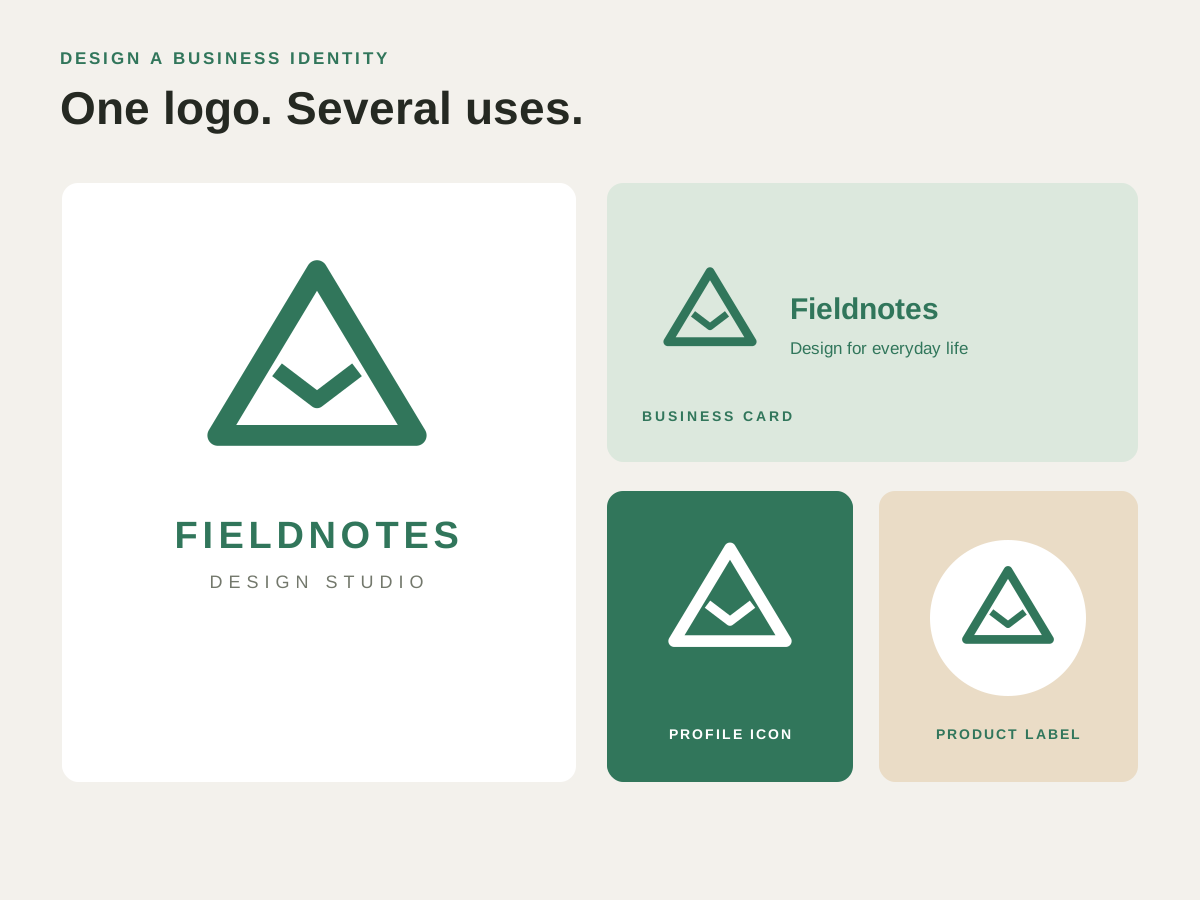
Start with a simple symbol and your business name. Adjust the curves, spacing and colours, then keep an editable master for the next menu, label or website update.
Combine circles, lines and custom curves into a mark, then add your name and brand colours.
Draw icons for delivery, contact and opening hours. Use the same sizes, line weights and spacing across the set.
Arrange a symbol and lettering into a badge for a poster, sticker or team page.
Create a business logo, club badge or matching website icons, then resize them for each use.
Create a business logo, club badge or matching website icons, then resize them for each use.
Build the symbol from shapes or draw it with the Pen.
Set the lettering, align the parts and choose the colours.
Keep the SVG master and export the size and format the destination needs.
Find the controls and practical steps in the logo & icon design guide.
Check these details before preparing the final artwork.
Vector shapes scale without pixelation. Keep your logo as SVG for an editable master; choose the output size when exporting a PNG.
Yes. Saved SVG artwork remains editable, so you can revisit points, colours and layout as your identity evolves.
Add lettering, arrange the artwork or prepare a copy to send.
Illustrate an event poster, draw a greeting card or build a diagram for a presentation.
Separate a poster’s background and text, align sponsor logos and make revisions to the right layer.
Adapt a supplied logo or illustration and deliver an SVG, PDF or image copy for the next job.
Choose another logo, poster, label or illustration project.
Create a business logo, club badge or matching website icons, then resize them for each use.