Illustrate an event poster
Draw the main motif, add a background and build a composition around the event details.
Illustrate a concert poster, create a greeting card or draw a diagram for a presentation. Combine custom shapes, colour and freehand details in artwork you can resize and revise.
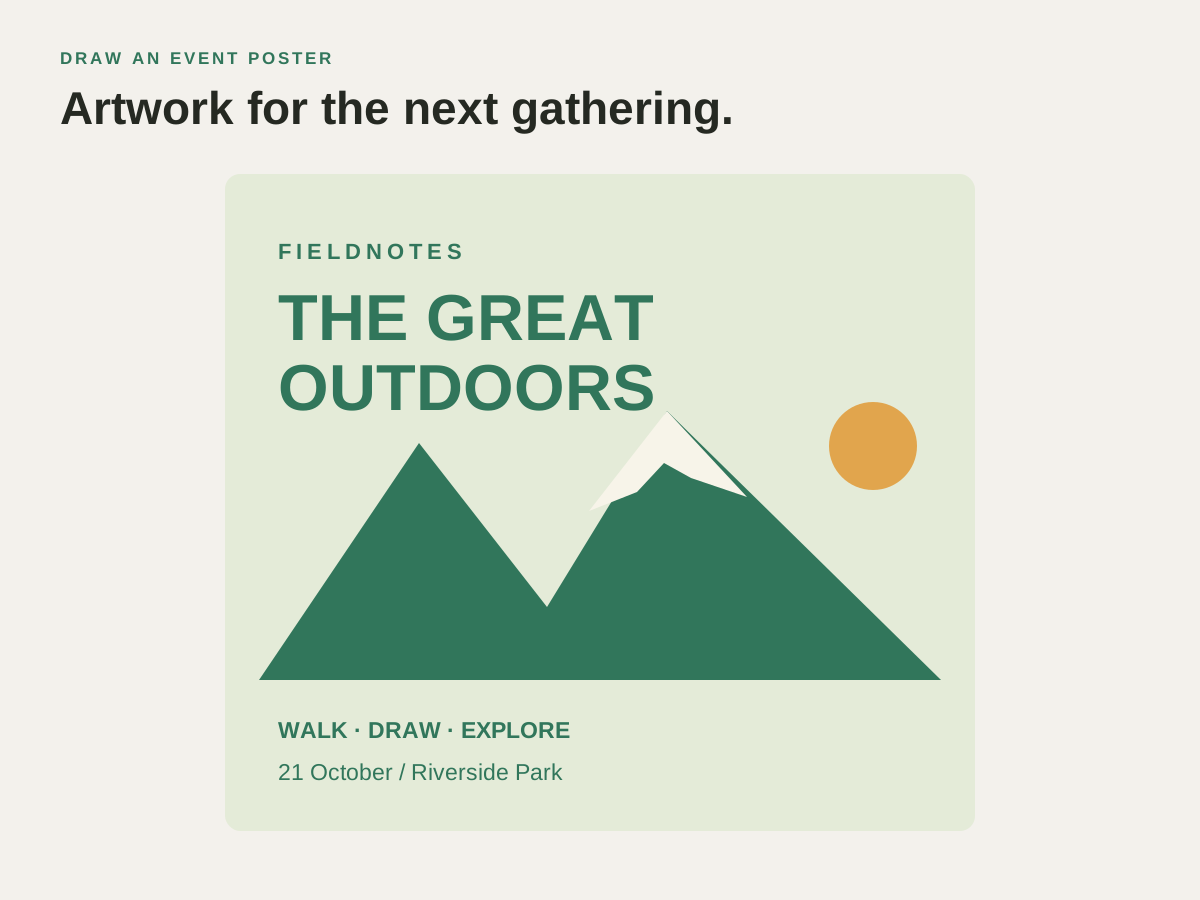
Sketch the main subject, build the surrounding shapes and add colour. Keep the artwork editable when the event date, caption or colour scheme changes.
Draw the main motif, add a background and build a composition around the event details.
Use freehand drawing and custom shapes for a personal illustration, then experiment with colours and gradients.
Build clear symbols and connecting lines for a presentation or handout. Align the pieces and revise them as the explanation develops.
Illustrate an event poster, draw a greeting card or build a diagram for a presentation.
Illustrate an event poster, draw a greeting card or build a diagram for a presentation.
Draw the main shapes and leave room for any lettering.
Refine the curves and use fills, gradients or brushes where they suit the design.
Save an editable SVG and export a copy for your slide, website or printer.
Find the controls and practical steps in the vector illustration guide.
Check these details before preparing the final artwork.
Yes. Swatches keep colours close at hand, while patterns, brushes and symbols let you reuse design elements.
Yes. Place an image in your document, arrange vector artwork around it and use clipping masks to control what is visible.
Add lettering, arrange the artwork or prepare a copy to send.
Create a business logo, club badge or matching website icons, then resize them for each use.
Curve a club name around a badge or arrange a headline and lettering for a poster or label.
Prepare a flyer, poster or label at the required size and export a PDF for your printer.
Choose another logo, poster, label or illustration project.
Illustrate an event poster, draw a greeting card or build a diagram for a presentation.