Set up a poster or flyer
Choose the required dimensions and units before arranging the artwork and text.
Design a flyer, poster or label at the size you need. Check the artwork and colour settings, then export a vector PDF for your printer to review.
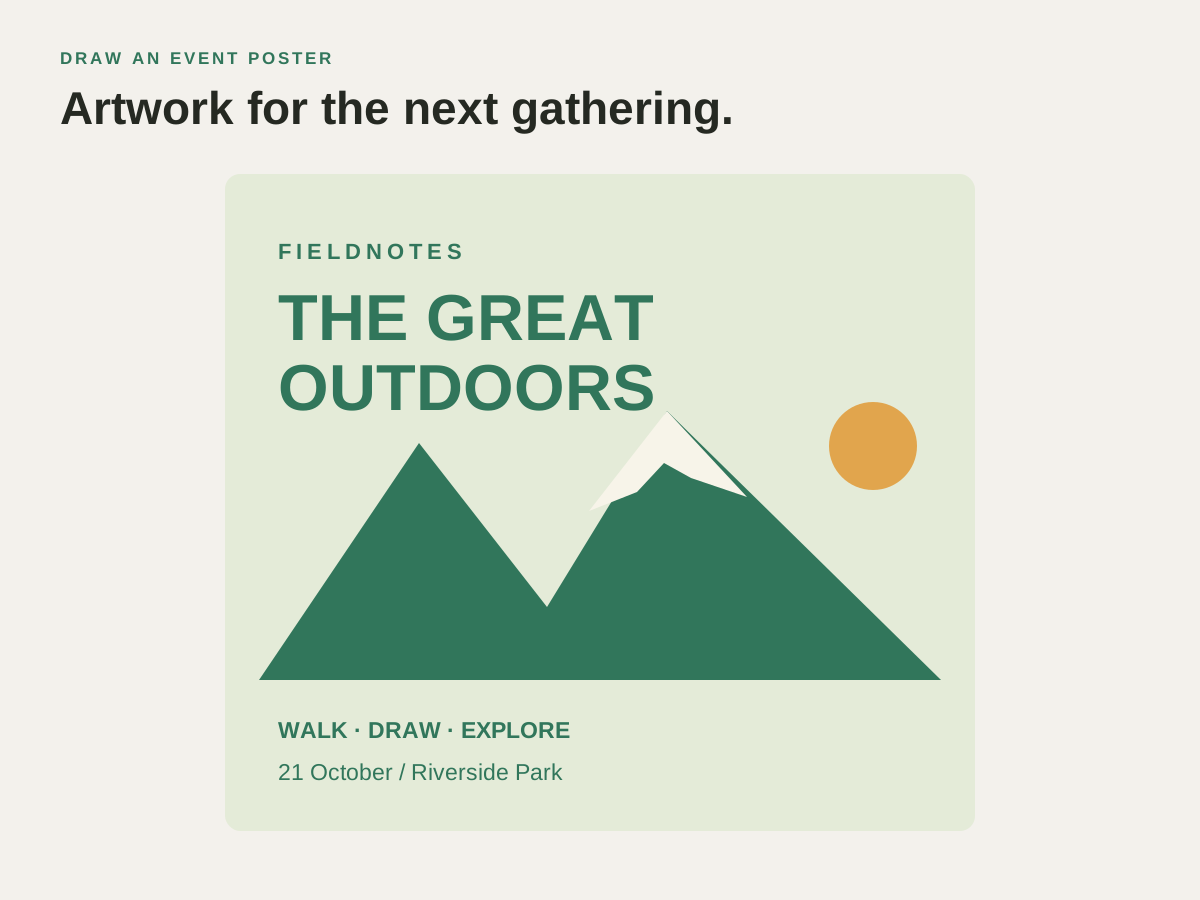
A printer asks for a PDF at a specific size. Set the document dimensions, inspect the artwork and choose export settings that match the job.
Choose the required dimensions and units before arranging the artwork and text.
Work with the available colour controls and inspect the result using the output requirements supplied by your printer.
Export a PDF for the print handoff and retain the SVG for changes to prices, dates or wording.
Prepare a flyer, poster or label at the required size and export a PDF for your printer.
Prepare a flyer, poster or label at the required size and export a PDF for your printer.
Set the document size and check the printer’s file requirements.
Inspect text, images, colours and positioning at the intended size.
Open the exported file and send it for the printer’s review.
Find the controls and practical steps in the print & pdf export guide.
Check these details before preparing the final artwork.
No. Applied CMYK swatch colours retain their CMYK values in the PDF. Colours without a CMYK definition can remain RGB, so review your palette and your printer’s requirements before delivery.
PDF, PNG and TIFF export are unlocked in the direct Mac download. In the Mac App Store version, these export formats are Pro features.
Add lettering, arrange the artwork or prepare a copy to send.
Curve a club name around a badge or arrange a headline and lettering for a poster or label.
Illustrate an event poster, draw a greeting card or build a diagram for a presentation.
Adapt a supplied logo or illustration and deliver an SVG, PDF or image copy for the next job.
Choose another logo, poster, label or illustration project.
Prepare a flyer, poster or label at the required size and export a PDF for your printer.