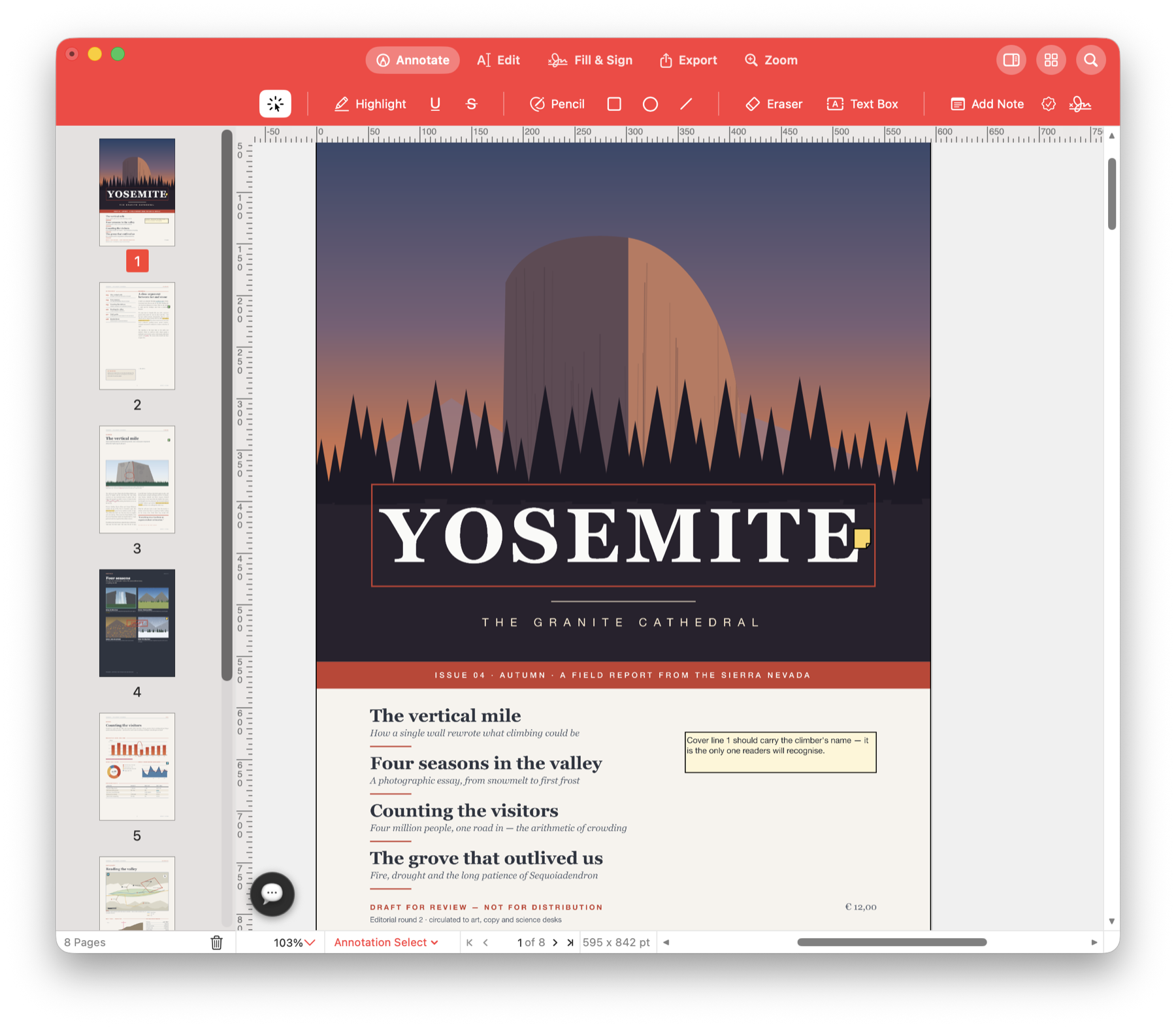
Number a report. Label a draft.
Add page numbers to a report, mark a proposal as Draft or give a document pack consistent reference numbers. Apply the same wording and placement across the pages you choose.
Make the version and page easy to identify.
A reviewer asks about page 18, or a draft gets forwarded without its email. Page numbers and a visible Draft label help the next person identify what they are reading.
Use it for your next document.
Number a long report
Add page numbers and a total page count so colleagues can refer to the same page during a review or meeting.
Mark a proposal as a draft
Place a Draft or Confidential watermark across selected pages. Adjust its size, position and opacity so the page remains readable.
Give each page a reference
Use Bates numbering for a reference pack, with a prefix and starting number of your choice. Add the project name in a header or footer.
Try it with your own PDF.
- Choose the pages
Open the numbering, header and footer, or watermark tool. - Set the label
Enter the wording or number format and choose its appearance and position. - Check the first and last pages
Review the range and placement, then apply and save.
Questions about this task.
Can numbering include a prefix or a starting number?
Yes. Bates numbering includes a prefix, suffix, starting number and digit count. Headers and footers can include the current page and total page count.
Can I remove a watermark later?
Choose the removable annotation option when adding it. Remove Watermarks removes that kind; watermarks placed as page content and page-number text are handled differently.
Make your next report easier to reference.
Add page numbers and a clear label before sending the PDF.

Choose the direct Mac download with automatic updates, or install through the Mac App Store.