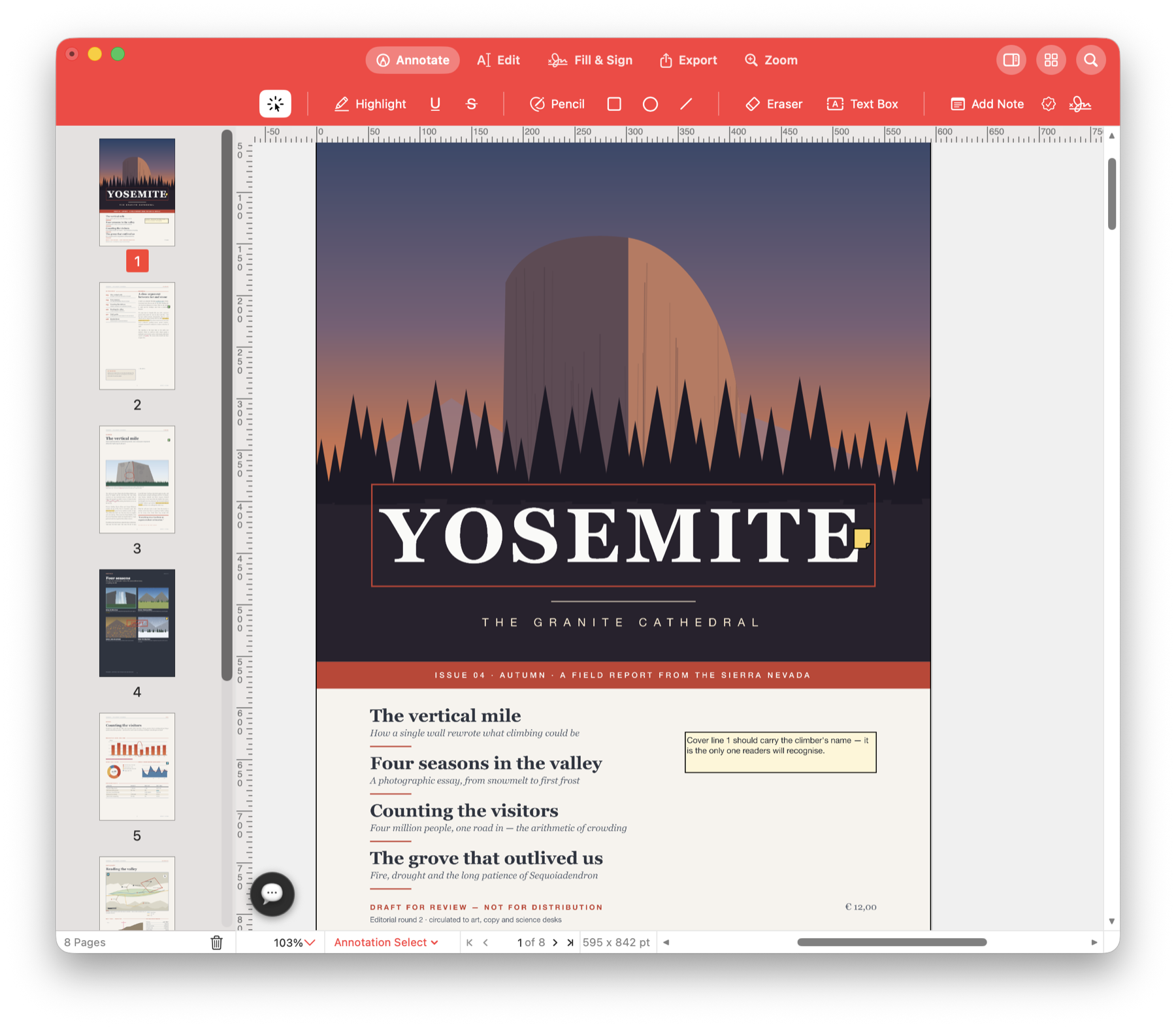
Turn receipts into one PDF.
Combine receipts for an expense claim, assemble a proposal with its attachments or send just the pages a colleague needs. Arrange the pages, rotate sideways scans and save the finished document.
Send one file with the pages in order.
Your expense claim is split across several PDFs. Merge them, arrange the receipts in the right sequence and rotate any that scanned sideways. Check the whole pack before you send it.
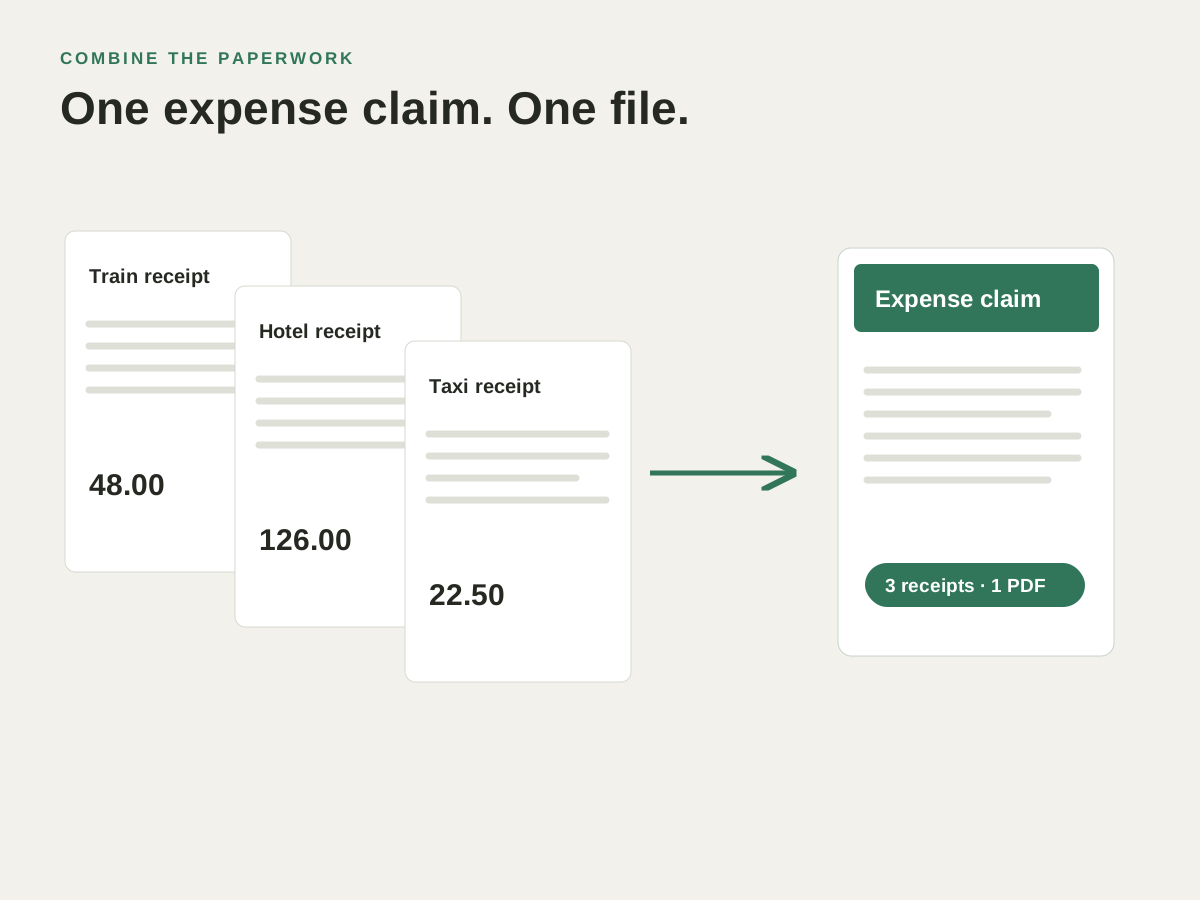
Use it for your next document.
Assemble an expense or application pack
Merge separate PDFs into one document, then arrange the form and supporting documents in the order the recipient expects.
Put a scanned report in order
Drag page thumbnails into the right sequence and rotate pages that are sideways. Use bookmarks to help readers reach sections of a longer report.
Send only the relevant section
Extract the pages a colleague needs into a separate PDF. Keep the full report for yourself and share the smaller selection.
Try it with your own PDF.
- Gather your PDFs
Open Organize Pages and bring the documents together. - Arrange the pack
Reorder the thumbnails and rotate any sideways scans. - Save what you need to send
Check the sequence, then save the combined file or extract a selection.
Questions about this task.
Can I combine PDFs and extract individual pages?
Yes. Merge or insert pages through the page workspace, then extract a chosen selection into a new PDF.
Can I add blank pages or delete pages?
Those actions are not available in the current app. You can merge, duplicate, reorder, rotate, crop and extract pages. Cropping changes the visible area; use redaction when content must be removed.
Put the paperwork in one file.
Bring the PDFs together, arrange the pages and prepare the copy you need to send.

Choose the direct Mac download with automatic updates, or install through the Mac App Store.