Fill and stroke
The Toolbox shows the current fill and stroke. Swap them with X, set active paint to None with /, and reset defaults with D.
SVG Editor gives color its own production system. Use reusable swatches, edit gradients in a dedicated palette, apply mesh shading, define patterns, style strokes, control transparency and add effects.
Linear and radial gradients support several colour stops, their positions, transparency and spread. Mesh gradients add colour control at each mesh point for organic shading, while swatches keep documents consistent across many objects.
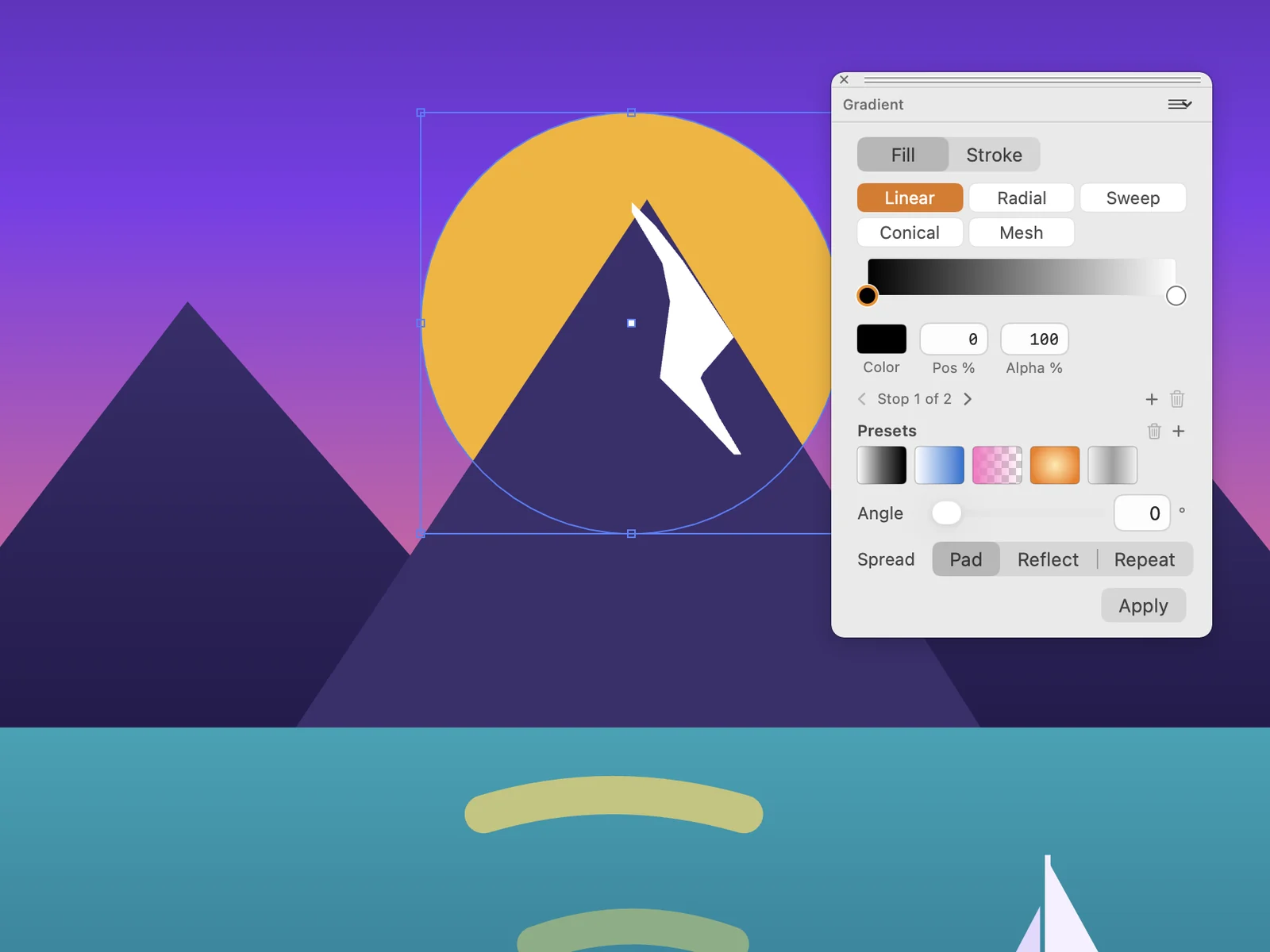
The Toolbox shows the current fill and stroke. Swap them with X, set active paint to None with /, and reset defaults with D.
Control stroke weight, arrowheads and related stroke appearance from the Stroke palette and filter/stylize commands.
Use process colors, grayscale steps, registration colors, tints and custom swatches. Updating a swatch can retint every element that uses it.
CMYK swatches store cyan, magenta, yellow and black values from 0 to 100, so you can choose print colours inside SVG artwork.
Apply repeating vector pattern fills. Patterns are useful for fabric-like textures, diagrams, decorative surfaces and consistent branded motifs.
Hatch fills a shape with repeated line patterns, useful for technical and illustrative artwork.
Define brushes from selected artwork and reuse them for repeated marks. Brush workflows support scatter and calligraphic-style artwork.
Store reusable artwork as symbols, place repeated instances, and keep complex documents smaller and more consistent.
Set object opacity and blending from the Transparency palette. Show the transparency grid to see transparent areas clearly.
Adjust Colors, Blend Front to Back, Blend Horizontally, Blend Vertically, Convert to Grayscale, Invert Colors and Saturate change the colours of many objects at once.
Free Distort, Punk and Bloat, Roughen, Scribble and Tweak, Twirl and Zig Zag reshape selected vector artwork for expressive effects.
Add Arrowheads, Drop Shadow, Round Corners and Image Effects such as grayscale, sepia, invert, brightness, contrast, saturation and blur.
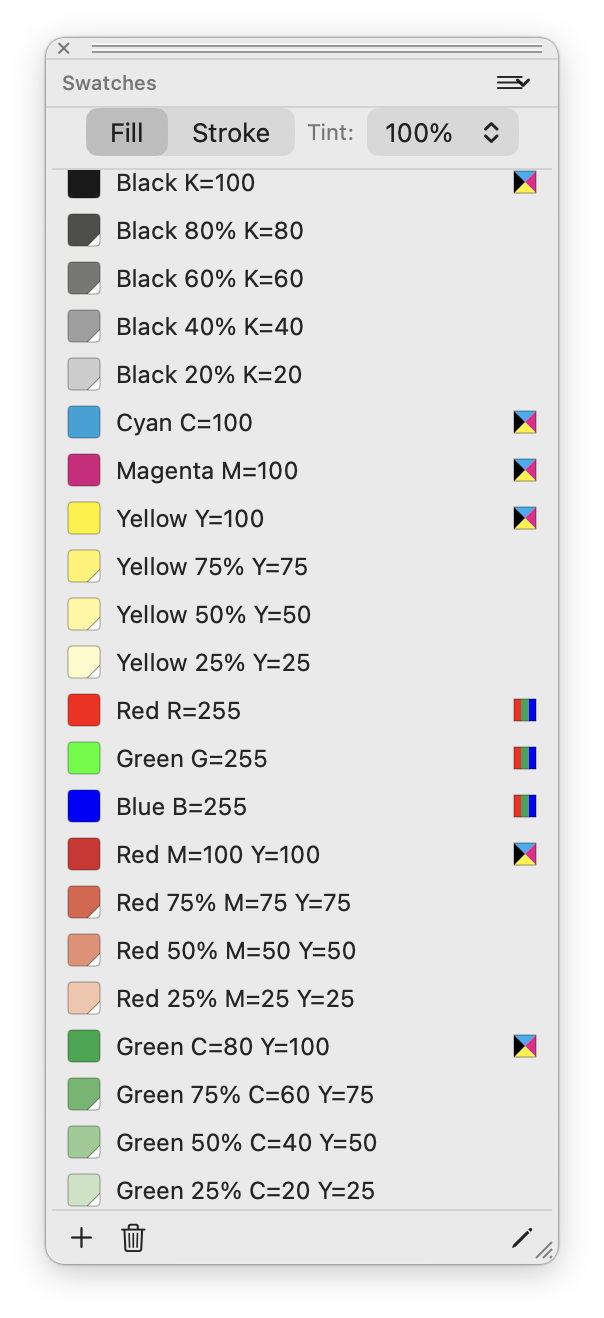 CMYK swatches
Process swatches, tints and RGB colors can live together in the reusable swatch list.
CMYK swatches
Process swatches, tints and RGB colors can live together in the reusable swatch list.
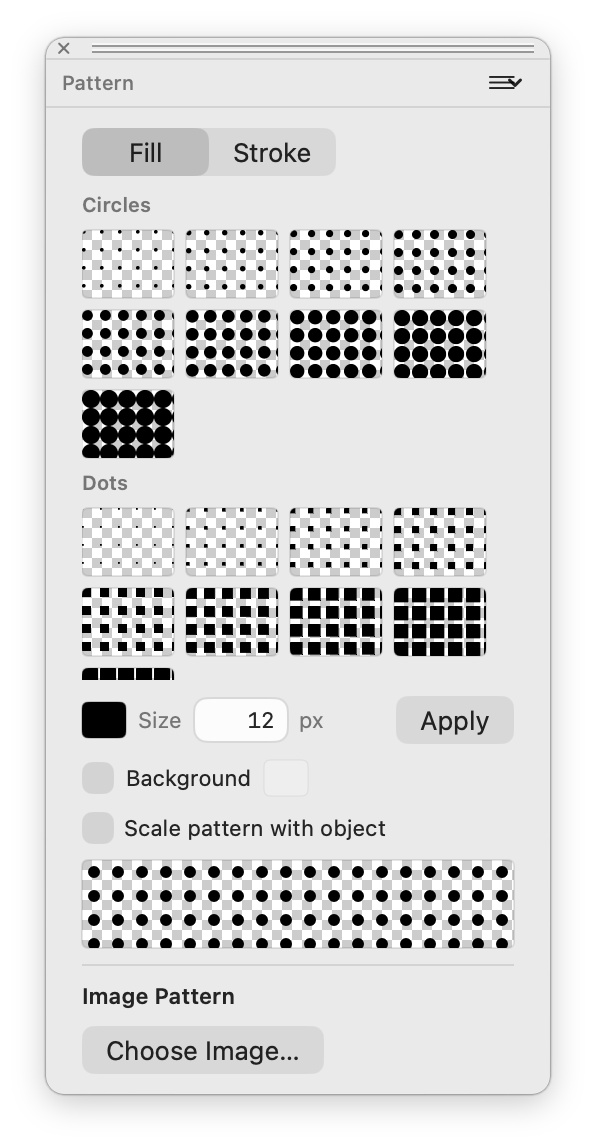 Pattern fills
Dot, circle and image-based patterns can be applied to fills or strokes.
Pattern fills
Dot, circle and image-based patterns can be applied to fills or strokes.
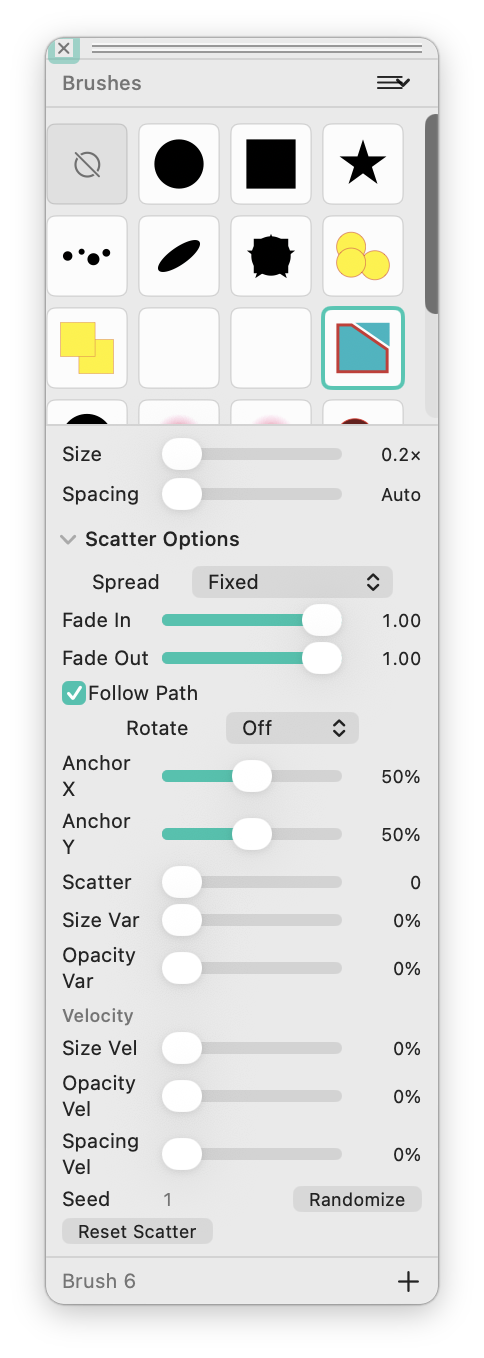 Brush controls
Scatter settings include size, spacing, spread, fade, follow path, anchors, variance and seed.
Brush controls
Scatter settings include size, spacing, spread, fade, follow path, anchors, variance and seed.
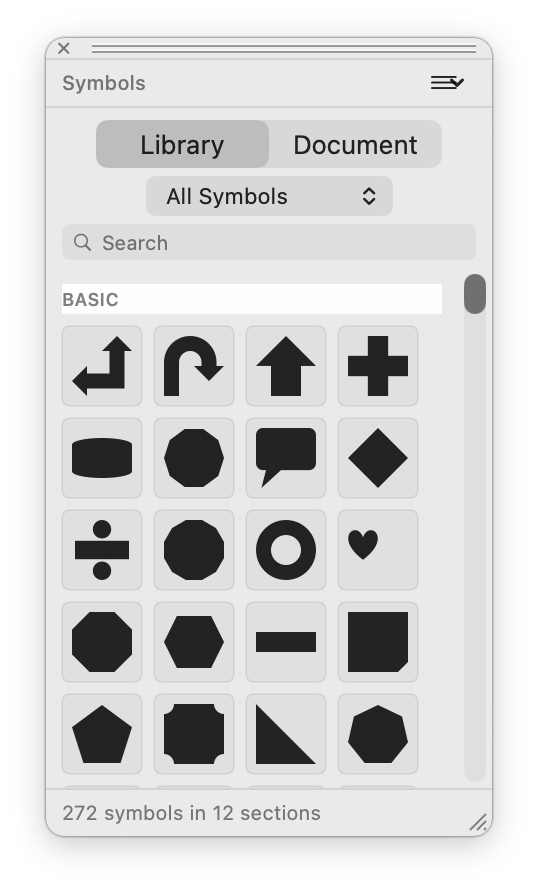 Symbols library
Reusable artwork is organized by category and searchable from a dedicated floating panel.
Symbols library
Reusable artwork is organized by category and searchable from a dedicated floating panel.