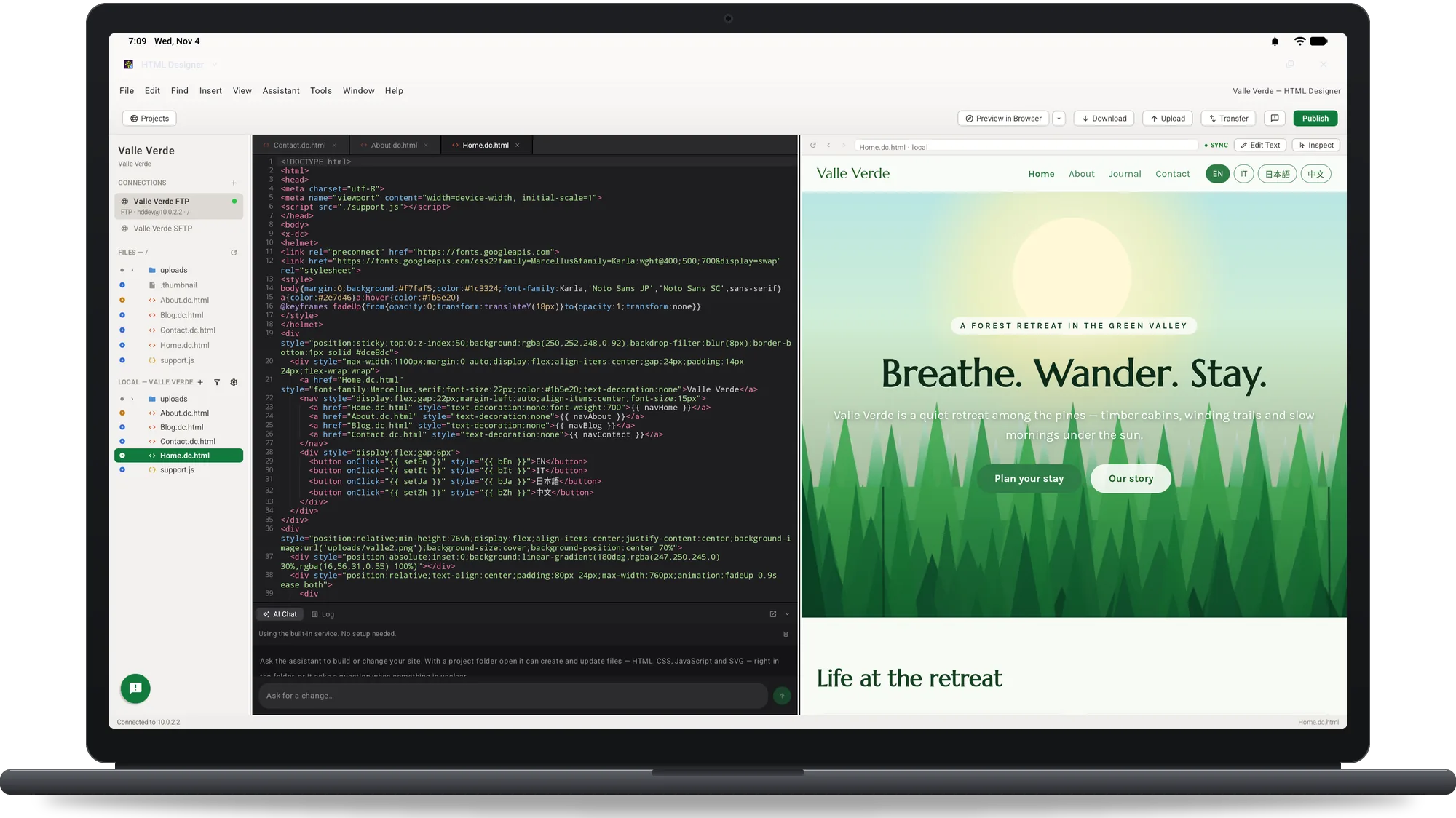
HTML Designer on a Googlebook: the code of a page on the left and the page live on the right, with the FTP connection and the server and local files in the sidebar
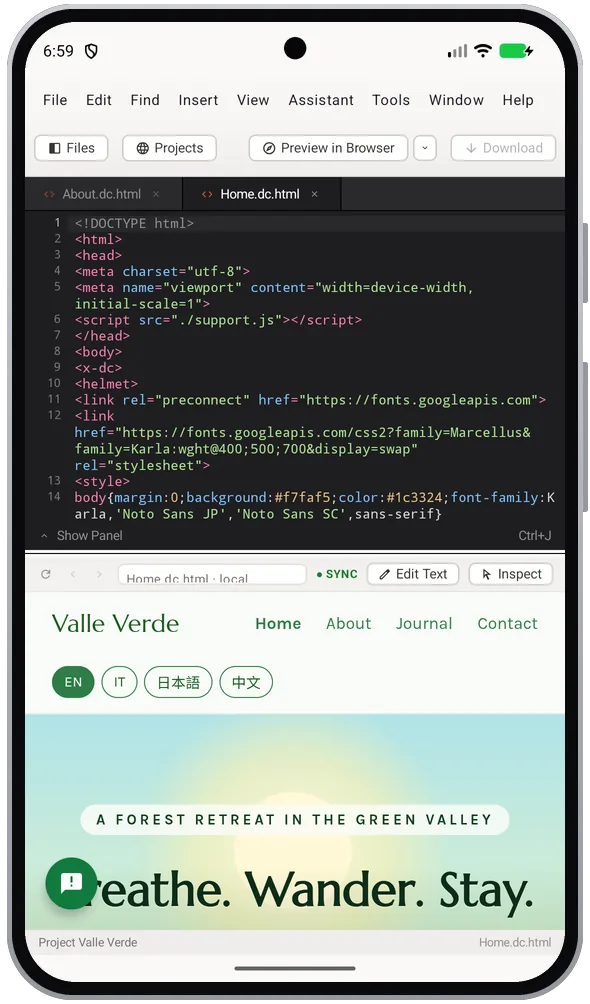
HTML Designer on an Android phone: the code above and the page live below, with Edit Text and Inspect over the preview

Write the code with the page live beside it, on your Googlebook.

Open a folder, start typing, and watch the page change beside the code. Tap or click anything in the preview to reach the line that draws it, change the words right on the page, and send the site to your server over FTP, FTPS or SFTP. No account, no ads, no in-app purchases.

Get it on Google Play
On Googlebook

Code, page and server in one desktop window.

HTML Designer on a Googlebook: the code of the Valle Verde home page on the left and the page live on the right, the project files in the sidebar

Edit a page and watch it change.

Type in the code on the left and the page on the right keeps up; closing tags and the CSS properties that fit appear as you type.
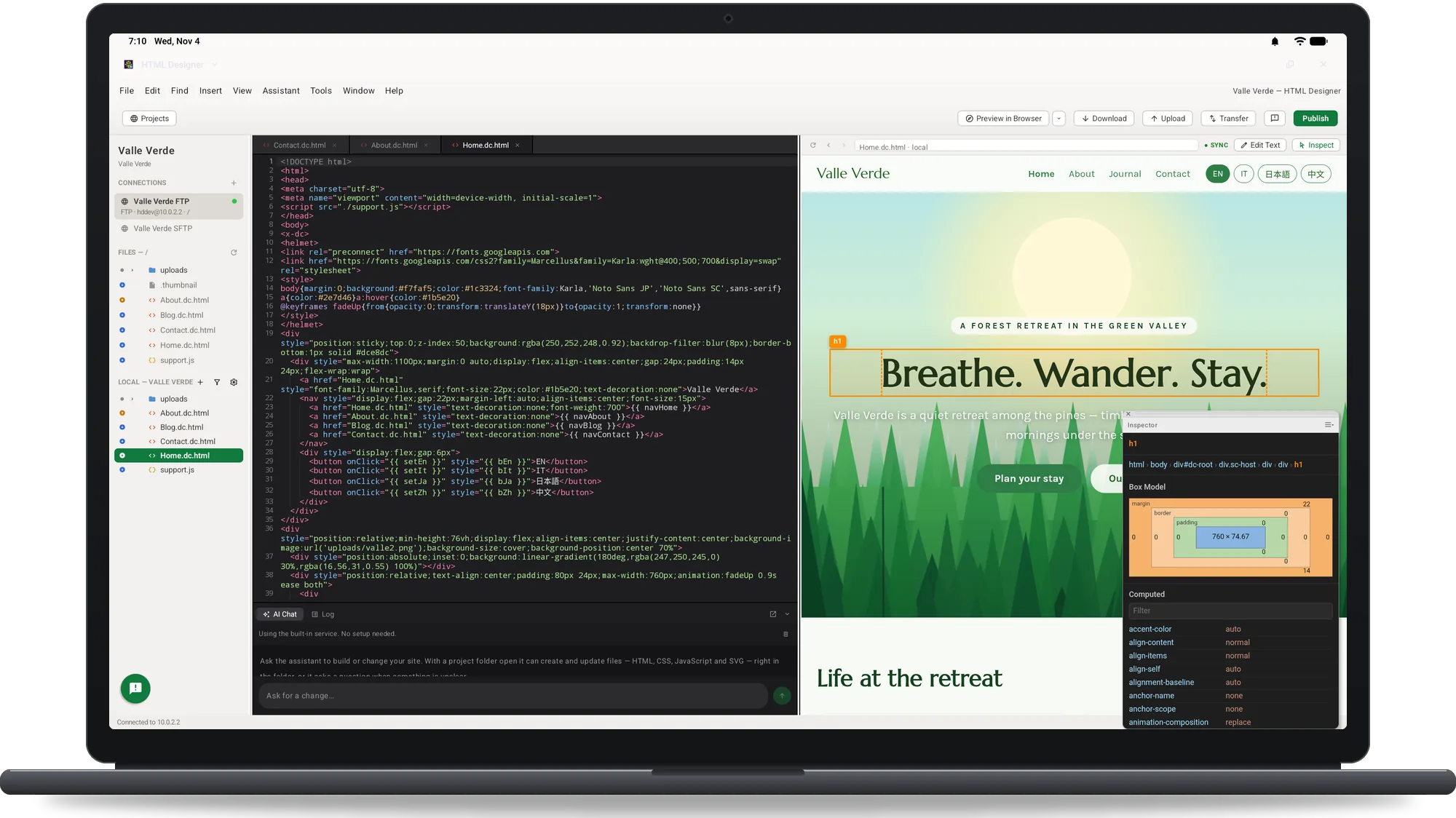
HTML Designer on a Googlebook: the main heading selected in the preview, with its box model and computed styles in the Inspector palette

Find the line behind a heading.

Inspect jumps from anything in the preview to the line that draws it, with its box model and computed styles beside it.
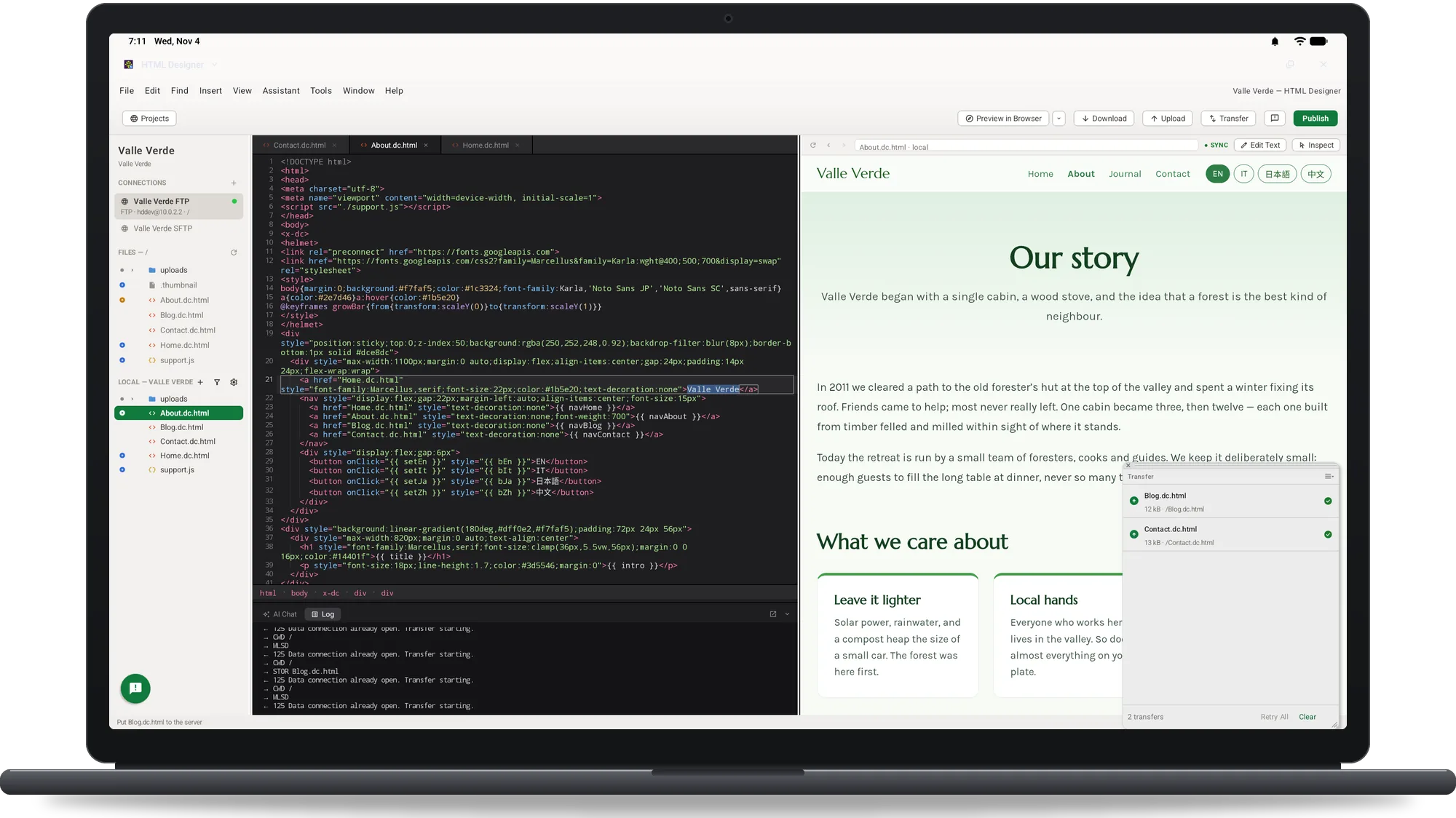
HTML Designer on a Googlebook: two pages uploaded in the Transfer palette, the FTP log under the code and a badge beside every file in the server and local trees

Send what changed to your server.

Publish All uploads every file that changed over FTP, FTPS or SFTP, and an interrupted transfer picks up where it stopped.