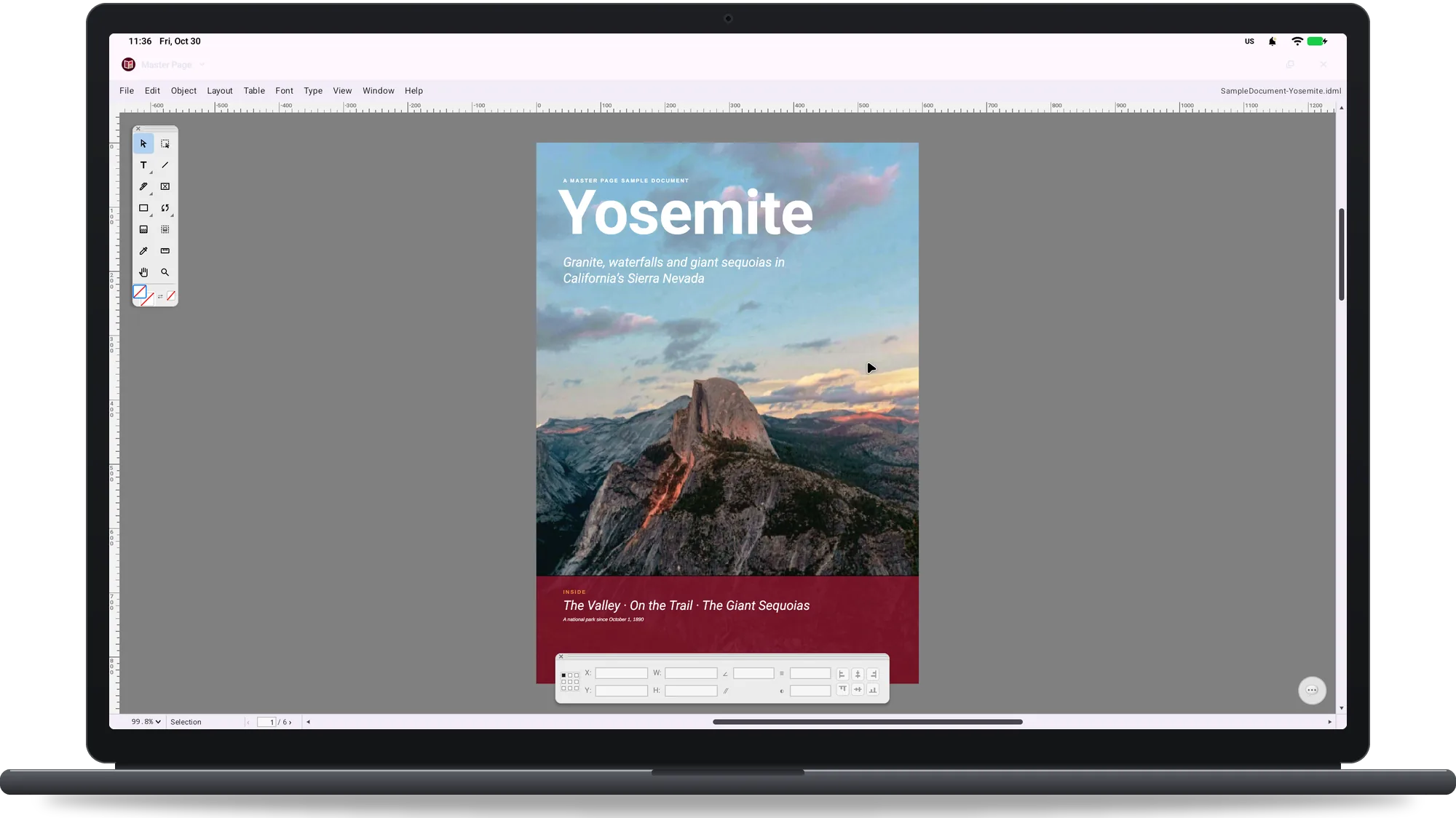
Master Page on a Googlebook: the cover of a Yosemite magazine on the page, with the menu bar, the Tools palette and the Control panel
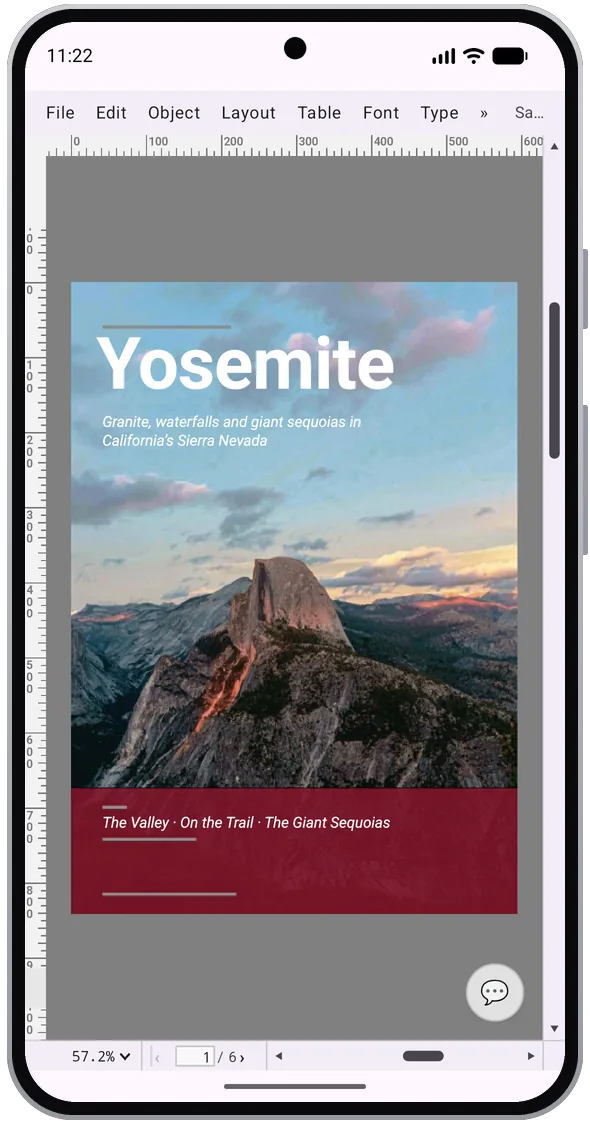
Master Page on an Android phone: the cover of a Yosemite magazine with the menu bar and rulers

Lay out a magazine, a book or a brochure on your Googlebook.

Lay out magazines, books, catalogs, brochures and flyers, from a single page to hundreds. Master Page opens and saves IDML files as they are, so a layout made elsewhere keeps its pages, styles and links. No account, no ads, no in-app purchases: download it and open your first layout.

Get it on Google Play
On Googlebook

Menus, panels and the whole spread, in a desktop window.

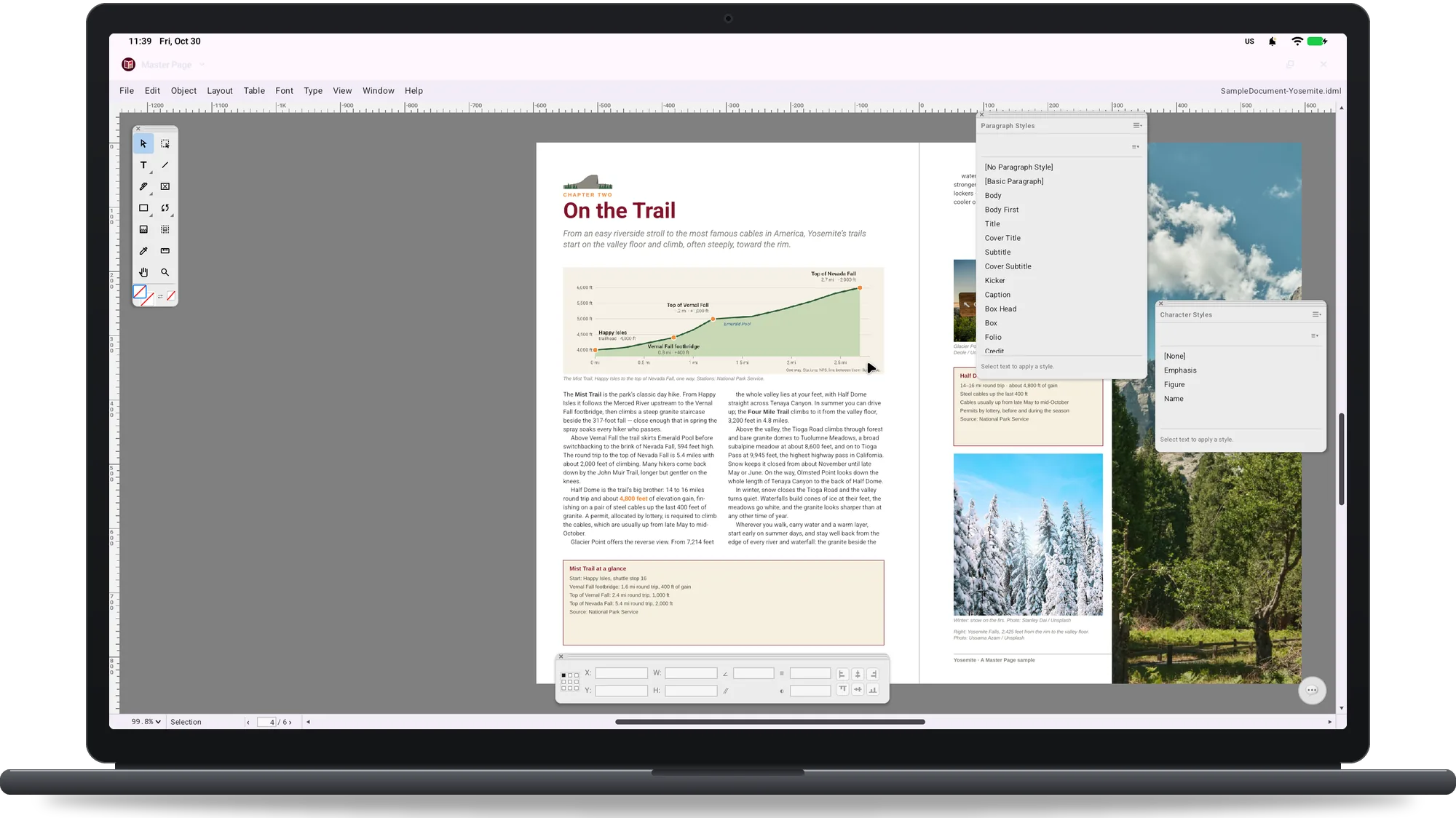
Master Page on a Googlebook: a magazine spread with an elevation chart and the Paragraph Styles and Character Styles panels

Style a long article from one panel.

Pick a paragraph or character style and every heading, caption and body line that uses it changes with it.
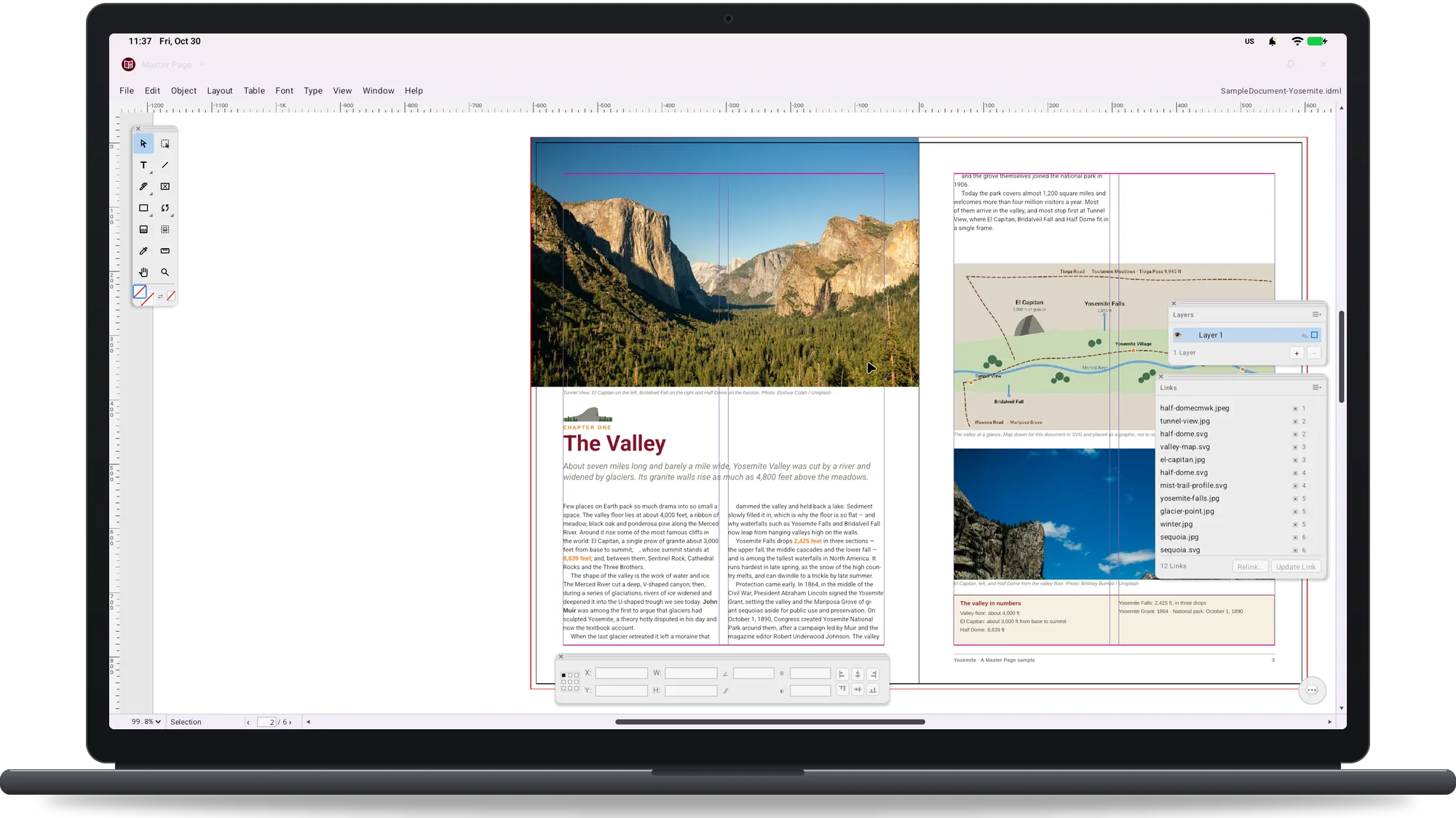
Master Page on a Googlebook: margins, columns and frames of a magazine page with the Layers and Links panels

Check every picture before print.

The Links panel lists each placed image and shows the missing ones, to update, relink or embed.
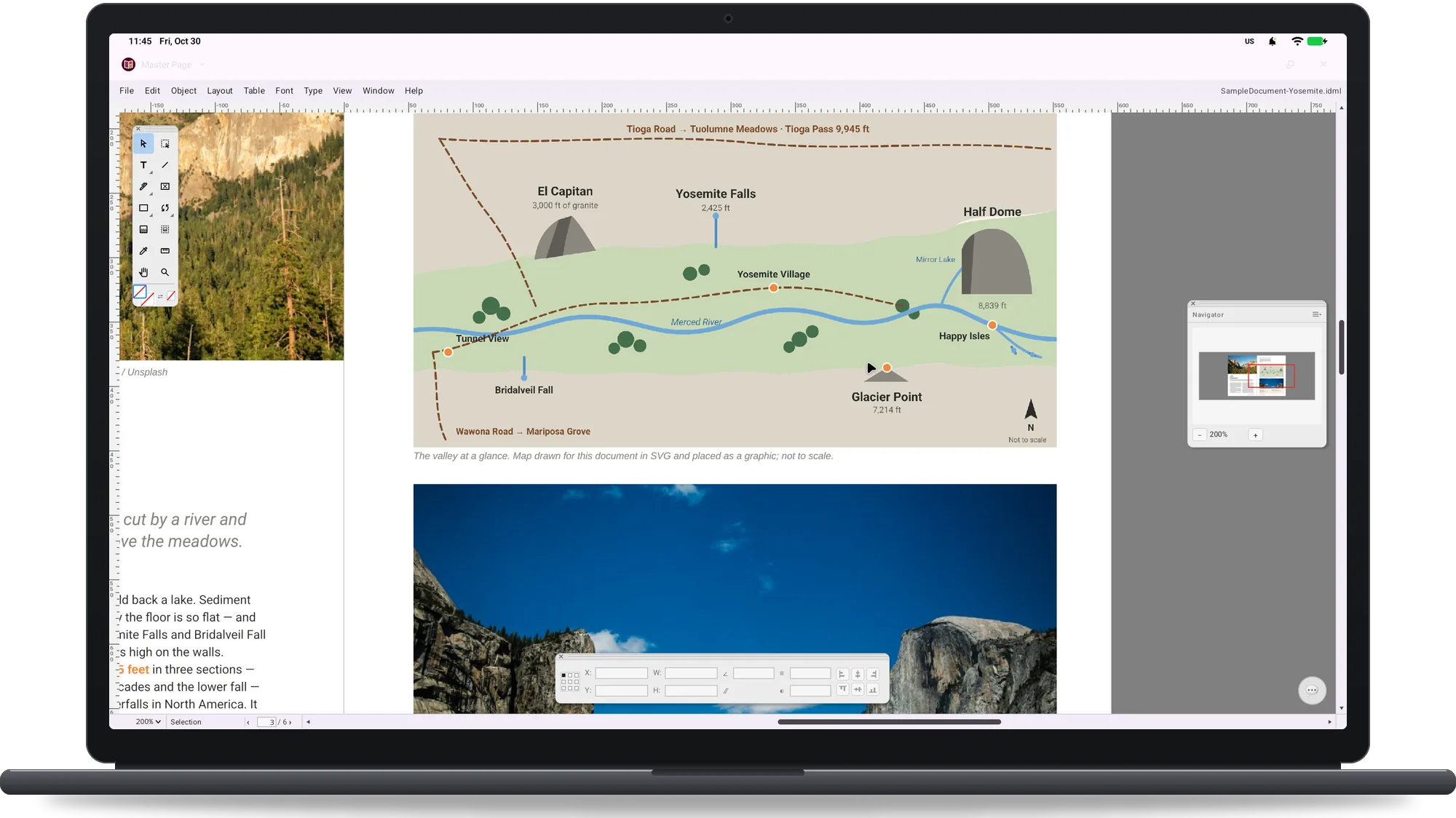
Master Page on a Googlebook: a page zoomed to 200 percent with the Navigator panel showing the whole page

Zoom in without losing the page.

At 200 percent the Navigator panel keeps the whole page in view while you work on the map.