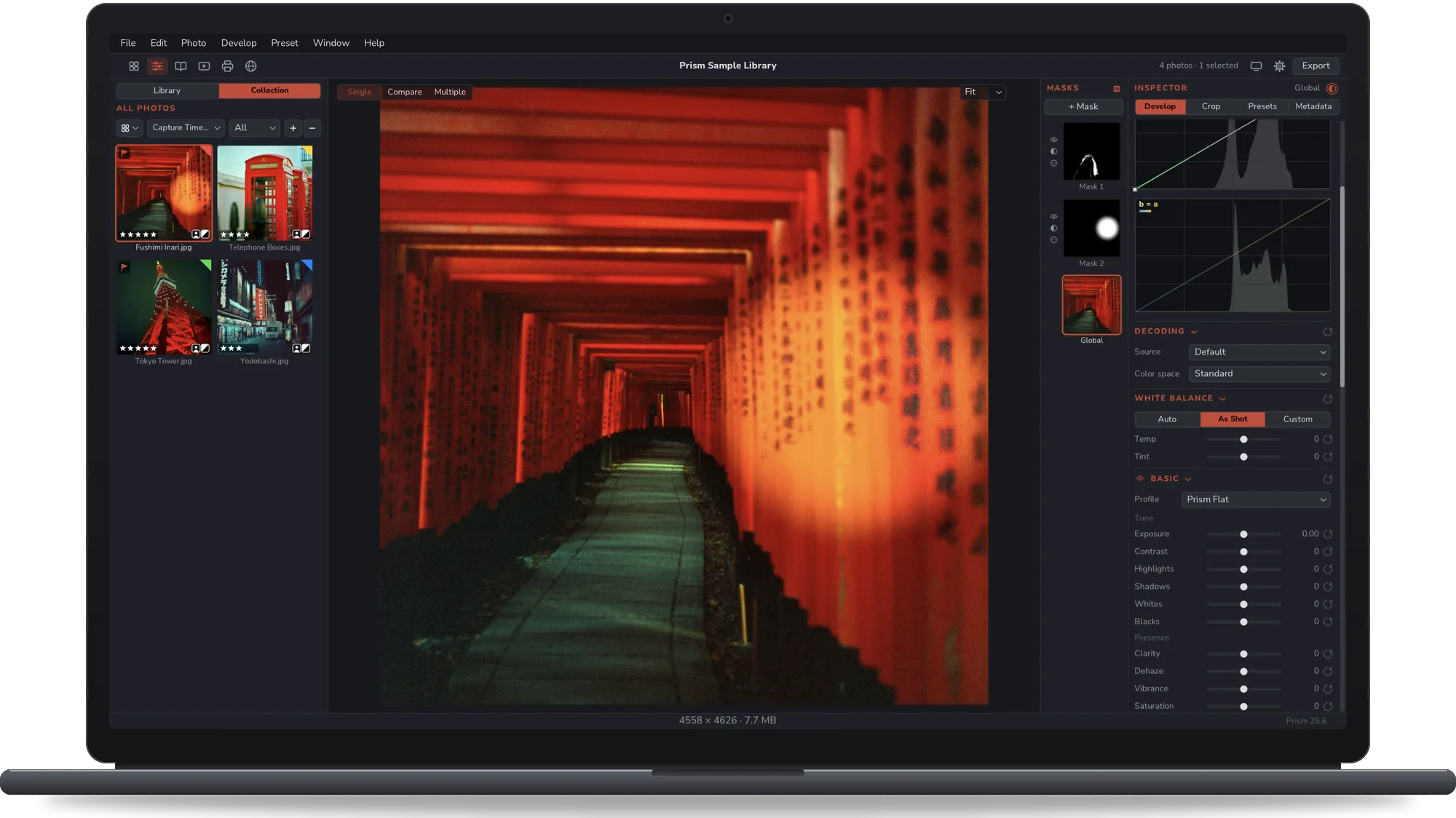
Prism on a Googlebook: Fushimi Inari in Develop with two masks in the Masks column and the White Balance and Basic sliders in the Inspector
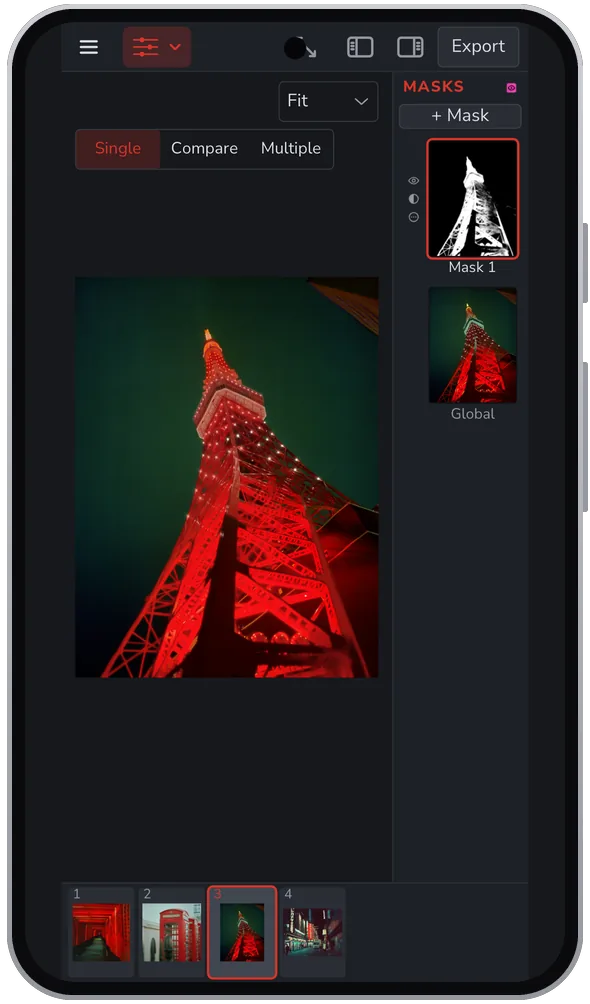
Prism on an Android phone: Tokyo Tower with an AI mask of the tower in the Masks column

Develop your RAW photos on your Googlebook.

Import your photos into a library on your device, rate, flag and label them, then develop them without ever changing the originals: tone curves, Color Grading, crop and straighten, and masks you draw or let the device compute. A Sample Library of four photographs opens on the first launch, so you can try everything straight away. No account is needed.

Get it on Google PlaySoon on Google Play
On Googlebook

Menu bar, keyboard shortcuts and three columns, in a window you can resize.

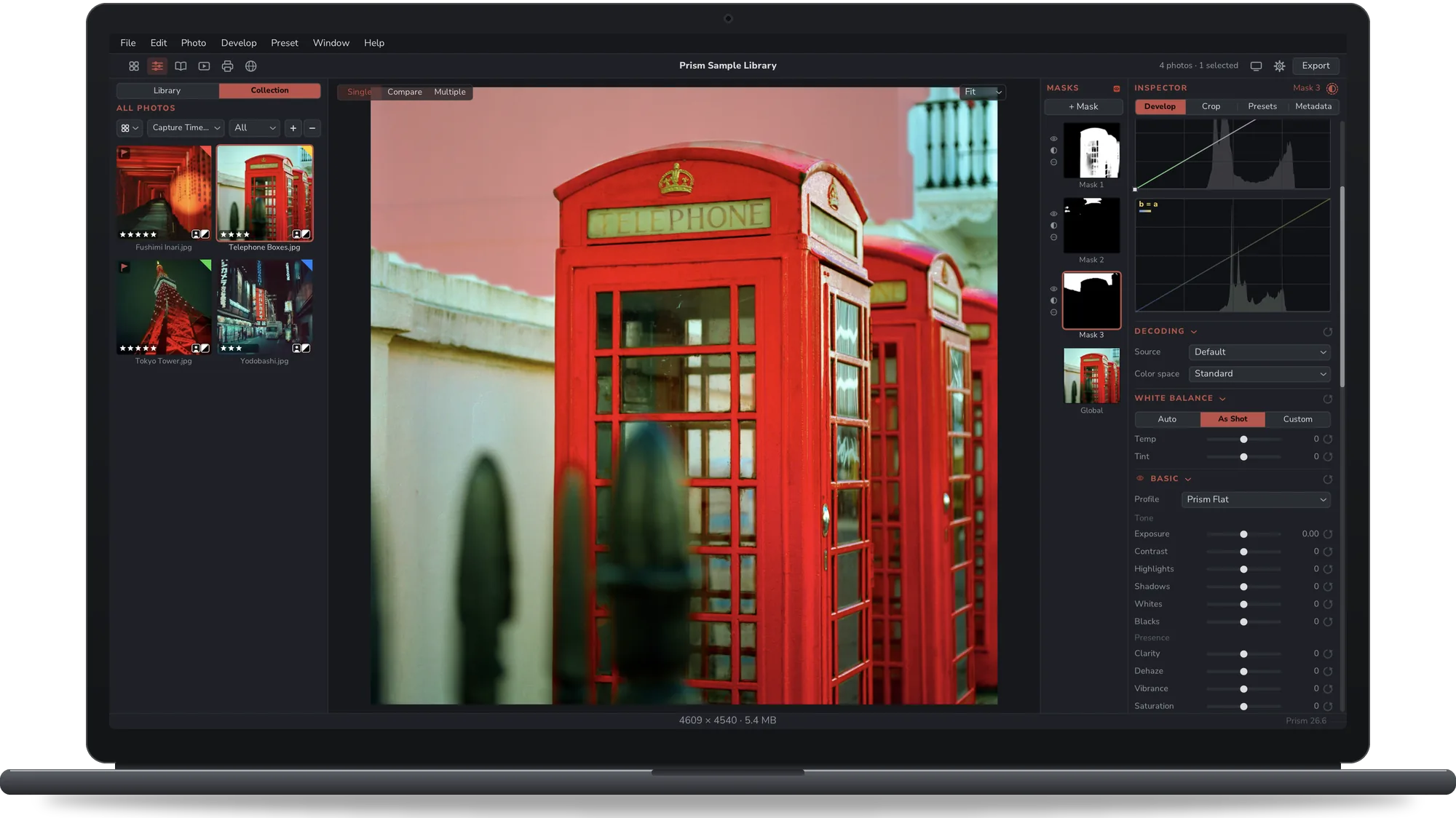
Prism on a Googlebook: Telephone Boxes in Develop with three masks in the Masks column and the tone curves in the Inspector

Mask the sky, the subject or the ground.

Subject, background, sky, architecture, ground and depth range are computed on the device. Each model is downloaded only after you agree.
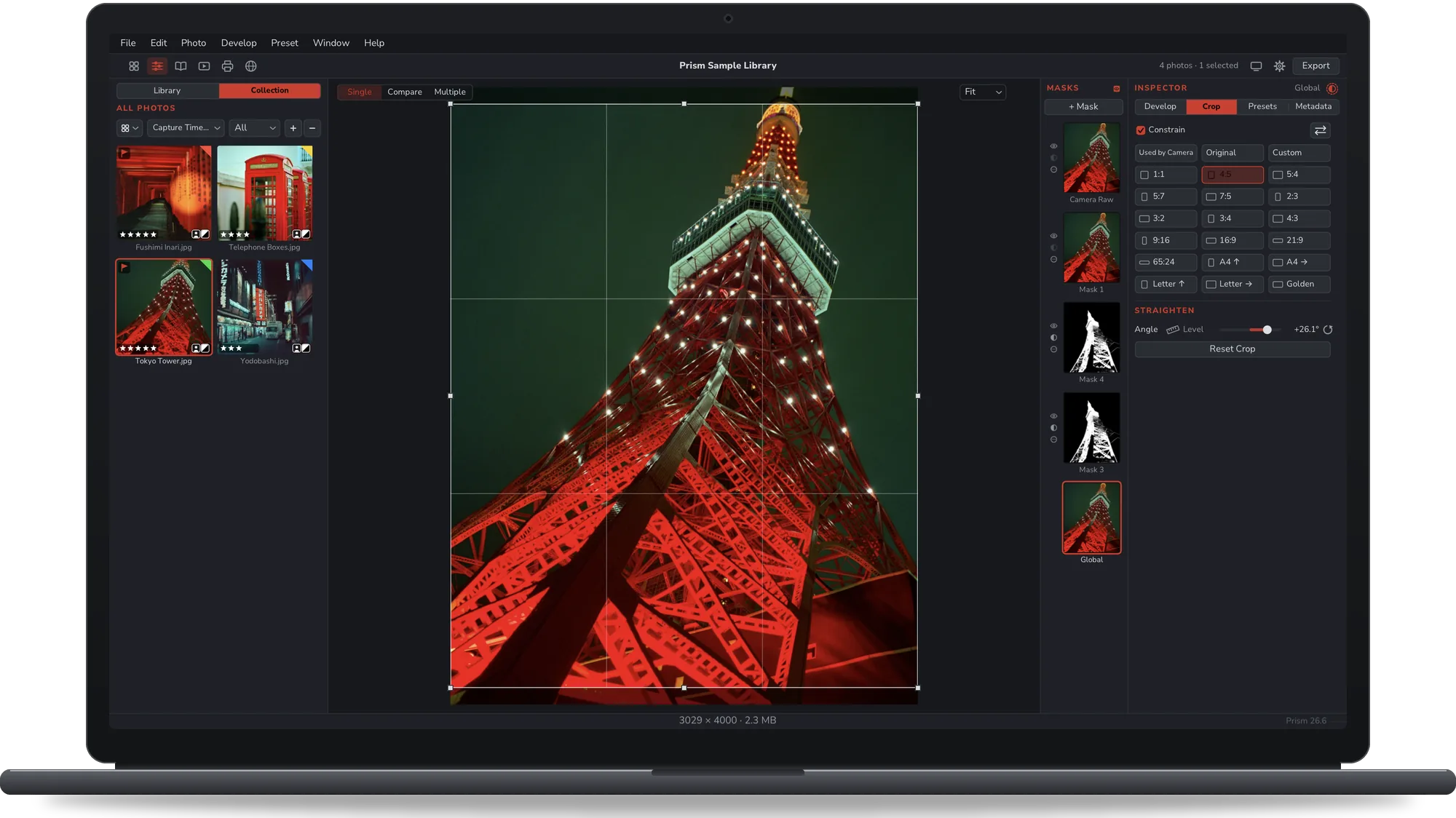
Prism on a Googlebook: Tokyo Tower in Crop with the aspect presets and the Straighten angle in the Inspector

Straighten a tower shot from below.

Crop with an aspect preset and level the picture with the Angle slider. The original file stays as it was.
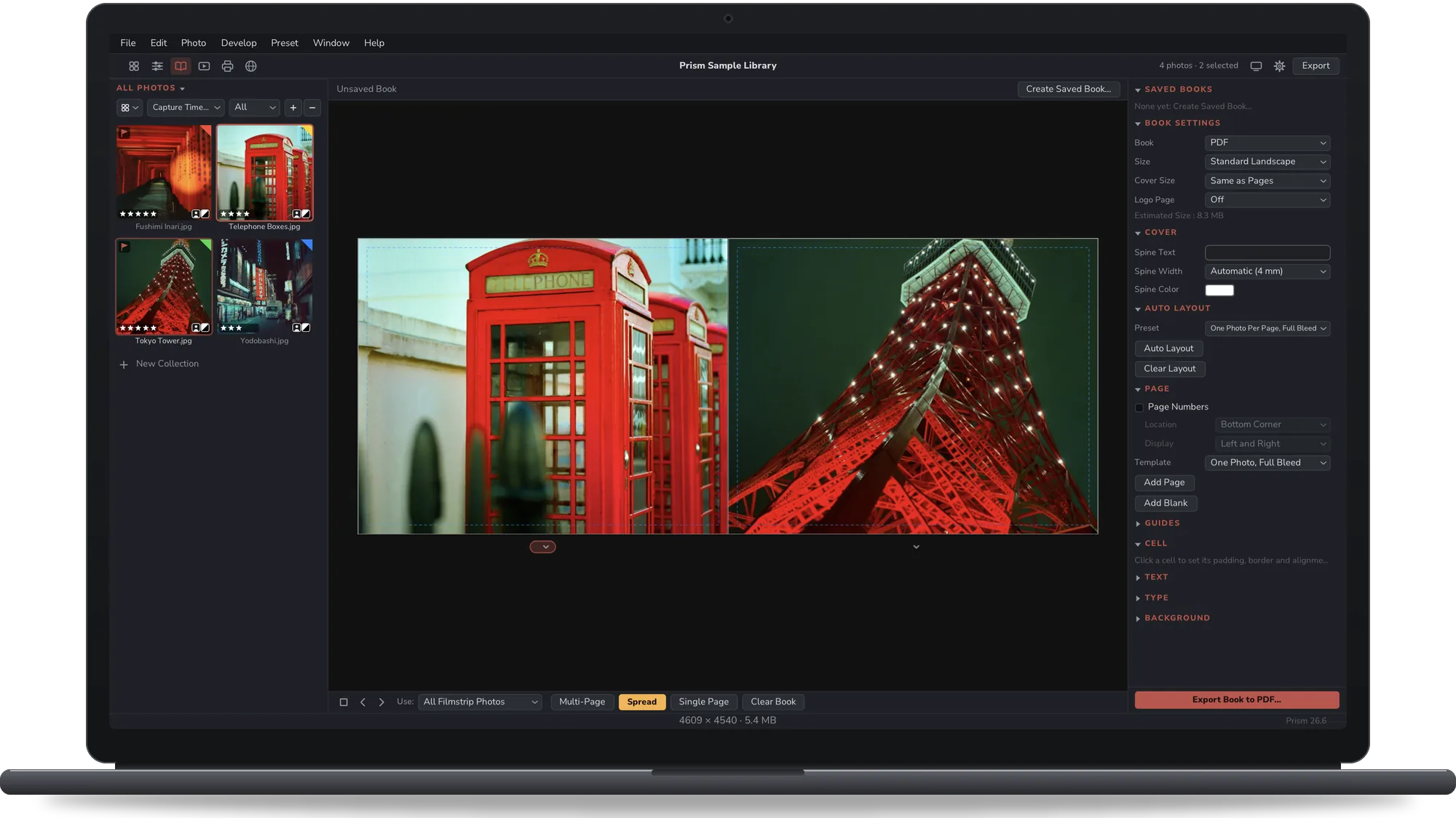
Prism on a Googlebook: a book spread with Telephone Boxes and Tokyo Tower, and the Book Settings, Cover and Auto Layout panels

Lay out a photo book and save it as a PDF.

Book places your photos on the pages, with a cover and auto layout, and saves the whole book as a PDF.