
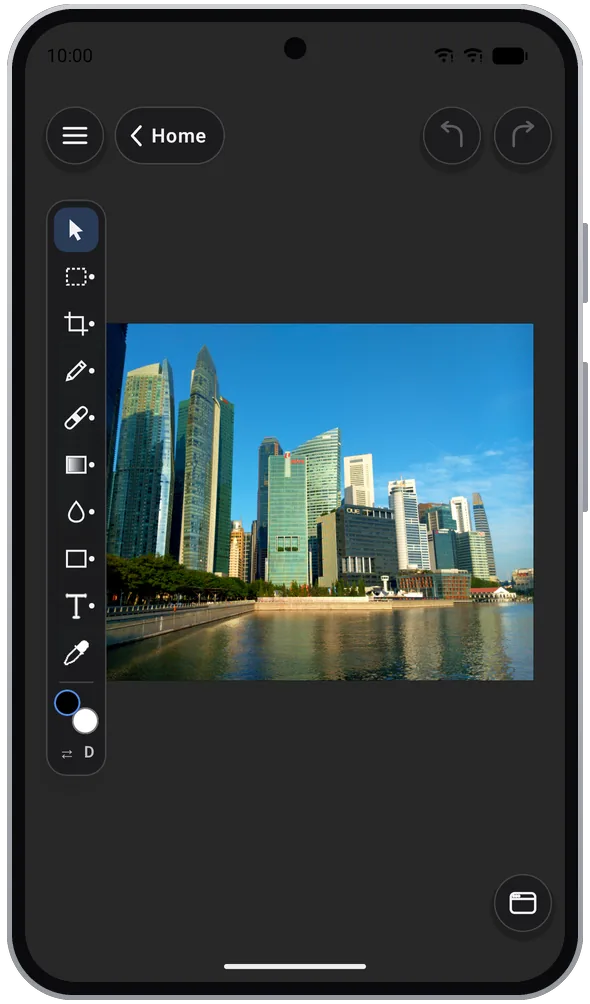
Brighten an underexposed shot, remove a distraction or develop a raw photo on a Googlebook, a tablet or a phone, in layered documents with masks and adjustment layers you can change later.
 Google Play version 27.3
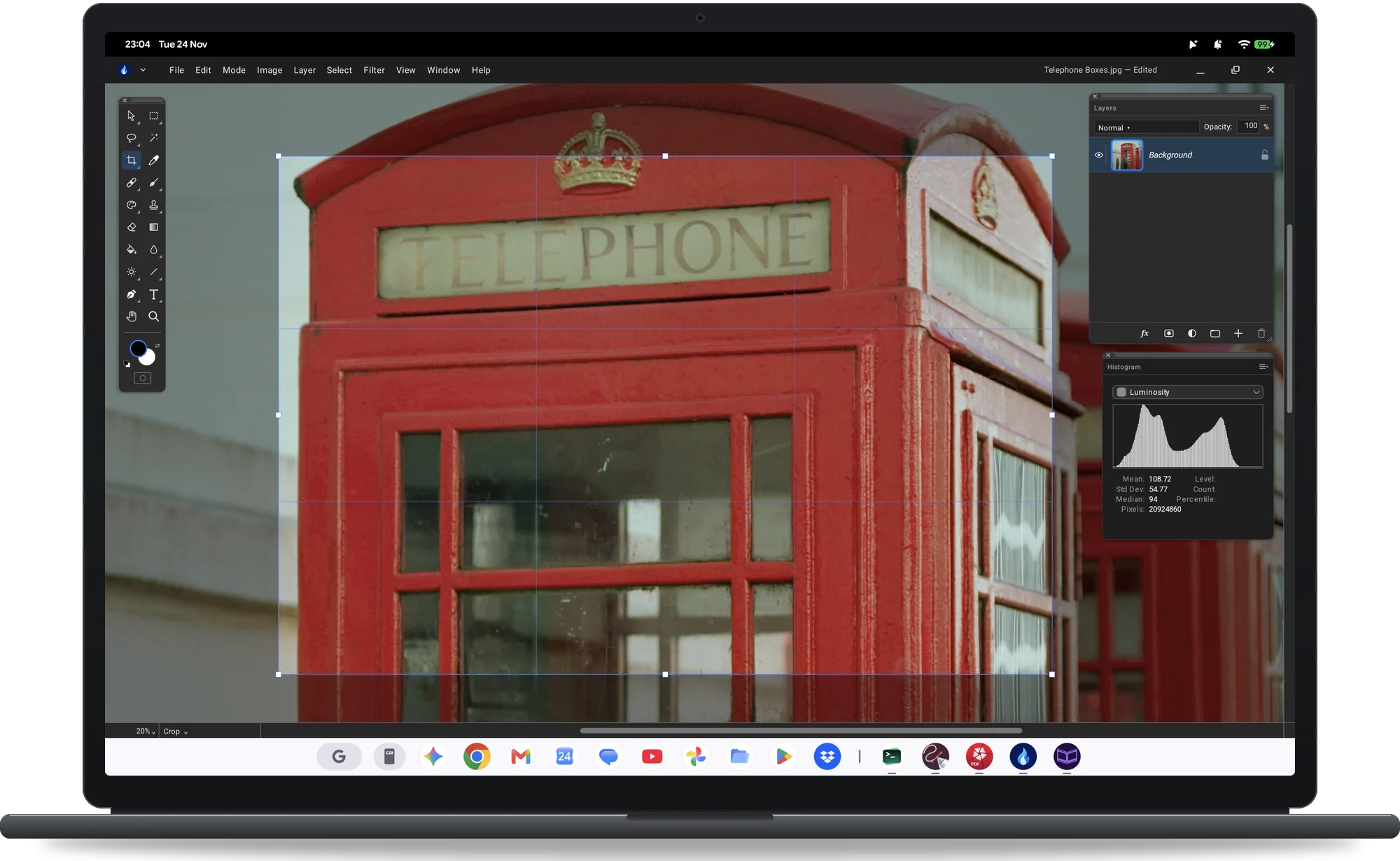
Drag the crop rectangle’s handles over the box and confirm: the rest of the photo goes.
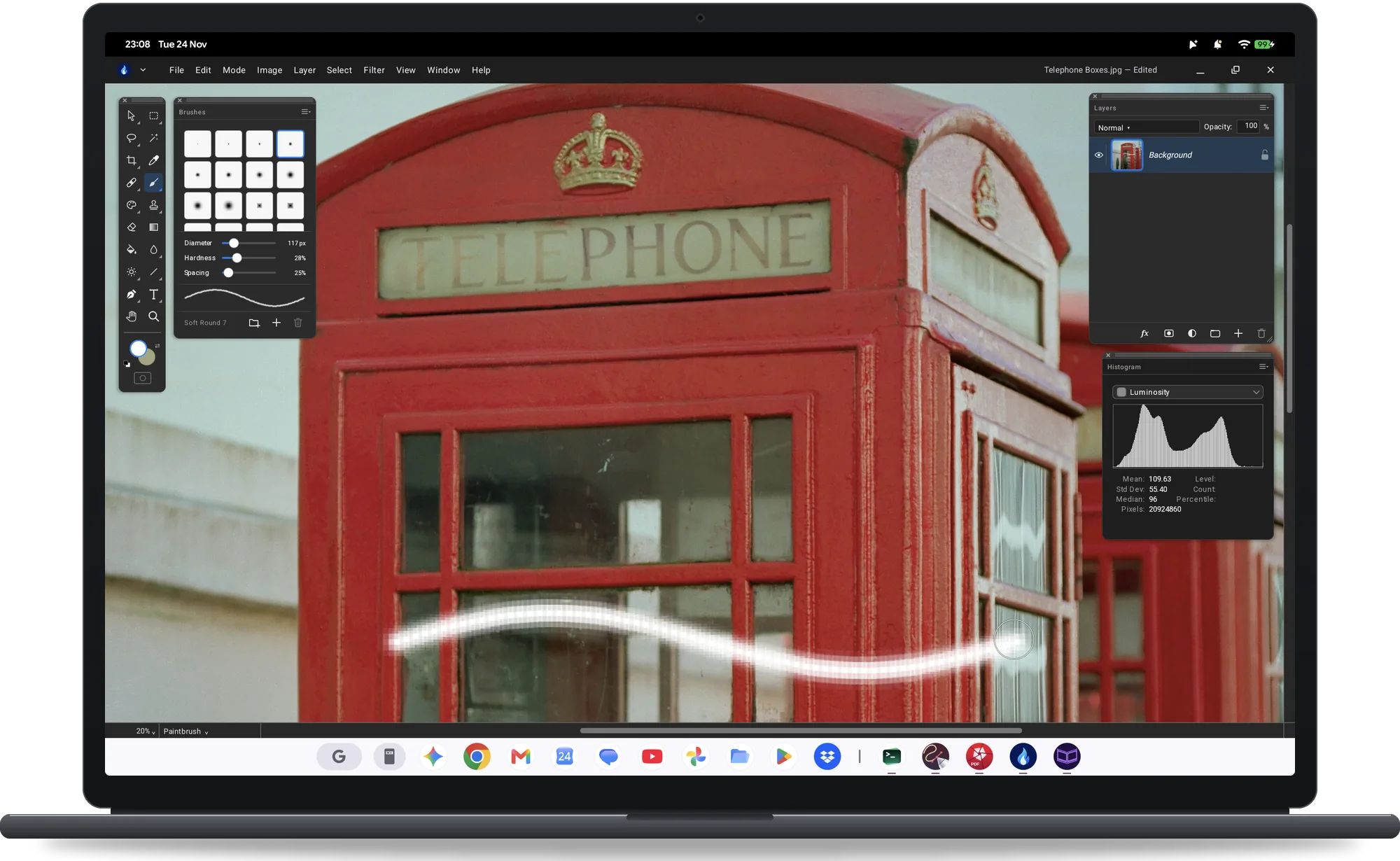
One stroke of the Paintbrush across the box, the Brushes palette open with its tips and the stroke profile.
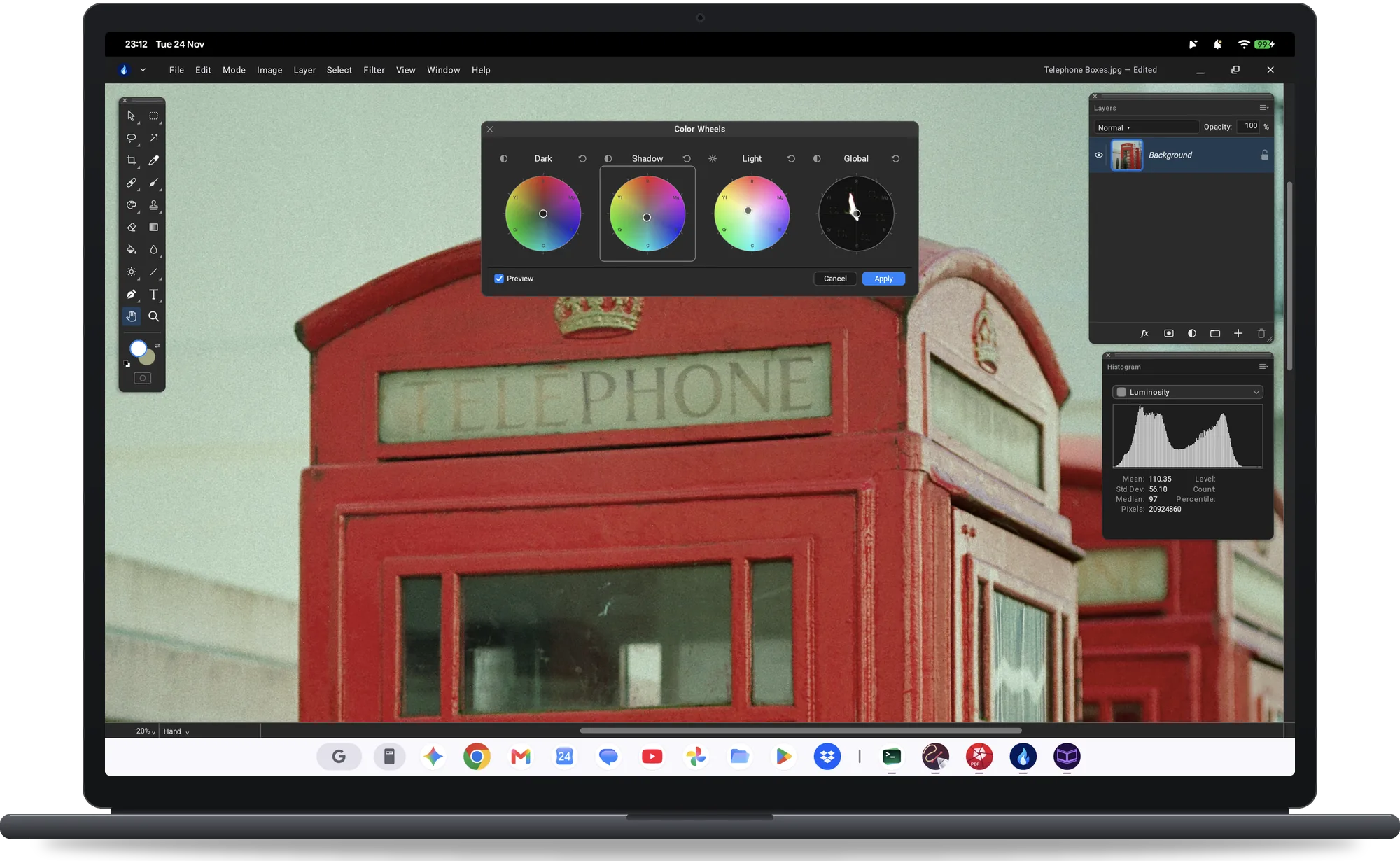
Image ▸ Adjust ▸ Color Wheels: nudge the light and shadow wheels with the preview on, then apply.