Vector Designer on a Googlebook: the Fox illustration filling the canvas, the fox’s head selected with its bounding box and handles, the Transparency and Swatches palettes at the right
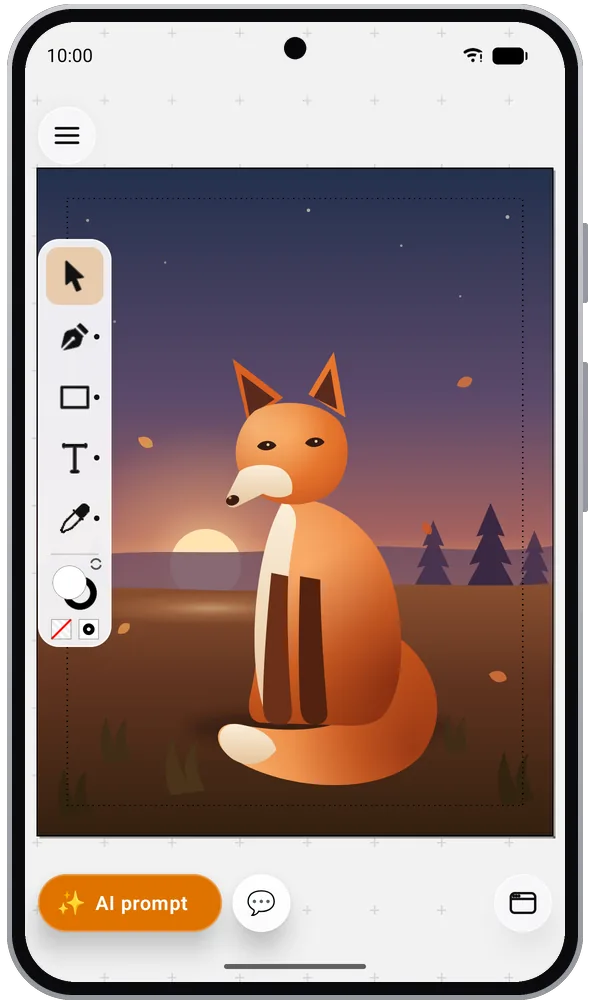
Vector Designer on an Android phone: a fox illustration with the tool strip

Design a logo on your Googlebook, finish it on your phone.

Design a business logo, draw an event poster or correct a Sketch or Figma file someone sent you, on a Googlebook, a tablet or a phone. Everything stays editable SVG.

Get it on Google Play

At a glance

App
Vector Designer for Googlebook, by Rainbow Factory, listed on Google Play as “Vector Designer: SVG Editor”: SVG Editor was the app’s name until July 2026.
What it does
Design a logo or correct a Sketch or Figma file on a Googlebook, a tablet or a phone.
Runs on
Android 8.0 or later · Googlebook, tablets and phones (64-bit).
Price
Free, no ads, no account; nothing to buy inside the app.
Formats
Opens SVG, AI, EPS, Sketch, Figma, ZIP, PNG, JPEG, GIF, WebP, BMP, HEIC, TIFF, PSD; imports PDF. Saves SVG, TIFF. Exports PDF, PNG, SVG, TIFF, Sketch, PSD.
Download
Get it on Google PlayGoogle Play version 27.3.1
On Googlebook

Palettes, menus and two windows side by side.

Vector Designer on a Googlebook: a cyan and a yellow circle over a magenta rectangle on a white page, the Shape Builder drag across them with the merge regions tinted, the Swatches palette at the right

Merge shapes in one drag.

Overlap two circles and a rectangle and drag the Shape Builder across them: the regions you cross merge into one shape.

Vector Designer on a Googlebook: the words a fox watching the evening stars along an arc across the sky above the fox, selected with its bounding box, the Transparency and Swatches palettes at the right

Write along a curve.

The Text Pencil lays a phrase along the arc you draw, and the text stays editable.

Vector Designer on a Googlebook: four white brush strokes across the evening sky above the fox’s ears, the Ink Pen stroke selected, the Brushes palette open at the right

Paint with a brush.

Marker, Beads, Sparks and Ink Pen in the Brushes palette: one stroke each, every one a path you can reshape.