Let Claude drive Lighthouse.
Turn on the MCP server in Settings ▸ MCP and an AI client such as Claude Code can browse your folders, look at the photos and develop them with Lighthouse’s own commands.
Let Claude drive Lighthouse
The app’s commands, for an assistant.
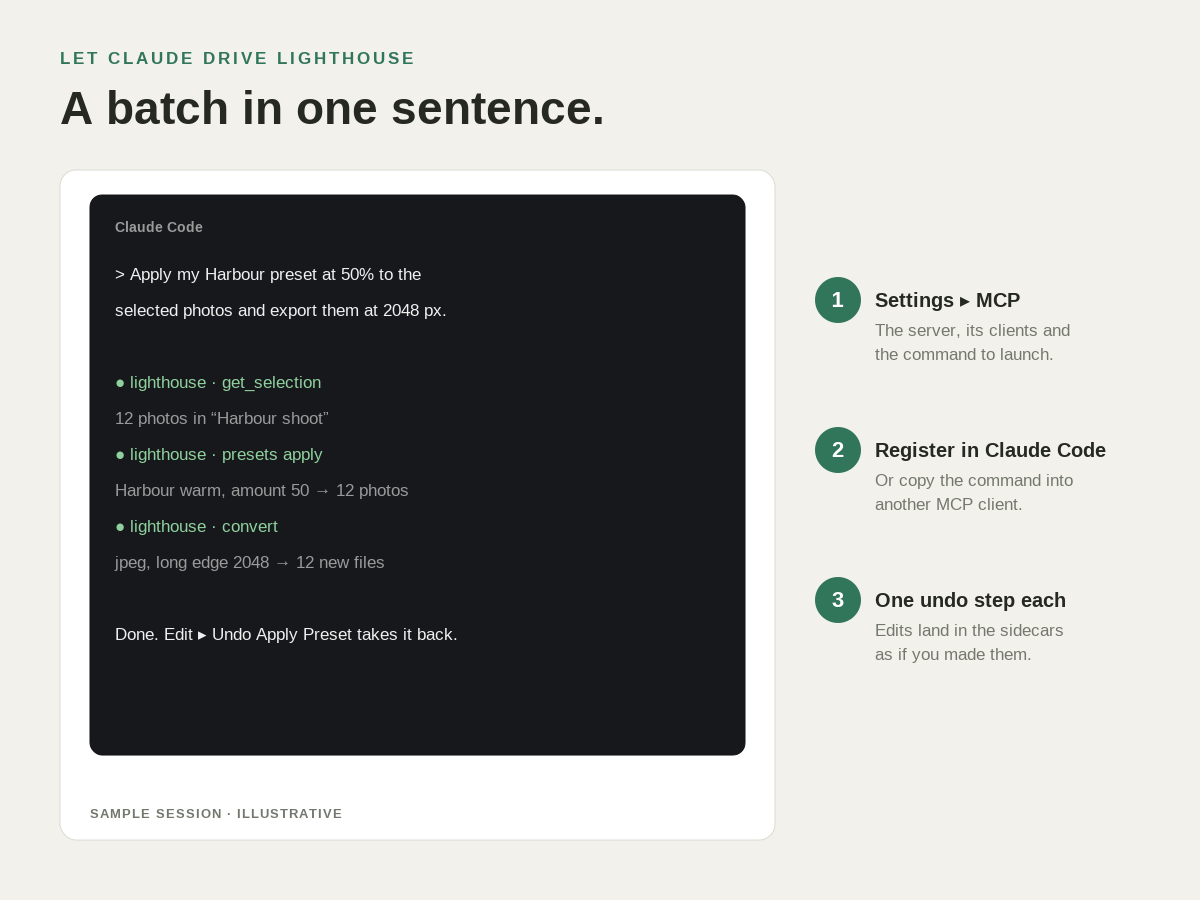
Settings ▸ MCP shows the server, the clients connected and the command a client launches. Register in Claude Code adds Lighthouse to Claude Code for every project of yours; Copy gives the command for another client that speaks MCP.
Each edit is one undo step and lands in the XMP sidecar as if you had made it. Only processes of your own user can connect.
Step by step
Try it on your own folder.
- Open Settings ▸ MCP
The MCP server is on unless you switched it off. - Register the client
Register in Claude Code, or copy the command into another client. - Ask for the job
“Apply my Harbour preset at 50% to the selected photos and export them at 2048 px.”
What you get
Hand the repetitive part to Claude.
Batch work in a sentence
Ratings, presets, exports and galleries without a click per photo.
Undo still yours
Every change shows in Edit ▸ Undo.
Useful details
Before you start.
Is it in the Mac App Store copy?
No. The MCP server is in the direct download from this site only.