Reach photos on your other Mac.
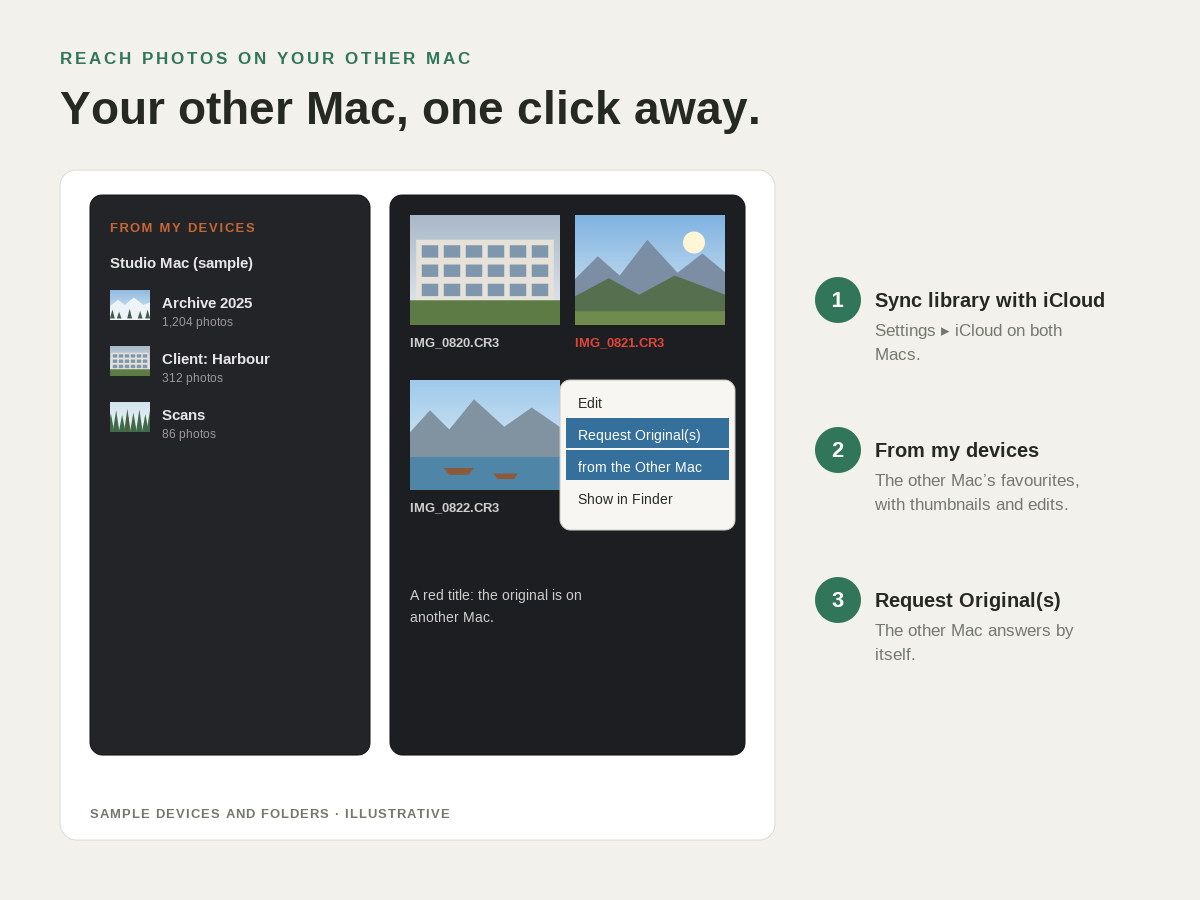
With iCloud library sync on, the favourites of your other Macs appear under From my devices with their thumbnails and edits, and an original comes over when you ask for it.
The library, not the files.
Settings ▸ iCloud ▸ Sync library with iCloud sends thumbnails, editing previews, metadata and sidecars, never the originals on their own. Excluded folders stay off iCloud, and Pause uploads holds the queue.
A red title in the grid means the original is on another Mac. Right-click ▸ Request Original(s) from the Other Mac: your other Mac answers by itself and the file lands next to its preview. The search words travel too, so the other Mac searches without analysing again.
Try it on your own folder.
- Turn on the sync
Settings ▸ iCloud on both Macs. - Open From my devices
The other Mac’s favourites, with thumbnails. - Ask for the original
Right-click ▸ Request Original(s) from the Other Mac.
Your library on every Mac.
Rate and develop anywhere
Ratings, labels and develops made on one Mac show on the other.
Space under control
The iCloud tab of the inspector shows what was sent and what is still queued.